Lifestyle
Codex learning hub: tutorial directory
A planned 60-lesson, ten-unit Codex curriculum, from setup and your first task to MD instructions and advanced integrations. Find your next lesson by experience, platform, goal or command; unpublished entries show their status.
About 3 min read
Codex learning hub
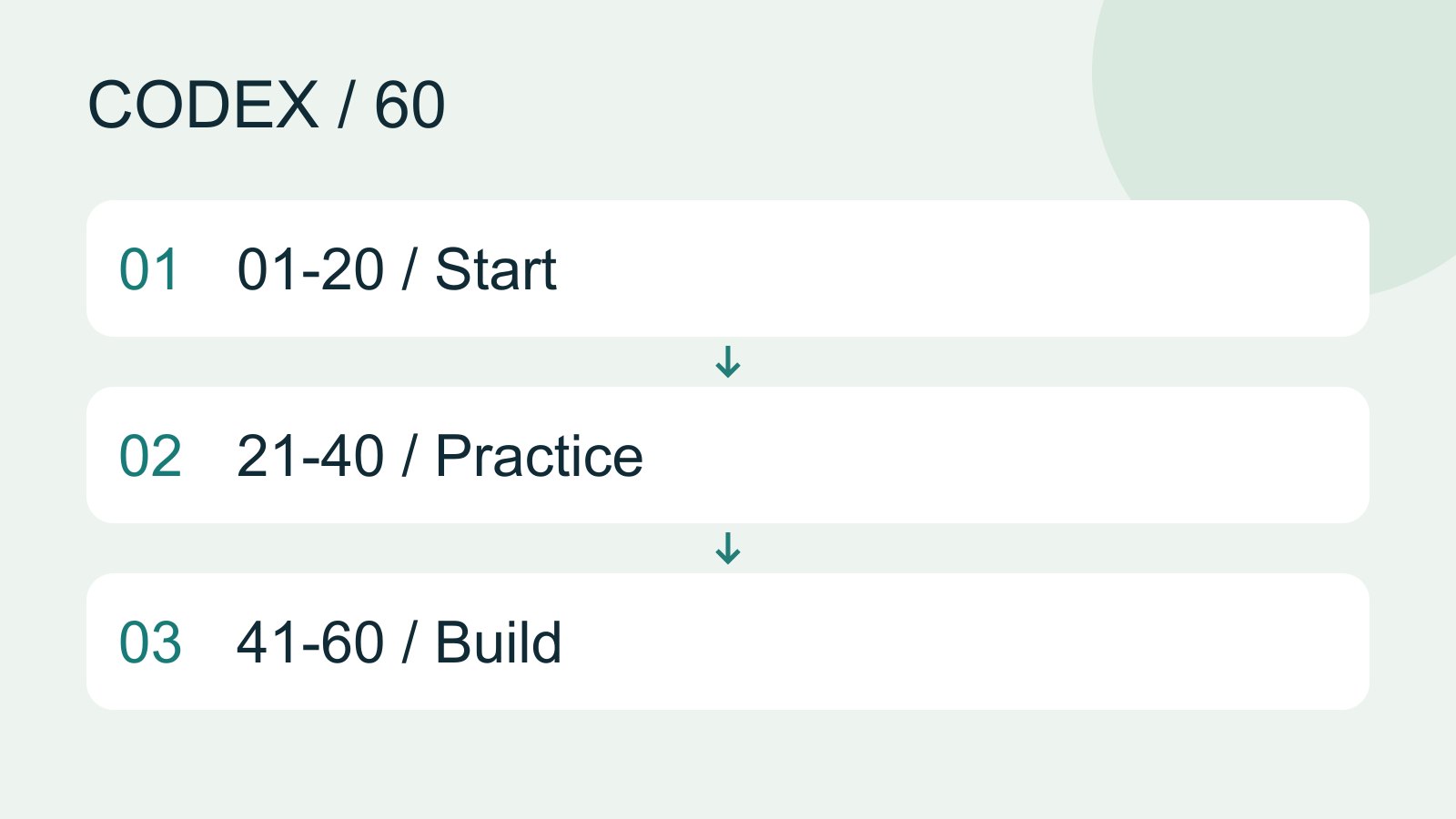
This directory contains 60 Codex tutorials in ten units. Card order is the suggested study order. Lesson numbers are stable identifiers, so the screen does not necessarily run from 01 to 60.
Find a tutorial
Search matches titles, summaries, feature names and command aliases. Experience, Platform, Goal and Unit filters combine; use Clear filters when the result is too narrow. The current search and filters stay in the URL, so a shared link or language switch preserves the selection. The command index is searchable too. Keep terminal commands such as codex, interactive slash commands such as /plan, and configuration files such as AGENTS.md or config.toml distinct.
Ten study routes
| Unit | Topic | How to use it |
|---|---|---|
| A | Foundations | Each unit has six lessons. Complete its prerequisites, then follow directory order. |
| B | Setup and computers | Each unit has six lessons. Complete its prerequisites, then follow directory order. |
| C | Mobile and devices | Each unit has six lessons. Complete its prerequisites, then follow directory order. |
| D | MD and configuration | Each unit has six lessons. Complete its prerequisites, then follow directory order. |
| E | Commands and sessions | Each unit has six lessons. Complete its prerequisites, then follow directory order. |
| F | Everyday development | Each unit has six lessons. Complete its prerequisites, then follow directory order. |
| G | Skills and Plugins | Each unit has six lessons. Complete its prerequisites, then follow directory order. |
| H | Tools and parallel work | Each unit has six lessons. Complete its prerequisites, then follow directory order. |
| I | Automation and output | Each unit has six lessons. Complete its prerequisites, then follow directory order. |
| J | Workshops and maintenance | Each unit has six lessons. Complete its prerequisites, then follow directory order. |
Four direct starting points
New to Codex: start with Codex foundationsWhat is Codex? How it differs from ChatGPTCodex is a coding agent that can inspect a project, edit files and run tools in a chosen environment. A model supplies its reasoning; a task is one assignment; a project groups related work and files. Unlike copying a code answer from chat into an editor, an agent can make the change in the workspace you selected.Read the full article and platform selectionChoosing a Codex platformCompare desktop, mobile, CLI, IDE and cloud scenarios, and identify where files and tools run.Read the full article.
To write a clear request: read PromptingWrite a clear task requestA useful request explains the outcome, available context, boundaries and acceptance checks. 'Improve the page' could mean speed, appearance or accessibility. Convert it into observable behavior before adding more instructions.Read the full article and AGENTS.mdProject instructions with AGENTS.mdAGENTS.md supplies project instructions before Codex starts work. Global guidance and files along the project-root-to-working-directory path form an instruction chain. At the same level, AGENTS.override.md takes precedence. Keep rules concrete and verify what was actually loaded.Read the full article.
To find an operation: use CLI and slash commandsCLI commands and slash commandsDistinguish shell commands and launch flags, interactive slash commands, keyboard shortcuts and natural-language requests. Check the input location: /plan belongs in the Codex interactive client; codex --help runs in the operating-system terminal.Read the full article and TroubleshootingTroubleshooting for beginnersStart by locating the failing layer. A missing executable suggests installation or PATH; a rejected account suggests authentication; missing files suggest location or permissions; an incorrect result may involve the request or project code. Change one condition at a time.Read the full article.
To choose access or a model: read Accounts and usageAccounts, sign-in, plans and usageCheck how you signed in before interpreting usage. ChatGPT sign-in uses the Codex allowance associated with that account; API-key authentication in a supported client requires checking API billing separately. This tutorial teaches you where to verify your own allowance rather than freezing a price or message limit that may change.Read the full article and Model selectionChoose a model, effort and speedModel choice affects available capabilities and usage conditions; reasoning effort affects how much work the agent devotes to a problem. Compare quality on the same small task before increasing effort. Use the options currently exposed by your account rather than assuming a named model is universally available.Read the full article.
Reading time, practice time and publication state
Cards estimate reading and hands-on practice separately. Only published lessons are links. Planned means the article is unfinished; unpublished means content exists but is not public; unavailable means the account, version or platform lacks that entry point. Every lesson links back here at the top and bottom and offers previous, next and related lessons. A source date is the last verification date, not a claim that every platform was personally tested.
Lifestyle
Worktrees and isolated tasks
A Git worktree gives one repository multiple working directories on different branches. It isolates file edits, but databases, ports and external services may still be shared. File isolation is not full resource isolation.
Lifestyle
Workshop: build a small website
Plan and build the Small Steps task website from brief.md, with adding, completing, deleting, filtering and local persistence. Separate HTML, CSS, data functions, UI events and tests, verify with Node and browser checks, and document restart and recovery steps.
Lifestyle
Usage and efficiency: reducing rework
Record task conditions, model options, time and outcomes to reduce unnecessary retries and excess context.
Lifestyle
Understanding an existing codebase
Use a read-only workflow to locate entry points, data flow and tests, with file-backed explanations.
Articles that cite this one
Latest travel guides

GuideTokyo
Where to Stay in Tokyo: Comparing Shinjuku, Ueno, Tokyo Station, Shibuya, Asakusa, Ikebukuro, and Ginza, Plus Airport Access, Accommodation Tax, and Luggage Delivery
Where should you stay in Tokyo? Compare Shinjuku, Ueno, Tokyo Station, Shibuya, Asakusa, Ikebukuro, and Ginza by the same criteria: access from Narita and Haneda, transit routes, nearby attractions, neighborhood character, and who each area suits. Includes a comparison table, a Yamanote Line diagram, Tokyo’s accommodation tax as verified in 2026/9 (changing to 3% in 2027/4), and Airport TA-Q-BIN luggage shipping rules.
- Budget
- Hotels

GuideTokyo
How to Choose Tokyo Transit Passes: Are Suica, Welcome Suica, the Tokyo Subway Ticket, and the JR Pass Worth It?
On a first Tokyo trip, start with an IC card and pay per ride (Welcome Suica has no deposit and is valid for 28 days). If you take four or more subway rides in a day, add a 72-hour Tokyo Subway Ticket for 2,000 yen; a JR Pass is never worthwhile if you stay in Tokyo and do not go to Kansai. See what TOURIST PASMO, Suica on iPhone, and the Tokyo Metro day pass do and do not cover, with a decision chart. Prices verified in September 2026.
- Transport
- Budget

GuideTokyo
Tokyo Disneyland and DisneySea Guide: Ticket Prices, Fantasy Springs, Disney Premier Access (DPA), Standby Pass, and Which Park to Choose for Your First Visit
Tokyo Disney one-day Passport prices vary: most weekdays in 9/2026 cost ¥9,900 and weekends ¥10,900. At 14:00 daily, tickets go on sale for the same date two months later. Free Priority Pass is no longer on the official service list; only paid Disney Premier Access (¥1,000–3,500 per person per use) shortens waits. Covers hours, the 25th anniversary, Standby Pass, Entry Request, Fantasy Springs access and first-visit park choice; checked on the official site in 9/2026.
- Itineraries
- Family
Sources
- OpenAI documentation index · Checked: