Lifestyle
Plan mode: agree on the work first
Plan mode is useful when scope or approach still needs decisions. It produces an implementation plan, not finished code. Define the questions to resolve and check that the plan includes inputs, outputs, constraints and verification.
About 13 min read · Practice 25 min
On this page
Back to the Codex learning hubCodex learning hub: tutorial directoryA planned 60-lesson, ten-unit Codex curriculum, from setup and your first task to MD instructions and advanced integrations. Find your next lesson by experience, platform, goal or command; unpublished entries show their status.Read the full article
Goal and preparation
Start with clear requestsWrite a clear task requestA useful request explains the outcome, available context, boundaries and acceptance checks. 'Improve the page' could mean speed, appearance or accessibility. Convert it into observable behavior before adding more instructions.Read the full article. Use Plan when choices remain, code needs investigation or work has several steps. Codex can gather context, ask questions and propose a plan. Merely writing “plan” is insufficient, and Plan is not the same as a read-only sandbox. Verify permissionsPermissions, sandbox, network and keysSandbox rules define technical access to files and networks; approval policy determines when the agent asks before acting. No prompt does not guarantee permission, and read access does not imply write access everywhere.Read the full article and directory separately.
Step 1: Establish a repeatable starting point
Get the ZIP from your first projectFinish your first small projectUse an independent copy of the Small Steps todo website to change its heading and background. Identify the five practice files and compare the diff, core tests and two viewport widths while preserving behavior and data.Read the full article. Copy the five files inside start into a new codex-plan-lab root: index.html, style.css, app.js, core.mjs and core.test.mjs. Do not use expected, whose filters already work. Open that folder, verify the terminal path and node --version, and keep original start files for restoration. Use this isolated lab.
node --test core.test.mjs
Run the baseline and retain its summary: start should pass two tests and fail one. This is an intentional defect; do not weaken tests. If results differ, verify start rather than broken or expected; they are distinct fixtures.
For UI checks, reuse the first project's Python preview. Stop your earlier practice server and launch from codex-plan-lab. Windows: py -m http.server 4173 --bind 127.0.0.1; macOS/Linux: replace py with python3. Open http://127.0.0.1:4173 rather than double-clicking HTML. Keep this terminal for the server, use another for tests, and stop the server with Ctrl+C when finished.
Once the preview opens, preserve any old practice records you still need. Under About this exercise, use Reset practice data, choose All tasks and verify an empty list. Add Read and Build, complete only Read, then select Active/Completed: both incorrectly show these two tasks. Reset only the fixture data, not all browser storage.
Step 2: Enable Plan and investigate
Create a task for the lab in the desktop app and use /plan in its composer or Plan mode in Add. In CLI, run codex from the lab and enter /plan when idle; the official guide also lists Shift+Tab for toggling. Check the mode before sending the prompt. Enter /plan inside Codex, not your shell. If unavailable, update and inspect supported commands instead of guessing shortcuts.
Plan before implementation. In this codex-plan-lab, inspect index.html, app.js, core.mjs and core.test.mjs. Do not edit files yet.
Goal: make All, Active and Completed filters correct.
Keep the current UI, storage format and task ordering. Add no dependencies.
Report the existing selector and event wiring, the failing behavior and the smallest implementation scope. Ask about unresolved behavior before proposing a plan.
The plan must name files, acceptance cases, test commands and a scoped restoration method. Separate observations from assumptions.
Check whether it identifies the existing selector in index.html, wiring in app.js and missing visibleTasks logic in core.mjs. If it proposes a UI rewrite or framework, request evidence that makes this necessary. Specify All as default, Active as unfinished, Completed as finished, unchanged order and empty output for empty input. Resolve these choices explicitly.
Step 3: Review and revise the plan
A useful plan looks like the reference below: inputs, edit locations and success criteria, not merely “analyze, develop, test.” Wording may vary but scope must be assessable. Test outcomes here are future acceptance criteria, not completed results. Separate manual preview checks from whether the agent has browser tools.
# Filter plan
1. Read the existing selector, event handler and tests. Confirm the start fixture's failing filter assertion.
2. Edit only visibleTasks in core.mjs: active selects unfinished tasks; completed selects finished tasks; all keeps every task in order.
3. Run node --test core.test.mjs. Target: all 3 tests pass without changing their assertions.
4. Preview Read (completed) and Build (active). Expect All=Read,Build; Active=Build; Completed=Read. Empty lists stay empty.
Scope: no dependencies, storage migrations, UI redesign or deployment.
Restore: copy only core.mjs from the preserved start fixture back into this lab. The known failing baseline should return.
Add: “Do not mutate the input array; include how to verify this.” The revision should explain that filter creates a new array without changing task objects. All may return the original array but must not reorder or alter it. Resolve any newly necessary edits and update the allowed scope explicitly rather than relying on an ambiguous “OK.”
Reject a detailed but incorrect plan before implementation
Worked case: a plan proposes rebuilding filter buttons, installing a package and changing tests to pass. Detail does not make it suitable. The buttons and events already exist; visibleTasks is the gap. Identify steps unsupported by the code and request the revision below. Check scope, empty input and nonmutation again before implementation.
Revise the plan only; do not implement yet. Use the existing filter controls and event wiring. Limit program changes to visibleTasks in core.mjs, add no dependencies and preserve all test assertions. For each proposed change, cite the observed gap. Include empty input, stable order, no input mutation, actual test execution and separate browser checks. Mark unknown facts instead of assuming them.
Step 4: Implement and verify
After review, switch back using the visible mode control; in CLI follow the current Shift+Tab hint, and in desktop verify Plan is off. Send the explicit request below. If you receive another plan, inspect mode rather than repeatedly resubmitting. Review the diff: this lab needs only the function in core.mjs. The reference is for comparison, not blindly replacing the whole file.
Implement the reviewed filter plan now. Modify only visibleTasks in core.mjs. Preserve task order and do not mutate inputs. Keep tests and other files unchanged. Run node --test core.test.mjs, inspect the final diff and report actual results. If browser verification is unavailable, list the manual cases as NOT RUN. Do not publish or deploy this practice project.
export function visibleTasks(tasks, filter) {
  if (filter === "active") return tasks.filter((task) => !task.completed);
  if (filter === "completed") return tasks.filter((task) => task.completed);
  return tasks;
}
Rerun tests: the reference patch should pass all three. Then check the UI matrix. Avoid old localStorage by using a dedicated practice browser profile or deleting only fictional tasks through the UI; do not clear your everyday browser's entire storage. Add Read and Build, complete only Read, and also test an empty list. Record actual and unperformed checks.
| Input | All | Active | Completed |
|---|---|---|---|
| Read finished, Build unfinished | Read, Build | Build | Read |
| No tasks | Empty | Empty | Empty |
Troubleshooting, restoration and completion
If vague, ask for files and acceptance cases per step. If assumptions contradict code, reread it. Review and remove out-of-scope test/dependency changes. Remaining in Plan explains no implementation; it is not a website defect. If implementation is permission-blocked, resolve the specific required access rather than disabling every protection. Without test output, record NOT RUN.
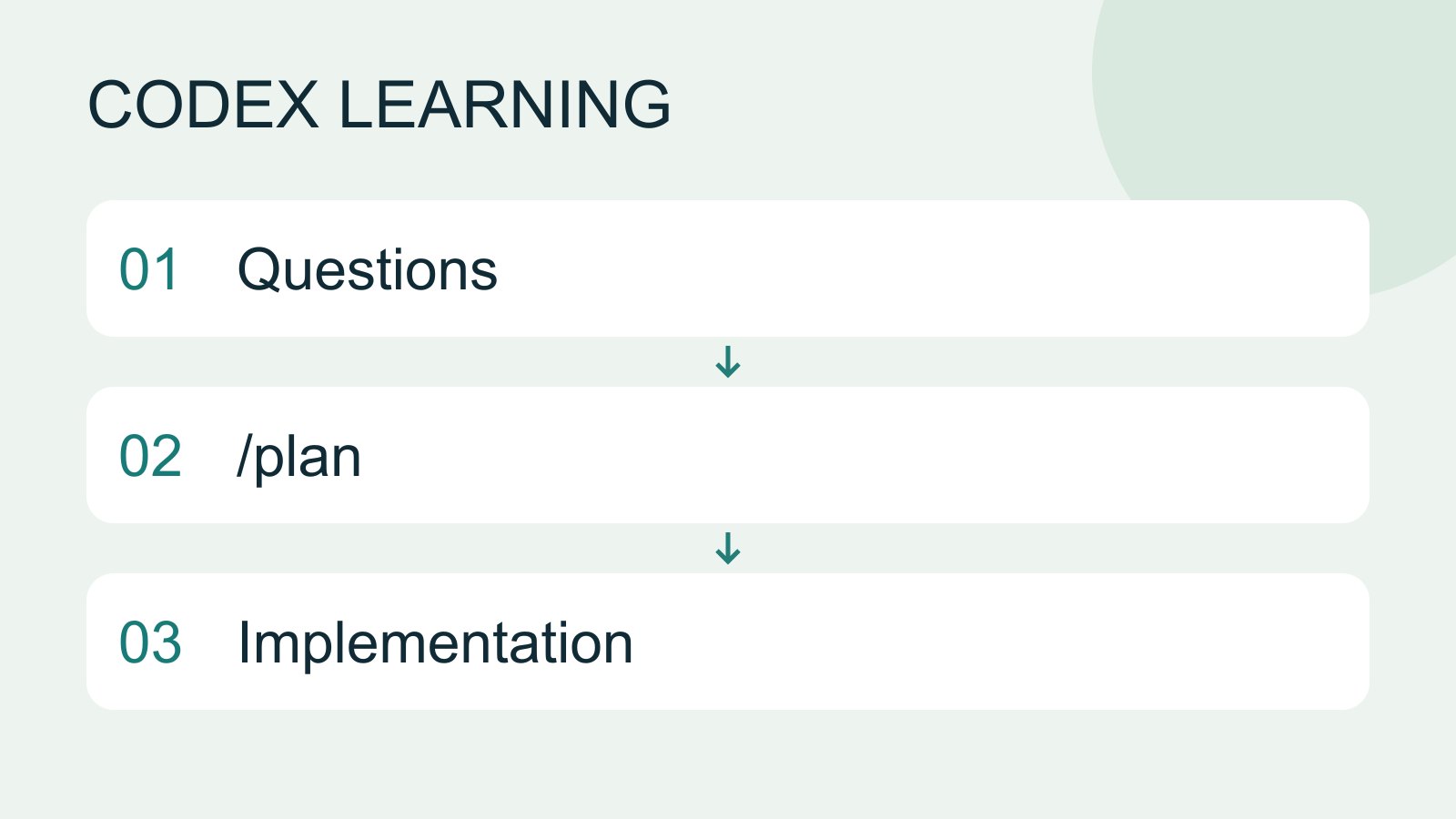
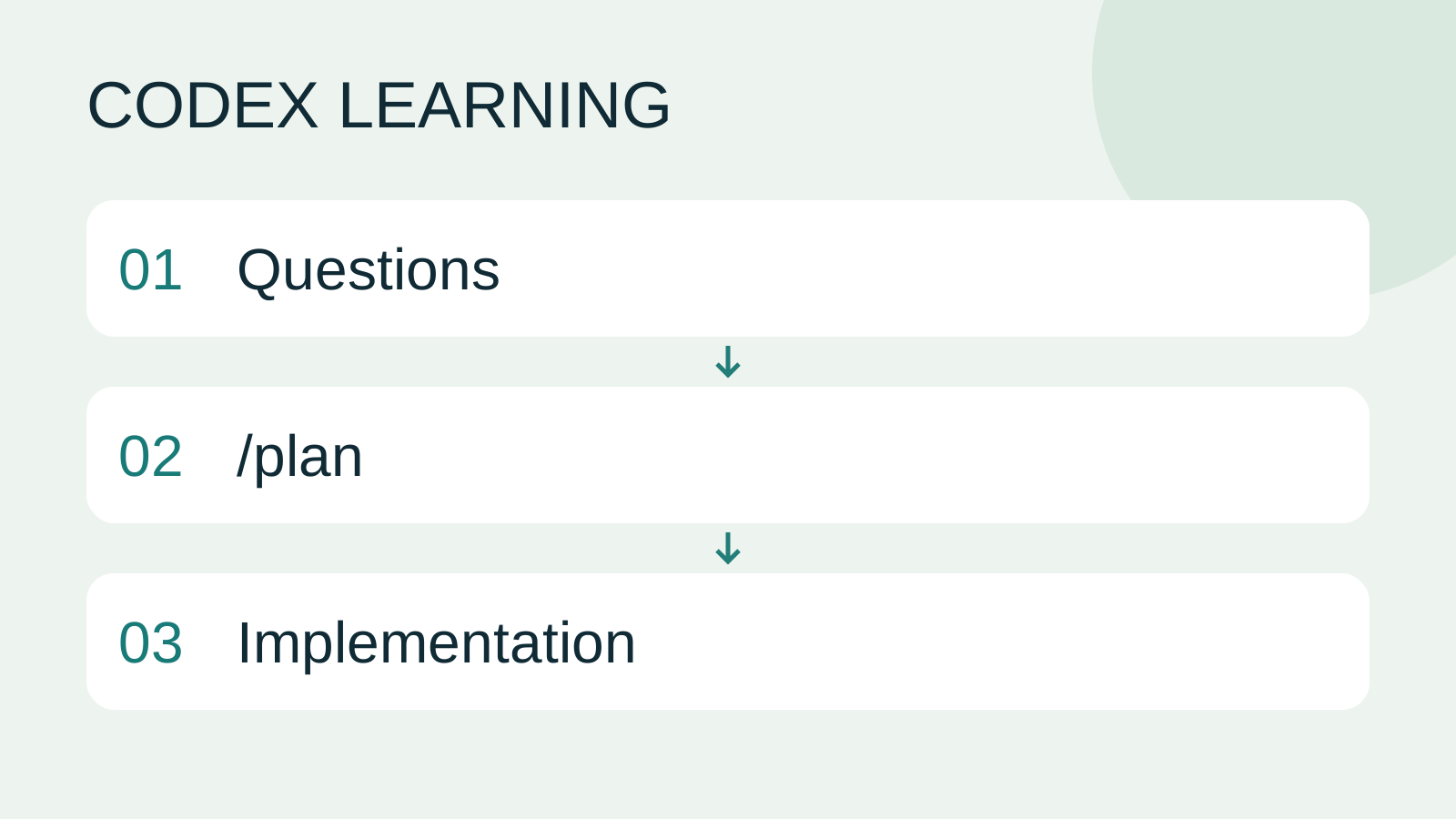
Keep the final plan, core.mjs-only diff, three test outcomes and UI matrix to distinguish a ready plan from an accepted feature. To repeat, restore only start/core.mjs into the lab and expect the original two passes/one failure. Do not reset unrelated folders or authentication. Diagram 1 is baseline, 2 investigation/review, 3 implementation/acceptance. For longer tasks, write a handoffContext and task handoffLong work needs durable decisions and evidence, not just a long conversation. README explains use, design documents explain choices, handoffs record current progress and AGENTS.md holds ongoing instructions. Do not turn all temporary progress into permanent rules.Read the full article.
Back to the Codex learning hubCodex learning hub: tutorial directoryA planned 60-lesson, ten-unit Codex curriculum, from setup and your first task to MD instructions and advanced integrations. Find your next lesson by experience, platform, goal or command; unpublished entries show their status.Read the full article
Read the full description
Questions to /plan to Implementation
Lifestyle
Codex learning hub: tutorial directory
A planned 60-lesson, ten-unit Codex curriculum, from setup and your first task to MD instructions and advanced integrations. Find your next lesson by experience, platform, goal or command; unpublished entries show their status.
Lifestyle
Worktrees and isolated tasks
A Git worktree gives one repository multiple working directories on different branches. It isolates file edits, but databases, ports and external services may still be shared. File isolation is not full resource isolation.
Lifestyle
Workshop: build a small website
Plan and build the Small Steps task website from brief.md, with adding, completing, deleting, filtering and local persistence. Separate HTML, CSS, data functions, UI events and tests, verify with Node and browser checks, and document restart and recovery steps.
Lifestyle
Usage and efficiency: reducing rework
Record task conditions, model options, time and outcomes to reduce unnecessary retries and excess context.
Articles that cite this one
Latest travel guides

GuideTokyo
Where to Stay in Tokyo: Comparing Shinjuku, Ueno, Tokyo Station, Shibuya, Asakusa, Ikebukuro, and Ginza, Plus Airport Access, Accommodation Tax, and Luggage Delivery
Where should you stay in Tokyo? Compare Shinjuku, Ueno, Tokyo Station, Shibuya, Asakusa, Ikebukuro, and Ginza by the same criteria: access from Narita and Haneda, transit routes, nearby attractions, neighborhood character, and who each area suits. Includes a comparison table, a Yamanote Line diagram, Tokyo’s accommodation tax as verified in 2026/9 (changing to 3% in 2027/4), and Airport TA-Q-BIN luggage shipping rules.
- Budget
- Hotels

GuideTokyo
How to Choose Tokyo Transit Passes: Are Suica, Welcome Suica, the Tokyo Subway Ticket, and the JR Pass Worth It?
On a first Tokyo trip, start with an IC card and pay per ride (Welcome Suica has no deposit and is valid for 28 days). If you take four or more subway rides in a day, add a 72-hour Tokyo Subway Ticket for 2,000 yen; a JR Pass is never worthwhile if you stay in Tokyo and do not go to Kansai. See what TOURIST PASMO, Suica on iPhone, and the Tokyo Metro day pass do and do not cover, with a decision chart. Prices verified in September 2026.
- Transport
- Budget

GuideTokyo
Tokyo Disneyland and DisneySea Guide: Ticket Prices, Fantasy Springs, Disney Premier Access (DPA), Standby Pass, and Which Park to Choose for Your First Visit
Tokyo Disney one-day Passport prices vary: most weekdays in 9/2026 cost ¥9,900 and weekends ¥10,900. At 14:00 daily, tickets go on sale for the same date two months later. Free Priority Pass is no longer on the official service list; only paid Disney Premier Access (¥1,000–3,500 per person per use) shortens waits. Covers hours, the 25th anniversary, Standby Pass, Entry Request, Fantasy Springs access and first-visit park choice; checked on the official site in 9/2026.
- Itineraries
- Family
Sources
- Plan-first workflow · Checked:
- Desktop Plan controls · Checked:
- CLI commands and session controls · Checked: