Lifestyle
Prompt, rules and handoff templates
Choose a prompt, rule or handoff template, fill its required fields and use the correct input location.
About 15 min read · Practice 20 min
Advanced · Desktop / CLI / VS Code / JetBrains / cloud
Before you start
On this page
Back to the Codex learning hubCodex learning hub: tutorial directoryA planned 60-lesson, ten-unit Codex curriculum, from setup and your first task to MD instructions and advanced integrations. Find your next lesson by experience, platform, goal or command; unpublished entries show their status.Read the full article
Goal and preparation
Lessons and resources mentioned here: PromptingWrite a clear task requestA useful request explains the outcome, available context, boundaries and acceptance checks. 'Improve the page' could mean speed, appearance or accessibility. Convert it into observable behavior before adding more instructions.Read the full article · MarkdownMarkdown and MD filesMarkdown uses plain-text markers for headings, lists, links and code, commonly in .md files. README.md explains a project, AGENTS.md supplies agent instructions and SKILL.md defines a reusable skill. An arbitrary MD file is not automatically an instruction source.Read the full article
Step 1: Create a library and separate purposes
Create a templates folder in your practice directory and add the files below using an editor. On Windows, check that Save As did not add .txt; on macOS use plain text; on Linux save UTF-8 in your preferred editor. Work from the practice root on all three systems and keep filenames consistent. The folder has no special loading behavior and requires no packages, additional website login or global configuration.
templates/
  task.md
  bug.md
  review.md
  handoff.md
  rules.example.md
  connection-check.md
| Work | Template | Cannot replace |
|---|---|---|
| Implement a small feature | task.md | Actual files and acceptance |
| Repair a reproducible bug | bug.md | Original error and reproduction |
| Review changes | review.md | Tests and human judgment |
| Hand off a long task | handoff.md | Current Git state |
| Draft project rules | rules.example.md | Correctly placed AGENTS.md |
| Check an external tool | connection-check.md | Actual tool response |
Step 2: Turn a request into a testable task
# Task
Goal: Verify the active-task filter and repair it only if the acceptance case fails.
Context: Use the complete reference copy in this practice folder.
Inspect first: index.html, app.js, core.mjs, style.css and core.test.mjs.
Scope: Only files needed for the filter and its focused tests.
Behavior: All shows every task; Active shows tasks whose completed value is false.
Preserve: Existing task IDs, titles, ordering and stored data format.
Acceptance: With three tasks (two complete), Active shows exactly one.
Boundary: An empty list shows a useful empty state and does not throw.
Validation: Run node --test core.test.mjs and verify the browser behavior; report actual results.
If the existing behavior passes, report that evidence without unnecessary edits.
Delivery: Explain changed behavior, tests actually run and remaining limitations.
This filled example targets the Small Steps exercise, not every repository. Confirm the five code files in your expected copy. Instructions are in README.md at the download root, not inside expected; other projects use their own README to verify commands. To discuss feasibility, use Plan modePlan mode: agree on the work firstPlan mode is useful when scope or approach still needs decisions. It produces an implementation plan, not finished code. Define the questions to resolve and check that the plan includes inputs, outputs, constraints and verification.Read the full article with a proposed sequence and unresolved decisions as the deliverable. For implementation, clearly state the editable scope.
Rewrite 'tidy up my website' using this structure. A usable request identifies the screen, preserved behavior, acceptance data and whether release is included. When filenames are unknown, ask to locate and report the list-rendering files rather than inventing a path. Write prose in your preferred language while preserving identifiers, paths and conditions from the example.
Step 3: Preserve evidence in bug reports
# Bug report
Environment: <OS, browser/runtime and version>
Practice folder or branch: <actual location>
Starting state: <fixture or steps to create it>
Reproduction:
1. <first action>
2. <next action>
Expected: <observable result>
Actual: <observed result>
Error: <exact message, with secrets removed>
Frequency: <always / intermittent / unknown>
Already tried: <one change and its result, or none>
Fix scope: <allowed behavior and files>
Verification: Reproduce first, fix, rerun the original case and a boundary case.
Angle-bracket text marks fields to fill, not terminal syntax. For the bug exerciseA complete debugging workflowDebugging starts with a reproducible symptom, narrows causes with evidence and verifies the fix. Give the input, exact step, expected behavior and observed failure instead of only saying the site is broken.Read the full article, specify the broken copy, adding Read and Build, completing only Read, and Completed incorrectly showing Build. Actual contains your own observations; use NOT RUN if unperformed instead of treating the example as a test. Do not prefill an unconfirmed database diagnosis. If no error message appeared, write none observed and describe the behavior and steps.
After a fix, repeat the original steps and an empty-data or duplicate-title boundary case. Separate failed tests from tests not run: expected to pass is not a result. If execution is unavailable, report the limitation and a reproducible command rather than treating the Verification field as completed work. No pass counts are prefilled, preventing old evidence from being reused as new.
Step 4: Separate review and handoff
# Review request
Compare: <base branch or exact before-state> -> <current change>
Purpose: <user-visible behavior>
Read first: <requirements and relevant files>
Review for: correctness, regressions and missing meaningful tests.
For each finding: give the trigger, impact, file/location and suggested correction.
Evidence: <commands actually run, exit codes and relevant output>
Unknowns: <tests or environments not checked>
Report no findings if none are supported; do not invent issues to fill a quota.
Do not modify files in this review task unless I request a fix.
# Handoff
Goal:
Working directory and branch:
Current commit:
Existing uncommitted changes and owners:
Completed work with evidence:
Pending work:
Decisions and constraints:
Files to inspect next:
Last command and result:
Known limitations:
Next smallest action:
Before continuing: verify the current files and Git state against this record.
The review base must resolve in the current Git repository. If it does not, consult Git and diffsGit, branches, diffs and recoveryGit stores file history, branches organize changes and diffs show what changed. Codex can help, but you must verify that the changes belong to the task. Restoring an old conversation does not restore Git files.Read the full article rather than assuming main exists. A handoff records the current location and state and must be refreshed each time. A commit reported in an earlier task does not establish a clean current directory; list uncommitted work and ownership to avoid overwriting active changes.
A handoff file can live in the project when the location is appropriate for sharing. Private client data, credentials and entire conversations are usually unnecessary; paths, a problem summary and verifiable results restore context. Saving handoff.md does not mean a new task has read it. Request that explicitly and check the proposed next action. See Context and handoffContext and task handoffLong work needs durable decisions and evidence, not just a long conversation. README explains use, design documents explain choices, handoffs record current progress and AGENTS.md holds ongoing instructions. Do not turn all temporary progress into permanent rules.Read the full article.
Step 5: Rule and external-tool templates
# Practice project rules
Read index.html, app.js, core.mjs and core.test.mjs before changing this practice app.
Preserve task IDs and the existing data format.
Keep changes within the requested behavior.
Run node --test core.test.mjs and report actual results.
Do not commit credentials or private practice data.
If required files are missing, report the missing paths before making assumptions.
rules.example.md deliberately remains a reviewable draft rather than AGENTS.md. After confirming it fits your project, follow AGENTS.mdProject instructions with AGENTS.mdAGENTS.md supplies project instructions before Codex starts work. Global guidance and files along the project-root-to-working-directory path form an instruction chain. At the same level, AGENTS.override.md takes precedence. Keep rules concrete and verify what was actually loaded.Read the full article to merge it into the appropriate scope, reading existing rules and preserving others' constraints. For a one-off task, include it in the request. Consider SKILL.mdSkills and SKILL.mdA skill packages a repeatable workflow with instructions and optional resources. The minimum is a directory containing SKILL.md with name and description metadata followed by the procedure and expected output. Installation alone does not prove a task used it.Read the full article for repeated work with stable scope instead of installing every temporary prompt as a skill.
# Connection check
Surface / host / version:
Plugin or MCP server name and source:
Configured:
Authenticated (if required):
Tool available in a new task:
Read-only target (fictional or public):
Expected marker or source:
Actual tool call and result:
Original data unchanged:
Disconnect or disable action, if performed:
Retest after change:
Never include tokens, passwords or one-time login URLs in this report.
Fill configured, authentication, capability and actual invocation separately. Use not required for inapplicable authentication and not checked for unverified fields. A configuration file does not prove a working connection, and prefilled true values make a report misleading. With PluginsPlugins and connected servicesA plugin can distribute skills and MCP tools as an installable capability. Installing it, connecting an external account and successfully calling a tool are distinct stages. A listing does not establish access to your data.Read the full article or MCPMCP setup and connection checksMCP connects Codex to tools and data. STDIO servers usually start as local processes; HTTP servers use a URL. Saving configuration only proves it exists: verify startup, authentication and an actual tool response.Read the full article, record only the tested surface and host; an identically named server elsewhere can have different settings.
Turn a contradictory template into one task
Consider this faulty request: “Review expected read-only, but also fix and commit it; run npm test and report three passes.” It mixes reading with editing, applies a command to a fixture without package.json, and preassigns an unobserved result. Choose a read-only check for this run and save the complete version below as adapted-task.md in the practice root, preserving the six original templates.
# Read-only practice check
Goal: Verify the existing Active-filter behavior in this expected copy.
Confirm the absolute working directory and the five expected source files first.
Read core.mjs and core.test.mjs; explain the filter condition and test coverage.
Run node --test core.test.mjs and report the actual exit code, passes and failures.
Do not edit, stage, commit, push or deploy anything in this task.
Browser behavior: NOT RUN unless actually checked; core tests do not prove it.
If required files are missing, report the paths and stop before guessing commands.
Delivery: observed evidence, unverified behavior and the next smallest step.
A clean expected copy has a reference result of three passes and zero failures; still record your current output and leave source files unchanged. A broken copy should instead be reported as two passes and one failure with a different starting state. Correct the path or create a separate repair task instead of ignoring the failure because the template said expected. This applies the official prompting guidance on goals, context, boundaries and usable outcomes to this fixture.
Mistakes, restoration and exercise
First, unresolved placeholders: search for < before submitting and replace each field or remove it if inapplicable. Second, stale commands copied into another project: read its README and verify the working directory. Third, conflicting instructions such as read-only review plus incidental edits: choose one goal. Preserve an existing same-name template as another copy or inspect its Git diff. Restore only the templates you changed, leaving other project work intact.
Exercise: fill bug.md with an observed practice failure and handoff.md with the next step. Give both to someone unfamiliar with the original task: they should locate the folder, reproduce the symptom and identify unchecked items. Add a missing host or data field where needed instead of lengthening every template. Keep an unfilled original template and save a separate task copy so yesterday's result does not become tomorrow's default answer.
These original teaching templates carry no execution privileges and do not change your account. Acceptance is six readable templates, a filled bug report and handoff, and at least one ambiguity you identified, without requiring a model to use a particular sentence. Continue with MCP setupMCP setup and connection checksMCP connects Codex to tools and data. STDIO servers usually start as local processes; HTTP servers use a URL. Saving configuration only proves it exists: verify startup, authentication and an actual tool response.Read the full article and apply connection-check.md to an actual read-only tool test.
Back to the Codex learning hubCodex learning hub: tutorial directoryA planned 60-lesson, ten-unit Codex curriculum, from setup and your first task to MD instructions and advanced integrations. Find your next lesson by experience, platform, goal or command; unpublished entries show their status.Read the full article
Read the full description
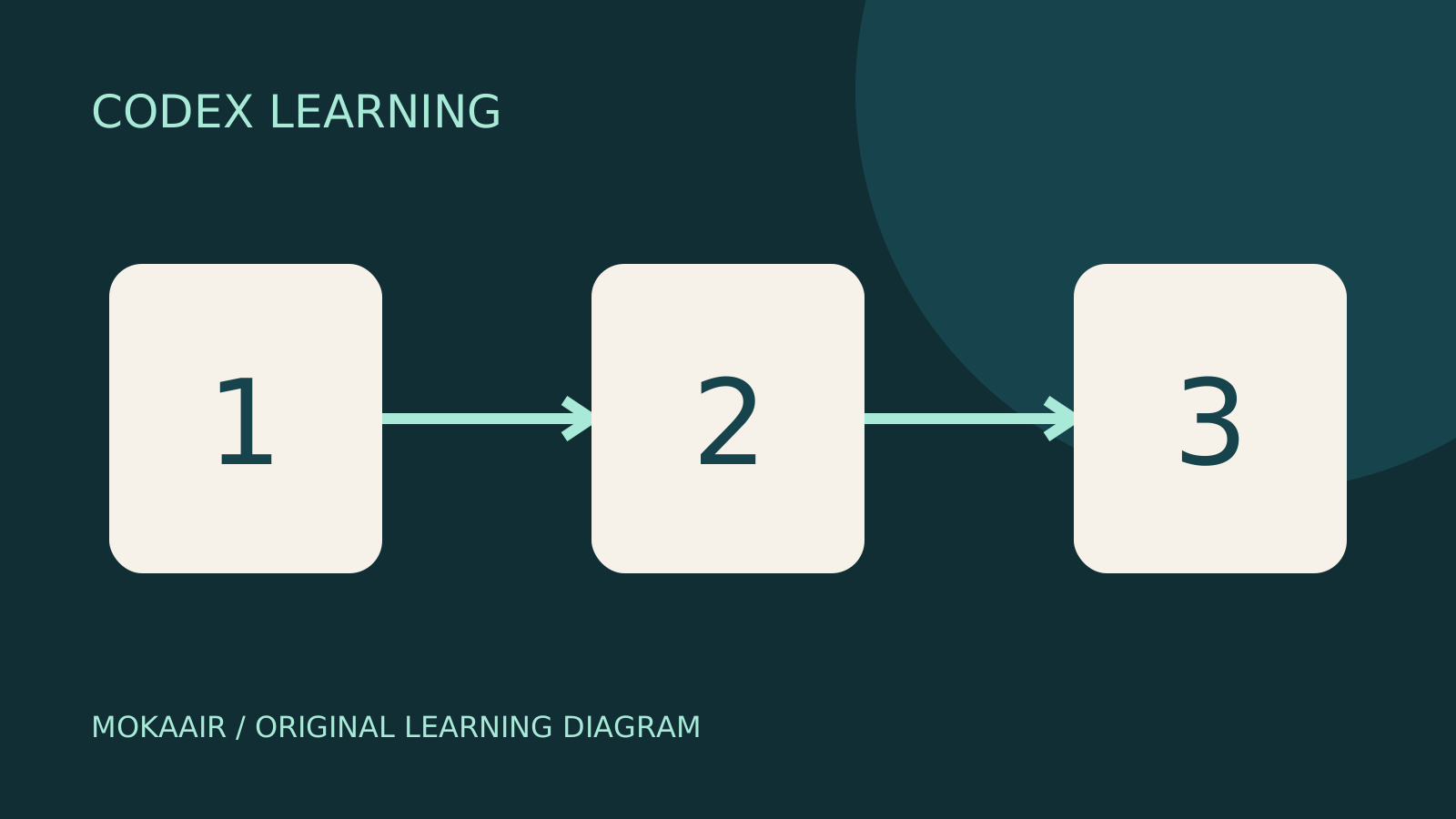
Three numbered stages: identify the starting point, perform the exercise, and verify the result. Original illustration, not a product screenshot.
Lifestyle
Codex learning hub: tutorial directory
A planned 60-lesson, ten-unit Codex curriculum, from setup and your first task to MD instructions and advanced integrations. Find your next lesson by experience, platform, goal or command; unpublished entries show their status.
Lifestyle
Worktrees and isolated tasks
A Git worktree gives one repository multiple working directories on different branches. It isolates file edits, but databases, ports and external services may still be shared. File isolation is not full resource isolation.
Lifestyle
Workshop: build a small website
Plan and build the Small Steps task website from brief.md, with adding, completing, deleting, filtering and local persistence. Separate HTML, CSS, data functions, UI events and tests, verify with Node and browser checks, and document restart and recovery steps.
Lifestyle
Usage and efficiency: reducing rework
Record task conditions, model options, time and outcomes to reduce unnecessary retries and excess context.
Articles that cite this one
Latest travel guides

GuideTokyo
Where to Stay in Tokyo: Comparing Shinjuku, Ueno, Tokyo Station, Shibuya, Asakusa, Ikebukuro, and Ginza, Plus Airport Access, Accommodation Tax, and Luggage Delivery
Where should you stay in Tokyo? Compare Shinjuku, Ueno, Tokyo Station, Shibuya, Asakusa, Ikebukuro, and Ginza by the same criteria: access from Narita and Haneda, transit routes, nearby attractions, neighborhood character, and who each area suits. Includes a comparison table, a Yamanote Line diagram, Tokyo’s accommodation tax as verified in 2026/9 (changing to 3% in 2027/4), and Airport TA-Q-BIN luggage shipping rules.
- Budget
- Hotels

GuideTokyo
How to Choose Tokyo Transit Passes: Are Suica, Welcome Suica, the Tokyo Subway Ticket, and the JR Pass Worth It?
On a first Tokyo trip, start with an IC card and pay per ride (Welcome Suica has no deposit and is valid for 28 days). If you take four or more subway rides in a day, add a 72-hour Tokyo Subway Ticket for 2,000 yen; a JR Pass is never worthwhile if you stay in Tokyo and do not go to Kansai. See what TOURIST PASMO, Suica on iPhone, and the Tokyo Metro day pass do and do not cover, with a decision chart. Prices verified in September 2026.
- Transport
- Budget

GuideTokyo
Tokyo Disneyland and DisneySea Guide: Ticket Prices, Fantasy Springs, Disney Premier Access (DPA), Standby Pass, and Which Park to Choose for Your First Visit
Tokyo Disney one-day Passport prices vary: most weekdays in 9/2026 cost ¥9,900 and weekends ¥10,900. At 14:00 daily, tickets go on sale for the same date two months later. Free Priority Pass is no longer on the official service list; only paid Disney Premier Access (¥1,000–3,500 per person per use) shortens waits. Covers hours, the 25th anniversary, Standby Pass, Entry Request, Fantasy Springs access and first-visit park choice; checked on the official site in 9/2026.
- Itineraries
- Family