Codex
From glossary entries and tool comparisons to coding agents and local models: every step of putting AI to work, written to be followed.
Series and tutorial hubs
Series to read in order, each with its own directory and learning paths.
Codex learning hub: tutorial directory
A planned 60-lesson, ten-unit Codex curriculum, from setup and your first task to MD instructions and advanced integrations. Find your next lesson by experience, platform, goal or command; unpublished entries show their status.
Lifestyle
Codex learning hub: tutorial directory
A planned 60-lesson, ten-unit Codex curriculum, from setup and your first task to MD instructions and advanced integrations. Find your next lesson by experience, platform, goal or command; unpublished entries show their status.
- AI tools
- Tutorials
- Codex
Lifestyle
Worktrees and isolated tasks
A Git worktree gives one repository multiple working directories on different branches. It isolates file edits, but databases, ports and external services may still be shared. File isolation is not full resource isolation.
- AI tools
- Tutorials
- Codex
Lifestyle
Workshop: build a small website
Plan and build the Small Steps task website from brief.md, with adding, completing, deleting, filtering and local persistence. Separate HTML, CSS, data functions, UI events and tests, verify with Node and browser checks, and document restart and recovery steps.
- AI tools
- Tutorials
- Codex
Lifestyle
Usage and efficiency: reducing rework
Record task conditions, model options, time and outcomes to reduce unnecessary retries and excess context.
- AI tools
- Tutorials
- Codex
Lifestyle
Understanding an existing codebase
Use a read-only workflow to locate entry points, data flow and tests, with file-backed explanations.
- AI tools
- Tutorials
- Codex
Lifestyle
Troubleshooting for beginners
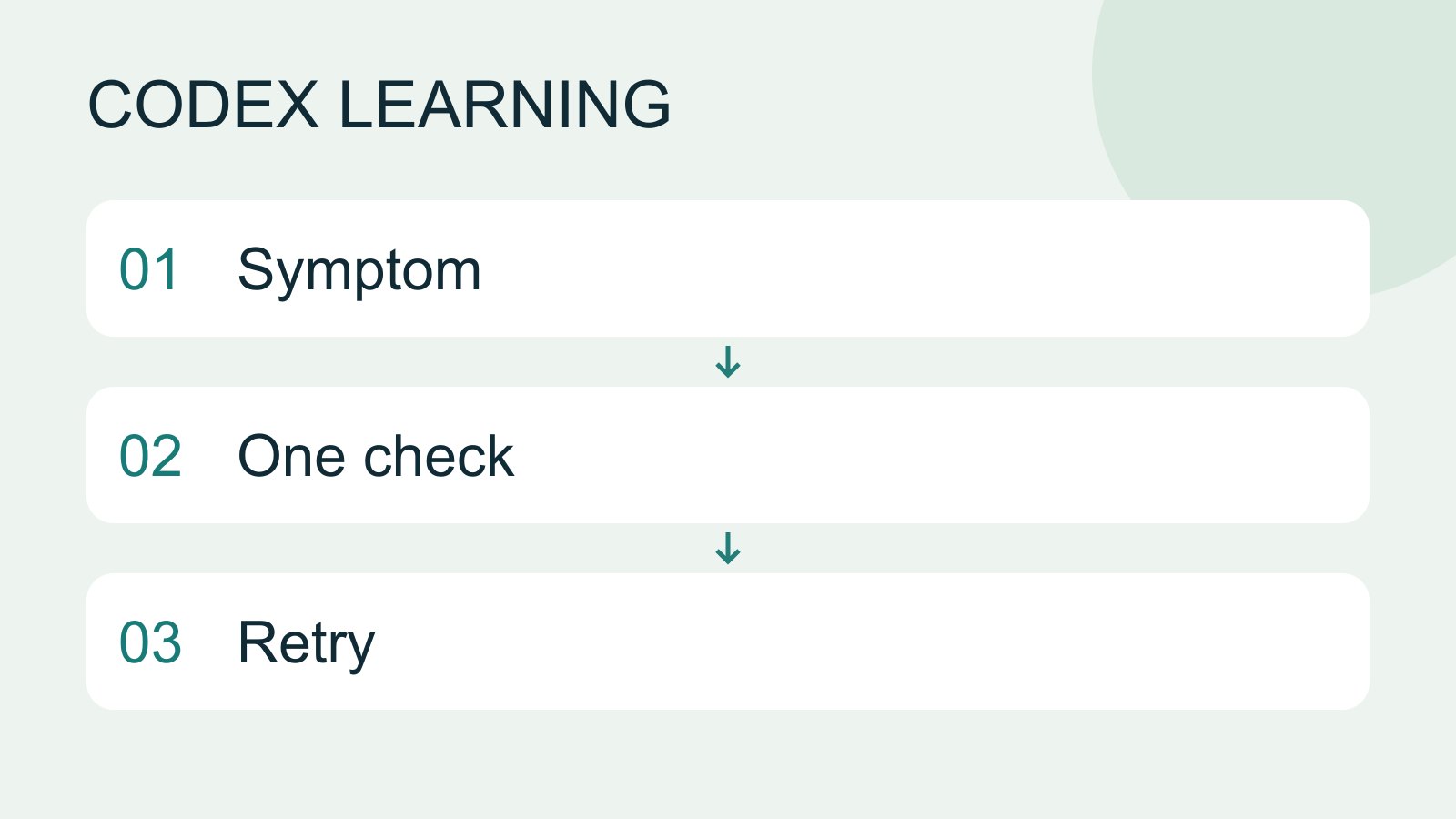
Start by locating the failing layer. A missing executable suggests installation or PATH; a rejected account suggests authentication; missing files suggest location or permissions; an incorrect result may involve the request or project code. Change one condition at a time.
- AI tools
- Tutorials
- Codex
Lifestyle
Tests, code review and pull requests
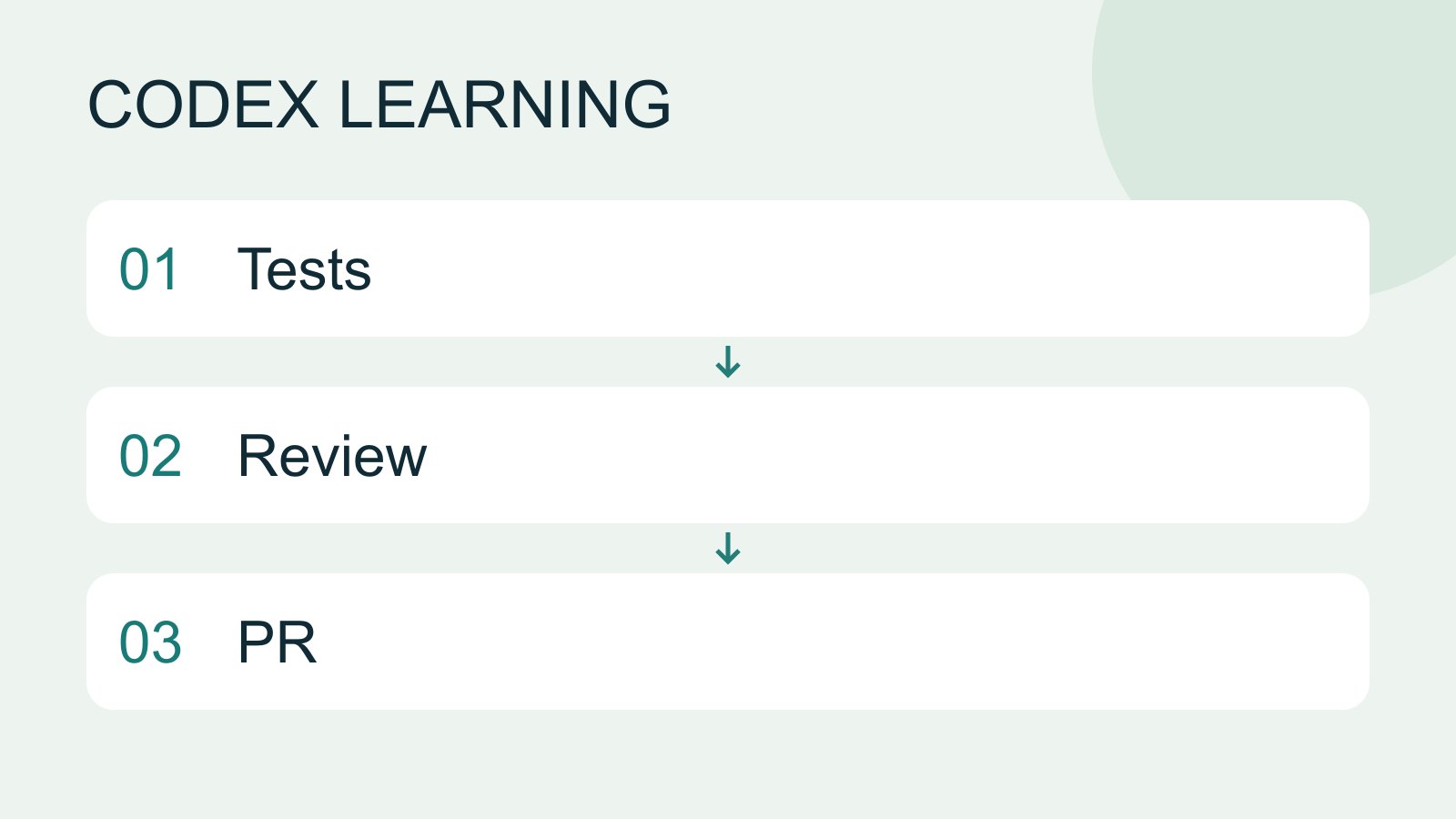
Tests check behavior under specified conditions, review examines the change for defects and a PR presents proposed integration. They complement each other: tests passing does not establish review approval, and an open PR is not a merge.
- AI tools
- Tutorials
- Codex
Lifestyle
Terminal paths and project roots
Create a practice folder on Windows, macOS or Linux and distinguish current, relative and absolute paths.
- AI tools
- Tutorials
- Codex
Lifestyle
Prompt, rules and handoff templates
Choose a prompt, rule or handoff template, fill its required fields and use the correct input location.
- AI tools
- Tutorials
- Codex
Lifestyle
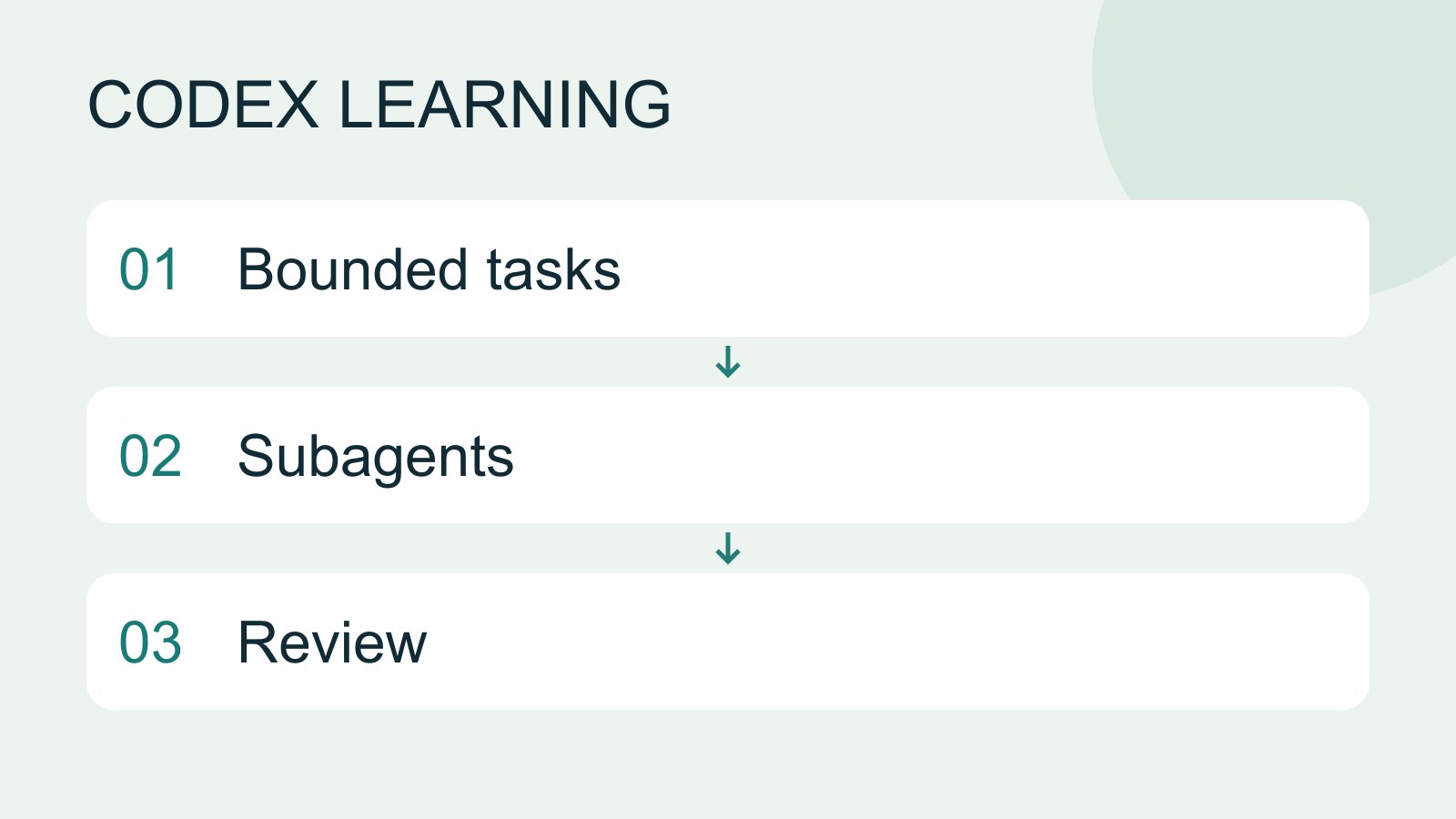
Subagents and task delegation
Subagents suit independent work that can be reviewed and combined by the main task. They consume additional model and tool usage. Parallel tasks with mutual dependencies or overlapping edits can create more conflict than speed.
- AI tools
- Tutorials
- Codex
Lifestyle
Subagent scope and quality checks
Define independent inputs, edit scopes and evidence, then review subagent results and resolve gaps.
- AI tools
- Tutorials
- Codex
Lifestyle
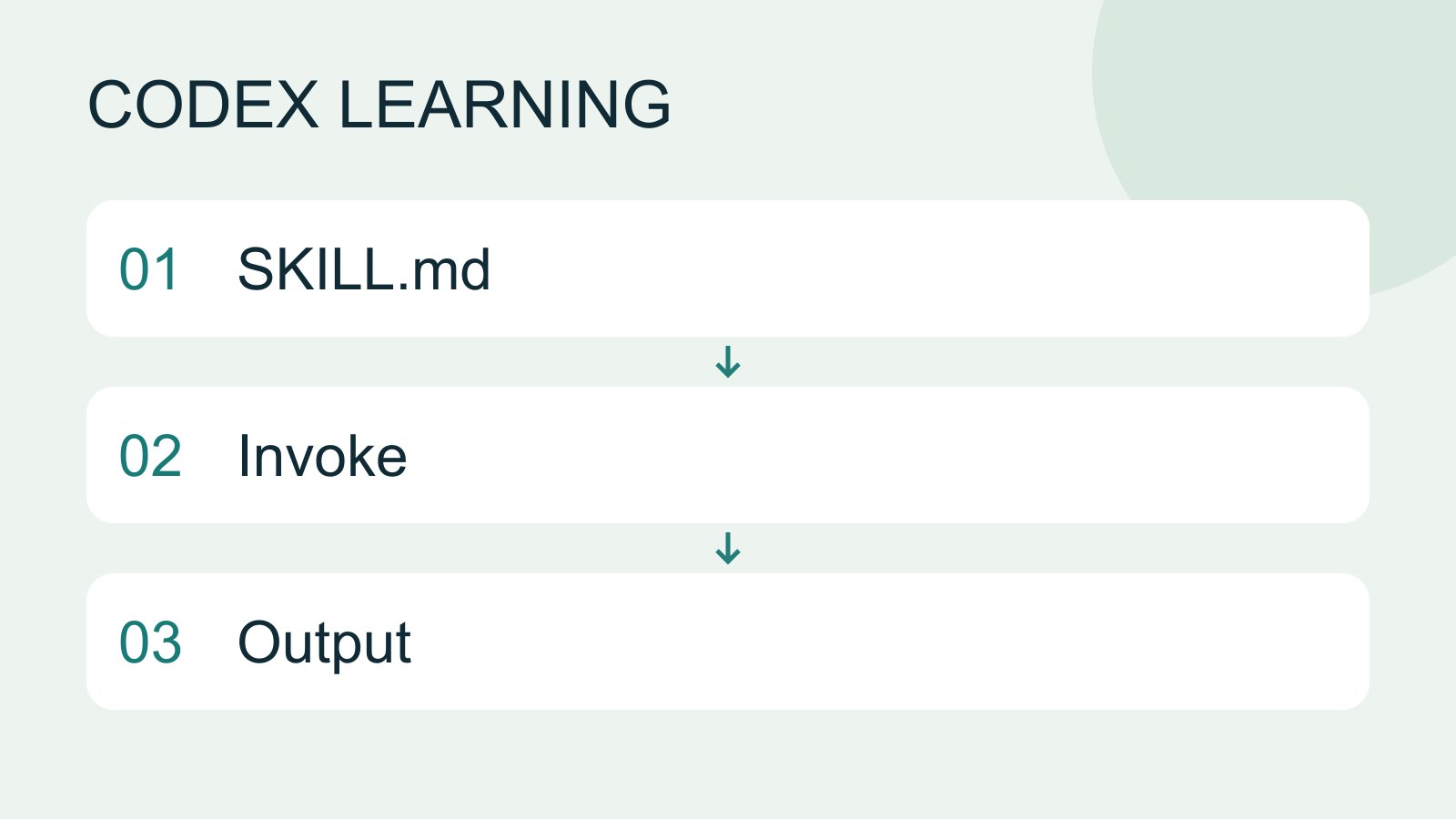
Skills and SKILL.md
A skill packages a repeatable workflow with instructions and optional resources. The minimum is a directory containing SKILL.md with name and description metadata followed by the procedure and expected output. Installation alone does not prove a task used it.
- AI tools
- Tutorials
- Codex
Lifestyle
Testing skill selection and results
Test format, selection and outcomes separately, using matching and non-matching requests to refine descriptions.
- AI tools
- Tutorials
- Codex
Lifestyle
Skill scripts, references and assets
Move repeated logic and large references into useful resources, then verify conditional loading and relative paths.
- AI tools
- Tutorials
- Codex
Lifestyle
Sessions, resuming and forking
Distinguish new, resumed and forked tasks, locate the right history and verify the directory and remaining work.
- AI tools
- Tutorials
- Codex
Lifestyle
Separating rules, documentation and context
Separate working rules, project entry points, design requirements and handoff state. Check outdated hypotheses against actual files and tests.
- AI tools
- Tutorials
- Codex
Lifestyle
Remote setup, diagnosis and disconnection
Pair devices, diagnose host availability and verify fresh file reads. Distinguish remote access, device pairing and task execution when stopping work.
- AI tools
- Tutorials
- Codex
Lifestyle
Write a clear task request
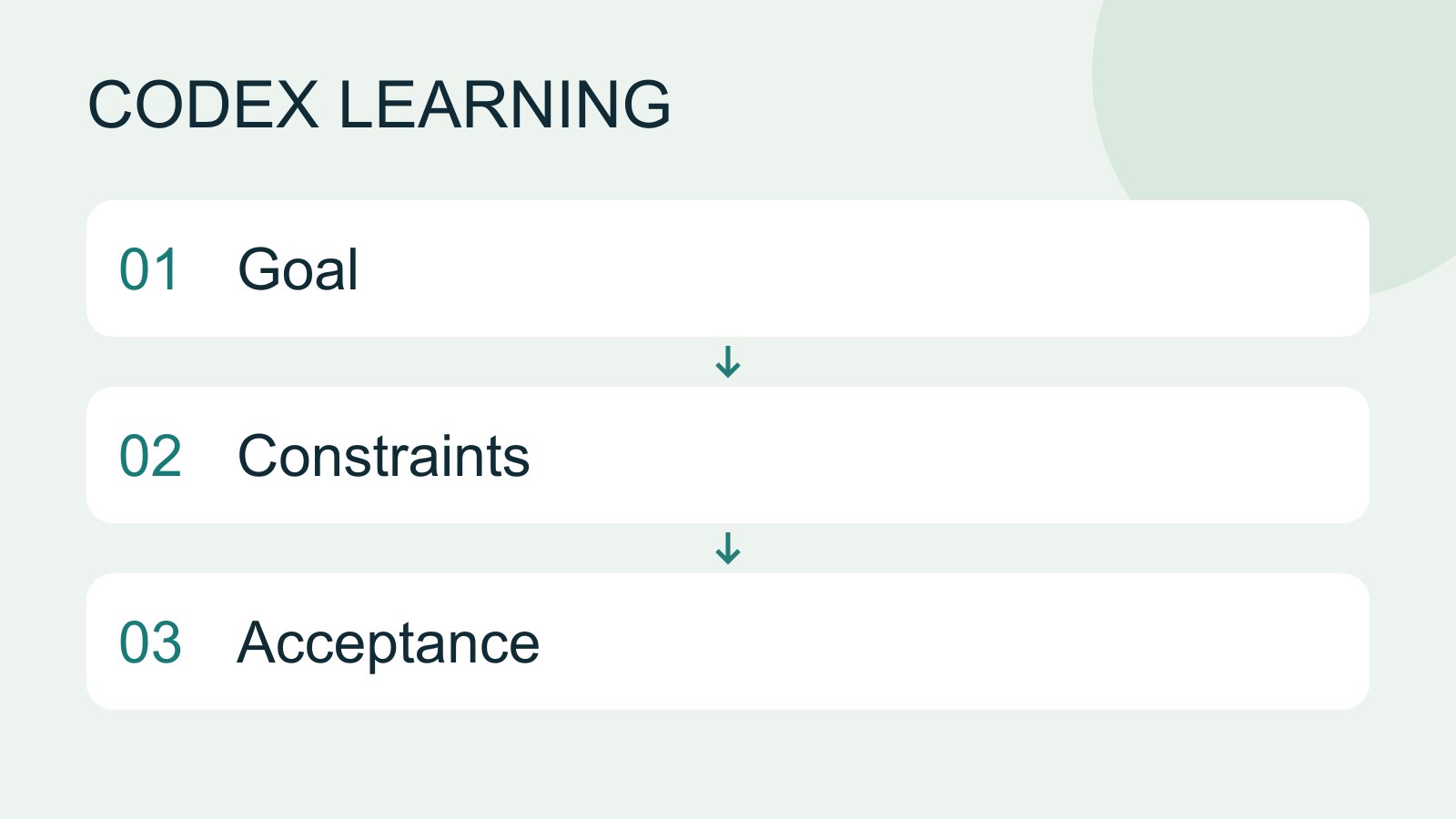
A useful request explains the outcome, available context, boundaries and acceptance checks. 'Improve the page' could mean speed, appearance or accessibility. Convert it into observable behavior before adding more instructions.
- AI tools
- Tutorials
- Codex
Lifestyle
Manage desktop tasks and projects
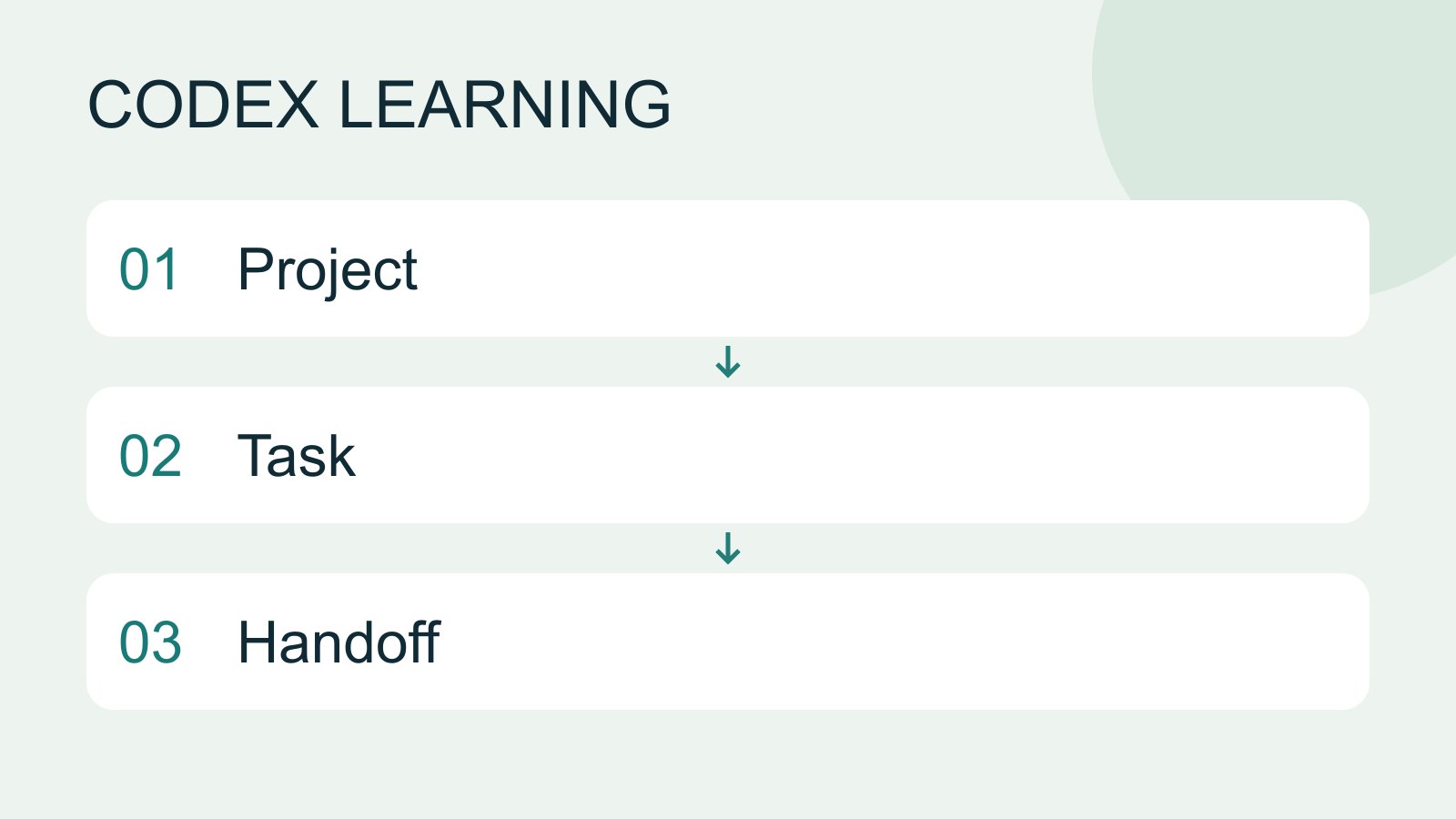
Keep follow-ups about one outcome in the same task and separate independent outcomes into different tasks. Projects identify files; tasks track assignments. Multiple tasks do not automatically isolate files: use worktrees when isolation is needed.
- AI tools
- Tutorials
- Codex
Lifestyle
Project data, credentials and practice isolation
Create fictional test data and restorable copies, and identify information to exclude from prompts, screenshots and repositories.
- AI tools
- Tutorials
- Codex
Lifestyle
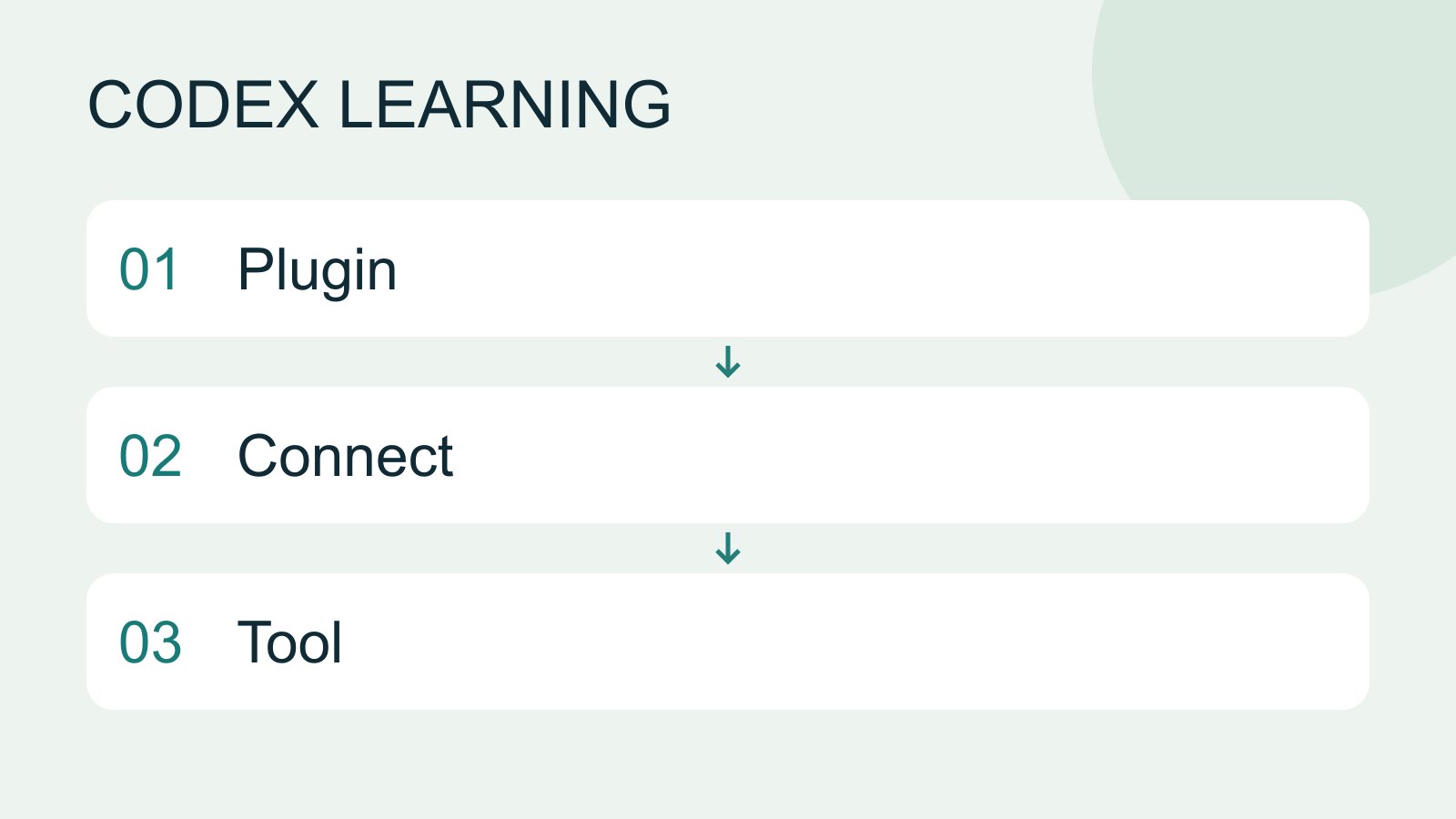
Plugins and connected services
A plugin can distribute skills and MCP tools as an installable capability. Installing it, connecting an external account and successfully calling a tool are distinct stages. A listing does not establish access to your data.
- AI tools
- Tutorials
- Codex
Lifestyle
Troubleshooting plugin connections
Distinguish installation, account connection, authorization and callable tools before reconnecting or removing a plugin.
- AI tools
- Tutorials
- Codex
Lifestyle
Choosing a Codex platform
Compare desktop, mobile, CLI, IDE and cloud scenarios, and identify where files and tools run.
- AI tools
- Tutorials
- Codex
Lifestyle
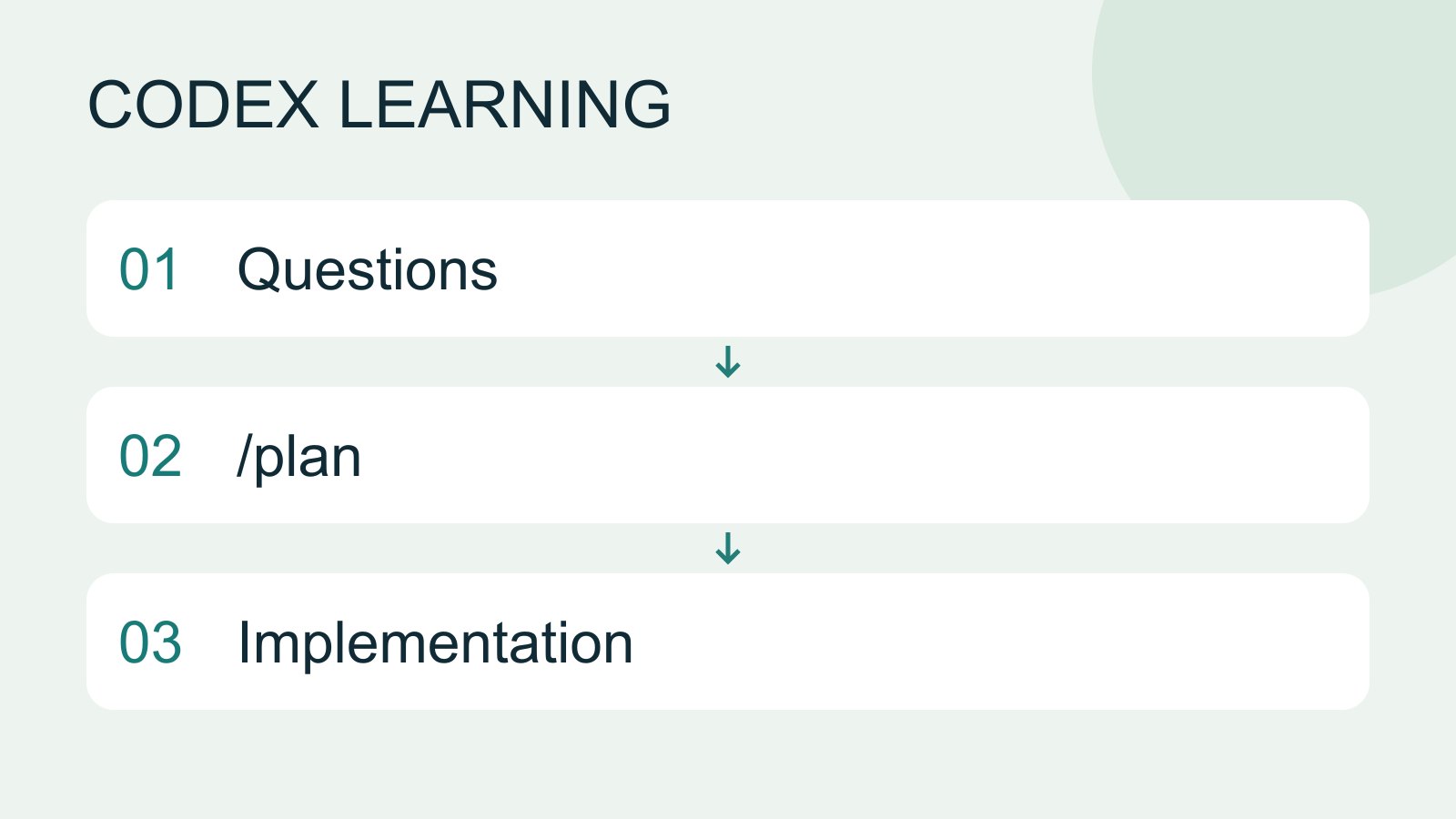
Plan mode: agree on the work first
Plan mode is useful when scope or approach still needs decisions. It produces an implementation plan, not finished code. Define the questions to resolve and check that the plan includes inputs, outputs, constraints and verification.
- AI tools
- Tutorials
- Codex