Lifestyle
Subagents and task delegation
Subagents suit independent work that can be reviewed and combined by the main task. They consume additional model and tool usage. Parallel tasks with mutual dependencies or overlapping edits can create more conflict than speed.
About 15 min read · Practice 20 min
On this page
Back to the Codex learning hubCodex learning hub: tutorial directoryA planned 60-lesson, ten-unit Codex curriculum, from setup and your first task to MD instructions and advanced integrations. Find your next lesson by experience, platform, goal or command; unpublished entries show their status.Read the full article
Goal and preparation
Lessons and resources mentioned here: First projectFinish your first small projectUse an independent copy of the Small Steps todo website to change its heading and background. Identify the five practice files and compare the diff, core tests and two viewport widths while preserving behavior and data.Read the full article
A subagent is delegated a defined part of the work and reports back to the parent. It is not automatically an isolated Git repository, and opening two windows does not create coordination. Parallel tasks need their own inputs, scopes and outputs without waiting for another worker's edits. Both workers in this exercise read only, avoiding competing writes to the same code.
Step 1: Check materials and baseline
Open the five files index.html, style.css, app.js, core.mjs and core.test.mjs in your complete reference copy, not the deliberately broken start/broken variants. On Windows, macOS and Linux, verify the terminal working directory and run the same test command. No npm packages or external database are required. Save the result and version so later findings can be compared against the baseline.
node --version
node --test core.test.mjs
The provided reference currently has three top-level tests and should pass. That count belongs to this material, not arbitrary repositories. If Node or core.test.mjs is missing, resolve CLI troubleshootingTroubleshooting for beginnersStart by locating the failing layer. A missing executable suggests installation or PATH; a rejected account suggests authentication; missing files suggest location or permissions; an incorrect result may involve the request or project code. Change one condition at a time.Read the full article and path issues before delegation. Do not ask a worker to invent a similar project when files are missing, as that changes the review target.
Step 2: Explicitly request two subagents
Select the practice folder in the parent desktop, CLI or IDE task and submit the prompt below. Current local Codex delegates when directly requested or instructed by applicable AGENTS.md/Skills; this prompt explicitly asks for two. Inherit the parent's model and effort instead of hardcoding a model unavailable to the account. Each worker consumes model/tool usage; two small bounded reviews are easier to verify than unlimited worker creation.
Use exactly two subagents for a read-only review of this Small Steps reference copy.
Do not spawn additional subagents or modify files.

Agent A: Read core.mjs. Map addTask, visibleTasks and decodeTasks.
For each function, report its input, behavior, failure or boundary handling, and file/symbol evidence.

Agent B: Read core.test.mjs. Map existing test coverage to those same functions.
Distinguish covered cases from possible missing cases; do not invent a bug just because a test is absent.

Parent: Wait for both reports. Verify cited symbols and reconcile disagreements.
Run node --test core.test.mjs once in the practice directory after collecting the reports.
Return a compact evidence table, actual test result and unverified claims.
If subagents are unavailable, say so; do not present a single-agent answer as delegated work.
Include the reference copy's absolute root and baseline result with the request, and ask each report to identify its read paths. Two reports naming core.mjs may concern different checkouts; match both to the same expected copy. Label the three-pass baseline as the parent's earlier record, not a test run by A or B.
| Role | Primary input | Deliverable | Excluded work |
|---|---|---|---|
| A: behavior | core.mjs | Functions and boundaries | Code edits |
| B: tests | core.test.mjs | Coverage and gap evidence | Invented confirmed bugs |
| Parent | Both reports and files | Reconciliation, tests, limitations | Forwarding unchecked summaries |
Both workers can start together; the parent runs tests once afterward to avoid duplication.
Step 3: Inspect, steer and stop work
On desktop, open individual workers from activity in the parent and inspect files and status. In the interactive CLI, /agent switches views; it is not a shell command named codex agent. In an IDE with the background-agent panel, expand it or open a worker. Ask the parent to steer or stop a specific worker. If controls are absent, check version/surface support rather than inventing a completion list.
/agent
Tell Agent A to include duplicate task IDs in its analysis and keep the work read-only.
Wait for the updated evidence before the final summary.
Have the parent send the addition to A and verify that A's update discusses addTask's duplicate-ID handling. Confirm the worker name/activity instead of assuming text entered in another window reaches the intended recipient. To stop B, request that explicitly while preserving evidence and marking unfinished work unverified. Stopping does not roll back changes. This read-only exercise should leave no file diff; investigate any unexpected edit separately.
Step 4: Verify evidence, not just completion counts
In the reference, addTask trims text, validates length and IDs and returns a new array; visibleTasks handles active/completed filters; decodeTasks rejects malformed data and duplicate IDs. The parent should verify A against those functions and B against the actual tests. If B claims duplicate IDs are untested, distinguish adding from decoding stored data. Resolve disagreement through evidence rather than choosing the longer report.
The parent then runs the baseline tests once and records the actual exit/result. Include claim, file/symbol, test evidence and verified/unverified status. Code inspection can establish some behavior without browser testing, while a coverage suggestion is not necessarily a current bug. Separate those states to decide whether the next step is another test, reproduction or a fix.
Optional: Save a narrowly scoped custom role
For repeated reviews, create .codex/agents/data-reader.toml in a trusted practice project after checking that it does not already exist. This is agent TOML configuration, not AGENTS.md, and existence does not spawn a worker. Save the complete example, explicitly request data_reader in a new task and inspect its behavior. This optional extension is not a prerequisite for the two-worker exercise.
name = "data_reader"
description = "Inspect Small Steps data invariants with file and symbol evidence."
sandbox_mode = "read-only"
developer_instructions = """
Read core.mjs and report inputs, invariants and error handling.
Do not edit files, invoke external services or spawn other agents.
Cite the relevant functions and distinguish confirmed behavior from assumptions.
If the file is missing, report the missing path and stop.
"""
The example omits a model to inherit available settings. Workers inherit the parent's current permissions; interactive CLI runtime overrides are reapplied, so the file's read-only default is not an unconditional override of live permissions. Check the parent's Permission modePermissions, sandbox, network and keysSandbox rules define technical access to files and networks; approval policy determines when the agent asks before acting. No prompt does not guarantee permission, and read access does not imply write access everywhere.Read the full article before delegation and retain read-only instructions. To undo the extension, remove only your added role file and verify a new task without deleting the entire .codex folder.
Failures, boundaries and next step
If no subagent is created, check the explicit request, supported version/surface and capacity occupied by existing workers; do not substitute role-play for actual delegation. For concurrent edits, stop writes, inspect the diff and move to distinct workspaces or a sequence using WorktreesWorktrees and isolated tasksA Git worktree gives one repository multiple working directories on different branches. It isolates file edits, but databases, ports and external services may still be shared. File isolation is not full resource isolation.Read the full article. If a worker needs authentication or approval, the parent should identify the source and blocked step rather than silently retrying a denied action with greater access.
Retain activity from two real workers, their evidence, response to one steering message, parent reconciliation/test result and confirmation that all five files remain unchanged. A deliberately stopped B can be a separate run labeled stopped, not two completed reports. Role configuration and reference code can be checked statically; this text does not claim agents were spawned on your account. Unoperated clients/platforms are officially documented. Continue to Subagent qualitySubagent scope and quality checksDefine independent inputs, edit scopes and evidence, then review subagent results and resolve gaps.Read the full article to assess plausible but unsupported reports.
Back to the Codex learning hubCodex learning hub: tutorial directoryA planned 60-lesson, ten-unit Codex curriculum, from setup and your first task to MD instructions and advanced integrations. Find your next lesson by experience, platform, goal or command; unpublished entries show their status.Read the full article
Read the full description
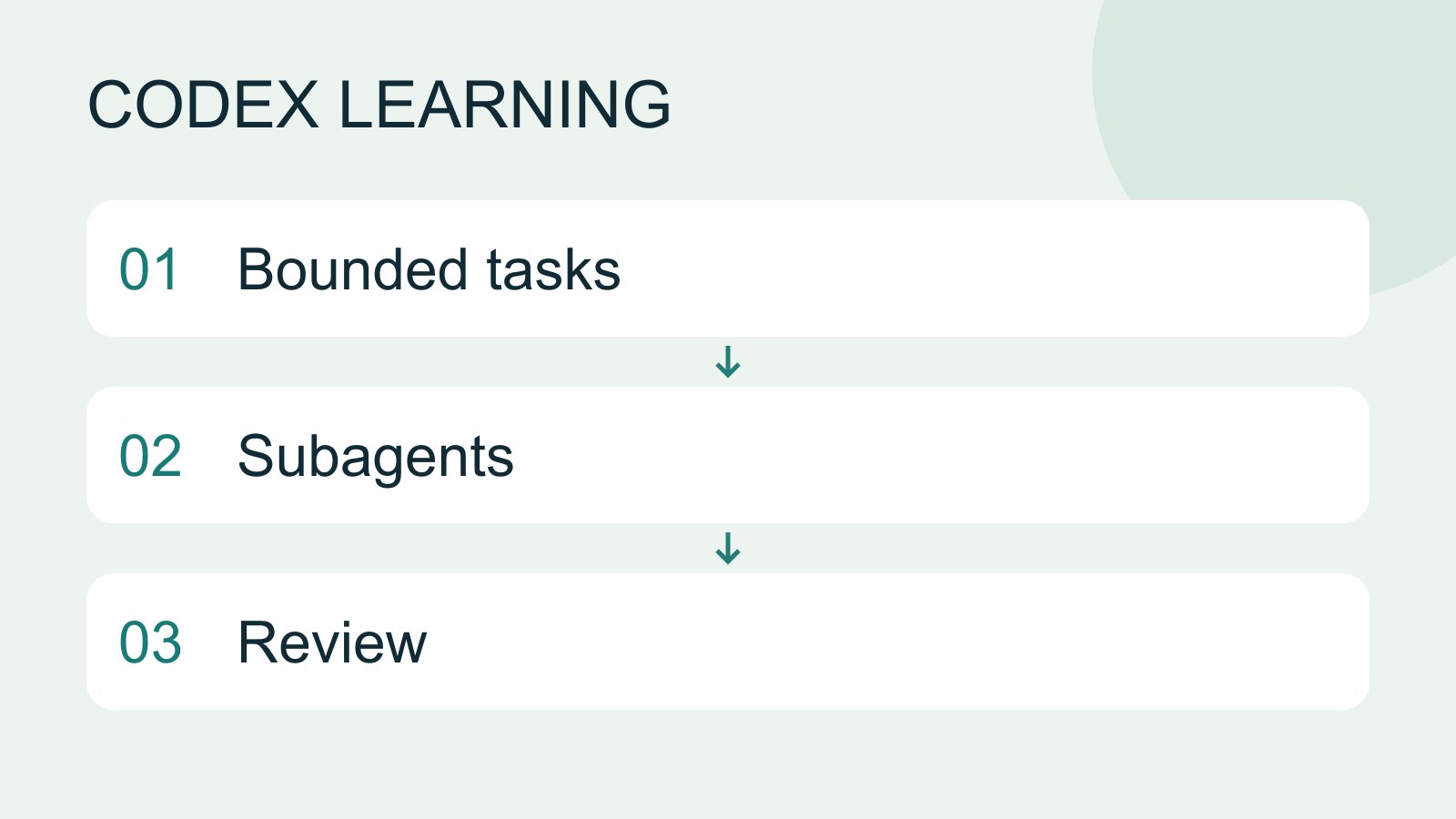
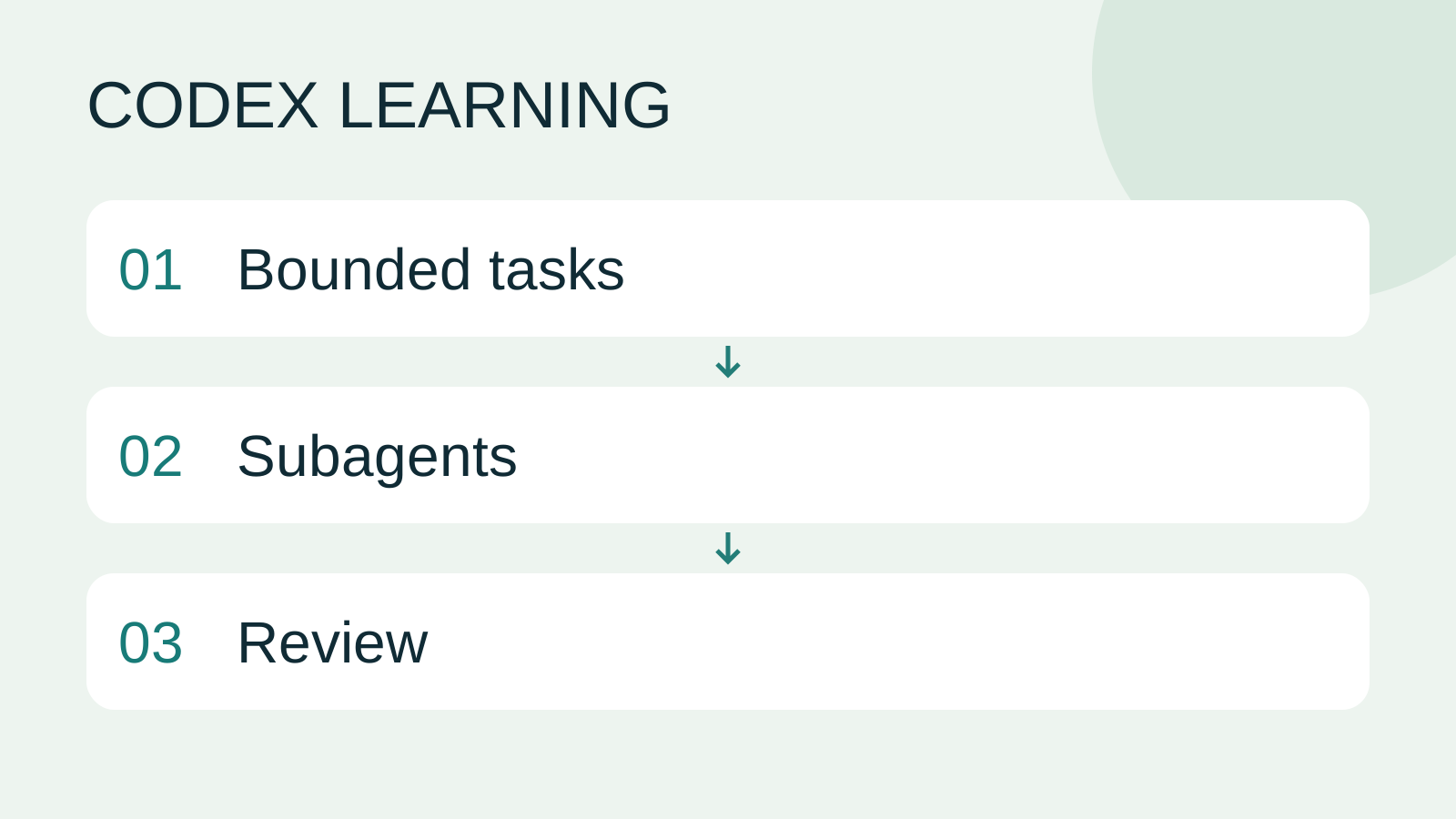
Bounded tasks to Subagents to Review
Lifestyle
Codex learning hub: tutorial directory
A planned 60-lesson, ten-unit Codex curriculum, from setup and your first task to MD instructions and advanced integrations. Find your next lesson by experience, platform, goal or command; unpublished entries show their status.
Lifestyle
Workshop: build a small website
Plan and build the Small Steps task website from brief.md, with adding, completing, deleting, filtering and local persistence. Separate HTML, CSS, data functions, UI events and tests, verify with Node and browser checks, and document restart and recovery steps.
Lifestyle
Usage and efficiency: reducing rework
Record task conditions, model options, time and outcomes to reduce unnecessary retries and excess context.
Articles that cite this one
Latest travel guides

GuideTokyo
Where to Stay in Tokyo: Comparing Shinjuku, Ueno, Tokyo Station, Shibuya, Asakusa, Ikebukuro, and Ginza, Plus Airport Access, Accommodation Tax, and Luggage Delivery
Where should you stay in Tokyo? Compare Shinjuku, Ueno, Tokyo Station, Shibuya, Asakusa, Ikebukuro, and Ginza by the same criteria: access from Narita and Haneda, transit routes, nearby attractions, neighborhood character, and who each area suits. Includes a comparison table, a Yamanote Line diagram, Tokyo’s accommodation tax as verified in 2026/9 (changing to 3% in 2027/4), and Airport TA-Q-BIN luggage shipping rules.
- Budget
- Hotels

GuideTokyo
How to Choose Tokyo Transit Passes: Are Suica, Welcome Suica, the Tokyo Subway Ticket, and the JR Pass Worth It?
On a first Tokyo trip, start with an IC card and pay per ride (Welcome Suica has no deposit and is valid for 28 days). If you take four or more subway rides in a day, add a 72-hour Tokyo Subway Ticket for 2,000 yen; a JR Pass is never worthwhile if you stay in Tokyo and do not go to Kansai. See what TOURIST PASMO, Suica on iPhone, and the Tokyo Metro day pass do and do not cover, with a decision chart. Prices verified in September 2026.
- Transport
- Budget

GuideTokyo
Tokyo Disneyland and DisneySea Guide: Ticket Prices, Fantasy Springs, Disney Premier Access (DPA), Standby Pass, and Which Park to Choose for Your First Visit
Tokyo Disney one-day Passport prices vary: most weekdays in 9/2026 cost ¥9,900 and weekends ¥10,900. At 14:00 daily, tickets go on sale for the same date two months later. Free Priority Pass is no longer on the official service list; only paid Disney Premier Access (¥1,000–3,500 per person per use) shortens waits. Covers hours, the 25th anniversary, Standby Pass, Entry Request, Fantasy Springs access and first-visit park choice; checked on the official site in 9/2026.
- Itineraries
- Family