Lifestyle
Tests, code review and pull requests
Tests check behavior under specified conditions, review examines the change for defects and a PR presents proposed integration. They complement each other: tests passing does not establish review approval, and an open PR is not a merge.
About 15 min read · Practice 30 min
Practical · Desktop / CLI / VS Code / JetBrains / cloud
Before you start
On this page
Back to the Codex learning hubCodex learning hub: tutorial directoryA planned 60-lesson, ten-unit Codex curriculum, from setup and your first task to MD instructions and advanced integrations. Find your next lesson by experience, platform, goal or command; unpublished entries show their status.Read the full article
Goal and preparation
Lessons and resources mentioned here: Git basicsGit, branches, diffs and recoveryGit stores file history, branches organize changes and diffs show what changed. Codex can help, but you must verify that the changes belong to the task. Restoring an old conversation does not restore Git files.Read the full article
Tests check written cases, review looks for overlooked effects and PRs expose a branch's work for review. They do not replace one another. No finding is not proof of no defect, and an open PR is not a merge, deployment or publication. This exercise makes a coverage gap observable.
Step 1: Prepare a deliberately flawed proposal
Create codex-review-lab with the five expected files. Follow Git basics to initialize main and commit a baseline with a local practice identity. Verify clean status, then create the branch below. Use a fresh copy rather than a repository with unfinished edits so the change's origin is clear.
git switch -c codex/review-lab
node --test core.test.mjs
Expect three passing tests. Change only visibleTasks's final return tasks; to return tasks.reverse(); and rerun. All three still pass because existing filter assertions cover Active/Completed but not All order. This intentionally flawed proposal is for review, not yet a commit or accepted feature.
git diff -- core.mjs
node --test core.test.mjs
Step 2: Select the correct review scope
In the desktop app, open this Git project and choose Unstaged in the Review pane. Confirm the edited core.mjs appears, then use /review in the Codex composer and check the selected diff. For CLI, run codex from codex-review-lab in your system terminal, verify the task directory, then use /review in the interactive composer and choose Review uncommitted changes; do not enter it in the system shell. Nothing is committed yet, so reviewing a commit would miss reverse. See the official Code review documentation for surfaces and scopes.
The app also offers Staged, Commit, Branch and Last turn; Last turn is not the whole branch. CLI uncommitted review includes staged, unstaged and untracked content, broader than git diff alone. The Review pane may include edits from you or other tasks; select the correct repository in a multi-repository project. For a file with staged and unstaged changes, inspect both using the Git lesson's MM exerciseGit, branches, diffs and recoveryGit stores file history, branches organize changes and diffs show what changed. Codex can help, but you must verify that the changes belong to the task. Restoring an old conversation does not restore Git files.Read the full article, then specify which part to review.
Add the review requirement that All preserves order and does not mutate inputs. An actionable finding identifies reverse, the All/default trigger, order reversal plus in-place mutation and missing tests. “Code quality could improve” without location or consequences is insufficient for this case.
Review the uncommitted change only. All must preserve task order and must not mutate the input array. Existing tests pass, so inspect their coverage rather than treating that as proof.
For each finding, state the file/line, trigger, concrete impact and a verification case. Do not edit, stage, commit or push during this review. If you find no issue, report what you examined and any uncertainty.
If the reviewer misses it, do not rely on its conclusion alone; inspect reverse and run the tests below. If a finding is wrong, request a reproducible case before applying it. Review should supply verifiable evidence. Authorize an understood correction separately and compare the original concern with the final diff.
Step 3: Add tests and remove the flawed change
Add review.test.mjs below. One test checks All order; the other uses a frozen array to reject attempted mutation. Run both files against the flawed version first: original three pass, new two fail. Without this step you do not know whether the new tests detect the regression.
import test from "node:test";
import assert from "node:assert/strict";
import { visibleTasks } from "./core.mjs";

const makeTasks = () => [
  { id: "a", title: "Read", completed: true },
  { id: "b", title: "Build", completed: false },
];

test("All preserves original order", () => {
  assert.deepEqual(visibleTasks(makeTasks(), "all").map((task) => task.id), ["a", "b"]);
});

test("All does not attempt to mutate the input array", () => {
  const tasks = Object.freeze(makeTasks());
  assert.doesNotThrow(() => visibleTasks(tasks, "all"));
});
node --test core.test.mjs review.test.mjs
Restore only visibleTasks's last line to return tasks; and keep the new tests. Expect five passes. Inspect diff: core.mjs matches main again, leaving only added review.test.mjs. The review prevented a bad implementation and retained missing coverage. Describe the final test addition in the PR rather than claiming a code fix absent from its diff.
Step 4: Prepare a reviewable commit and PR draft
Stage only the new test, inspect paths/content and commit. Verify the main-to-branch diff contains only review.test.mjs and validation belongs to that final version. After further edits, rerun affected checks instead of citing older passes. Keep the draft's result only after actually observing it.
git add review.test.mjs
git diff --cached --name-only
git diff --cached -- review.test.mjs
git commit -m "Test All filter order and input preservation"
git diff --stat main...HEAD
git status --short
Title: Add regression coverage for All filter ordering and input preservation

The existing filter tests cover Active and Completed but miss All ordering and input mutation. Add two focused cases so a reversing implementation is rejected. Production code is unchanged.

Validation: node --test core.test.mjs review.test.mjs — 5 passed, if actually run.
The deliberate reverse variant fails both new tests.
Browser checks: NOT RUN in this test-only change unless separately verified.
Deployment: not performed.
Local work is now reviewable but no GitHub PR exists yet. For optional practice, create an empty GitHub repository without an initial README, copy its actual remote URL and replace the placeholder before executing. Verify remote -v points to your new repository. The two pushes then upload baseline and test branches.
git remote add origin YOUR_REPOSITORY_URL
git remote -v
git push -u origin main
git push -u origin codex/review-lab
On GitHub choose Pull requests → New pull request, base main and compare codex/review-lab. Verify Files changed contains only the test, add the title/body and create the PR, using draft if discussion remains. CI appears only if configured; verify checks target the current head. Stop at PR creation and handle merge/deployment through the project's process.
Tie validation to the final version
After the local commit, pause other tasks that could edit this lab and run these commands line by line. Expect the same HEAD before and after, a clean status, branch codex/review-lab, only review.test.mjs in main...HEAD, and five passing tests with none skipped. Attach the actual SHA and output to the delivery record. If HEAD matches but files are modified, the tests include uncommitted content and cannot be attributed solely to that commit.
git branch --show-current
git rev-parse HEAD
git status --short --untracked-files=all
git diff --name-only main...HEAD
node --test core.test.mjs review.test.mjs
git rev-parse HEAD
git status --short --untracked-files=all
As documented in Git diff, main...HEAD compares their common ancestor with HEAD and excludes uncommitted edits. Before git add, the new review.test.mjs may not appear in a plain diff; inspect status and read the file too. This lab uses local main. For a real PR, verify the actual base, head and CI for that head. Record skipped, cancelled and unfinished checks separately instead of relying on a green icon.
Troubleshooting, restoration and acceptance
| Symptom | Evidence needed |
|---|---|
| Tests pass but behavior is wrong | New case fails before and passes after |
| Review sees no diff | Check uncommitted/commit/base scope |
| Finding lacks an explanation | Location, trigger, minimal reproduction |
| PR includes unrelated files | Staging, branch origin, base/compare |
| CI absent or outdated | Workflow existence and head SHA |
| Further edits occur | Validate final diff again |
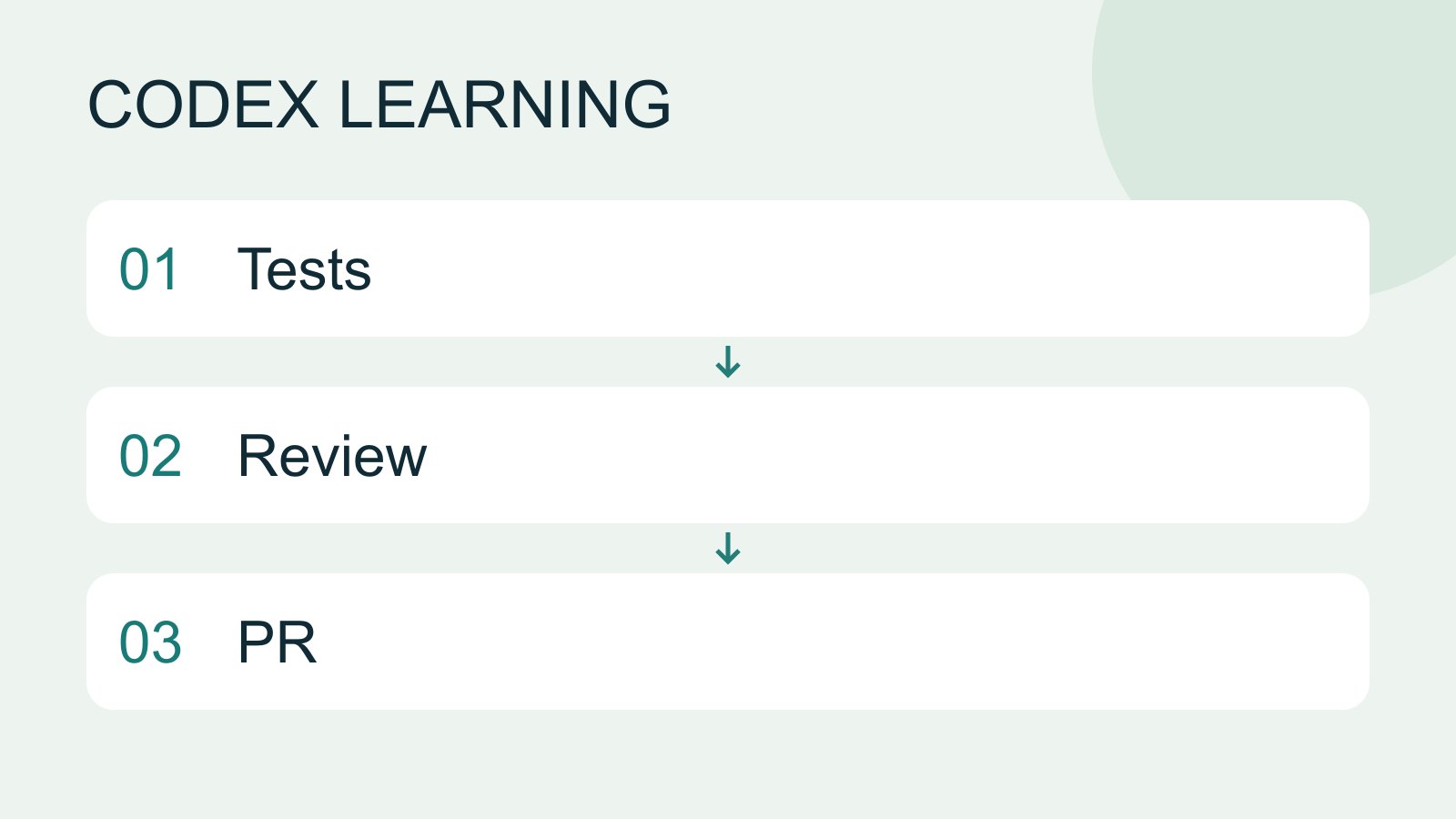
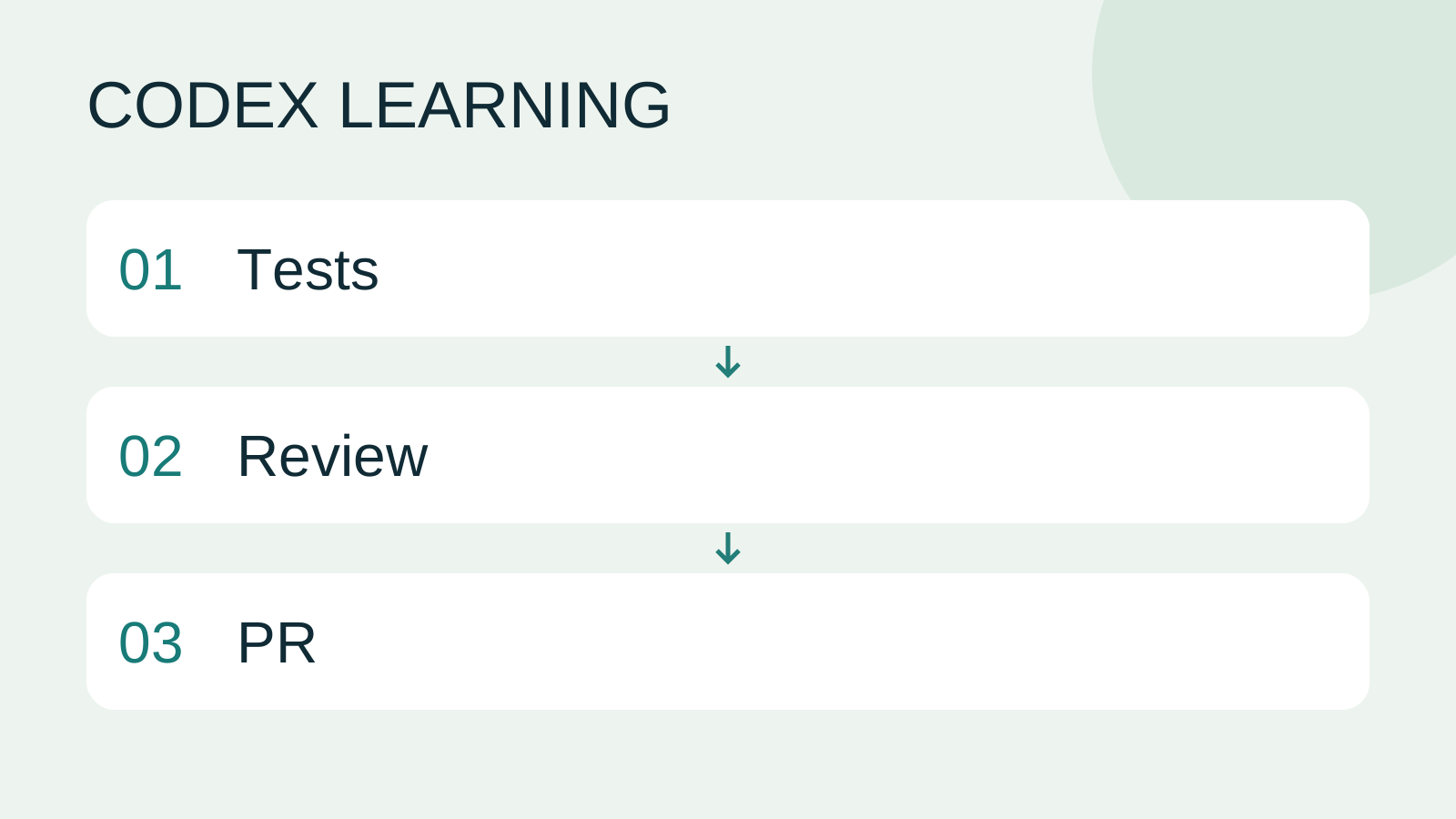
Retain the old three tests missing the bug, new two detecting it, final five passes and test-only commit. To repeat, reintroduce reverse in the isolated lab and restore after observing failure; do not delete the Git repository or rewrite public history. Close an unwanted practice PR while keeping its discussion. Diagram 1 is tests, 2 review judgment, 3 verifiable delivery. No model review, GitHub push or publication was performed for you.
Back to the Codex learning hubCodex learning hub: tutorial directoryA planned 60-lesson, ten-unit Codex curriculum, from setup and your first task to MD instructions and advanced integrations. Find your next lesson by experience, platform, goal or command; unpublished entries show their status.Read the full article
Read the full description
Tests to Review to PR
Lifestyle
Codex learning hub: tutorial directory
A planned 60-lesson, ten-unit Codex curriculum, from setup and your first task to MD instructions and advanced integrations. Find your next lesson by experience, platform, goal or command; unpublished entries show their status.
Lifestyle
Worktrees and isolated tasks
A Git worktree gives one repository multiple working directories on different branches. It isolates file edits, but databases, ports and external services may still be shared. File isolation is not full resource isolation.
Lifestyle
Workshop: build a small website
Plan and build the Small Steps task website from brief.md, with adding, completing, deleting, filtering and local persistence. Separate HTML, CSS, data functions, UI events and tests, verify with Node and browser checks, and document restart and recovery steps.
Lifestyle
Usage and efficiency: reducing rework
Record task conditions, model options, time and outcomes to reduce unnecessary retries and excess context.
Articles that cite this one
Latest travel guides

GuideTokyo
Where to Stay in Tokyo: Comparing Shinjuku, Ueno, Tokyo Station, Shibuya, Asakusa, Ikebukuro, and Ginza, Plus Airport Access, Accommodation Tax, and Luggage Delivery
Where should you stay in Tokyo? Compare Shinjuku, Ueno, Tokyo Station, Shibuya, Asakusa, Ikebukuro, and Ginza by the same criteria: access from Narita and Haneda, transit routes, nearby attractions, neighborhood character, and who each area suits. Includes a comparison table, a Yamanote Line diagram, Tokyo’s accommodation tax as verified in 2026/9 (changing to 3% in 2027/4), and Airport TA-Q-BIN luggage shipping rules.
- Budget
- Hotels

GuideTokyo
How to Choose Tokyo Transit Passes: Are Suica, Welcome Suica, the Tokyo Subway Ticket, and the JR Pass Worth It?
On a first Tokyo trip, start with an IC card and pay per ride (Welcome Suica has no deposit and is valid for 28 days). If you take four or more subway rides in a day, add a 72-hour Tokyo Subway Ticket for 2,000 yen; a JR Pass is never worthwhile if you stay in Tokyo and do not go to Kansai. See what TOURIST PASMO, Suica on iPhone, and the Tokyo Metro day pass do and do not cover, with a decision chart. Prices verified in September 2026.
- Transport
- Budget

GuideTokyo
Tokyo Disneyland and DisneySea Guide: Ticket Prices, Fantasy Springs, Disney Premier Access (DPA), Standby Pass, and Which Park to Choose for Your First Visit
Tokyo Disney one-day Passport prices vary: most weekdays in 9/2026 cost ¥9,900 and weekends ¥10,900. At 14:00 daily, tickets go on sale for the same date two months later. Free Priority Pass is no longer on the official service list; only paid Disney Premier Access (¥1,000–3,500 per person per use) shortens waits. Covers hours, the 25th anniversary, Standby Pass, Entry Request, Fantasy Springs access and first-visit park choice; checked on the official site in 9/2026.
- Itineraries
- Family
Sources
- Codex review scopes · Checked:
- CLI review commands · Checked:
- Creating a pull request · Checked: