Lifestyle
Off the road: AI tools and tutorials, software, gadgets and everyday notes.
Browse by topic
AI tools
From glossary entries and tool comparisons to coding agents and local models: every step of putting AI to work, written to be followed.
Tutorials
Apps & software
Set-up, comparisons and alternatives for apps and software.
Gadgets
Productivity
Everyday life
Money & finance
Understand where the money goes: budgeting, banking and cards, tax and insurance, investing basics. Methods and rules, never product picks.
Websites & e-commerce
Build and run your own site: WordPress, WooCommerce, domains, hosting and front-end basics, from zero to live.
Marketing & SEO
Getting content seen: SEO, ads and affiliate programmes, and how to run content and a brand.
Tech & industry
Chips, devices, platforms and telecoms: verified facts and dates, never a recommendation.
All articles
Lifestyle
Codex learning hub: tutorial directory
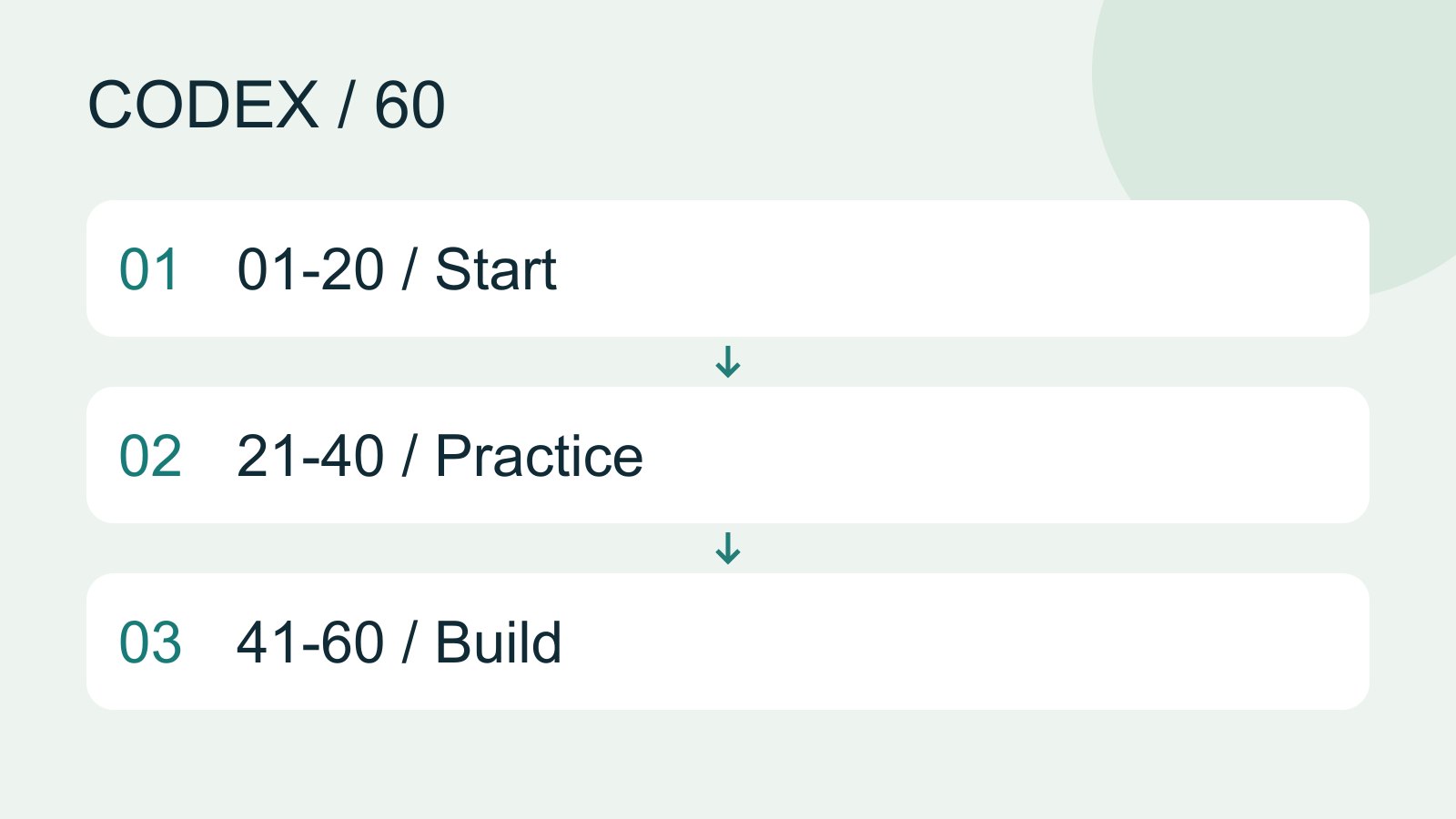
A planned 60-lesson, ten-unit Codex curriculum, from setup and your first task to MD instructions and advanced integrations. Find your next lesson by experience, platform, goal or command; unpublished entries show their status.
- AI tools
- Tutorials
- Codex
Lifestyle
What is Codex? How it differs from ChatGPT
Codex is a coding agent that can inspect a project, edit files and run tools in a chosen environment. A model supplies its reasoning; a task is one assignment; a project groups related work and files. Unlike copying a code answer from chat into an editor, an agent can make the change in the workspace you selected.
- AI tools
- Tutorials
- Codex
Lifestyle
Accounts, sign-in, plans and usage
Check how you signed in before interpreting usage. ChatGPT sign-in uses the Codex allowance associated with that account; API-key authentication in a supported client requires checking API billing separately. This tutorial teaches you where to verify your own allowance rather than freezing a price or message limit that may change.
- AI tools
- Tutorials
- Codex
Lifestyle
Choosing a Codex platform
Compare desktop, mobile, CLI, IDE and cloud scenarios, and identify where files and tools run.
- AI tools
- Tutorials
- Codex
Lifestyle
Desktop: Windows, macOS and Linux
The desktop workspace combines tasks, files, terminals and change review. Current official downloads use the name ChatGPT desktop app; choose Codex inside it. Follow the separate installation path for your system. Linux is a preview with a specific support list, not a promise of compatibility with every distribution.
- AI tools
- Tutorials
- Codex
Lifestyle
Terminal paths and project roots
Create a practice folder on Windows, macOS or Linux and distinguish current, relative and absolute paths.
- AI tools
- Tutorials
- Codex
Lifestyle
Mobile: iPhone and Android
Remote in the ChatGPT mobile app lets you guide Codex work on a connected computer. Official documentation lists iOS and Android clients, with Mac or Windows hosts, subject to rollout. This does not install a full development environment on the phone, and does not establish Linux host support.
- AI tools
- Tutorials
- Codex
Lifestyle
Install and start Codex CLI
Choose an installation platform, sign in, inspect a file, make a one-line change, verify it independently and resume the session. Includes a repeatable two-file exercise and a missing-file test.
- AI tools
- Tutorials
- Codex
Lifestyle
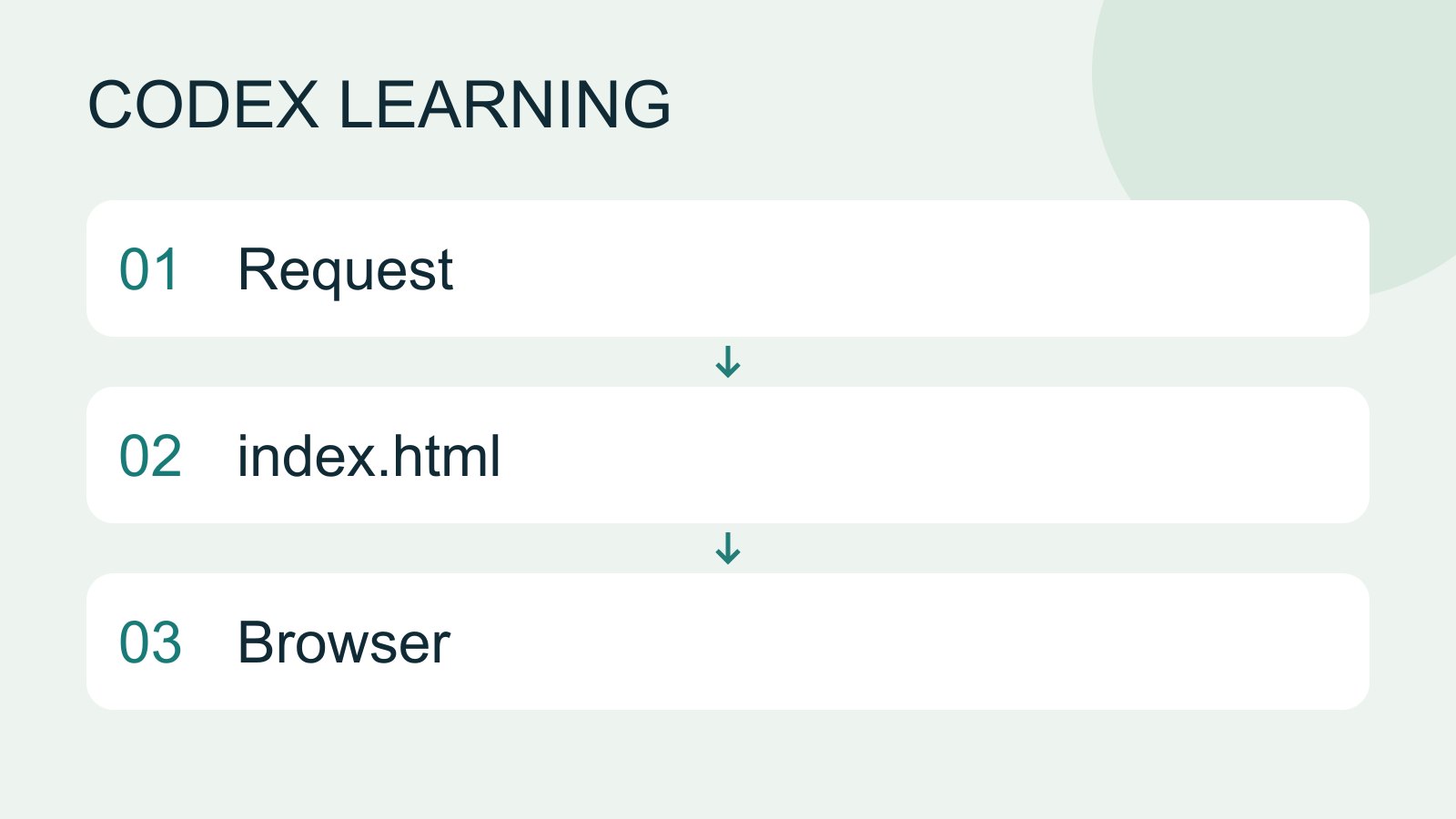
Finish your first small project
Use an independent copy of the Small Steps todo website to change its heading and background. Identify the five practice files and compare the diff, core tests and two viewport widths while preserving behavior and data.
- AI tools
- Tutorials
- Codex
Lifestyle
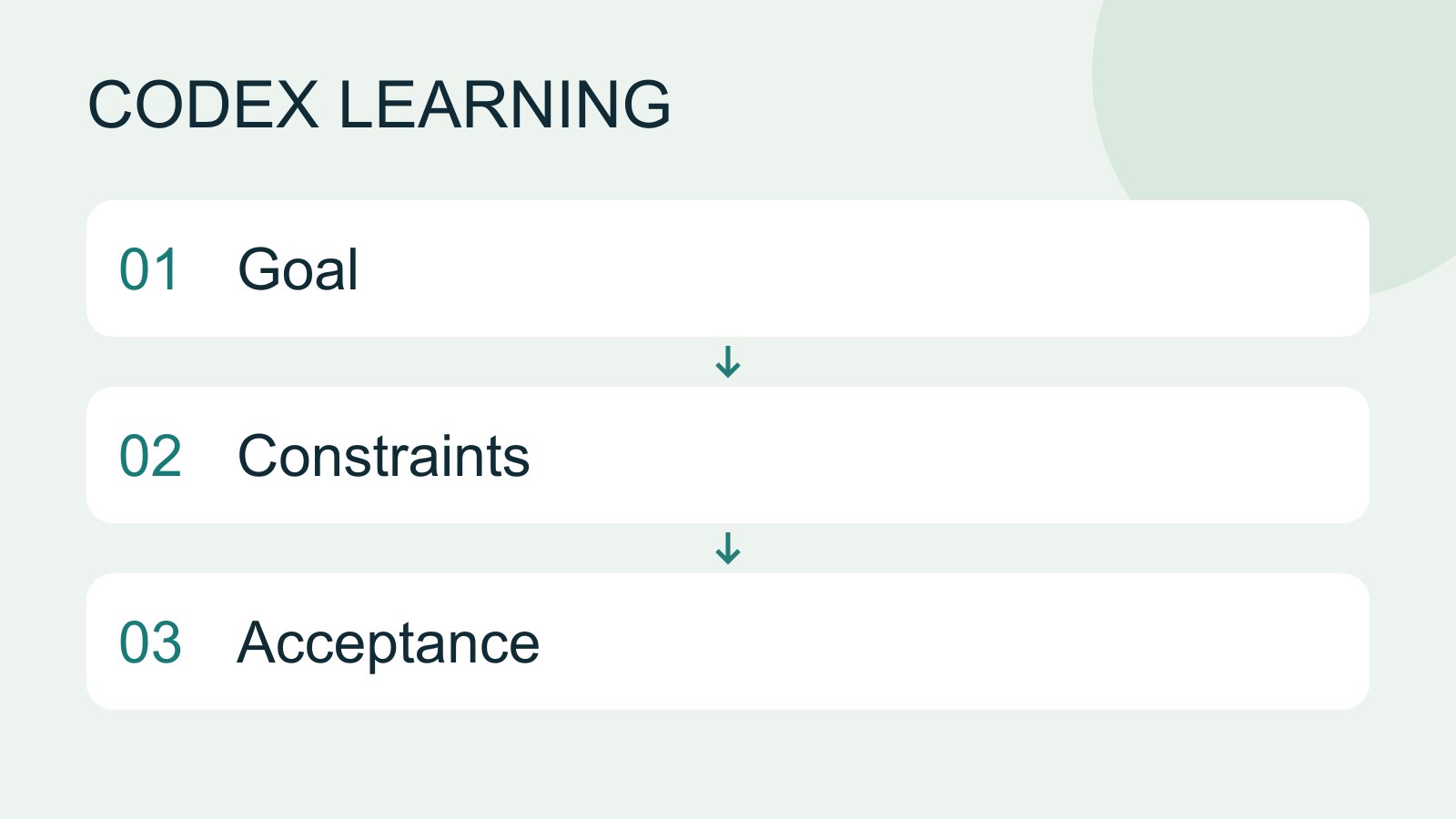
Write a clear task request
A useful request explains the outcome, available context, boundaries and acceptance checks. 'Improve the page' could mean speed, appearance or accessibility. Convert it into observable behavior before adding more instructions.
- AI tools
- Tutorials
- Codex
Lifestyle
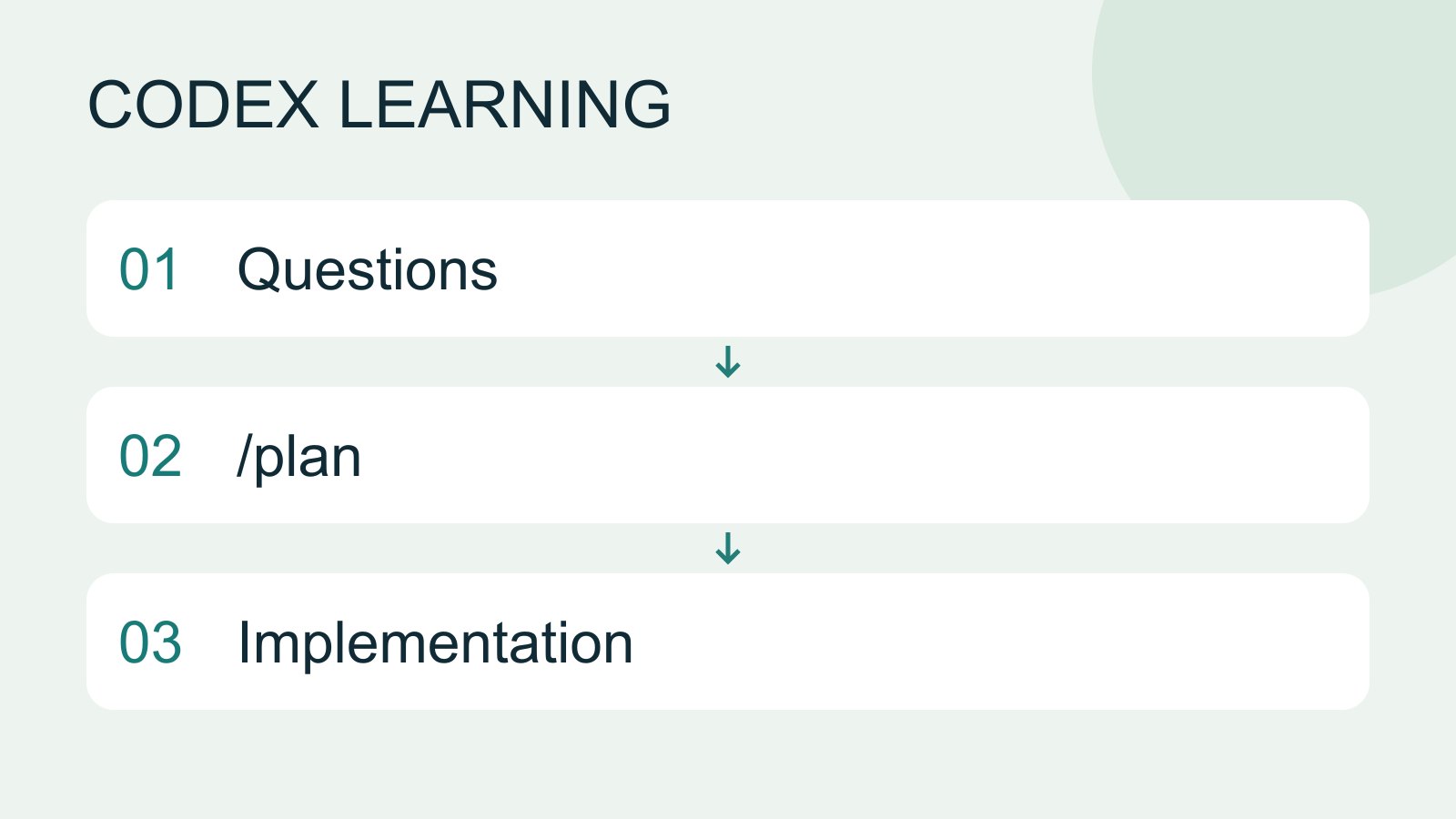
Plan mode: agree on the work first
Plan mode is useful when scope or approach still needs decisions. It produces an implementation plan, not finished code. Define the questions to resolve and check that the plan includes inputs, outputs, constraints and verification.
- AI tools
- Tutorials
- Codex
Lifestyle
Windows CLI setup and troubleshooting
Install and sign in from PowerShell, check command discovery, read a project and troubleshoot updates.
- AI tools
- Tutorials
- Codex
Lifestyle
Markdown and MD files
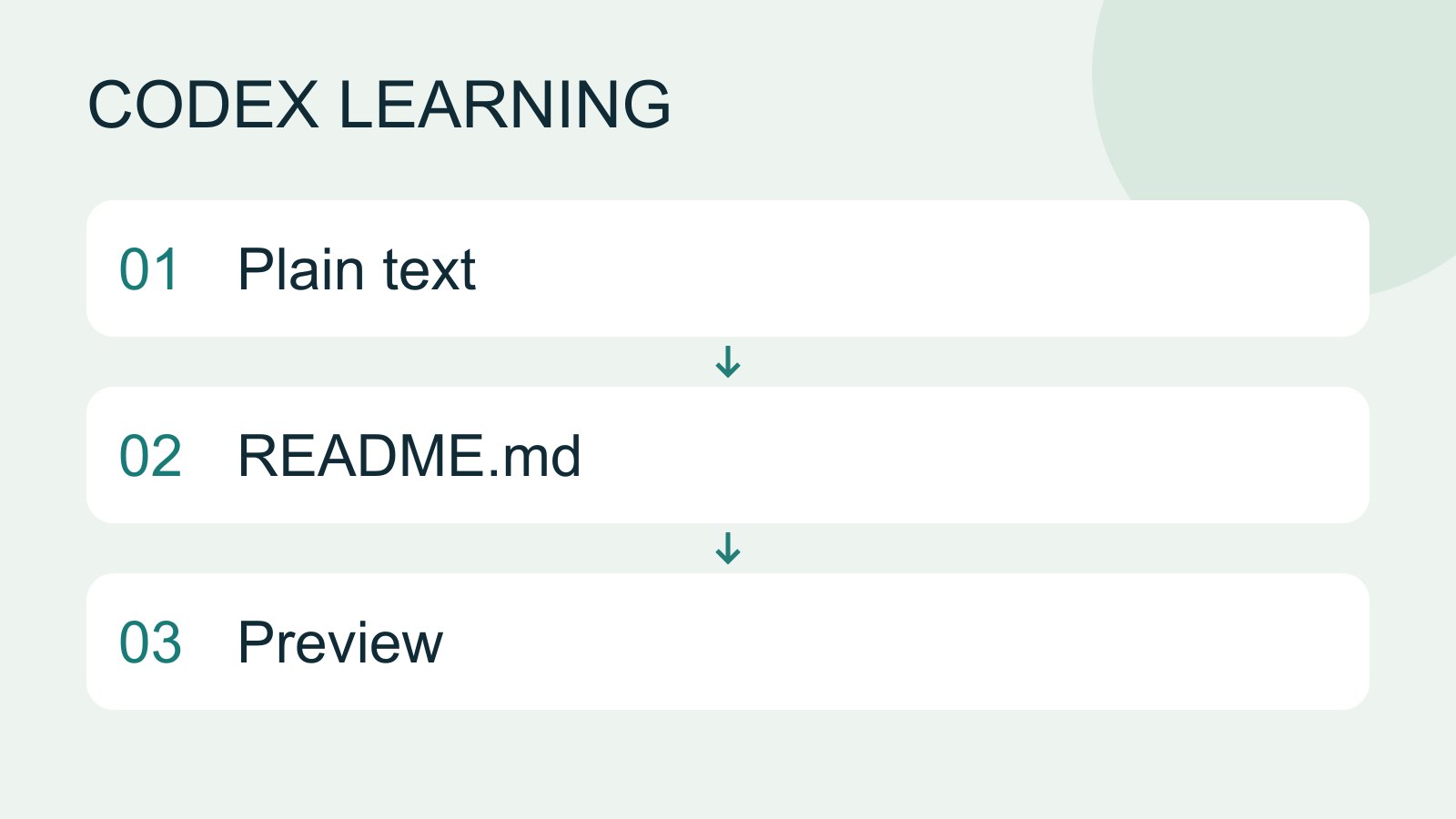
Markdown uses plain-text markers for headings, lists, links and code, commonly in .md files. README.md explains a project, AGENTS.md supplies agent instructions and SKILL.md defines a reusable skill. An arbitrary MD file is not automatically an instruction source.
- AI tools
- Tutorials
- Codex
Lifestyle
macOS CLI setup and troubleshooting
Set up the CLI in macOS Terminal and separate shell, update, directory and permission problems.
- AI tools
- Tutorials
- Codex
Lifestyle
Linux and WSL CLI environments
Distinguish host and WSL tools, paths and accounts, then run the exercise and update from the right environment.
- AI tools
- Tutorials
- Codex
Lifestyle
Project instructions with AGENTS.md
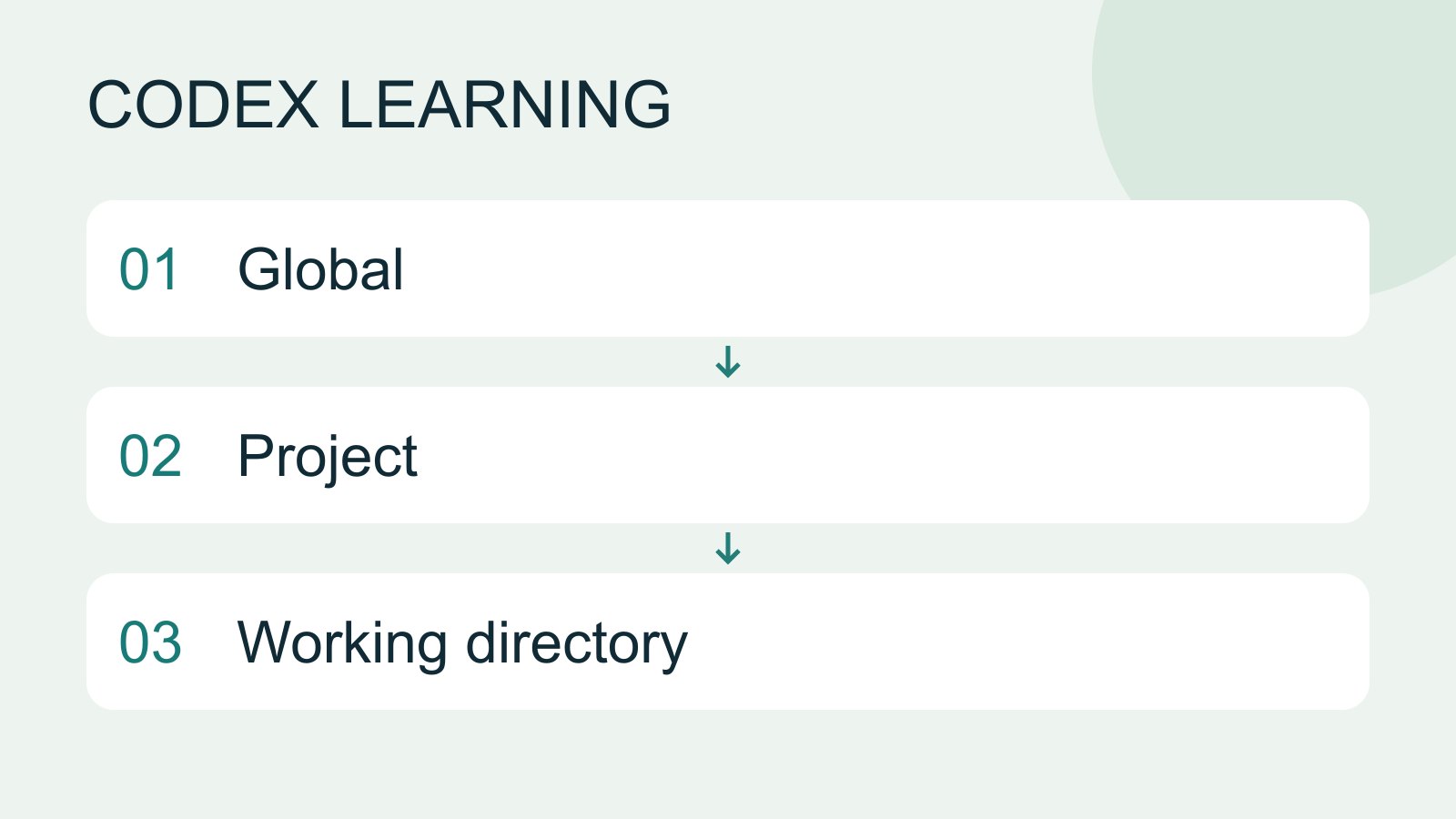
AGENTS.md supplies project instructions before Codex starts work. Global guidance and files along the project-root-to-working-directory path form an instruction chain. At the same level, AGENTS.override.md takes precedence. Keep rules concrete and verify what was actually loaded.
- AI tools
- Tutorials
- Codex
Lifestyle
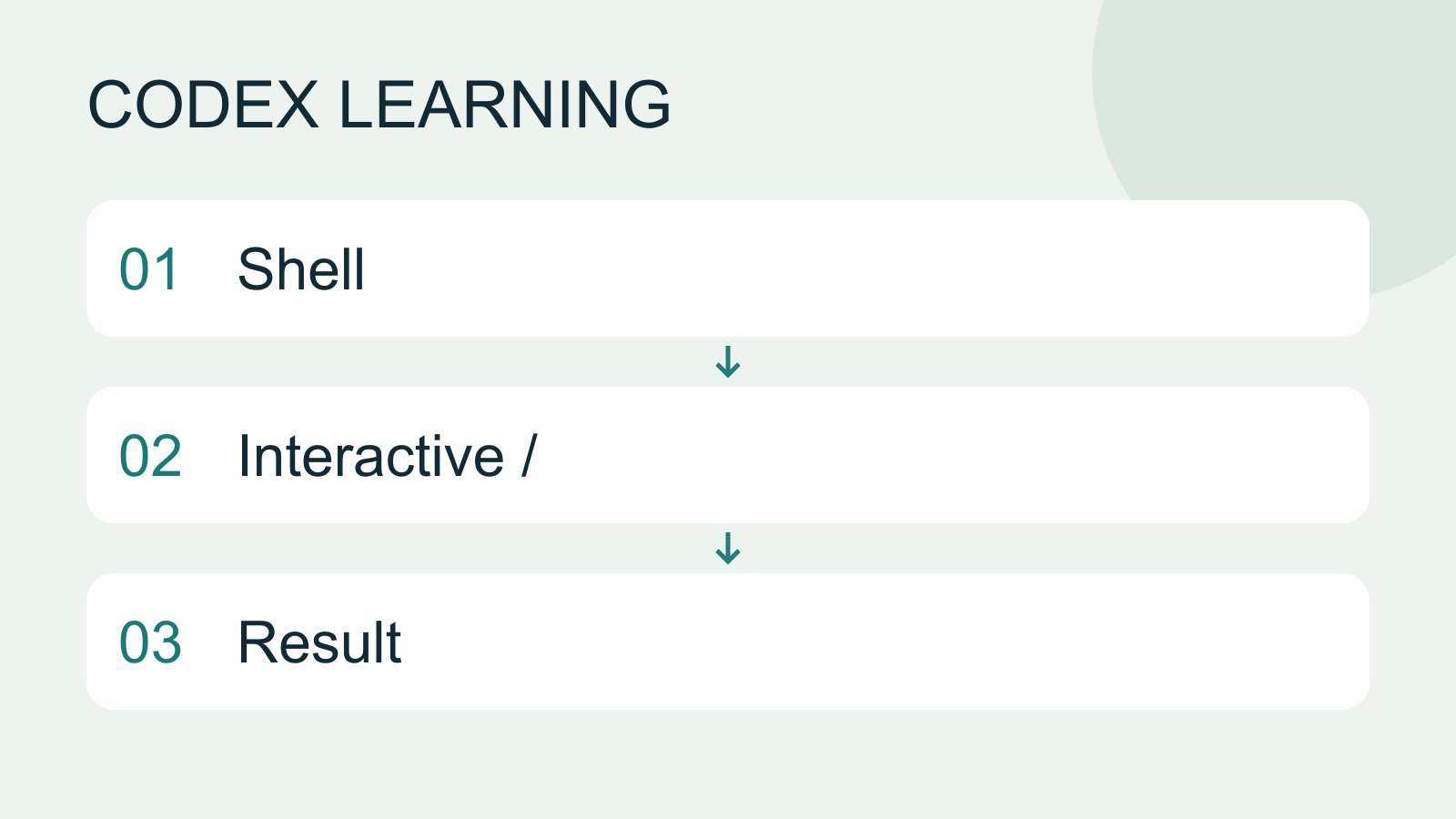
CLI commands and slash commands
Distinguish shell commands and launch flags, interactive slash commands, keyboard shortcuts and natural-language requests. Check the input location: /plan belongs in the Codex interactive client; codex --help runs in the operating-system terminal.
- AI tools
- Tutorials
- Codex
Lifestyle
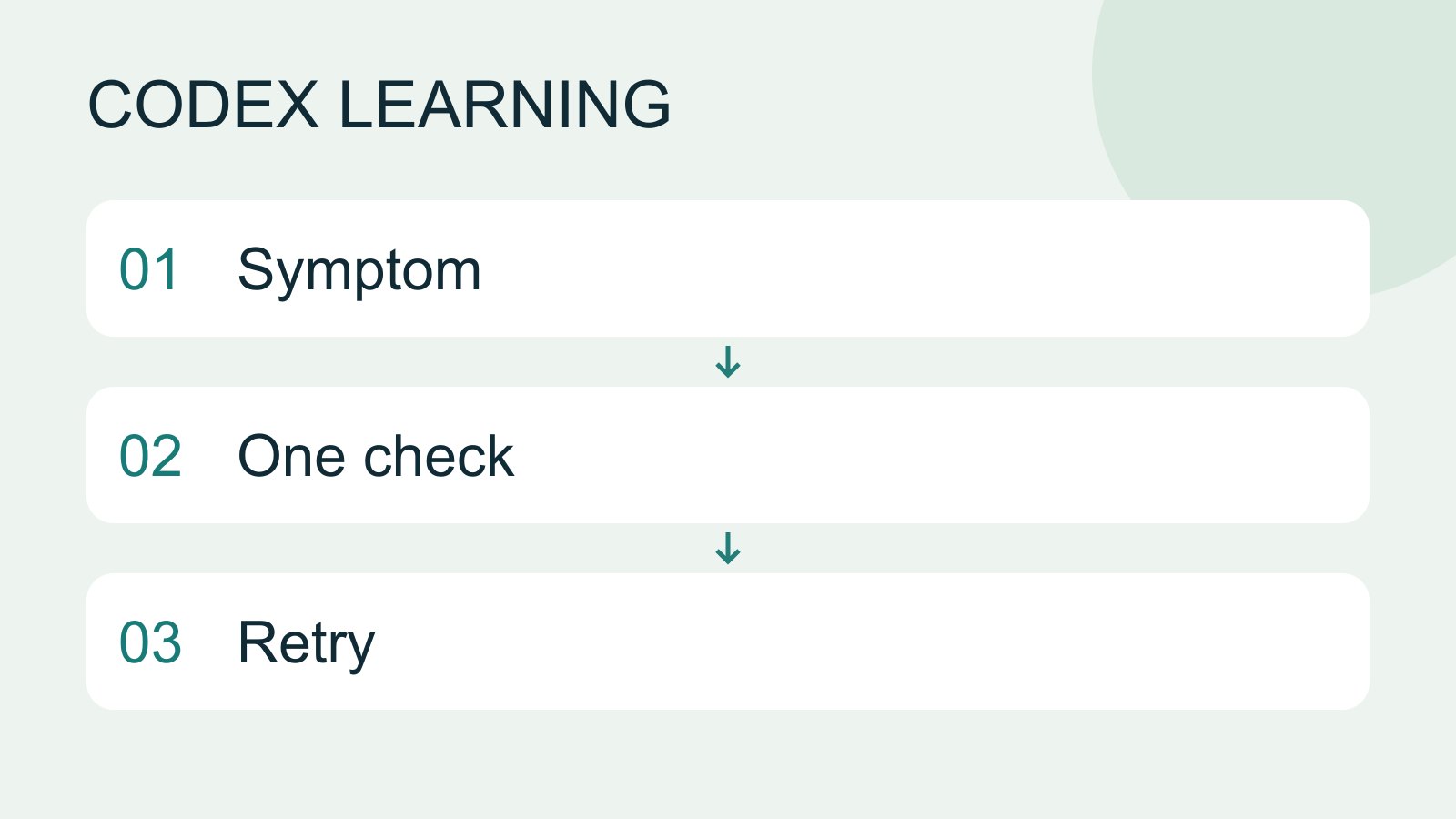
Troubleshooting for beginners
Start by locating the failing layer. A missing executable suggests installation or PATH; a rejected account suggests authentication; missing files suggest location or permissions; an incorrect result may involve the request or project code. Change one condition at a time.
- AI tools
- Tutorials
- Codex
Lifestyle
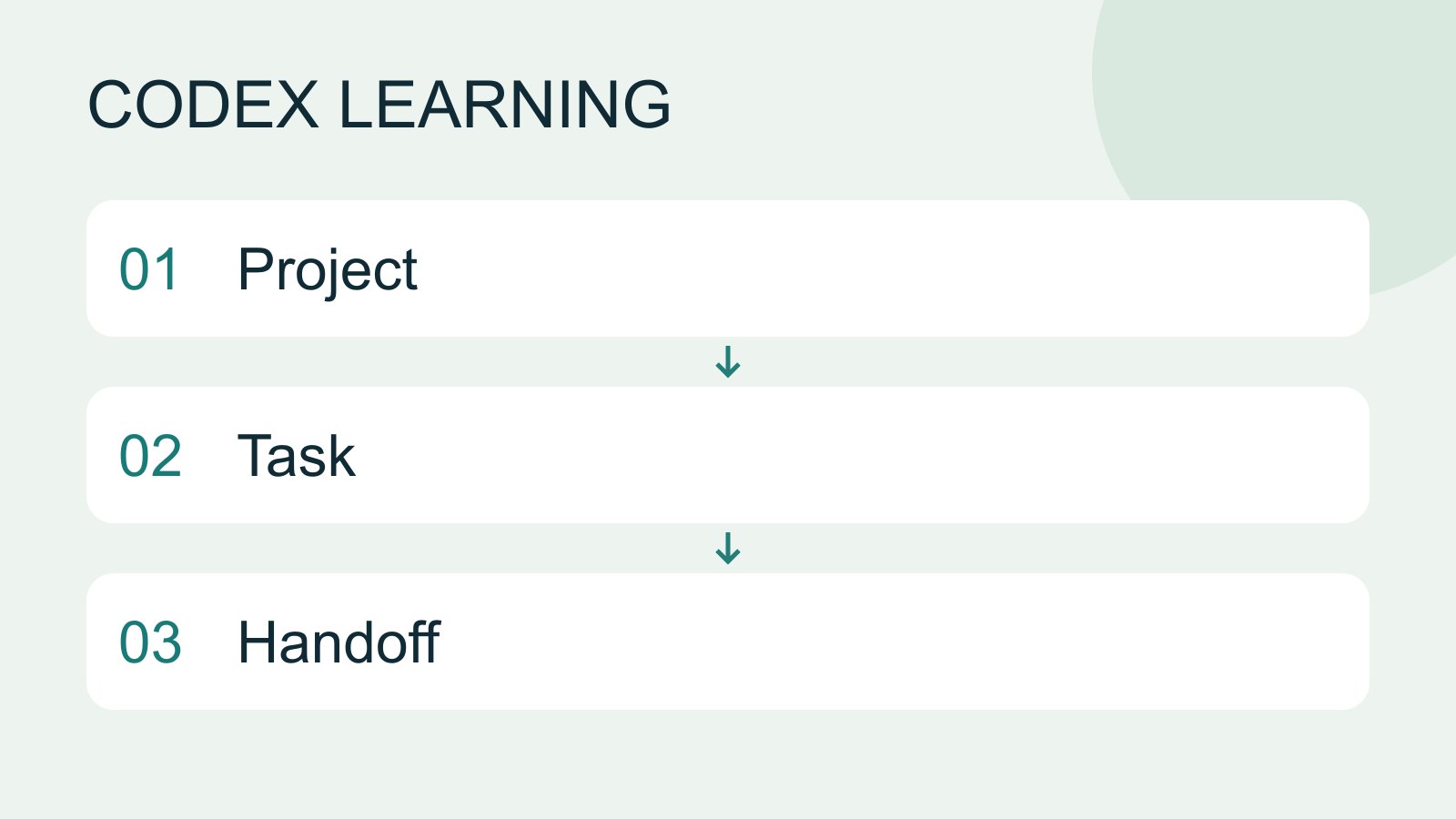
Manage desktop tasks and projects
Keep follow-ups about one outcome in the same task and separate independent outcomes into different tasks. Projects identify files; tasks track assignments. Multiple tasks do not automatically isolate files: use worktrees when isolation is needed.
- AI tools
- Tutorials
- Codex
Lifestyle
Continuing Codex work on iPhone or iPad
Check the available iOS entry point, pairing and authentication, then track a supported task on its host.
- AI tools
- Tutorials
- Codex
Lifestyle
Get started in your IDE
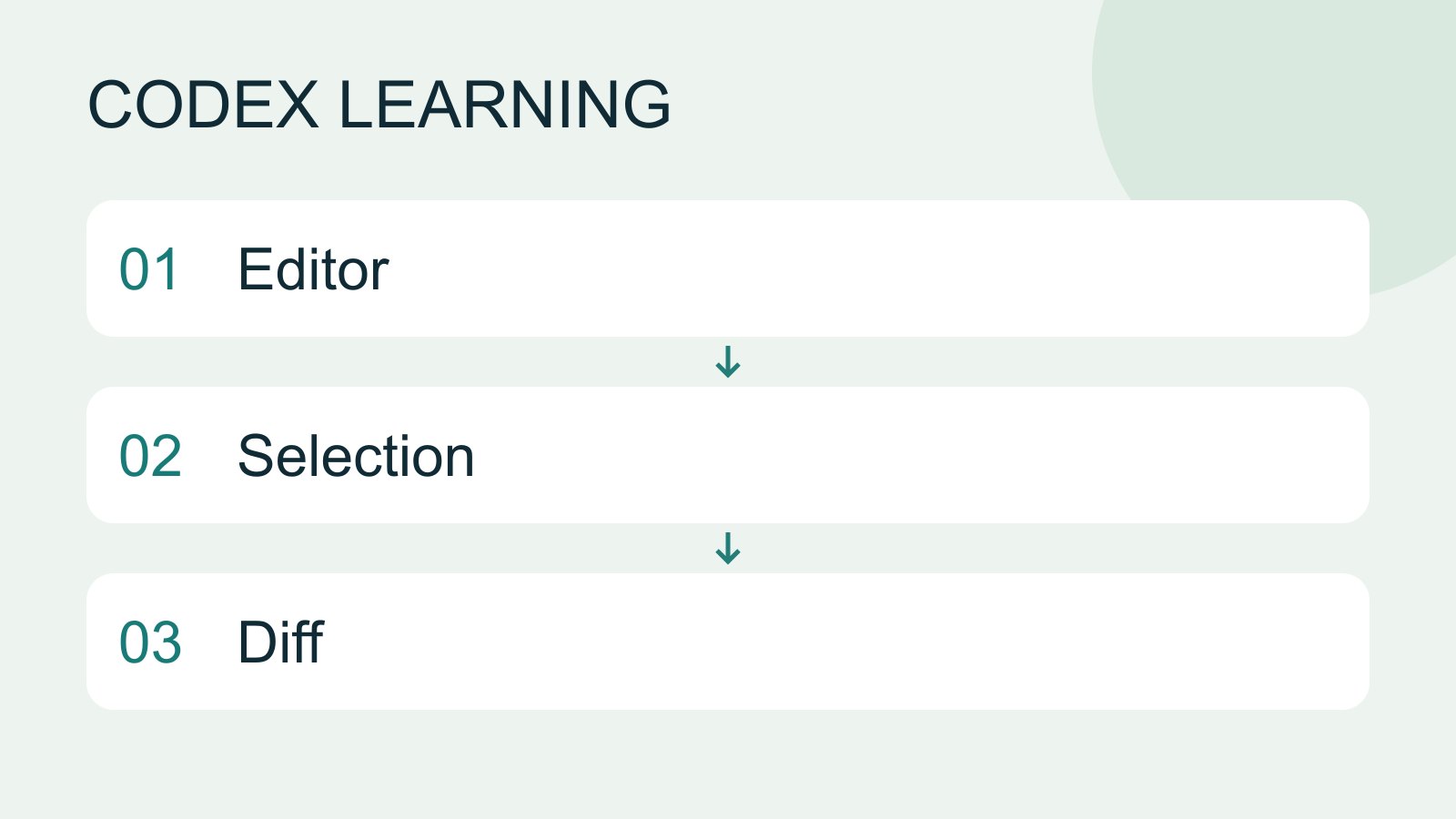
IDE integration places Codex beside your code for focused explanation and edits. VS Code, Cursor and Windsurf use the Codex extension; Xcode and JetBrains expose their own integration flows. Do not interchange their installation steps.
- AI tools
- Tutorials
- Codex
Lifestyle
Continuing Codex work on Android
Check the Android app, pairing and notifications, select the correct host and verify the task output.
- AI tools
- Tutorials
- Codex
Lifestyle
Cloud tasks and GitHub
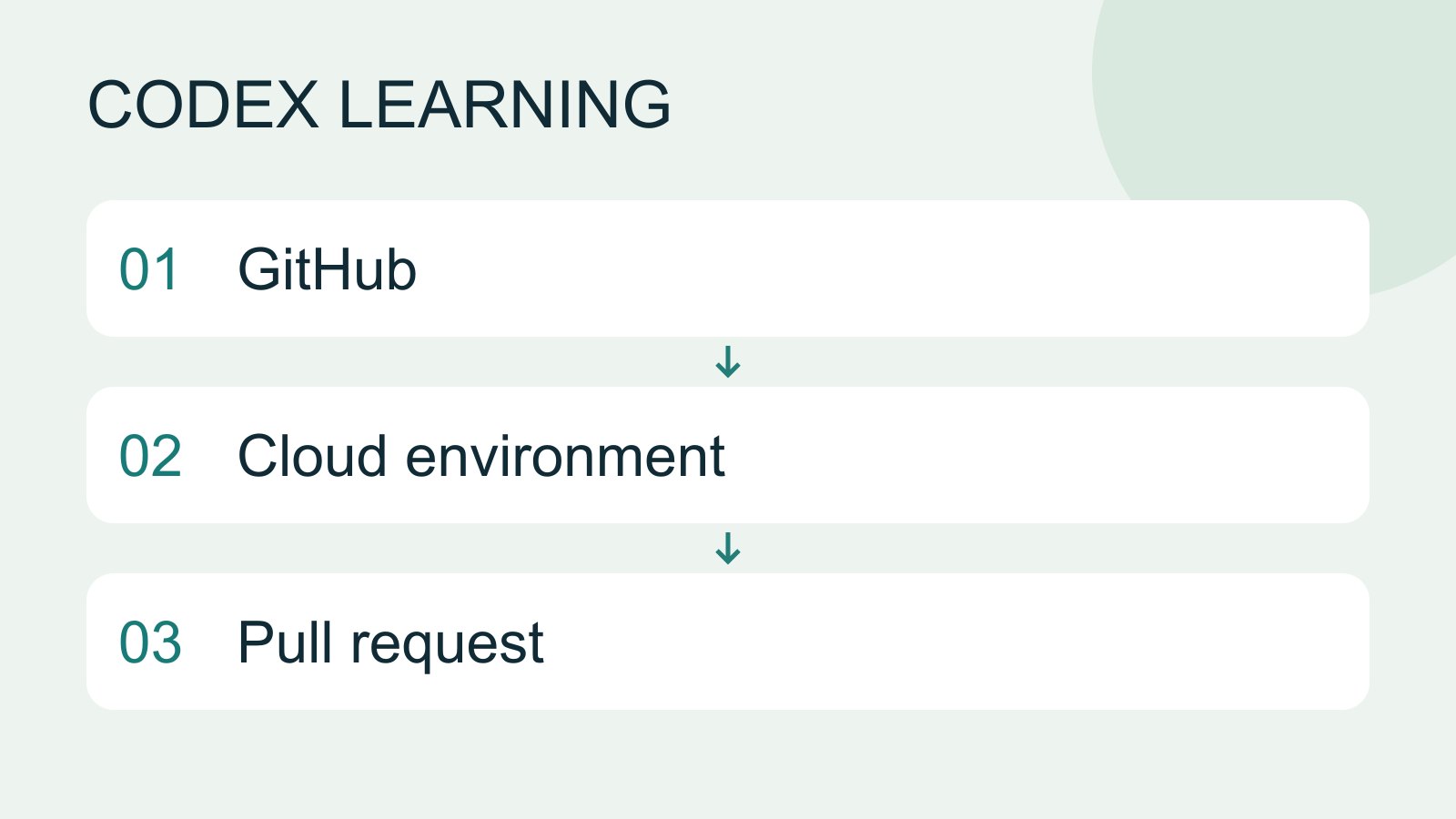
Cloud tasks run in a remote environment configured for a repository. They suit longer delegated work, but cannot automatically see uncommitted files on your computer. Creating a pull request is distinct from merging or deploying it.
- AI tools
- Tutorials
- Codex
Lifestyle
Remote setup, diagnosis and disconnection
Pair devices, diagnose host availability and verify fresh file reads. Distinguish remote access, device pairing and task execution when stopping work.
- AI tools
- Tutorials
- Codex