Lifestyle
Terminal paths and project roots
Create a practice folder on Windows, macOS or Linux and distinguish current, relative and absolute paths.
About 12 min read · Practice 20 min
Beginner · Desktop / CLI / VS Code / JetBrains
Before you start
On this page
Back to the Codex learning hubCodex learning hub: tutorial directoryA planned 60-lesson, ten-unit Codex curriculum, from setup and your first task to MD instructions and advanced integrations. Find your next lesson by experience, platform, goal or command; unpublished entries show their status.Read the full article
What you will be able to do
Distinguish window, shell and input
The terminal is the window hosting text interaction; shells such as PowerShell, Bash and zsh interpret commands. Starting codex enters another conversational interface inside that window. A single window can therefore contain different input contexts. A PS prompt with a path usually indicates PowerShell; the Codex composer sends requests to the agent. Do not paste shell commands, /plan and natural-language prompts as one undifferentiated block.
An absolute path starts from a drive or filesystem root, such as C:\Work\demo or /home/reader/demo. A relative path is interpreted from the current directory. A dot means this directory and two dots mean its parent. Changing a terminal's directory does not move files or change another open terminal. Check location in each new window rather than relying on the previous window's state.
Prepare nested folders and a text file
Use a file manager to create a new codex-terminal-lab folder somewhere convenient, then a child named lesson one, including the space. If the name already exists, choose a new name and use the actual path in subsequent commands. In lesson one, save note.txt as UTF-8 plain text with the single line below. Creating it graphically first helps you connect terminal output with a known file.
Terminal practice: this is lesson one.
The folder should have the structure below. Avoid note.txt.txt in Windows and RTF in macOS; preserve case on Linux. A space in a folder name is valid and useful for practising quotation. Code blocks contain the commands or content to use; do not prepend prompt markers such as PS C:\> or $.
codex-terminal-lab/
  lesson one/
    note.txt
Windows: complete PowerShell procedure
Open PowerShell from Start, or use Open in Terminal from codex-terminal-lab in File Explorer. If Terminal opens Command Prompt, select PowerShell; Get-Location is not a cmd.exe command. Run the following read-only commands to inspect location and immediate children. If lesson one is missing, check the actual path in Explorer before trying to read the file.
Get-Location
Get-ChildItem -Name
If you need to navigate manually, copy the full codex-terminal-lab path from Explorer and replace the example inside the quotes below. YOUR_NAME is a placeholder, not a usable path; Documents may live in OneDrive or on another drive. LiteralPath treats the path literally, avoiding wildcard interpretation of brackets. Successful navigation usually prints nothing, so inspect location again.
Set-Location -LiteralPath 'C:\Users\YOUR_NAME\Documents\codex-terminal-lab'
Get-Location
Get-ChildItem -Name
Once you are at the actual practice root, enter the child folder containing a space, read the file, then return to the parent. These commands do not change files. Expect the full English sentence, followed by a location back at codex-terminal-lab. Do not judge the whole sequence solely by its last line; stop and inspect any intermediate error.
Set-Location -LiteralPath '.\lesson one'
Get-Content -LiteralPath '.\note.txt'
Set-Location -LiteralPath '..'
Get-Location
macOS and Linux: complete terminal procedure
On macOS, open Terminal from Spotlight; on Linux, use the application menu or your file manager's terminal action. macOS commonly uses zsh and Linux commonly Bash; this section uses basic commands understood by both. Run pwd and ls -a first: the former reports location, the latter includes hidden entries. Do not assume a macOS /Users path exists under Linux /home.
pwd
ls -a
To navigate manually, type cd, a space, then the actual absolute folder path inside quotes; the line below is a replacement example. Dragging a folder into the terminal may also work, but inspect how spaces were escaped before adding extra quotes. If you write the home directory as $HOME, double quotes allow expansion; this lesson uses an explicit full path to avoid mixing in another syntax.
cd '/absolute/path/to/codex-terminal-lab'
pwd
ls -a
After locating lesson one, run the next sequence. Expect the same sentence and a return to the original root. If a step fails, correct it before continuing line by line. The basic procedure is the same on macOS and Linux, but case sensitivity can depend on the filesystem. Match names exactly rather than relying on permissive matching.
cd 'lesson one'
cat note.txt
cd ..
pwd
Check an error before starting Codex
At the practice root, try a nonexistent missing-folder: use Set-Location -LiteralPath '.\missing-folder' in PowerShell or cd 'missing-folder' on macOS/Linux. Expect a missing-path error and an unchanged location. Error wording varies by language and version. This demonstrates that a failed navigation does not create a folder, and why editing commands should not follow an unchecked cd failure.
Read from the wrong location, then fix the relative path
First confirm that you are at the codex-terminal-lab root and that note.txt exists only inside lesson one. Use the block for your platform: the first line should report that note.txt is missing, while the second supplies the correct subfolder and should read Terminal practice: this is lesson one. The failed read does not move you into lesson one. Do not create another note.txt at the root to hide the error. These commands only read data and should leave the original file unchanged.
Get-Content -LiteralPath '.\note.txt'
Get-Content -LiteralPath '.\lesson one\note.txt'
cat note.txt
cat 'lesson one/note.txt'
If CLI is installed, run codex at the verified practice root and send the read-only request below. Otherwise continue to CLI setupInstall and start Codex CLIChoose an installation platform, sign in, inspect a file, make a one-line change, verify it independently and resume the session. Includes a repeatable two-file exercise and a missing-file test.Read the full article; do not change permissions just for this lesson. The agent should find lesson one/note.txt, read the sentence and report location. If the path differs, check whether the interface created a working copy before concluding the wrong folder was selected.
Read lesson one/note.txt and report the current working directory.
Do not modify any files. If the file is missing, report the actual error.
Troubleshooting, finishing and practice
For an unknown command, check the shell: Get-Content is not a Bash command. For a path split into arguments, check spaces and straight quotes rather than typographic quotes copied from a word processor. For access denied, verify that this is your own practice folder before considering administrator access. If an editor sees a file but the terminal does not, save it and check extension, directory and whether WSL is using another home.
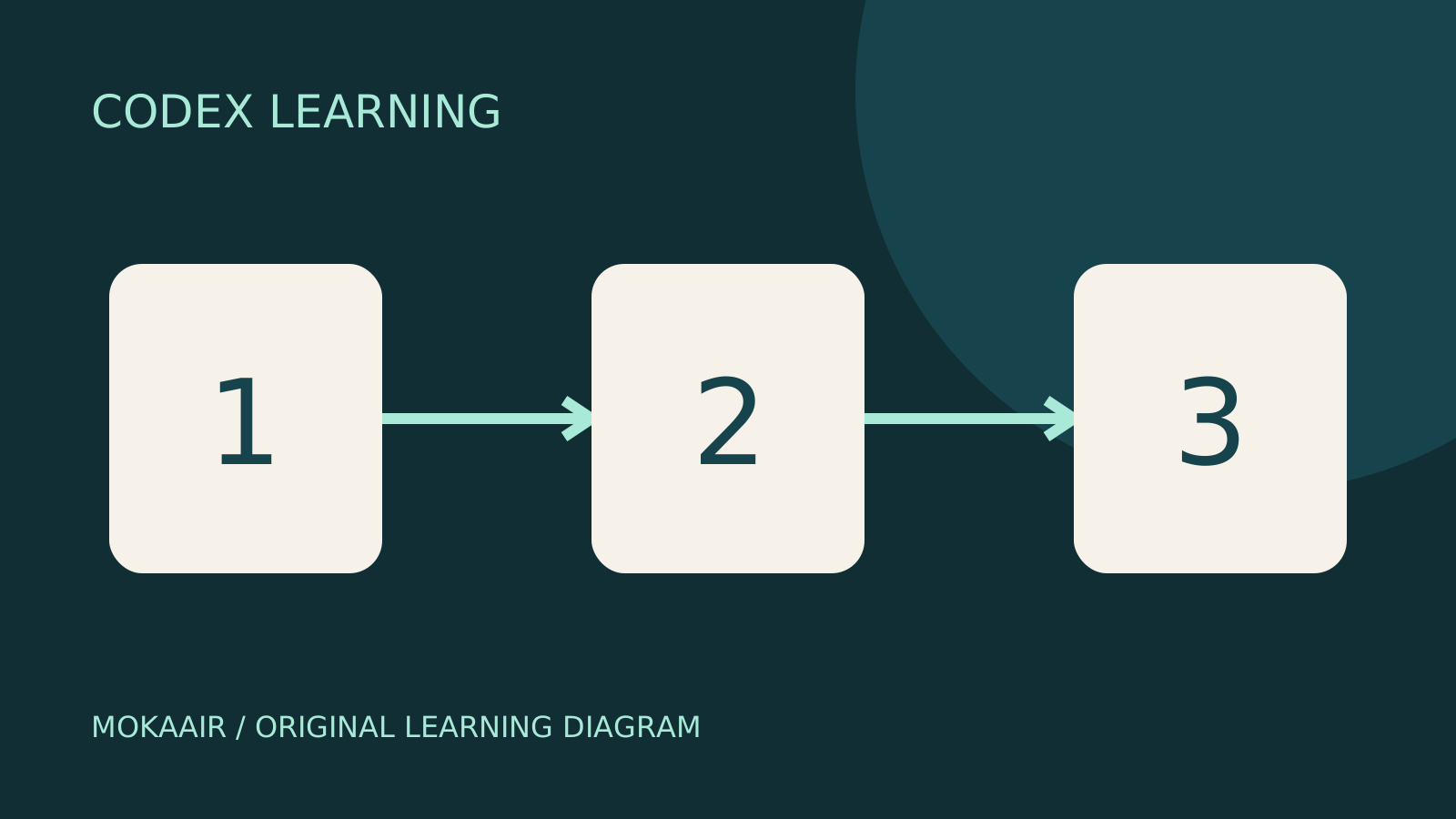
No source file was changed, so close the terminal or leave the folder when finished. Ctrl+C commonly interrupts a running program, but interruption does not restore data already written. Independently create lesson two/note.txt with a different sentence and read both files from the root. You pass when you can distinguish paths from files, handle spaces and identify the location after failure. Diagram steps 1, 2 and 3 mean locate, read and verify.
PowerShell path semantics were checked against Microsoft Set-Location documentation, and Codex startup against official CLI documentation, on 2026-09-14. Windows commands are also checked in an isolated exercise folder. The macOS/Linux sections describe common shell operations and are not presented as device screenshots. Continue with MarkdownMarkdown and MD filesMarkdown uses plain-text markers for headings, lists, links and code, commonly in .md files. README.md explains a project, AGENTS.md supplies agent instructions and SKILL.md defines a reusable skill. An arbitrary MD file is not automatically an instruction source.Read the full article and AGENTS.mdProject instructions with AGENTS.mdAGENTS.md supplies project instructions before Codex starts work. Global guidance and files along the project-root-to-working-directory path form an instruction chain. At the same level, AGENTS.override.md takes precedence. Keep rules concrete and verify what was actually loaded.Read the full article.
| Goal | PowerShell | macOS/Linux |
|---|---|---|
| Current location | Get-Location | pwd |
| List files | Get-ChildItem -Name | ls -a |
| Enter child | Set-Location -LiteralPath '.\lesson one' | cd 'lesson one' |
| Read file | Get-Content -LiteralPath '.\note.txt' | cat note.txt |
| Return to parent | Set-Location -LiteralPath '..' | cd .. |
Back to the Codex learning hubCodex learning hub: tutorial directoryA planned 60-lesson, ten-unit Codex curriculum, from setup and your first task to MD instructions and advanced integrations. Find your next lesson by experience, platform, goal or command; unpublished entries show their status.Read the full article
Read the full description
Three numbered stages: identify the starting point, perform the exercise, and verify the result. Original illustration, not a product screenshot.
Lifestyle
Codex learning hub: tutorial directory
A planned 60-lesson, ten-unit Codex curriculum, from setup and your first task to MD instructions and advanced integrations. Find your next lesson by experience, platform, goal or command; unpublished entries show their status.
Lifestyle
Worktrees and isolated tasks
A Git worktree gives one repository multiple working directories on different branches. It isolates file edits, but databases, ports and external services may still be shared. File isolation is not full resource isolation.
Lifestyle
Workshop: build a small website
Plan and build the Small Steps task website from brief.md, with adding, completing, deleting, filtering and local persistence. Separate HTML, CSS, data functions, UI events and tests, verify with Node and browser checks, and document restart and recovery steps.
Lifestyle
Usage and efficiency: reducing rework
Record task conditions, model options, time and outcomes to reduce unnecessary retries and excess context.
Articles that cite this one
Latest travel guides

GuideTokyo
Where to Stay in Tokyo: Comparing Shinjuku, Ueno, Tokyo Station, Shibuya, Asakusa, Ikebukuro, and Ginza, Plus Airport Access, Accommodation Tax, and Luggage Delivery
Where should you stay in Tokyo? Compare Shinjuku, Ueno, Tokyo Station, Shibuya, Asakusa, Ikebukuro, and Ginza by the same criteria: access from Narita and Haneda, transit routes, nearby attractions, neighborhood character, and who each area suits. Includes a comparison table, a Yamanote Line diagram, Tokyo’s accommodation tax as verified in 2026/9 (changing to 3% in 2027/4), and Airport TA-Q-BIN luggage shipping rules.
- Budget
- Hotels

GuideTokyo
How to Choose Tokyo Transit Passes: Are Suica, Welcome Suica, the Tokyo Subway Ticket, and the JR Pass Worth It?
On a first Tokyo trip, start with an IC card and pay per ride (Welcome Suica has no deposit and is valid for 28 days). If you take four or more subway rides in a day, add a 72-hour Tokyo Subway Ticket for 2,000 yen; a JR Pass is never worthwhile if you stay in Tokyo and do not go to Kansai. See what TOURIST PASMO, Suica on iPhone, and the Tokyo Metro day pass do and do not cover, with a decision chart. Prices verified in September 2026.
- Transport
- Budget

GuideTokyo
Tokyo Disneyland and DisneySea Guide: Ticket Prices, Fantasy Springs, Disney Premier Access (DPA), Standby Pass, and Which Park to Choose for Your First Visit
Tokyo Disney one-day Passport prices vary: most weekdays in 9/2026 cost ¥9,900 and weekends ¥10,900. At 14:00 daily, tickets go on sale for the same date two months later. Free Priority Pass is no longer on the official service list; only paid Disney Premier Access (¥1,000–3,500 per person per use) shortens waits. Covers hours, the 25th anniversary, Standby Pass, Entry Request, Fantasy Springs access and first-visit park choice; checked on the official site in 9/2026.
- Itineraries
- Family
Sources
- PowerShell Set-Location · Checked:
- Codex CLI · Checked: