Lifestyle
Cloud tasks and GitHub
Cloud tasks run in a remote environment configured for a repository. They suit longer delegated work, but cannot automatically see uncommitted files on your computer. Creating a pull request is distinct from merging or deploying it.
About 15 min read · Practice 35 min
Practical · cloud
On this page
Back to the Codex learning hubCodex learning hub: tutorial directoryA planned 60-lesson, ten-unit Codex curriculum, from setup and your first task to MD instructions and advanced integrations. Find your next lesson by experience, platform, goal or command; unpublished entries show their status.Read the full article
Goal and preparation
Cloud work runs in its configured environment; mobile RemoteMobile: iPhone and AndroidRemote in the ChatGPT mobile app lets you guide Codex work on a connected computer. Official documentation lists iOS and Android clients, with Mac or Windows hosts, subject to rollout. This does not install a full development environment on the phone, and does not establish Linux host support.Read the full article controls a connected host. Uncommitted computer edits, signed-in websites and node_modules do not appear in cloud simply because a project has the same name. Use an explicit repository branch and file inventory as the reproducible starting point.
Step 1: Prepare files the cloud can actually read
Extract the Small Steps pack. Take index.html, style.css, app.js, core.mjs and core.test.mjs from broken. Keep expected as a local answer reference, outside the starting repository. The broken Completed filter returns unfinished tasks, deliberately producing one failing test.
In GitHub New repository, choose your account, name it codex-cloud-lab, select Private and initialize a README. Use Add file → Upload files to place the five files at its root. Describe the commit as “Add broken Small Steps exercise” and save it to this new lab's starting branch. If account rules require a branch and PR, follow that process to land the materials first; keep production protections intact.
Confirm core.mjs is at the root, not accidentally inside broken, and files contain real code. Open visibleTasks and verify the reversed completed predicate. Record the displayed branch and latest commit; do not assume the default is main. The cloud selection must include the uploaded materials. Successful GitHub login alone does not establish that starting state.
Step 2: Connect the repository and create an environment
Open Codex cloud, confirm the ChatGPT account/workspace and follow Connect GitHub to select accessible repositories. Grant this first exercise access to codex-cloud-lab. Complete any required organization approval before expecting it in the list. GitHub identity and ChatGPT identity are distinct; signing into one does not authorize the other connection.
Create its environment in environment settings. The exercise needs no external package, API or key, only Node.js with node:test. Select an available compatible Node.js 22 or newer runtime through package-version settings. Put only the following version check in the setup script; the deliberately failing test belongs in the task, not setup where it could prevent the agent from starting.
node --version
Leave agent internet access Off for this exercise: all required files are in the repository. Setup networking and agent networking are different stages; successful installation does not imply unrestricted agent access. For a separate package-based project, use its lockfile and setup logs. Do not add dependencies or put a private token in README to solve this dependency-free lab.
Step 3: Verify the starting version, then repair
Select the environment and branch containing the materials, then submit this read-only request. Expect the directory, commit, five source files and one failing test. If all tests already pass, check whether you uploaded expected or selected a repaired branch; do not damage correct code just to match the article. Missing root files indicate a repository or upload-location problem to resolve first.
Inspect this Small Steps practice repository without changing files. Report the working directory, git commit, branch if available, and the five source filenames. Run node --test core.test.mjs. Explain the failing behavior from the test and core.mjs. Keep files unchanged and do not open a pull request yet.
After checking the response and logs, send the repair request in the same task. Limit it to the completed filter in core.mjs, preserving tests and other behavior. Deleting tests, weakening assertions or changing expected values is not the repair. If a larger rewrite is proposed, ask why a focused predicate correction is insufficient before expanding scope.
Fix only the reversed completed filter in core.mjs. Completed must return only finished tasks, Active only unfinished tasks, and All every task. Preserve order, input immutability and all existing tests. Remove any now-obsolete exercise comment. Run node --test core.test.mjs and show the final diff. Do not merge, deploy or open a PR until I review the result.
Step 4: Verify and prepare the PR
| Case | Input | Expected display |
|---|---|---|
| Completed | Read finished, Build unfinished | Read only |
| Active | Same two tasks | Build only |
| All | Same two tasks | Read, Build in original order |
| Empty list | No tasks | All filters return an empty list |
Expect all three tests to pass. The completed branch keeps tasks whose completed value is true, and the obsolete exercise comment is removed. Active and All remain unchanged; core.test.mjs should have no diff. Inspect the final diff and latest test run, not an earlier completion sentence. Request actual output if the answer only predicts success or omits the execution result.
Compare with the starting commit, not just uncommitted changes
Use the commit recorded in the first read-only inspection as the baseline. If the agent already committed changes within the task, a plain git diff can now be empty even though the task changed files. Review the complete difference from the starting point to the final result. If the baseline is missing, recover it from the task log rather than guessing a branch name. The request below is for inspection and does not itself create or merge a PR.
Use the commit recorded in our initial read-only inspection as the baseline.
If you cannot identify it, stop and ask me to recover that record.
Compare the final tracked tree against that baseline, including committed, staged and unstaged changes.
List untracked files separately. Confirm whether core.test.mjs is unchanged and explain every changed file.
Report the latest actual test command and result, or say not run.
Do not modify files, open a PR, merge or deploy.
When ready, use the task's PR action, confirm the repository, base branch and repaired head, and use the draft below. A PR requests review; it is not a merge or deployment. Resolve conflicts, pending checks or unrelated changes before deciding to merge. This exercise may stop at an unmerged PR for the testing and review lessonTests, code review and pull requestsTests check behavior under specified conditions, review examines the change for defects and a PR presents proposed integration. They complement each other: tests passing does not establish review approval, and an open PR is not a merge.Read the full article.
Title: Fix Completed filtering in Small Steps

Completed previously displayed unfinished tasks. It now displays only finished tasks while preserving Active, All, order and input data.

Baseline commit: [fill in the commit from the initial inspection]
Result checked: [fill in the final commit or task diff identifier]
Validation: [fill in command, exit code and actual pass/fail counts]
Browser verification: [performed / not run, with scope or reason]
Deployment: not performed.
Replace every bracketed field with your actual record. Report three passing tests only if that is what you ran, and mark unperformed checks as not run with a reason. The PR title and result description must match the final diff too. For visual acceptance, obtain the exact PR branch or commit in a separate folder and follow your first projectFinish your first small projectUse an independent copy of the Small Steps todo website to change its heading and background. Identify the five practice files and compare the diff, core tests and two viewport widths while preserving behavior and data.Read the full article: preserve any wanted practice data, use About this exercise → Reset practice data, select All tasks and confirm an empty list. Then add Read and Build, complete only Read, and verify Completed shows Read while Active shows Build. A working older local copy does not validate the new cloud changes.
Troubleshooting, stopping and next steps
For a missing repository, check owner, connection scope and organization approval. For failed initialization, read the first setup error and Node version. For a missing test file, check branch and root layout. For cloud/local disagreement, compare commits, files and latest tests. These are access, tool, material-location and version problems; resending the same prompt does not distinguish them.
Use the current task's available stop control and verify its stopped state, then inspect retained changes. Stopping does not undo an existing PR or GitHub mutation. An unmerged PR can be closed after review; merged work needs a targeted Git reversal, not chat deletion. Environment/UI steps are documentation-checked, while broken/reference tests were checked locally. This article does not claim to have created a reader's cloud task, PR or deployment.
Back to the Codex learning hubCodex learning hub: tutorial directoryA planned 60-lesson, ten-unit Codex curriculum, from setup and your first task to MD instructions and advanced integrations. Find your next lesson by experience, platform, goal or command; unpublished entries show their status.Read the full article
Read the full description
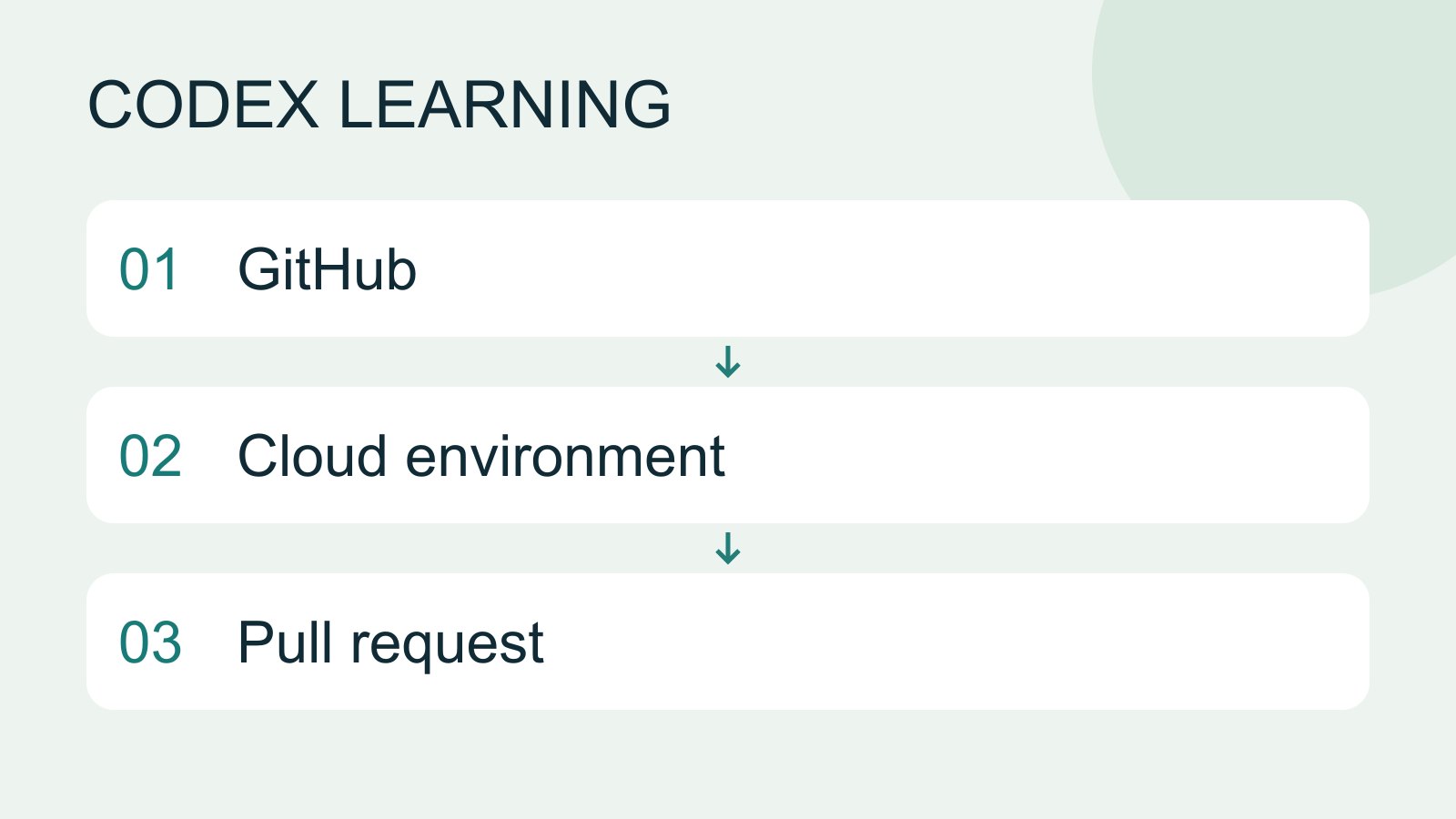
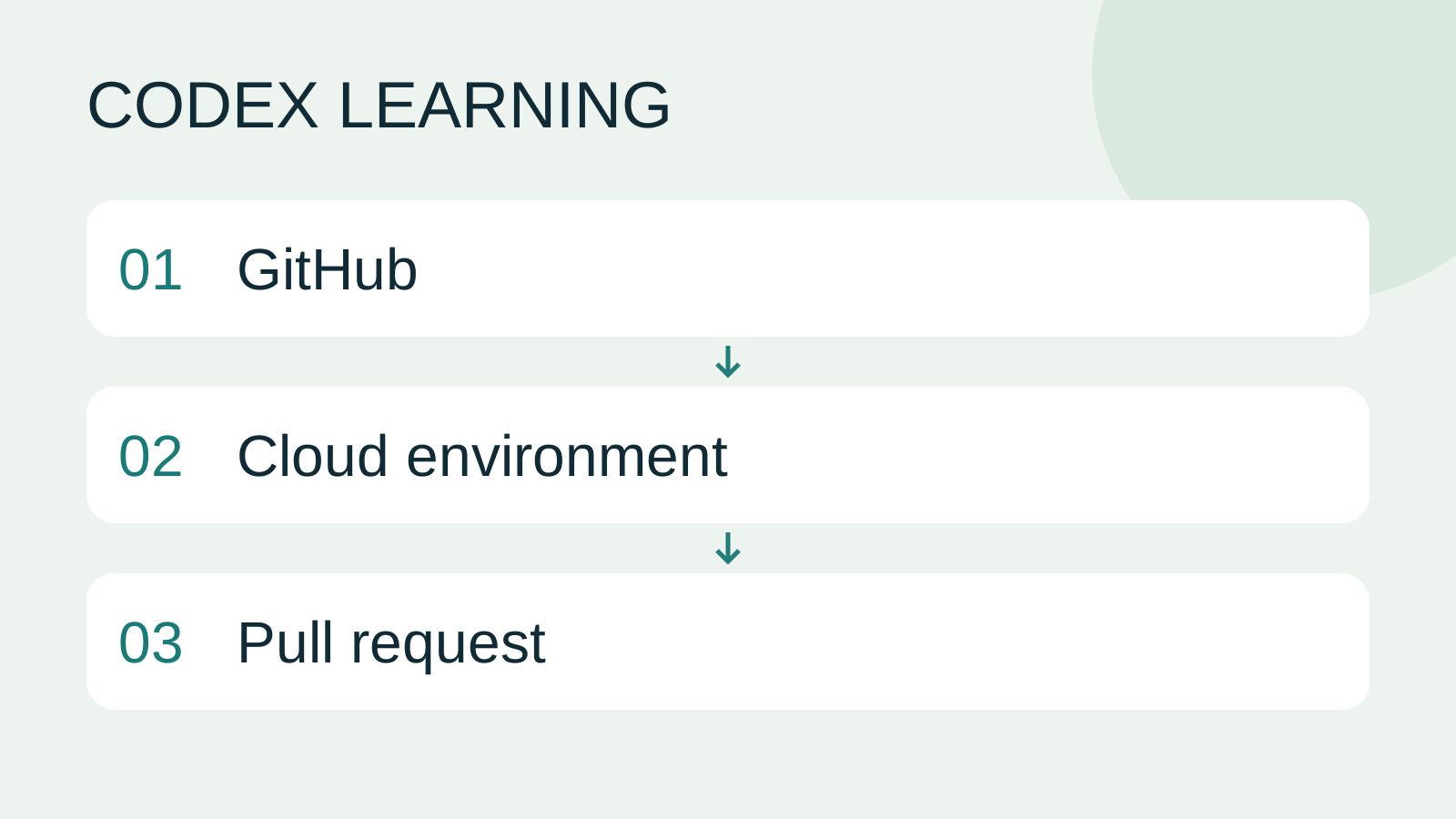
GitHub to Cloud environment to Pull request
Lifestyle
Codex learning hub: tutorial directory
A planned 60-lesson, ten-unit Codex curriculum, from setup and your first task to MD instructions and advanced integrations. Find your next lesson by experience, platform, goal or command; unpublished entries show their status.
Lifestyle
Workshop: build a small website
Plan and build the Small Steps task website from brief.md, with adding, completing, deleting, filtering and local persistence. Separate HTML, CSS, data functions, UI events and tests, verify with Node and browser checks, and document restart and recovery steps.
Lifestyle
Usage and efficiency: reducing rework
Record task conditions, model options, time and outcomes to reduce unnecessary retries and excess context.
Articles that cite this one
Latest travel guides

GuideTokyo
Where to Stay in Tokyo: Comparing Shinjuku, Ueno, Tokyo Station, Shibuya, Asakusa, Ikebukuro, and Ginza, Plus Airport Access, Accommodation Tax, and Luggage Delivery
Where should you stay in Tokyo? Compare Shinjuku, Ueno, Tokyo Station, Shibuya, Asakusa, Ikebukuro, and Ginza by the same criteria: access from Narita and Haneda, transit routes, nearby attractions, neighborhood character, and who each area suits. Includes a comparison table, a Yamanote Line diagram, Tokyo’s accommodation tax as verified in 2026/9 (changing to 3% in 2027/4), and Airport TA-Q-BIN luggage shipping rules.
- Budget
- Hotels

GuideTokyo
How to Choose Tokyo Transit Passes: Are Suica, Welcome Suica, the Tokyo Subway Ticket, and the JR Pass Worth It?
On a first Tokyo trip, start with an IC card and pay per ride (Welcome Suica has no deposit and is valid for 28 days). If you take four or more subway rides in a day, add a 72-hour Tokyo Subway Ticket for 2,000 yen; a JR Pass is never worthwhile if you stay in Tokyo and do not go to Kansai. See what TOURIST PASMO, Suica on iPhone, and the Tokyo Metro day pass do and do not cover, with a decision chart. Prices verified in September 2026.
- Transport
- Budget

GuideTokyo
Tokyo Disneyland and DisneySea Guide: Ticket Prices, Fantasy Springs, Disney Premier Access (DPA), Standby Pass, and Which Park to Choose for Your First Visit
Tokyo Disney one-day Passport prices vary: most weekdays in 9/2026 cost ¥9,900 and weekends ¥10,900. At 14:00 daily, tickets go on sale for the same date two months later. Free Priority Pass is no longer on the official service list; only paid Disney Premier Access (¥1,000–3,500 per person per use) shortens waits. Covers hours, the 25th anniversary, Standby Pass, Entry Request, Fantasy Springs access and first-visit park choice; checked on the official site in 9/2026.
- Itineraries
- Family
Sources
- Codex cloud · Checked:
- Cloud environments · Checked:
- Agent internet access · Checked:
- Creating a GitHub repository · Checked:
- Adding files on GitHub · Checked: