Lifestyle
Cross-device handoff: files and environments
Track the conversation, host, directory and branch so a handoff continues the intended work.
About 12 min read · Practice 25 min
Beginner · Desktop / mobile / CLI / VS Code / JetBrains / cloud
Before you start
On this page
Back to the Codex learning hubCodex learning hub: tutorial directoryA planned 60-lesson, ten-unit Codex curriculum, from setup and your first task to MD instructions and advanced integrations. Find your next lesson by experience, platform, goal or command; unpublished entries show their status.Read the full article
Goal: identify the same work after changing devices
Separate the device in your hands, the task containing the conversation, and the host supplying files and shell. Moving from phone to laptop may change only the controller. Handoff changes the execution host; cloud is another environment again. Matching task titles or folder names alone cannot identify the files currently being read.
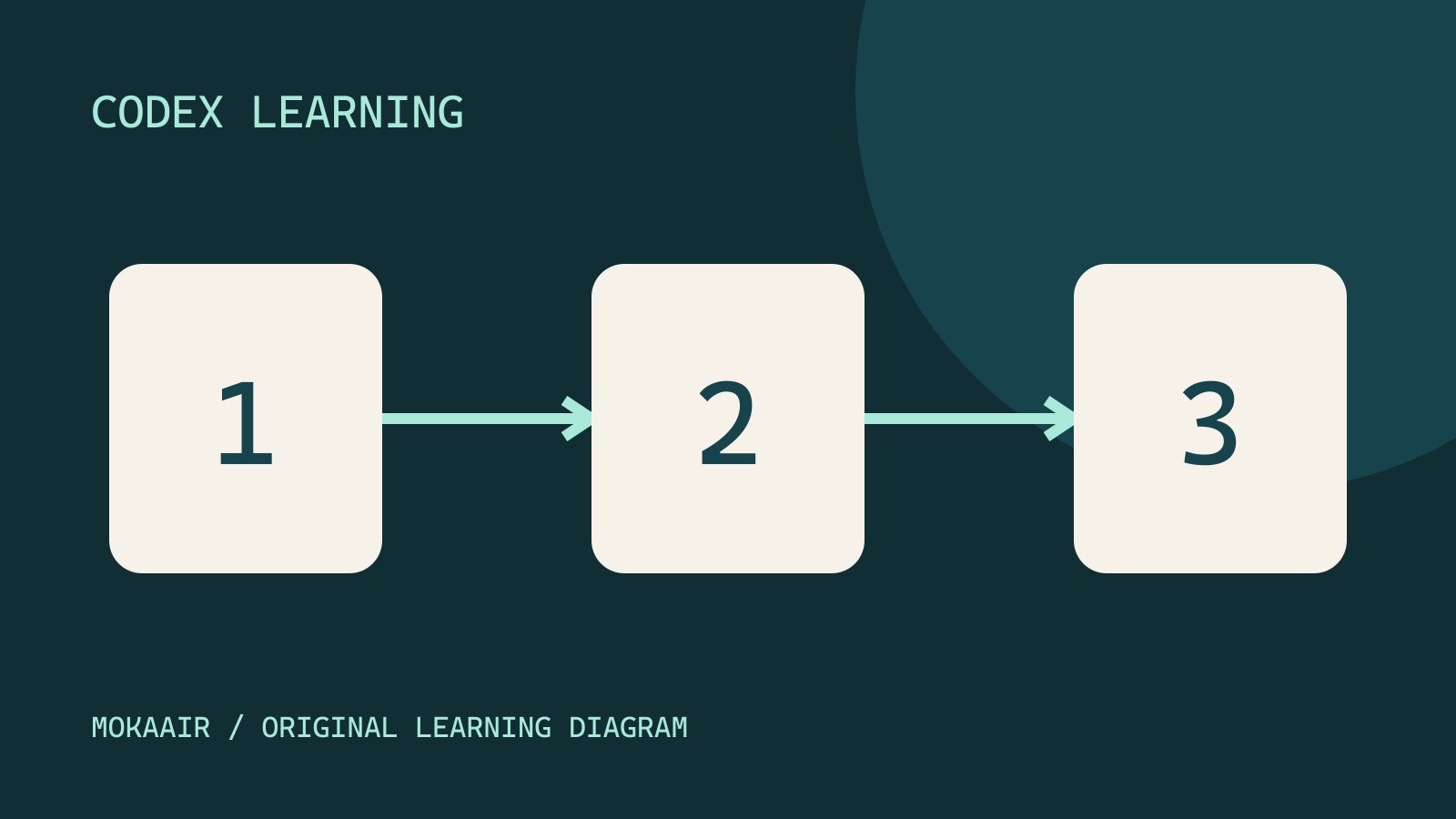
In the workflow illustration, 1 identifies the host and directory, 2 sends a fresh read-only request, and 3 checks the result against file contents. Follow that order. A host appearing in a list satisfies only part of step 1, not steps 2 and 3.
| Action | Execution location | File source |
|---|---|---|
| Continue through phone Remote | Original connected host | That host's files |
| Another desktop controls that host | Original connected host | Same host project |
| Handoff to another host | Destination worktree | Transferred task/Git state, then verify |
| New cloud task | Cloud environment | Selected repository revision |
Step 1: Record verifiable handoff facts
In codex-remote-lab from Remote setupRemote setup, diagnosis and disconnectionPair devices, diagnose host availability and verify fresh file reads. Distinguish remote access, device pairing and task execution when stopping work.Read the full article, confirm host-marker.txt contains REMOTE-LAB-A and Revision: 1, with request.txt unchanged. Create handoff.md in a host text editor and fill the template from observed facts. Use a host alias if desired; keep private absolute paths in your own record, outside public screenshots.
# Remote reading handoff

Goal: read this practice folder without modifying files.
Controller: record the device currently sending requests.
Execution host: record the host shown by Remote.
Project: codex-remote-lab
Working directory: record the actual directory reported by the host.
Task: record the exact task title or identifier.
Marker: REMOTE-LAB-A / Revision: 1
Git state: not initialized for this basic Remote exercise.
Verified: record only checks actually performed, with time.
Pending: fresh read from the second controller.
Next action: read host-marker.txt again and compare the revision.
This is a form: replace “record…” with verified facts. If titles collide, check the available task identifier, project and recent messages. When no internal ID is exposed, record the exact visible title and time. This basic exercise has no Git repository, so say so rather than inventing a branch or commit. For an actual Git project, also record branch, commit and uncommitted changes.
Step 2: Change controllers and perform a fresh read
In phone Remote, choose the original host and task. On another supported Mac/Windows desktop, use Settings → Connections → Control other devices, pair with the host and open the same task. Availability varies; use the already paired phone if that entry is absent. Each controller needs a connection to each host it controls; matching logins alone do not prove pairing.
Read the handoff record before requesting edits. Send the prompt below from the new controller. Expect REMOTE-LAB-A, Revision: 1, the current directory and the original execution host. If tools cannot determine the hostname, the answer should say so and you should compare the Remote UI. A file marker must not be presented as a measured computer name.
Continue this exact Remote reading task. Read handoff.md and host-marker.txt from disk now, without modifying files. Report the current working directory and both marker lines. Identify the execution host if the tools expose it; otherwise state that it is unverified. Distinguish this fresh read from facts copied from earlier messages.
Step 3: Detect stale context with a revision change
On the host, change only the second line of host-marker.txt to Revision: 2 and save. Preserve its first line and request.txt. Leave handoff.md at revision 1 temporarily, then ask the other controller to reread both files. Expect a discrepancy: disk marker 2, handoff note 1. If the answer repeats 1, check directory, host and whether a fresh read actually occurred.
Read host-marker.txt and handoff.md again from the current project. Compare their revision values. Report any disagreement; do not assume the handoff note is newer than the file. Do not edit either file.
After detecting the discrepancy, update handoff.md to marker 2 and record the controller and time under Verified. Record observed facts, not “all tests pass,” because no program tests ran. To reset the exercise, restore both marker and record to 1 and reread them. That targeted reset does not undo other code or remote tasks.
Further practice: hand off execution to another host
So far only the controller changed. To move execution, prepare a separate Git practice repository using Git basicsGit, branches, diffs and recoveryGit stores file history, branches organize changes and diffs show what changed. Codex can help, but you must verify that the changes belong to the task. Restoring an old conversation does not restore Git files.Read the full article. Connect both hosts and save a project for the same repository on each. If the source project is a repository subdirectory, save the corresponding subdirectory at the destination. Missing matching projects require project setup, not a task rename.
Run these read-only Git commands in the source practice repository and retain the output and relevant diff. They work in PowerShell, macOS and Linux terminals once you enter the correct repository. “Not a git repository” is not a valid starting point for this exercise. An empty branch may mean detached HEAD; record the commit and investigate instead of inventing a branch name.
git rev-parse --show-toplevel
git rev-parse HEAD
git branch --show-current
git status --short
git diff --stat
git diff --cached --stat
git ls-files --others --exclude-standard
The same commit does not prove a complete handoff
The queries record the Git root, commit, branch, status, unstaged diff, staged diff and untracked files. git diff --stat excludes staged and untracked work, so recording only that command can omit changes. Note any required ignored files, databases or external data separately; these queries do not establish that such material was transferred.
Worked case: the source has staged note.md, unstaged core.mjs and untracked local-note.txt. The destination has the same commit but a clean status and no local-note.txt. The version baseline matches, but the three pieces of work have not been fully verified; do not mark handoff complete. Pause new edits on both sides, compare the handoff record and required content, then resolve the gaps. Switching from phone to laptop merely to control the same host still calls for a fresh read, not an extra file transfer.
Open the task in desktop, choose the destination through its footer run-location control, review destination and branch, then select Hand off. The documented flow uses a destination worktree and transfers the task/Git state. An active response is interrupted, so pause at a reviewable point for this exercise. If requesting handoff from another task, identify the task and host explicitly; the requesting task cannot move itself.
After success, verify this Git exercise's required files, directory, commit and changes, including the new worktree path. The earlier host-marker.txt belongs to the separate non-Git exercise and is not an expected file in this handoff. Do not assume untracked data, databases, environment variables, tool versions or website logins transferred. Verify required files and tools before editing. To return, select This computer and verify again. Handoff does not target Codex cloud; use the cloud workflowCloud tasks and GitHubCloud tasks run in a remote environment configured for a repository. They suit longer delegated work, but cannot automatically see uncommitted files on your computer. Creating a pull request is distinct from merging or deploying it.Read the full article for that environment.
Troubleshooting and acceptance
If another device cannot find the task, check host, workspace, pairing and project before creating a duplicate. For stale replies, reread and verify Revision: 2. For a missing Handoff destination, check the saved repository/subdirectory. If tests cannot run on the new host, inspect tools and dependencies; successful transfer is not a passed test. After disconnection, inspect task state before duplicating a write request on two hosts.
Finish the basic exercise with a completed handoff.md, fresh reads of two revisions, an identified stale-note mismatch and a recorded reset. Add before/after Handoff and tool checks only if you used a second host; otherwise mark them untested. Remote/Handoff controls are documentation-checked. A local simulated folder is not claimed as real host transfer. Continue with context handoffContext and task handoffLong work needs durable decisions and evidence, not just a long conversation. README explains use, design documents explain choices, handoffs record current progress and AGENTS.md holds ongoing instructions. Do not turn all temporary progress into permanent rules.Read the full article for longer work.
Back to the Codex learning hubCodex learning hub: tutorial directoryA planned 60-lesson, ten-unit Codex curriculum, from setup and your first task to MD instructions and advanced integrations. Find your next lesson by experience, platform, goal or command; unpublished entries show their status.Read the full article
Read the full description
Three numbered stages: identify the starting point, perform the exercise, and verify the result. Original illustration, not a product screenshot.
Lifestyle
Codex learning hub: tutorial directory
A planned 60-lesson, ten-unit Codex curriculum, from setup and your first task to MD instructions and advanced integrations. Find your next lesson by experience, platform, goal or command; unpublished entries show their status.
Lifestyle
Worktrees and isolated tasks
A Git worktree gives one repository multiple working directories on different branches. It isolates file edits, but databases, ports and external services may still be shared. File isolation is not full resource isolation.
Lifestyle
Workshop: build a small website
Plan and build the Small Steps task website from brief.md, with adding, completing, deleting, filtering and local persistence. Separate HTML, CSS, data functions, UI events and tests, verify with Node and browser checks, and document restart and recovery steps.
Lifestyle
Usage and efficiency: reducing rework
Record task conditions, model options, time and outcomes to reduce unnecessary retries and excess context.
Articles that cite this one
Latest travel guides

GuideTokyo
Where to Stay in Tokyo: Comparing Shinjuku, Ueno, Tokyo Station, Shibuya, Asakusa, Ikebukuro, and Ginza, Plus Airport Access, Accommodation Tax, and Luggage Delivery
Where should you stay in Tokyo? Compare Shinjuku, Ueno, Tokyo Station, Shibuya, Asakusa, Ikebukuro, and Ginza by the same criteria: access from Narita and Haneda, transit routes, nearby attractions, neighborhood character, and who each area suits. Includes a comparison table, a Yamanote Line diagram, Tokyo’s accommodation tax as verified in 2026/9 (changing to 3% in 2027/4), and Airport TA-Q-BIN luggage shipping rules.
- Budget
- Hotels

GuideTokyo
How to Choose Tokyo Transit Passes: Are Suica, Welcome Suica, the Tokyo Subway Ticket, and the JR Pass Worth It?
On a first Tokyo trip, start with an IC card and pay per ride (Welcome Suica has no deposit and is valid for 28 days). If you take four or more subway rides in a day, add a 72-hour Tokyo Subway Ticket for 2,000 yen; a JR Pass is never worthwhile if you stay in Tokyo and do not go to Kansai. See what TOURIST PASMO, Suica on iPhone, and the Tokyo Metro day pass do and do not cover, with a decision chart. Prices verified in September 2026.
- Transport
- Budget

GuideTokyo
Tokyo Disneyland and DisneySea Guide: Ticket Prices, Fantasy Springs, Disney Premier Access (DPA), Standby Pass, and Which Park to Choose for Your First Visit
Tokyo Disney one-day Passport prices vary: most weekdays in 9/2026 cost ¥9,900 and weekends ¥10,900. At 14:00 daily, tickets go on sale for the same date two months later. Free Priority Pass is no longer on the official service list; only paid Disney Premier Access (¥1,000–3,500 per person per use) shortens waits. Covers hours, the 25th anniversary, Standby Pass, Entry Request, Fantasy Springs access and first-visit park choice; checked on the official site in 9/2026.
- Itineraries
- Family
Sources
- Remote connections and handoff · Checked:
- Codex cloud · Checked: