Lifestyle
Sessions, resuming and forking
Distinguish new, resumed and forked tasks, locate the right history and verify the directory and remaining work.
About 12 min read · Practice 20 min
Practical · Desktop / CLI / VS Code / JetBrains
Before you start
On this page
Back to the Codex learning hubCodex learning hub: tutorial directoryA planned 60-lesson, ten-unit Codex curriculum, from setup and your first task to MD instructions and advanced integrations. Find your next lesson by experience, platform, goal or command; unpublished entries show their status.Read the full article
Goal and preparation
Resume continues prior conversation/session state; it does not rewind the disk. Recheck files edited by you or another task. Distinguish it from forkingManage desktop tasks and projectsKeep follow-ups about one outcome in the same task and separate independent outcomes into different tasks. Projects identify files; tasks track assignments. Multiple tasks do not automatically isolate files: use worktrees when isolation is needed.Read the full article and host handoffCross-device handoff: files and environmentsTrack the conversation, host, directory and branch so a handoff continues the intended work.Read the full article: continuing an existing task, creating another line of work and moving execution are different operations.
Step 1: Create two distinguishable labs
Create codex-session-a and codex-session-b under one practice parent, each with note.txt. Put the first sample in A and the second in B, not both in one file. Matching filenames but distinct markers prevent filename-only assumptions. Record the parent location and verify your directory before each launch.
SESSION-A
Revision: 1
SESSION-B
Revision: 100
Open A in the editor and integrated terminal. Use Get-Location in PowerShell or pwd on macOS/Linux to confirm codex-session-a, then run the command and send the following prompt inside CLI. Expect A's actual directory, SESSION-A and Revision: 1 without edits. Record the visible session title and time.
codex --cd . --sandbox read-only
Read note.txt from the current directory without changing files. Report the exact directory and both lines. This is a session-resume exercise. Do not search other folders or infer content from the filename.
Exit A with /exit, wait for the shell prompt, then open the same read-only workflow from B. Expect SESSION-B and Revision: 100. Exit again. You now have two identifiable sessions: B is newer, but the next goal is A. This makes selection verifiable instead of relying on a single recent task.
Step 2: Select A from the session list
From A's shell run codex resume. Inspect the displayed path, time and available preview before choosing A. Use --all if you need sessions outside the current directory, then verify the selection rather than equating globally newest with intended. Follow the picker's visible controls and read the path before confirming with Enter.
codex resume
codex resume --all
When current and saved directories differ, CLI may ask which to use. Choose A's location deliberately, then verify with /status and a fresh read. Existing tui.resume_cwd or explicit --cd can change that behavior; see configuration troubleshootingConfiguration precedence and diagnosisTrace ineffective or conflicting settings, change one item at a time and keep a reversible record.Read the full article. Absence of a directory prompt does not prove the selected path is correct.
| Method | Use | Verify first |
|---|---|---|
| codex resume | Open picker | Path, time, task content |
| codex resume --last | Latest in current directory | Correct current directory |
| codex resume --all | Show sessions across directories | Newest is not automatically intended |
| codex resume SESSION_ID | Select known ID | Real session ID, not placeholder |
| /resume | Open picker inside CLI | Enter in Codex, not the shell |
Step 3: Verify current disk contents after resuming
Exit A and change only A/note.txt's second line to Revision: 2 in your editor. Keep B untouched. From A run the command below: --last is documented as scoped to the current directory, unless --all expands the search. If A contains other sessions too, use the picker or known ID instead of assuming its newest session is the lab.
codex resume --last --sandbox read-only
Send the request below. Expect the old conversation to say Revision: 1 while disk says Revision: 2, with SESSION-A unchanged. That discrepancy is the exercise, not a defect to repair by restoring remembered text. The same method checks whether test records, uncommitted changes and handoff notes still describe current work.
Resume by reading note.txt from disk again now. Compare the current revision with the earlier conversation. Report the current directory, the file marker, and any difference. Do not restore an older value or edit any file.
Extension: verify files after forking a chat
To explore another approach, exit the CLI, return to A and run fork below. Select the original A session by its details and directory, then record the new session ID. This branches the conversation, not a file backup. This non-Git exercise uses no worktree; both chats may access the same folder, so keep both read-only. If unavailable, check codex fork --help and your version.
codex fork --sandbox read-only
This is a read-only alternative branch of the session exercise. Read note.txt from disk now and report its actual path, marker and revision. Describe one different way to verify the file without changing it. Do not assume that forking created a separate file copy or restored Revision: 1. Do not edit files.
The fork should still read A's current Revision: 2 while the original conversation remains. If both sessions use the same absolute path, record separate chats with shared files. Exit the fork, select the original A session and read again. Closing or deleting a chat is not file restoration; WorktreesWorktrees and isolated tasksA Git worktree gives one repository multiple working directories on different branches. It isolates file edits, but databases, ports and external services may still be shared. File isolation is not full resource isolation.Read the full article covers Git working-directory isolation.
Troubleshooting, stopping and restoration
For a missing session, check OS, user, CODEX_HOME and host, then inspect other directories with --all. Matching desktop/CLI titles do not prove interchangeable session stores. If you choose B, stop further requests and /exit before selecting A. If writes occurred, inspect the actual changed directory; leaving the conversation does not undo them. For a stale revision, request a fresh read and verify the path instead of repeating “continue.”
If instruction files changed, finish the current small step and verify a fresh session; resume is not a universal reset of prior instructions. See instruction scopesAGENTS.md scopes and overridesTrace root and nested instructions, conflicts and overrides, and verify which files were selected.Read the full article. For long conversations, use context handoffContext and task handoffLong work needs durable decisions and evidence, not just a long conversation. README explains use, design documents explain choices, handoffs record current progress and AGENTS.md holds ongoing instructions. Do not turn all temporary progress into permanent rules.Read the full article to retain decisions, actual files and pending work, without treating a summary as a backup.
Retain A/B identification, the fresh resumed read and an explanation of --last versus --all. Reset only A to revision 1 and verify B remains 100; no session or authentication deletion is needed. Commands are documentation/help-checked, not claims of a reader's interactive execution or automatic cross-platform synchronization. Before real edits, identify task, directory and current version.
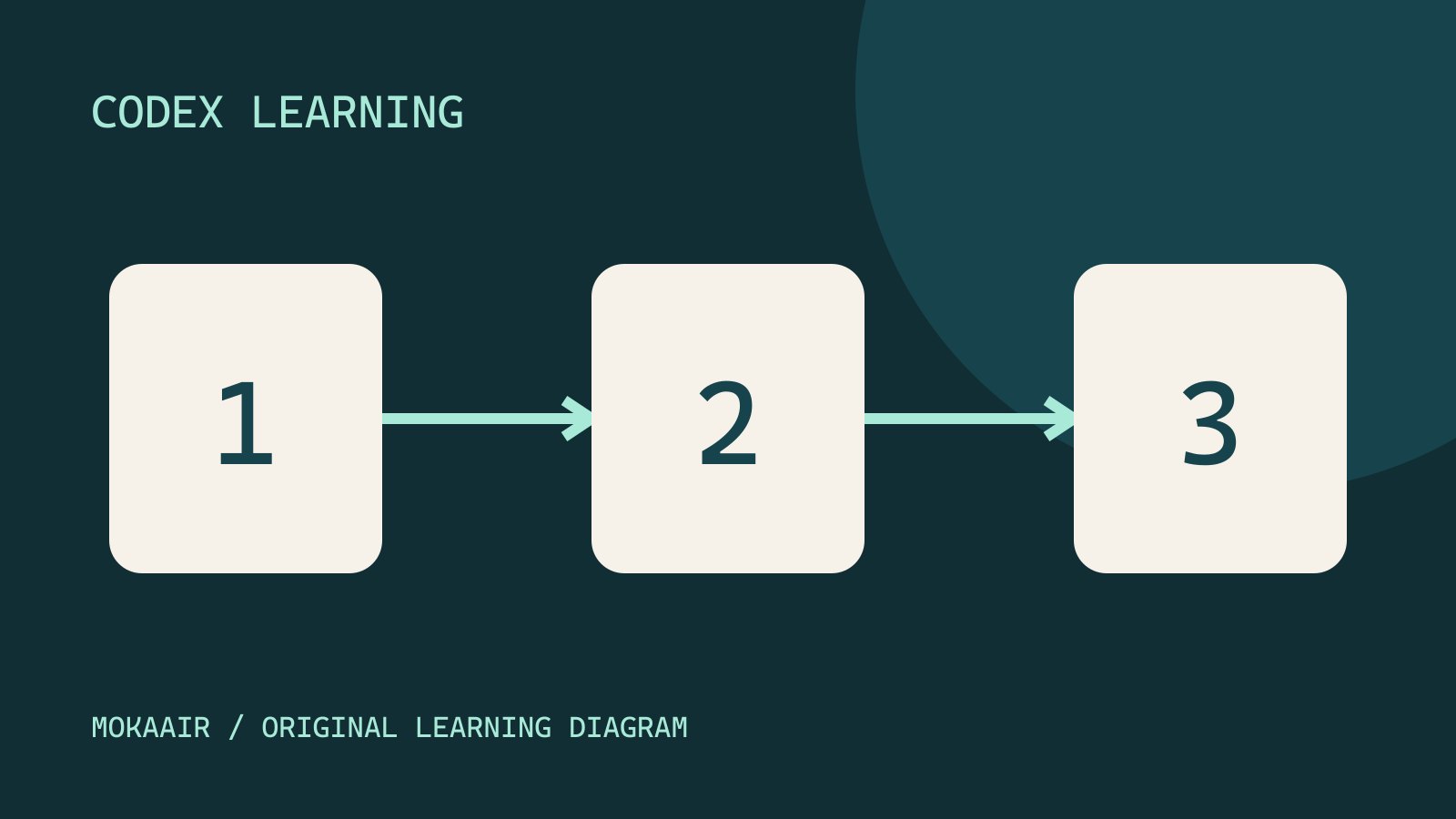
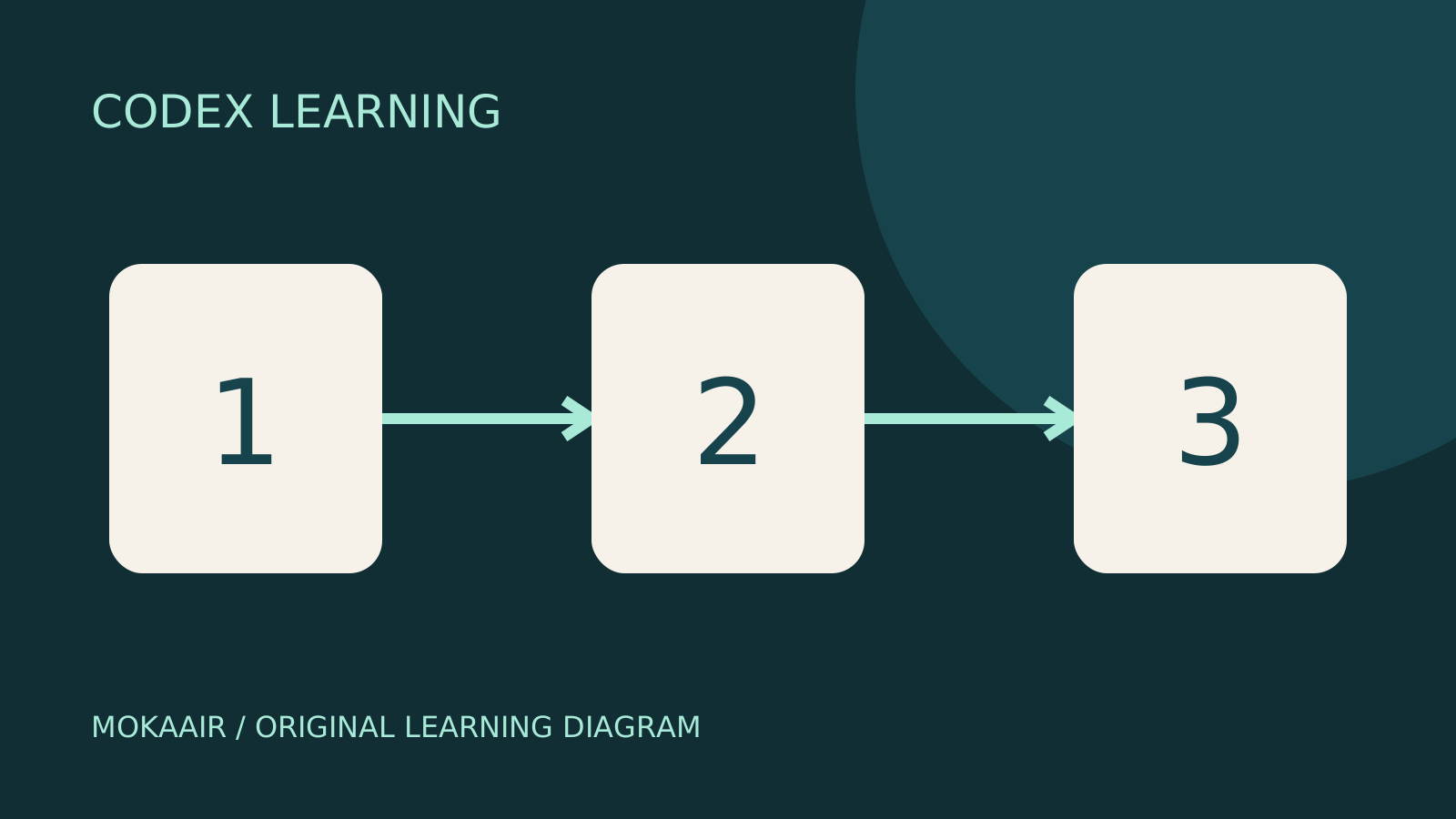
Diagram 1 distinguishes A and B, 2 selects the correct session, and 3 rereads disk and verifies the revision. Retain these three checkpoints whenever resuming.
Back to the Codex learning hubCodex learning hub: tutorial directoryA planned 60-lesson, ten-unit Codex curriculum, from setup and your first task to MD instructions and advanced integrations. Find your next lesson by experience, platform, goal or command; unpublished entries show their status.Read the full article
Read the full description
Three numbered stages: identify the starting point, perform the exercise, and verify the result. Original illustration, not a product screenshot.
Lifestyle
Codex learning hub: tutorial directory
A planned 60-lesson, ten-unit Codex curriculum, from setup and your first task to MD instructions and advanced integrations. Find your next lesson by experience, platform, goal or command; unpublished entries show their status.
Lifestyle
Worktrees and isolated tasks
A Git worktree gives one repository multiple working directories on different branches. It isolates file edits, but databases, ports and external services may still be shared. File isolation is not full resource isolation.
Lifestyle
Workshop: build a small website
Plan and build the Small Steps task website from brief.md, with adding, completing, deleting, filtering and local persistence. Separate HTML, CSS, data functions, UI events and tests, verify with Node and browser checks, and document restart and recovery steps.
Lifestyle
Usage and efficiency: reducing rework
Record task conditions, model options, time and outcomes to reduce unnecessary retries and excess context.
Articles that cite this one
Latest travel guides

GuideTokyo
Where to Stay in Tokyo: Comparing Shinjuku, Ueno, Tokyo Station, Shibuya, Asakusa, Ikebukuro, and Ginza, Plus Airport Access, Accommodation Tax, and Luggage Delivery
Where should you stay in Tokyo? Compare Shinjuku, Ueno, Tokyo Station, Shibuya, Asakusa, Ikebukuro, and Ginza by the same criteria: access from Narita and Haneda, transit routes, nearby attractions, neighborhood character, and who each area suits. Includes a comparison table, a Yamanote Line diagram, Tokyo’s accommodation tax as verified in 2026/9 (changing to 3% in 2027/4), and Airport TA-Q-BIN luggage shipping rules.
- Budget
- Hotels

GuideTokyo
How to Choose Tokyo Transit Passes: Are Suica, Welcome Suica, the Tokyo Subway Ticket, and the JR Pass Worth It?
On a first Tokyo trip, start with an IC card and pay per ride (Welcome Suica has no deposit and is valid for 28 days). If you take four or more subway rides in a day, add a 72-hour Tokyo Subway Ticket for 2,000 yen; a JR Pass is never worthwhile if you stay in Tokyo and do not go to Kansai. See what TOURIST PASMO, Suica on iPhone, and the Tokyo Metro day pass do and do not cover, with a decision chart. Prices verified in September 2026.
- Transport
- Budget

GuideTokyo
Tokyo Disneyland and DisneySea Guide: Ticket Prices, Fantasy Springs, Disney Premier Access (DPA), Standby Pass, and Which Park to Choose for Your First Visit
Tokyo Disney one-day Passport prices vary: most weekdays in 9/2026 cost ¥9,900 and weekends ¥10,900. At 14:00 daily, tickets go on sale for the same date two months later. Free Priority Pass is no longer on the official service list; only paid Disney Premier Access (¥1,000–3,500 per person per use) shortens waits. Covers hours, the 25th anniversary, Standby Pass, Entry Request, Fantasy Springs access and first-visit park choice; checked on the official site in 9/2026.
- Itineraries
- Family
Sources
- CLI commands and session controls · Checked: