Lifestyle
Permissions, sandbox, network and keys
Sandbox rules define technical access to files and networks; approval policy determines when the agent asks before acting. No prompt does not guarantee permission, and read access does not imply write access everywhere.
About 14 min read · Practice 20 min
Practical · Desktop / CLI / VS Code / JetBrains / cloud
Before you start
On this page
Back to the Codex learning hubCodex learning hub: tutorial directoryA planned 60-lesson, ten-unit Codex curriculum, from setup and your first task to MD instructions and advanced integrations. Find your next lesson by experience, platform, goal or command; unpublished entries show their status.Read the full article
Goal and preparation
Complete CLI basicsInstall and start Codex CLIChoose an installation platform, sign in, inspect a file, make a one-line change, verify it independently and resume the session. Includes a repeatable two-file exercise and a missing-file test.Read the full article and configurationConfigure Codex with config.tomlconfig.toml sets client options, while AGENTS.md describes working instructions. User settings live in Codex home; trusted projects can add .codex/config.toml. CLI overrides, project layers and managed requirements mean a single file does not prove the effective configuration.Read the full article. Your request expresses intent, the sandbox limits technical capability and approval policy determines when further confirmation is required. Read them together: no prompts does not imply unrestricted writes, and read-only can still execute read operations.
Step 1: Create a minimal permission lab
Create codex-permissions-lab with note.txt and request.txt containing the separate samples below. These are fictional markers; no API keys, authentication files or production project are needed. In the integrated terminal, use PowerShell Get-Location or macOS/Linux pwd to confirm this folder before assessing the sandbox.
PERMISSION-LAB
Revision: 1
Only note.txt may be changed during the authorized write exercise.
Target revision: 2
Preserve original note.txt for restoration. Launch CLI with the command below for this session without changing account-wide defaults. Inspect /status and, if needed, the mode shown by /permissions. If your organization enforces different restrictions, retain the error summary and follow those rules instead of bypassing them.
codex --cd . --sandbox read-only --ask-for-approval on-request
Step 2: Read first, then inspect write restrictions
Send the read-only request below. Expect PERMISSION-LAB, Revision: 1 and request.txt's scope. Allowed reads need not prompt every time under on-request. Compare the actual reported directory and editor contents. Merely repeating the prompt without reading is not a successful check.
Read note.txt and request.txt in the current lab. Report the actual working directory and exact revision. Do not change files, access unrelated folders or use the network.
Next request the lab edit without escalation. Under these restrictions, expect no completed write: a limitation report or approval request may appear. Deny or cancel any prompt for this exercise, then verify note.txt remains 1 in your editor. A model saying it cannot write is not proof that an OS command was actually denied; record those separately.
Try to change only note.txt from Revision: 1 to Revision: 2 using currently available permissions. Do not request broader access, disable protections or retry through another path. If the current sandbox prevents the write, report that and stop. This is a controlled permission exercise.
If the file unexpectedly becomes 2, stop and inspect actual launch flags, mode and any approval that widened access before declaring sandbox failure. Restore 1 manually and retain minimal relevant evidence. A desktop task may use another host or worktree; check execution locationCross-device handoff: files and environmentsTrack the conversation, host, directory and branch so a handoff continues the intended work.Read the full article before comparing files.
Step 3: Allow the required workspace edit
Use /exit to return to the shell, confirm the lab and launch a new session below. This permits workspace writes. Send the explicit edit request, expecting note.txt revision 2 with its first line and request.txt unchanged. No network or outside-workspace write is needed; inspect the reason for any additional request.
codex --cd . --sandbox workspace-write --ask-for-approval on-request
Read note.txt and request.txt. Change only the revision line in note.txt from 1 to 2. Keep all other contents and files unchanged. No network or outside-workspace access is needed. After editing, read both files again and report the actual result.
Recheck both files in the editor and record before/after values, scope, prompts and actual outcome. This exercise uses ordinary files, not protected .git, .agents or .codex paths. Workspace write does not imply every child path is writable. Follow feature-specific setup for skills or configuration instead of relocating protected paths to evade restrictions.
Distinguish refusal, enforcement and successful writing
Keep three outcomes separate: refusal before a tool call is no attempt; an enforced restriction reported by the tool with an unchanged file is evidence for that blocked attempt; a success message with Revision: 1 still on disk requires checking the path and result. Record only this ordinary-file exercise, not a guarantee for every tool, host or OS.
Requested action: [read / controlled write / scoped authorized write]
Observed host and absolute file path: [actual values]
Permission mode and approval policy: [observed / unavailable]
Tool attempt: [not attempted / command and actual result]
Approval event: [none / allowed / denied / cancelled / automatic review result]
Before and after: [actual note.txt revision and request.txt comparison]
Conclusion: [what this evidence establishes and what remains unverified]
Restoration: [actual result / not performed]
Network, credentials and approval are distinct
Built-in search, shell networking, MCP toolsMCP setup and connection checksMCP connects Codex to tools and data. STDIO servers usually start as local processes; HTTP servers use a URL. Saving configuration only proves it exists: verify startup, authentication and an actual tool response.Read the full article and account connections can have separate controls. Disabling web_search does not prove every tool is offline; opening a page does not prove npm install can reach a package registry. Identify the failing tool, host and domain before changing that layer. The lab file operations require no external connections.
Read the requested action and target path: reading a fixture, installing a chosen dependency and writing to an external service differ. One approval is not universal consent. If automatic review is active, record its decision and reason; no human dialog does not mean no review. never disables interactive approval requests, not the sandbox, so restricted actions may still fail.
For credentialed tools, use their official sign-in or secret configuration mechanism. Do not put keys in prompts, AGENTS.md, Git or screenshots. Check presence and authentication status without dumping all environment variables. If a real key was exposed, revoke and replace it at the issuing service, then remove exposed copies; deleting chat text alone does not invalidate the key.
Common failures, restoration and acceptance
| Symptom | Inspect first | Next step |
|---|---|---|
| Cannot edit note.txt | Actual directory and sandbox | Launch required mode in correct lab |
| Repeated access requests | Paths and side effects | Narrow operation or approve required scope |
| Connection failure | Tool, domain, host, authentication | Fix that connection and retain error |
| Configuration path readable, not writable | Protected path | Use official feature setup |
| Old config prevents startup | Retired approval_policy value | Migrate using official guidance |
Official guidance retires approval_policy = "untrusted". Do not copy it from older tutorials. It differs from trust_level in projects; do not globally replace both. Use configuration troubleshootingConfiguration precedence and diagnosisTrace ineffective or conflicting settings, change one item at a time and keep a reversible record.Read the full article to identify the source, preserve the specific setting and choose a supported policy from current guidance.
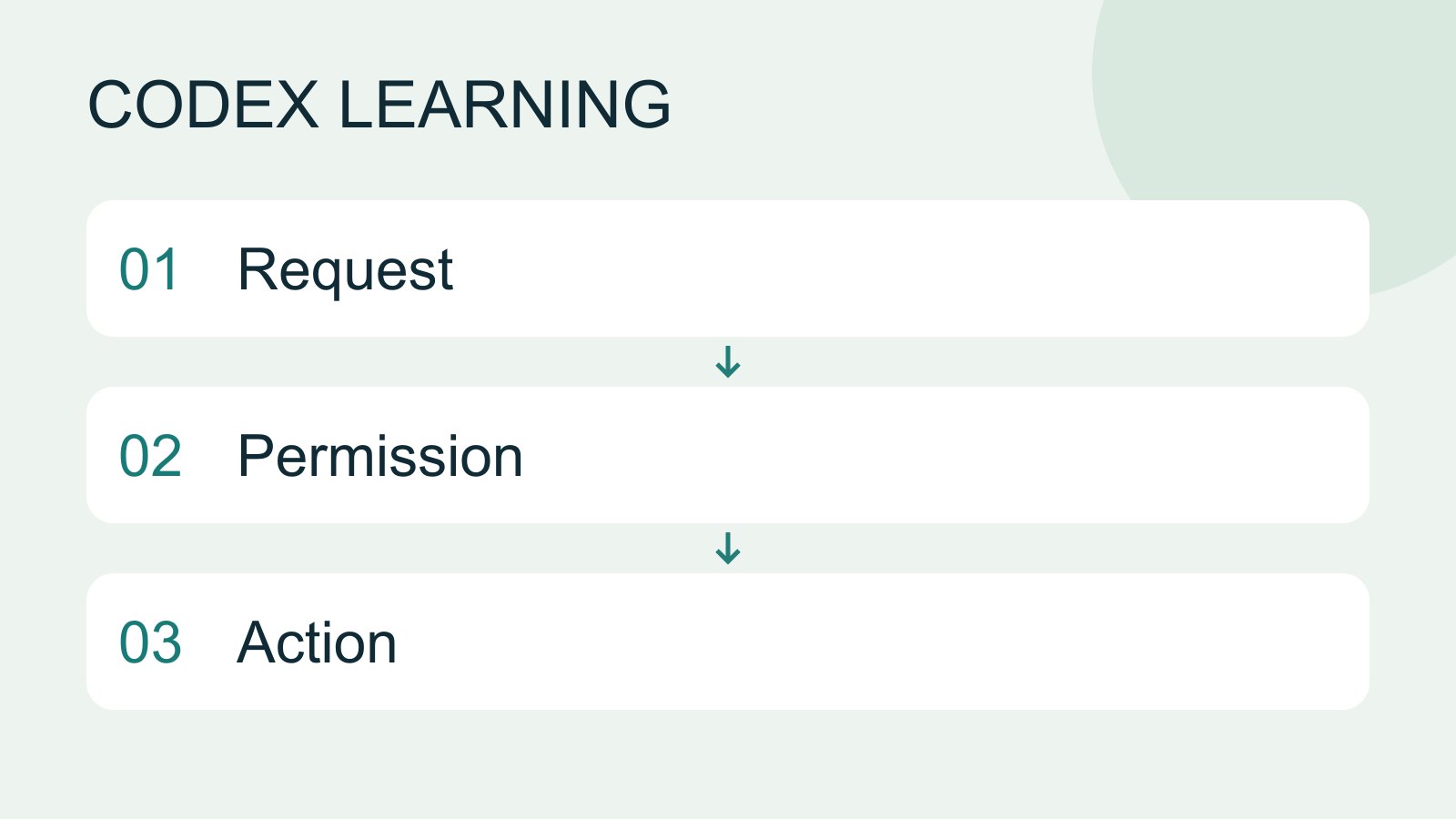
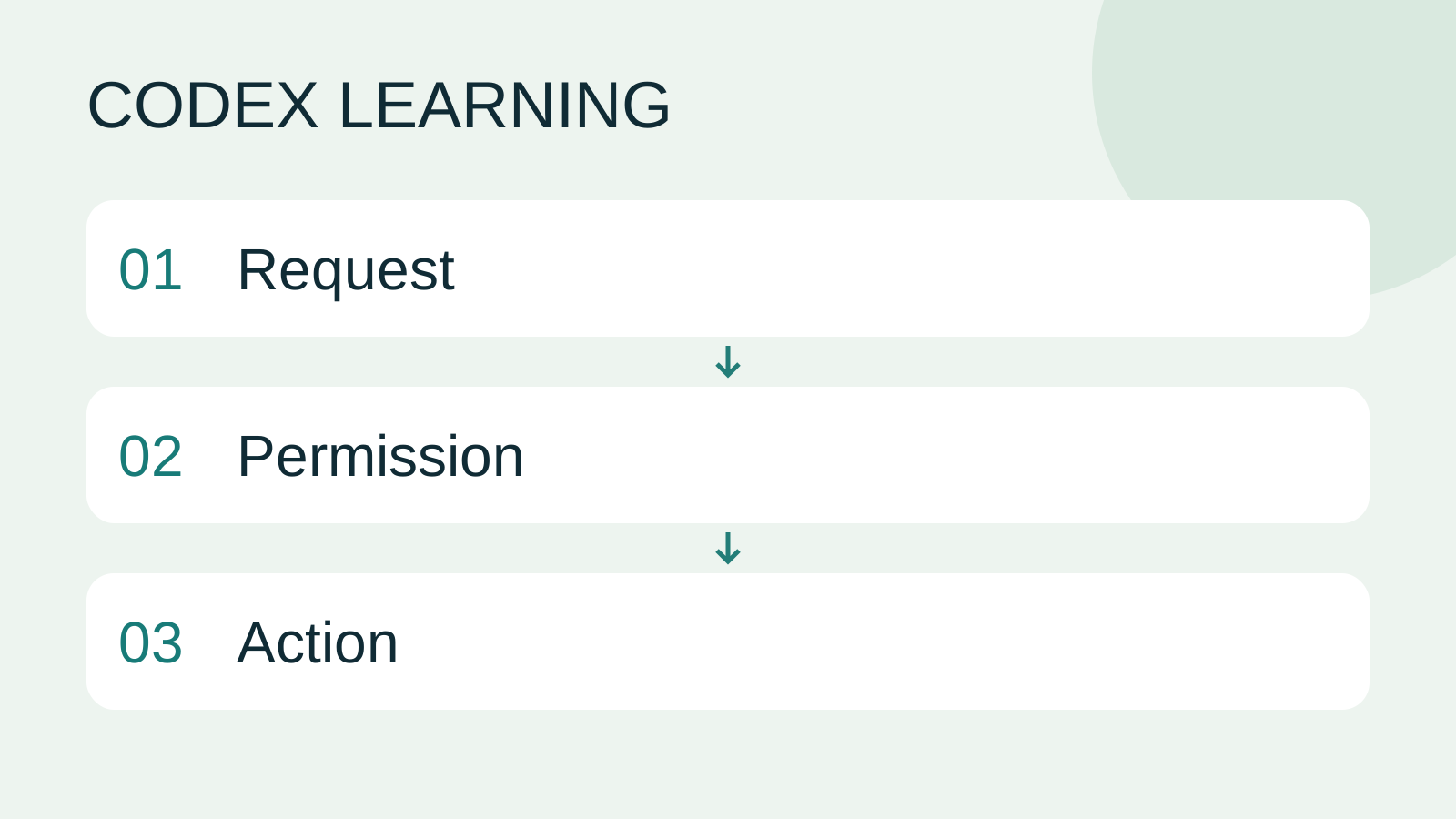
Finish by explaining the two launches, recording the real revision 1-to-2 result and confirming request.txt is unchanged. Exit the write session, manually restore note.txt to 1 and inspect permissions in future tasks; exit does not undo files. Diagram 1 establishes scope, 2 observes execution, 3 verifies restoration. Platform sandbox behavior is documentation-checked, not claimed tested on all three OSes or executed for the reader.
Back to the Codex learning hubCodex learning hub: tutorial directoryA planned 60-lesson, ten-unit Codex curriculum, from setup and your first task to MD instructions and advanced integrations. Find your next lesson by experience, platform, goal or command; unpublished entries show their status.Read the full article
Read the full description
Request to Permission to Action
Lifestyle
Codex learning hub: tutorial directory
A planned 60-lesson, ten-unit Codex curriculum, from setup and your first task to MD instructions and advanced integrations. Find your next lesson by experience, platform, goal or command; unpublished entries show their status.
Lifestyle
Worktrees and isolated tasks
A Git worktree gives one repository multiple working directories on different branches. It isolates file edits, but databases, ports and external services may still be shared. File isolation is not full resource isolation.
Lifestyle
Workshop: build a small website
Plan and build the Small Steps task website from brief.md, with adding, completing, deleting, filtering and local persistence. Separate HTML, CSS, data functions, UI events and tests, verify with Node and browser checks, and document restart and recovery steps.
Lifestyle
Usage and efficiency: reducing rework
Record task conditions, model options, time and outcomes to reduce unnecessary retries and excess context.
Articles that cite this one
Latest travel guides

GuideTokyo
Where to Stay in Tokyo: Comparing Shinjuku, Ueno, Tokyo Station, Shibuya, Asakusa, Ikebukuro, and Ginza, Plus Airport Access, Accommodation Tax, and Luggage Delivery
Where should you stay in Tokyo? Compare Shinjuku, Ueno, Tokyo Station, Shibuya, Asakusa, Ikebukuro, and Ginza by the same criteria: access from Narita and Haneda, transit routes, nearby attractions, neighborhood character, and who each area suits. Includes a comparison table, a Yamanote Line diagram, Tokyo’s accommodation tax as verified in 2026/9 (changing to 3% in 2027/4), and Airport TA-Q-BIN luggage shipping rules.
- Budget
- Hotels

GuideTokyo
How to Choose Tokyo Transit Passes: Are Suica, Welcome Suica, the Tokyo Subway Ticket, and the JR Pass Worth It?
On a first Tokyo trip, start with an IC card and pay per ride (Welcome Suica has no deposit and is valid for 28 days). If you take four or more subway rides in a day, add a 72-hour Tokyo Subway Ticket for 2,000 yen; a JR Pass is never worthwhile if you stay in Tokyo and do not go to Kansai. See what TOURIST PASMO, Suica on iPhone, and the Tokyo Metro day pass do and do not cover, with a decision chart. Prices verified in September 2026.
- Transport
- Budget

GuideTokyo
Tokyo Disneyland and DisneySea Guide: Ticket Prices, Fantasy Springs, Disney Premier Access (DPA), Standby Pass, and Which Park to Choose for Your First Visit
Tokyo Disney one-day Passport prices vary: most weekdays in 9/2026 cost ¥9,900 and weekends ¥10,900. At 14:00 daily, tickets go on sale for the same date two months later. Free Priority Pass is no longer on the official service list; only paid Disney Premier Access (¥1,000–3,500 per person per use) shortens waits. Covers hours, the 25th anniversary, Standby Pass, Entry Request, Fantasy Springs access and first-visit park choice; checked on the official site in 9/2026.
- Itineraries
- Family
Sources
- Agent approvals and security · Checked:
- Sandboxing · Checked:
- CLI permissions · Checked: