Lifestyle
Accounts, sign-in, plans and usage
Check how you signed in before interpreting usage. ChatGPT sign-in uses the Codex allowance associated with that account; API-key authentication in a supported client requires checking API billing separately. This tutorial teaches you where to verify your own allowance rather than freezing a price or message limit that may change.
About 10 min read · Practice 15 min
Beginner · Desktop / CLI / VS Code / JetBrains / cloud
Before you start
On this page
Back to the Codex learning hubCodex learning hub: tutorial directoryA planned 60-lesson, ten-unit Codex curriculum, from setup and your first task to MD instructions and advanced integrations. Find your next lesson by experience, platform, goal or command; unpublished entries show their status.Read the full article
What you will be able to do
Separate the two billing sources
ChatGPT sign-in and API-key sign-in are separate access methods. The first follows the account plan and workspace permissions; the second follows API organization billing and limits. Sharing an email address does not combine their allowances. An active subscription does not imply a zero API bill, and an API balance does not establish access to every ChatGPT cloud feature. Official authentication documentation requires ChatGPT sign-in for cloud Codex.
This series centralizes pointers to prices here and model availability in model selectionChoose a model, effort and speedModel choice affects available capabilities and usage conditions; reasoning effort affects how much work the agent devotes to a problem. Compare quality on the same small task before increasing effort. Use the options currently exposed by your account rather than assuming a named model is universally available.Read the full article, instead of repeating fixed prices or daily counts in every lesson. Before purchasing, check the official plan page and your account display, including currency, tax, monthly or annual billing, seats and workspace conditions. A plan or option mentioned in a tutorial is not evidence that your account can purchase or use it.
Step 1: confirm account and workspace
Open the profile menu in desktop and inspect the current account and workspace. If you have personal and company workspaces, select the one intended for this exercise before checking its plan and features. Your browser and desktop app may use different sign-ins; changing the browser account does not prove that the app changed. On a phone, confirm the sign-in and open usage for the same workspace so that you do not compare different accounts.
CLI users run the following in the operating-system terminal; the command is the same in PowerShell, macOS Terminal and a Linux terminal. It is a shell command, not a message to Codex. It checks authentication state. If codex is missing, return to CLI installationInstall and start Codex CLIChoose an installation platform, sign in, inspect a file, make a one-line change, verify it independently and resume the session. Includes a repeatable two-file exercise and a missing-file test.Read the full article; a missing executable does not establish an account problem.
codex login status
Record only the reported method and signed-in state, not login caches, cookies or keys. Run codex login and complete the browser flow only if you are signed out; a working login does not need to be cleared for this lesson. If your organization manages authentication, follow its administrator settings. Repeated local configuration changes do not remove organization restrictions.
Step 2: open the appropriate usage source
For ChatGPT sign-in, open the official Codex usage page. Confirm the account and workspace before reading the displayed windows, remaining allowance and reset times. In an interactive CLI session, /status shows current status; enter it after starting codex, not in PowerShell. For API-key access, check Usage and Billing in the corresponding Platform organization. ChatGPT usage does not replace an API bill.
/status
Read the label before interpreting percentages. In a fictional example, 30% used means 70% remains; if the display already says 30% remaining, do not invert it again. Missing or loading values are unknown, not zero. Different windows may have different reset times. One countdown does not establish that every limit has reset, and a later refresh is not a separate allowance.
Reading exercise: 30% can mean different things
These are fictional records, not your account data or a plan promise. A: personal workspace, one allowance window, metric “used,” value 30%. B: a different workspace, metric “remaining,” value 30%, reset time absent. Determine the remaining amount in each record, whether B's reset time can be inferred, and whether an API dashboard balance proves A has subscription allowance.
Answers: A has 70% remaining and B has 30%; B's reset time is unknown. Different workspaces must not be added into one balance or used to overwrite each other. An API balance does not establish ChatGPT subscription allowance. If a value or metric label is absent, record unknown rather than zero. On the actual usage page, check the source, workspace, window and timezone before recording the displayed value.
Maintenance note: current documentation states that ChatGPT Work and Codex share usage, so other Work tasks can affect the same account's allowance. Consult the official usage explanation and your usage page; prompt length alone cannot tell you how many tasks remain.
Step 3: make a shareable diagnostic note
Copy this template into a personal note and fill it only with information you can verify on screen. It is a record, not configuration; it need not be placed in the project root. Exclude your email, company name and all keys. Include the time zone, such as Asia/Taipei, to avoid mixing UTC and local times. Use unknown for unavailable fields.
Checked at: YYYY-MM-DD HH:mm timezone
Interface and version: desktop / CLI / browser
Authentication: ChatGPT / API / unknown
Workspace category: personal / managed / unknown
Usage source: Codex dashboard / Platform Usage
Window label: copied without private identifiers
Metric meaning: used / remaining / unknown
Displayed value: value / unknown
Reset time and timezone: value / unknown
Feature or error being checked: short description
Next step: verify account / wait / ask workspace admin
Optionally validate sign-in with a small read-only task, such as listing your practice folder. Success establishes that this interface can perform that task now, not that every model, cloud feature or external service is available. To avoid consuming allowance, stop at the status check and record task verification as not run. Do not test a limit by repeatedly sending large tasks until it is exhausted.
Troubleshooting, stopping and recovery
Browser signed in but CLI signed out: check whether the browser flow completed back to CLI, whether you are in the same system environment and whether CODEX_HOME differs. WSL and Windows have different home directories. Record the error and retry normal sign-in; do not upload auth.json for troubleshooting. For headless environments, consult the documented device-code flow and workspace permission rather than disabling certificate validation.
Signed in but a feature is missing: check interface, version, workspace role and plan support in that order; allowance may not be the issue. For a usage-limit message, record the named limit and reset time, save a handoff note and wait, or independently assess the options your account offers. Treat authentication, feature eligibility and usage limits separately. Reinstalling the app does not add account allowance.
This exercise changes no billing settings, so close the usage page when finished. If you actually want to sign out of CLI, run codex logout in the terminal. It clears the relevant stored authentication, not charges or file changes. Official documentation notes that CLI and IDE can share cached sign-in, so signing out in one may require signing in again in the other. Do not reset real account data merely to obtain a tidy tutorial screenshot.
Completion criteria and next steps
For a small exercise, compare notes made at two times. Confirm the account category, usage source, window and time zone match before comparing remaining values. If any field is unknown, obtain evidence rather than guessing the difference. You are finished when you know which billing source applies and can separate sign-in, eligibility and allowance issues. Continue with CLI commandsCLI commands and slash commandsDistinguish shell commands and launch flags, interactive slash commands, keyboard shortcuts and natural-language requests. Check the input location: /plan belongs in the Codex interactive client; codex --help runs in the operating-system terminal.Read the full article, context handoffContext and task handoffLong work needs durable decisions and evidence, not just a long conversation. README explains use, design documents explain choices, handoffs record current progress and AGENTS.md holds ongoing instructions. Do not turn all temporary progress into permanent rules.Read the full article or using allowance effectivelyUsage and efficiency: reducing reworkRecord task conditions, model options, time and outcomes to reduce unnecessary retries and excess context.Read the full article.
Checked on 2026-09-14 against official authentication guidance and usage and plan documentation. Account state and prices change; inspect your signed-in display. The template uses fictional fields, publishes no account screenshots and makes no claim that paid transactions were tested.
| Symptom | First check | Do not infer |
|---|---|---|
| Cannot sign in | Method and workspace | A purchase is required |
| Feature missing | Interface, version, eligibility | Allowance is zero |
| Usage limited | Usage source and reset time | Reinstallation restores it |
Back to the Codex learning hubCodex learning hub: tutorial directoryA planned 60-lesson, ten-unit Codex curriculum, from setup and your first task to MD instructions and advanced integrations. Find your next lesson by experience, platform, goal or command; unpublished entries show their status.Read the full article
Read the full description
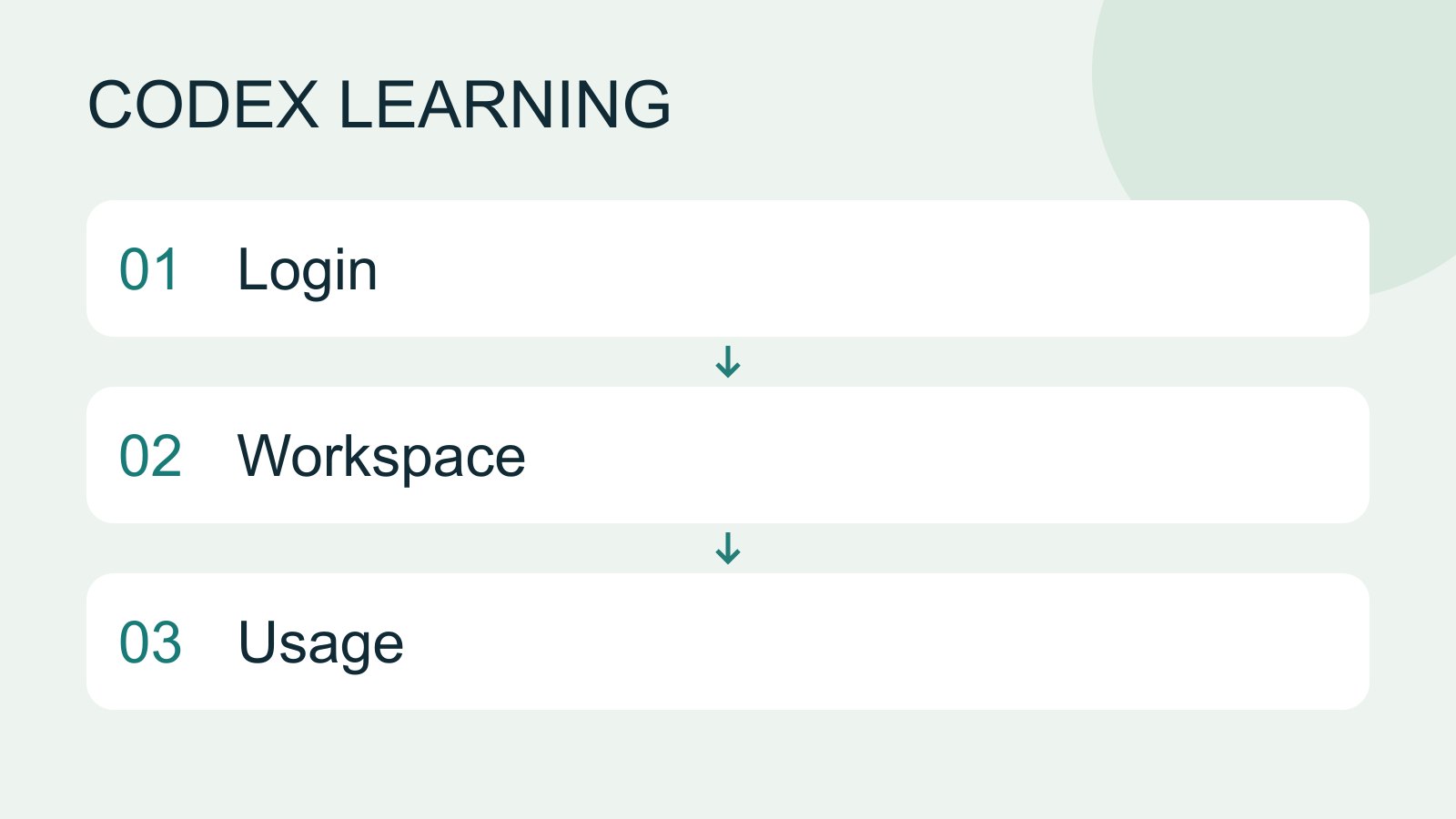
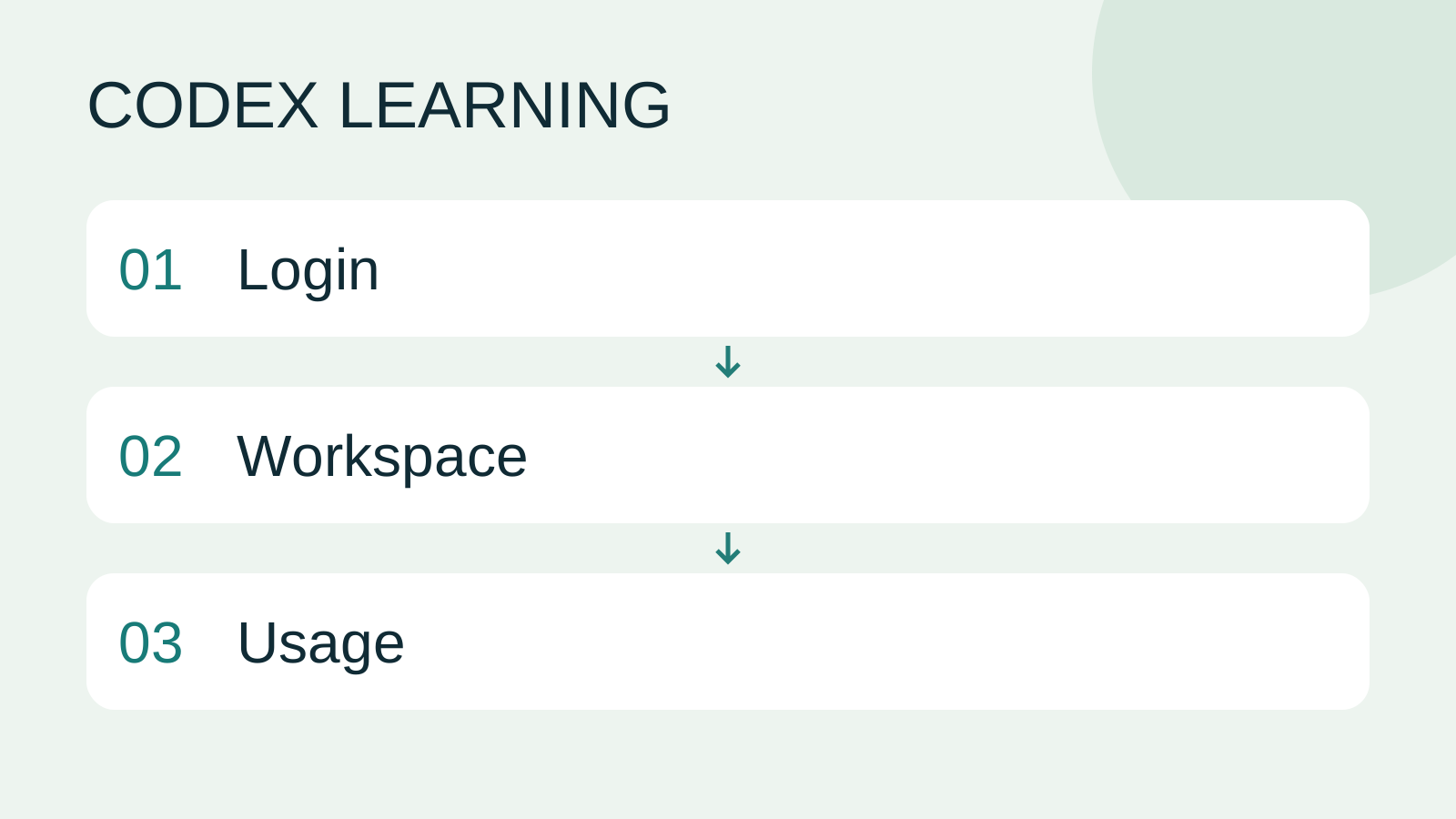
Login to Workspace to Usage
Lifestyle
Codex learning hub: tutorial directory
A planned 60-lesson, ten-unit Codex curriculum, from setup and your first task to MD instructions and advanced integrations. Find your next lesson by experience, platform, goal or command; unpublished entries show their status.
Lifestyle
Worktrees and isolated tasks
A Git worktree gives one repository multiple working directories on different branches. It isolates file edits, but databases, ports and external services may still be shared. File isolation is not full resource isolation.
Lifestyle
Workshop: build a small website
Plan and build the Small Steps task website from brief.md, with adding, completing, deleting, filtering and local persistence. Separate HTML, CSS, data functions, UI events and tests, verify with Node and browser checks, and document restart and recovery steps.
Lifestyle
Usage and efficiency: reducing rework
Record task conditions, model options, time and outcomes to reduce unnecessary retries and excess context.
Articles that cite this one
Latest travel guides

GuideTokyo
Where to Stay in Tokyo: Comparing Shinjuku, Ueno, Tokyo Station, Shibuya, Asakusa, Ikebukuro, and Ginza, Plus Airport Access, Accommodation Tax, and Luggage Delivery
Where should you stay in Tokyo? Compare Shinjuku, Ueno, Tokyo Station, Shibuya, Asakusa, Ikebukuro, and Ginza by the same criteria: access from Narita and Haneda, transit routes, nearby attractions, neighborhood character, and who each area suits. Includes a comparison table, a Yamanote Line diagram, Tokyo’s accommodation tax as verified in 2026/9 (changing to 3% in 2027/4), and Airport TA-Q-BIN luggage shipping rules.
- Budget
- Hotels

GuideTokyo
How to Choose Tokyo Transit Passes: Are Suica, Welcome Suica, the Tokyo Subway Ticket, and the JR Pass Worth It?
On a first Tokyo trip, start with an IC card and pay per ride (Welcome Suica has no deposit and is valid for 28 days). If you take four or more subway rides in a day, add a 72-hour Tokyo Subway Ticket for 2,000 yen; a JR Pass is never worthwhile if you stay in Tokyo and do not go to Kansai. See what TOURIST PASMO, Suica on iPhone, and the Tokyo Metro day pass do and do not cover, with a decision chart. Prices verified in September 2026.
- Transport
- Budget

GuideTokyo
Tokyo Disneyland and DisneySea Guide: Ticket Prices, Fantasy Springs, Disney Premier Access (DPA), Standby Pass, and Which Park to Choose for Your First Visit
Tokyo Disney one-day Passport prices vary: most weekdays in 9/2026 cost ¥9,900 and weekends ¥10,900. At 14:00 daily, tickets go on sale for the same date two months later. Free Priority Pass is no longer on the official service list; only paid Disney Premier Access (¥1,000–3,500 per person per use) shortens waits. Covers hours, the 25th anniversary, Standby Pass, Entry Request, Fantasy Springs access and first-visit park choice; checked on the official site in 9/2026.
- Itineraries
- Family
Sources
- Authentication · Checked:
- Pricing and usage limits · Checked: