Lifestyle
A complete debugging workflow
Debugging starts with a reproducible symptom, narrows causes with evidence and verifies the fix. Give the input, exact step, expected behavior and observed failure instead of only saying the site is broken.
About 14 min read · Practice 25 min
Practical · Desktop / CLI / VS Code / JetBrains / cloud
Before you start
On this page
Back to the Codex learning hubCodex learning hub: tutorial directoryA planned 60-lesson, ten-unit Codex curriculum, from setup and your first task to MD instructions and advanced integrations. Find your next lesson by experience, platform, goal or command; unpublished entries show their status.Read the full article
Goal and preparation
Lessons and resources mentioned here: codebase orientationUnderstanding an existing codebaseUse a read-only workflow to locate entry points, data flow and tests, with file-backed explanations.Read the full article
Step 1: Fix the faulty version and reproduction steps
Copy the five broken files from the ZIP into new codex-bug-lab and preserve the original. Completed has a reversed condition, unlike start's missing implementation. Verify the directory in your editor terminal with Get-Location or pwd and run existing tests, expecting two passes and one failure.
node --test core.test.mjs
For the UI, start preview from this folder: on Windows run py -m http.server 4173 --bind 127.0.0.1; on macOS/Linux run python3 -m http.server 4173 --bind 127.0.0.1. Open http://127.0.0.1:4173. Record any fictional data you want to keep, use Reset practice data, select All tasks, and confirm an empty list. Then add Read followed by Build, complete only Read and select Completed. Expected Read, actual Build. Record this exact sequence. Resetting practice data does not restore source files.
Include environment, starting state, steps, expected, actual and evidence without prematurely blaming cache. Fill the template from observations with your date and test result. If your UI differs, verify preview location and fixture before treating the article's expectation as your own measurement.
# Bug: Completed shows unfinished tasks
Environment/date: fill from this run
Fixture: broken copied to codex-bug-lab
Steps: reset practice data; add Read and Build; complete Read; select Completed.
Expected: Read only.
Observed: Build only, if reproduced.
Baseline: node --test core.test.mjs; fill actual result.
Scope: keep UI, storage format, ordering and tests unchanged.
Root cause: not confirmed yet.
Unperformed checks: list explicitly.
Step 2: Isolate a reproduction without the UI
Add root repro.mjs below. It directly passes one finished and one unfinished task to visibleTasks, bypassing storage, DOM, browser cache and networking. Run node repro.mjs in another terminal. The faulty version prints actual b then exits nonzero because a was expected. This assertion failure is evidence to retain.
import assert from "node:assert/strict";
import { visibleTasks } from "./core.mjs";

const tasks = [
  { id: "a", title: "Read", completed: true },
  { id: "b", title: "Build", completed: false },
];
const actual = visibleTasks(tasks, "completed").map((task) => task.id);
console.log("Completed IDs:", JSON.stringify(actual));
assert.deepEqual(actual, ["a"]);
console.log("Reproduction passed.");
node repro.mjs
The core returns the wrong result without a browser, so cache and button events are unnecessary to reproduce this defect. That does not prove all UI is correct, but directs investigation to Completed. Ask Codex to explain why the predicate selects unfinished tasks before fixing it; a lucky reload is not a root-cause finding.
Separate a behavior failure from an environment failure
If node repro.mjs reports ERR_MODULE_NOT_FOUND, it never reached the Completed assertion: check the current folder and core.mjs filename. For SyntaxError, check that you pasted the complete program. This bug is reproduced only when the program loads, prints b and fails because it expected a. A first-run pass does not mean you repaired it; you may have copied expected. Record the command, exit code, actual output and copy location instead of merely “red” or “failed”.
Step 3: Request a minimal repair and explanation
On desktop, create a Codex task for codex-bug-lab. With CLI, verify that folder and run codex there. Then send the scoped request below. Preserve existing tests and repro.mjs for before/after comparison. Remove the now-stale deliberate-bug comment when fixing the condition, but do not refactor unrelated functions, edit UI or switch frameworks. Require the baseline failure if the agent has not inspected it.
Fix the reproduced Completed-filter bug in this codex-bug-lab.
First read core.mjs, core.test.mjs and repro.mjs. Run node repro.mjs and node --test core.test.mjs to confirm the current failure.
Explain the predicate error using the actual a/b IDs. Modify only the completed predicate in core.mjs and remove its obsolete deliberate-bug comment. Do not change tests, repro.mjs, active behavior, storage or UI.
Rerun both commands, inspect the final diff and report actual results. Browser checks must be marked NOT RUN unless actually performed. Do not publish or deploy.
Completed incorrectly uses !task.completed, selecting unfinished items like Active. Change only its line below to task.completed; keep Active's negation. Swapping dropdown labels may look plausible but leaves repro failing, distinguishing a cosmetic workaround from the behavioral repair.
if (filter === "completed") return tasks.filter((task) => task.completed);
Step 4: Regress using the same evidence
After repair, repro should print ["a"] and Reproduction passed with exit 0, and all three existing tests should pass. Repeat the original UI steps: Completed Read, Active Build, All both. Prove the original failure is gone with identical input before adding empty-list or uncompletion cases.
| Evidence | Before | After |
|---|---|---|
| Minimal repro | b, failed assertion | a, exit 0 |
| Existing core tests | 2 pass, 1 fail | 3 pass, 0 fail |
| Completed UI | Build | Read |
| Active/All | Record actual result | Build/both retained |
| Unperformed checks | Explicitly NOT RUN | Do not automatically mark passed |
Inspect core.mjs diff for unchanged addTask, decodeTasks and test expectations. Request commands, exit status and failure summaries if a “fixed” claim lacks evidence; record blockers when execution is unavailable. Passing commands do not replace UI checks by you or a browser-capable agent, with platform and preview URL recorded.
Check uncompleting a task and empty lists
After the original reproduction passes, create regression.mjs with the program below and run node regression.mjs. It checks Completed ID a, uncompletes a, then expects empty Completed and Active IDs a/b. It also checks unchanged input and all three empty-list filters. Expect Regression passed and exit code 0. This is a standalone assertion program; it does not automatically increase the test count of node --test core.test.mjs.
import assert from "node:assert/strict";
import { toggleTask, visibleTasks } from "./core.mjs";

const tasks = Object.freeze([
  Object.freeze({ id: "a", title: "Read", completed: true }),
  Object.freeze({ id: "b", title: "Build", completed: false }),
]);
const ids = (items, filter) => visibleTasks(items, filter).map((task) => task.id);
assert.deepEqual(ids(tasks, "completed"), ["a"]);
const changed = toggleTask(tasks, "a");
assert.deepEqual(ids(changed, "completed"), []);
assert.deepEqual(ids(changed, "active"), ["a", "b"]);
assert.deepEqual(ids(changed, "all"), ["a", "b"]);
assert.deepEqual(tasks.map((task) => task.completed), [true, false]);
for (const filter of ["all", "active", "completed"]) {
  assert.deepEqual(ids(Object.freeze([]), filter), []);
}
console.log("Regression passed.");
node regression.mjs
Keep regression.mjs when restoring the original broken/core.mjs for the reset exercise. It should fail again with a nonzero exit, consistent with repro.mjs returning b. If you changed tests, labels or storage to get a green result, return to the saved originals and repeat the single repair; record the discarded hypothesis in the handoffContext and task handoffLong work needs durable decisions and evidence, not just a long conversation. README explains use, design documents explain choices, handoffs record current progress and AGENTS.md holds ongoing instructions. Do not turn all temporary progress into permanent rules.Read the full article. Full regression still requires actual UI and reload checks; leave them unperformed until run.
Debugging habits, restoration and delivery
Change one testable hypothesis at a time and record attempts/results so the next task does not repeat failed fixes. If evidence points elsewhere, narrow scope again instead of forcing this one-line answer. Timing, accounts and networks can produce different real defects; remove private data from reproductions before sharing with Codex.
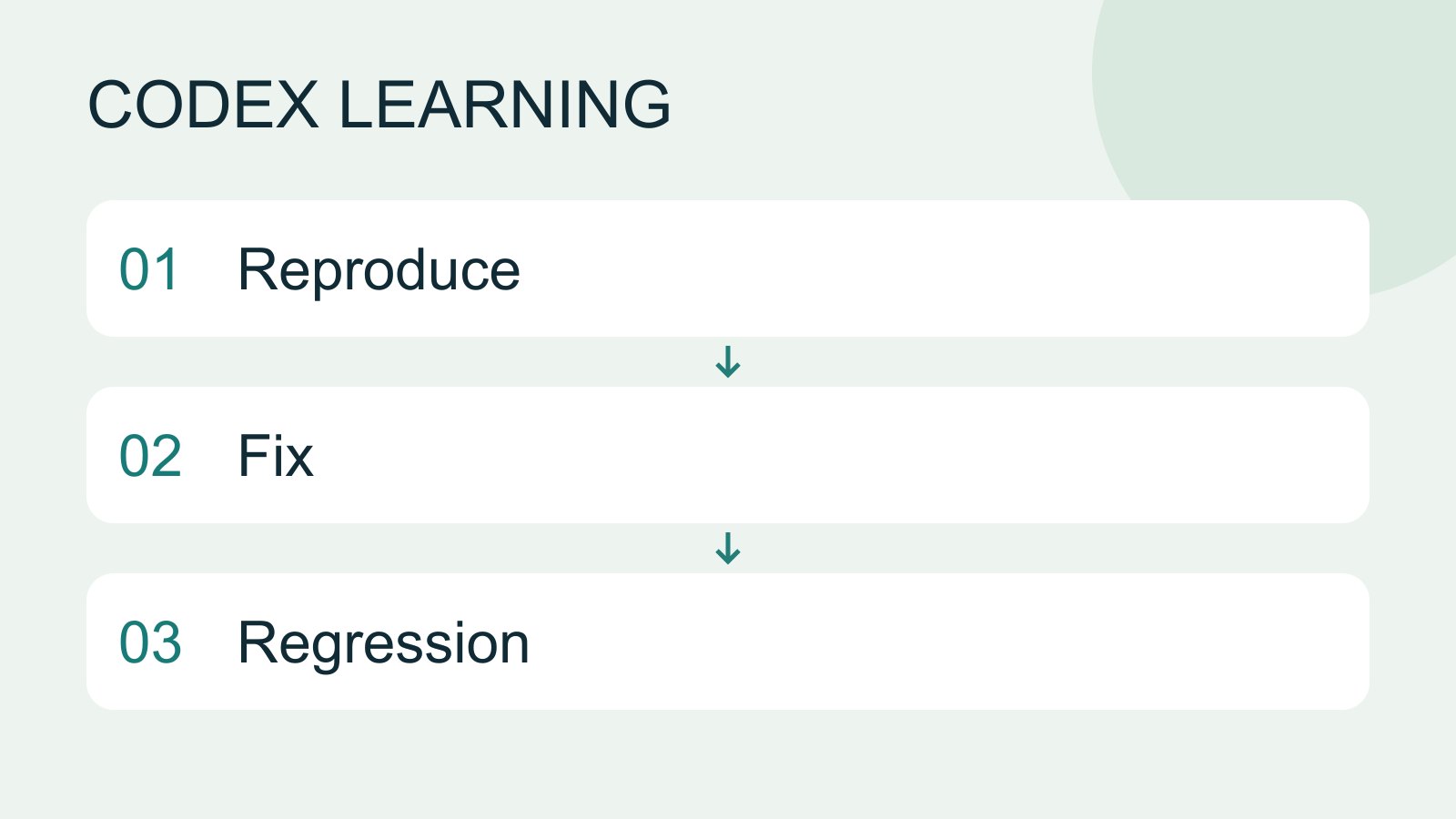
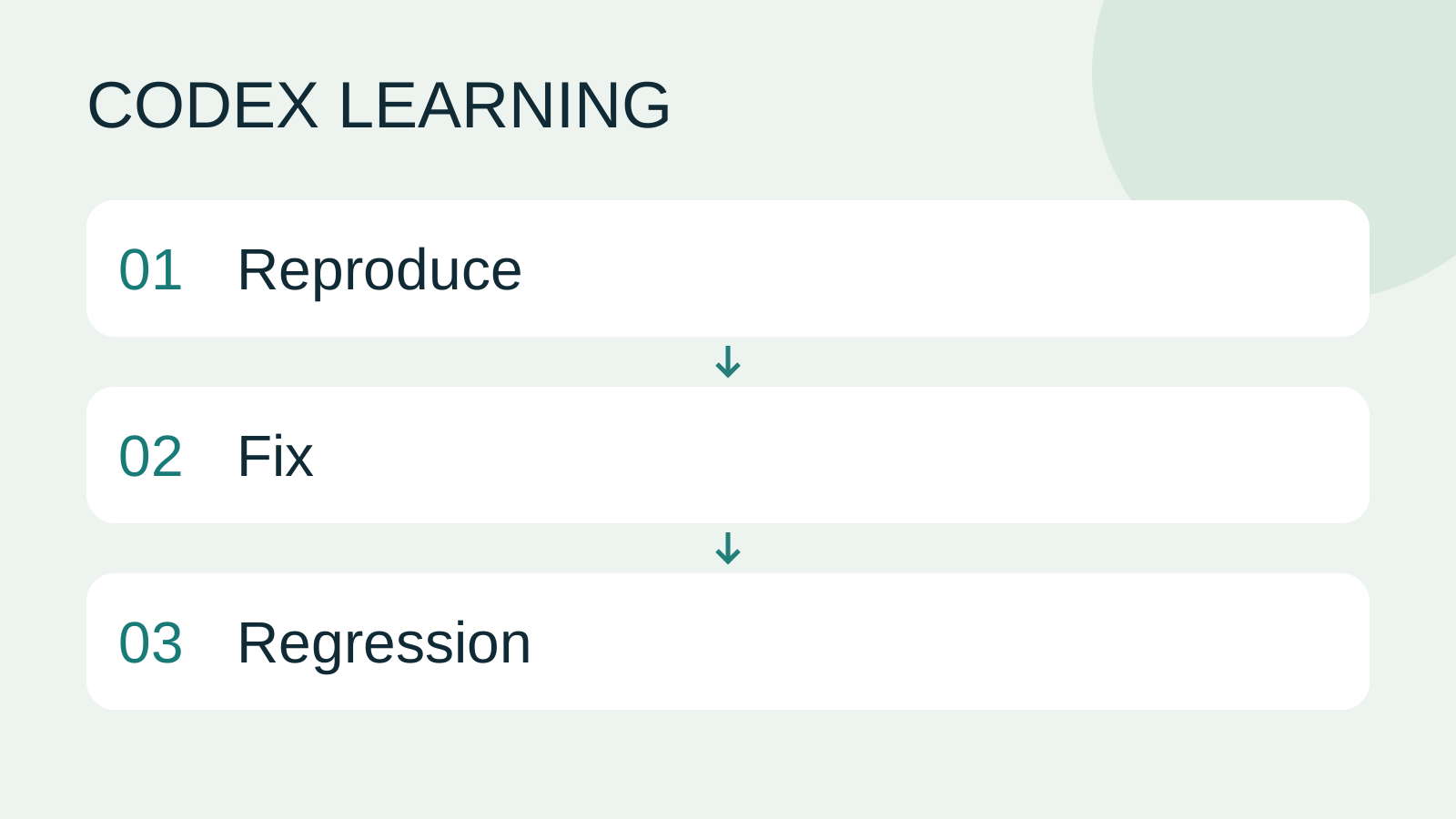
Deliver the report, minimal repro, cause, scoped diff and regression table. To repeat, stop your preview and restore only broken/core.mjs, keeping repro.mjs; it should fail again and original tests return to two passes/one failure. For fuller cases see feature acceptanceImplementing the todo filtersImplement Active and Completed filters from start, preserving data and verifying normal and boundary cases.Read the full article. Diagram 1 reproduces, 2 diagnoses/repairs, 3 regresses. Local reference validation is distinct from your Codex conversation and platform execution.
Back to the Codex learning hubCodex learning hub: tutorial directoryA planned 60-lesson, ten-unit Codex curriculum, from setup and your first task to MD instructions and advanced integrations. Find your next lesson by experience, platform, goal or command; unpublished entries show their status.Read the full article
Read the full description
Reproduce to Fix to Regression
Lifestyle
Codex learning hub: tutorial directory
A planned 60-lesson, ten-unit Codex curriculum, from setup and your first task to MD instructions and advanced integrations. Find your next lesson by experience, platform, goal or command; unpublished entries show their status.
Lifestyle
Worktrees and isolated tasks
A Git worktree gives one repository multiple working directories on different branches. It isolates file edits, but databases, ports and external services may still be shared. File isolation is not full resource isolation.
Lifestyle
Workshop: build a small website
Plan and build the Small Steps task website from brief.md, with adding, completing, deleting, filtering and local persistence. Separate HTML, CSS, data functions, UI events and tests, verify with Node and browser checks, and document restart and recovery steps.
Lifestyle
Usage and efficiency: reducing rework
Record task conditions, model options, time and outcomes to reduce unnecessary retries and excess context.
Articles that cite this one
Latest travel guides

GuideTokyo
Where to Stay in Tokyo: Comparing Shinjuku, Ueno, Tokyo Station, Shibuya, Asakusa, Ikebukuro, and Ginza, Plus Airport Access, Accommodation Tax, and Luggage Delivery
Where should you stay in Tokyo? Compare Shinjuku, Ueno, Tokyo Station, Shibuya, Asakusa, Ikebukuro, and Ginza by the same criteria: access from Narita and Haneda, transit routes, nearby attractions, neighborhood character, and who each area suits. Includes a comparison table, a Yamanote Line diagram, Tokyo’s accommodation tax as verified in 2026/9 (changing to 3% in 2027/4), and Airport TA-Q-BIN luggage shipping rules.
- Budget
- Hotels

GuideTokyo
How to Choose Tokyo Transit Passes: Are Suica, Welcome Suica, the Tokyo Subway Ticket, and the JR Pass Worth It?
On a first Tokyo trip, start with an IC card and pay per ride (Welcome Suica has no deposit and is valid for 28 days). If you take four or more subway rides in a day, add a 72-hour Tokyo Subway Ticket for 2,000 yen; a JR Pass is never worthwhile if you stay in Tokyo and do not go to Kansai. See what TOURIST PASMO, Suica on iPhone, and the Tokyo Metro day pass do and do not cover, with a decision chart. Prices verified in September 2026.
- Transport
- Budget

GuideTokyo
Tokyo Disneyland and DisneySea Guide: Ticket Prices, Fantasy Springs, Disney Premier Access (DPA), Standby Pass, and Which Park to Choose for Your First Visit
Tokyo Disney one-day Passport prices vary: most weekdays in 9/2026 cost ¥9,900 and weekends ¥10,900. At 14:00 daily, tickets go on sale for the same date two months later. Free Priority Pass is no longer on the official service list; only paid Disney Premier Access (¥1,000–3,500 per person per use) shortens waits. Covers hours, the 25th anniversary, Standby Pass, Entry Request, Fantasy Springs access and first-visit park choice; checked on the official site in 9/2026.
- Itineraries
- Family
Sources
- Ground requests in context and verify results · Checked:
- Validation and scoped changes · Checked: