Lifestyle
Off the road: AI tools and tutorials, software, gadgets and everyday notes.
Browse by topic
AI tools
From glossary entries and tool comparisons to coding agents and local models: every step of putting AI to work, written to be followed.
Tutorials
Apps & software
Set-up, comparisons and alternatives for apps and software.
Gadgets
Productivity
Everyday life
Money & finance
Understand where the money goes: budgeting, banking and cards, tax and insurance, investing basics. Methods and rules, never product picks.
Websites & e-commerce
Build and run your own site: WordPress, WooCommerce, domains, hosting and front-end basics, from zero to live.
Marketing & SEO
Getting content seen: SEO, ads and affiliate programmes, and how to run content and a brand.
Tech & industry
Chips, devices, platforms and telecoms: verified facts and dates, never a recommendation.
All articles
Lifestyle
Changing domain registrars: transfer locks, authorization codes and keeping DNS working
Moving a domain to another registrar changes who manages its registration; it does not automatically move your website or email. This guide covers eligibility, common locks, authorization codes and the application process. DNS, nameserver and email checks help users in Taiwan hand over domains such as .com, while reminding them to check the separate rules for .tw and other extensions.
- Tutorials
- Apps & software
- Websites & e-commerce
- Domains, hosting & front-end
Lifestyle
Comparing WordPress hosting: assess providers with one requirements worksheet
To compare WordPress hosting, align site content, service responsibilities and billing periods before interpreting plan differences. This guide offers a worksheet and verification process, separates official specifications from your own measurements and unresolved conditions, and covers renewal, backups, support and exit costs. It is for users in Taiwan choosing their first host or considering a different provider, without ranking services by a single speed test or promotional monthly price.
- Tutorials
- Apps & software
- Websites & e-commerce
- Domains, hosting & front-end
Lifestyle
Setting up a Namecheap domain: connecting it to a website and email after registration
After buying a Namecheap domain, identify its DNS manager to connect your website and email. Official documentation explains Nameservers, Advanced DNS and Mail Settings, with two routes: change nameservers or keep the current DNS. This guide provides preparation checks, step-by-step verification and fault-reporting details for people using different domain, hosting and email providers, helping prevent accidental deletion of existing email records while bringing a website online.
- Tutorials
- Apps & software
- Websites & e-commerce
- Domains, hosting & front-end
Lifestyle
Managing a Gandi domain: registration, DNS and renewal checks
Gandi keeps registration, DNS, email and renewal settings in separate places. Based on current official documentation, this guide covers post-purchase checks, LiveDNS records, backups, transfers and what the 2026 Classic DNS migration means for existing users. Check your own account and build a domain register others can take over, avoiding outdated tutorial nameservers and the assumption that paying means your website and email are fully configured.
- Tutorials
- Apps & software
- Websites & e-commerce
- Domains, hosting & front-end
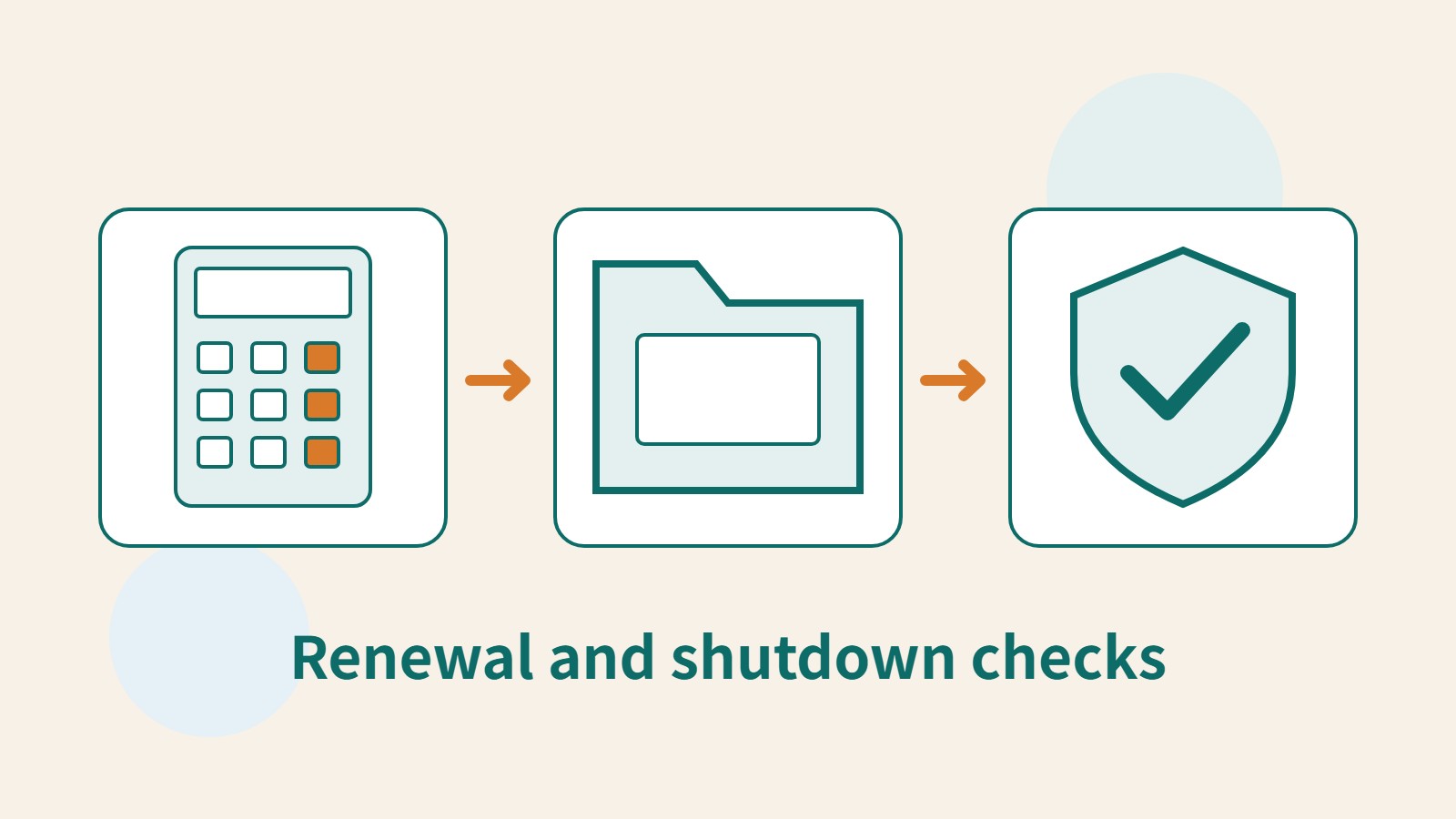
Lifestyle
What happens when a domain or hosting expires: a checklist before renewal or shutdown
Domains, hosting and email can expire separately, with different effects if unpaid. Check orders, expiry details and admin access before renewal, recovery eligibility after expiry, and data to save before closing or moving a site. Build a checklist in time order; manage the domain, site backups, email and external accounts separately. Avoid cancelling a service only to lose verification emails, or keeping a content export without images and site settings.
- Tutorials
- Apps & software
- Websites & e-commerce
- Domains, hosting & front-end
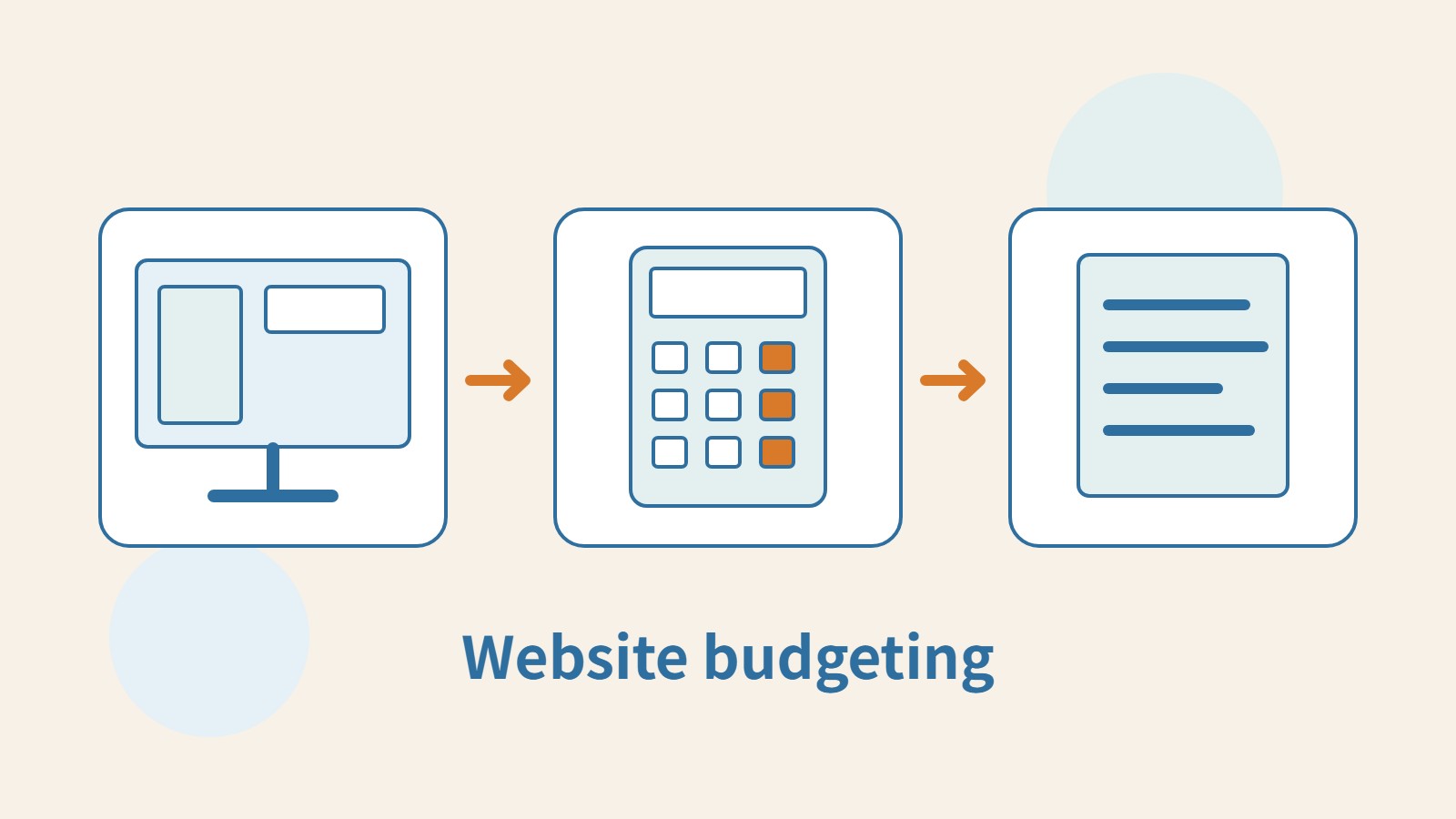
Lifestyle
Planning a website budget: separate first-year, renewal and maintenance costs
A website budget needs more than a promotional monthly price. Group spending into setup, ongoing use, renewal and migration; list hosting, domains, email, themes, plugins and maintenance time. Learn to distinguish long-term monthly equivalents, automatic renewal and outsourced quotes, then practise with clearly hypothetical figures. Build a cost list, decide what is needed now or later, and know which terms to keep before paying.
- Tutorials
- Apps & software
- Websites & e-commerce
- Domains, hosting & front-end
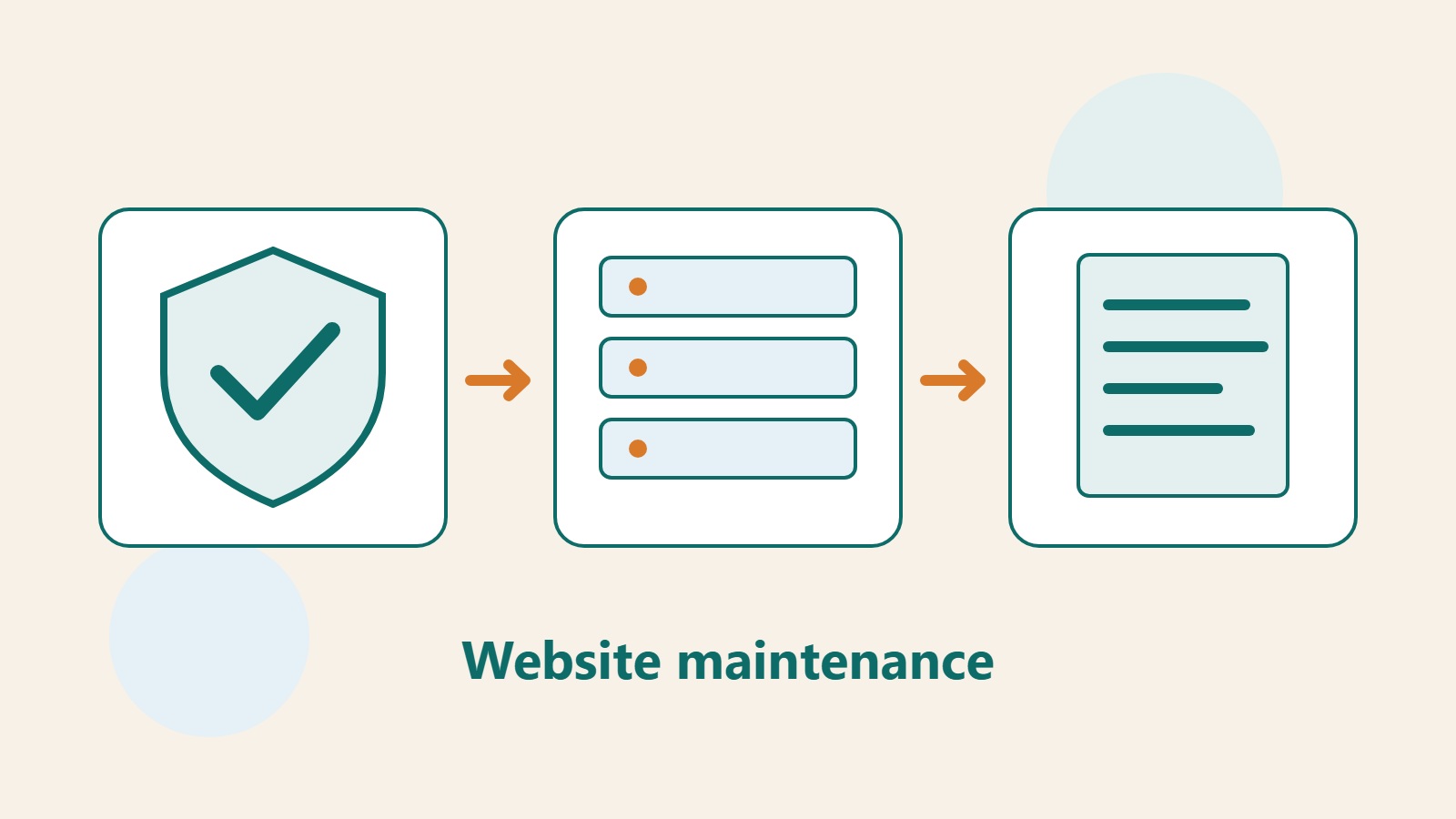
Lifestyle
What website maintenance involves: a routine for backups, updates, and incident reports
Website maintenance includes more than plugin updates: check content, accounts, backups, outgoing email, and expiring services. Using a small WordPress content site, this guide covers routine observation, pre- and post-update checks, restoration, and incident reports, with a worksheet for owners, editors, and maintainers. Set a schedule by update frequency, identify urgent cases, and keep records the next collaborator can use.
- Tutorials
- Apps & software
- Websites & e-commerce
- Domains, hosting & front-end
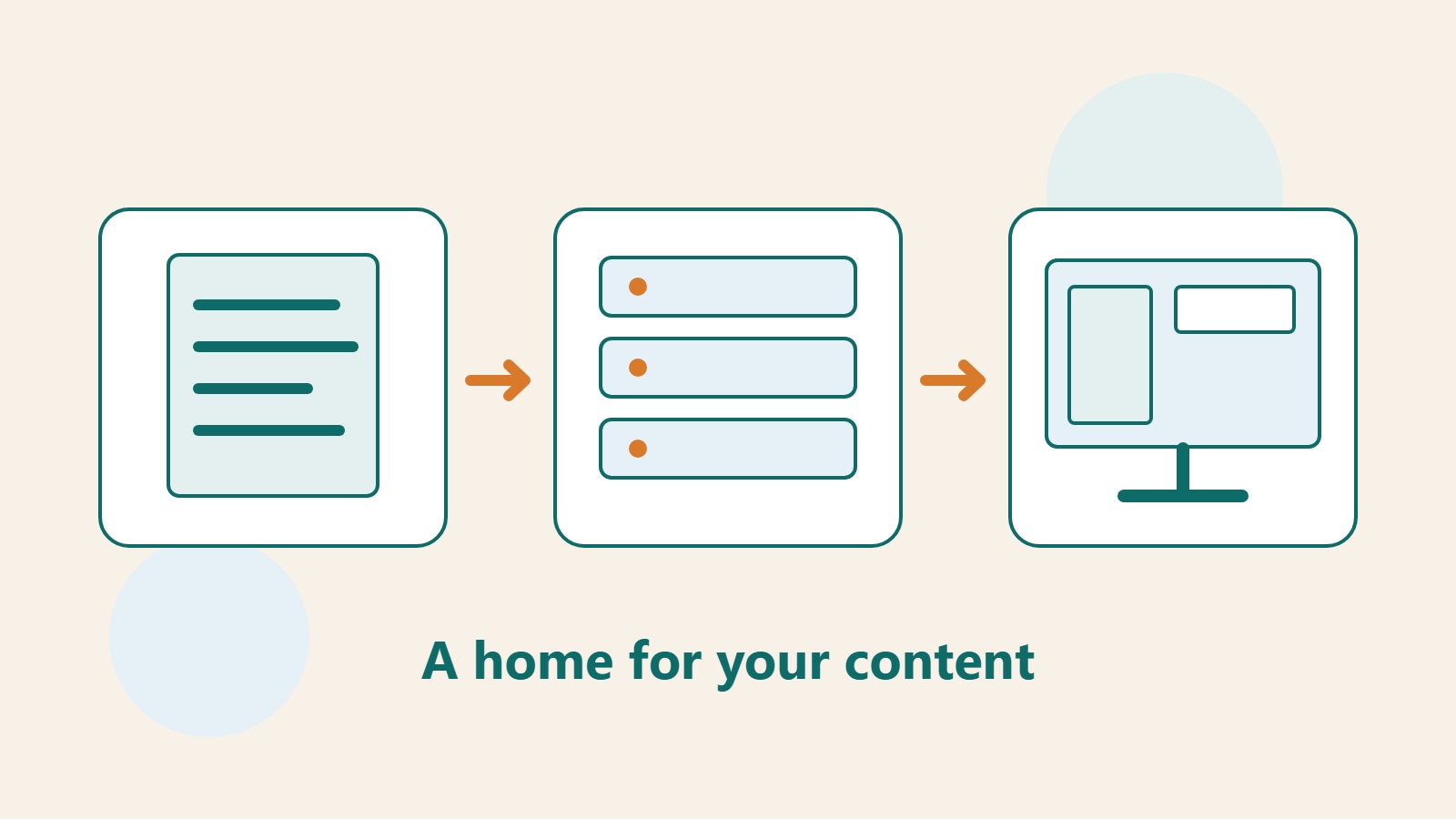
Lifestyle
How to choose a CMS or website platform: let your update workflow decide where your site lives
Before choosing a website tool, identify who will update content, what readers need to do, and who responds when the site breaks. Using a portfolio, publishing blog, and small business site, this guide compares a CMS, an all-in-one builder, and a static site. Build a requirements sheet for trials, quotes, and handover; check export and migration limits; and avoid deciding only from a polished template or introductory price.
- Tutorials
- Apps & software
- Websites & e-commerce
- Domains, hosting & front-end
Lifestyle
Shared Hosting, VPS, and Managed Cloud: How a Small Website Should Choose
Shared hosting, VPS, and managed cloud services often share one price list, but the terms may describe resource allocation or maintenance responsibility. This guide uses a small site to compare storage, memory, transfer, backups, and support. Find the real constraint before adjusting settings, upgrading a plan, or moving hosts. You do not need to memorize specifications first: take this concrete checklist to a provider.
- Tutorials
- Apps & software
- Websites & e-commerce
- Domains, hosting & front-end
Lifestyle
Before You Buy a Domain: Name, Registrant, and Renewal Management
A domain is the entrance to your website and an important record for email, future moves, and brand identity. This guide covers name choice; the roles of the registrant, registrar, host, and DNS; initial and renewal costs; account protection; and transfer prerequisites. A small-studio management sheet records the holder, notice destination, and handover when collaboration ends, so delegated setup does not leave you with website-admin access but no domain-management control.
- Tutorials
- Apps & software
- Websites & e-commerce
- Domains, hosting & front-end