Tutorials
Off the road: AI tools and tutorials, software, gadgets and everyday notes.
Lifestyle
Your first WordPress site: from a test site to a public website
Your first WordPress site needs more than a successful installation: its URL, content, email and backups must work too. Using a typical personal site, this guide covers accounts and information to prepare, automatic versus manual installation, basic admin settings, home-page and post organisation, and visitor tests before launch. The goal is a site someone else can maintain, not just a completion screen visible to its administrator.
- Tutorials
- Apps & software
- Websites & e-commerce
- WordPress
Lifestyle
WordPress.com or self-hosted WordPress: balancing maintenance, costs and control
WordPress.com and WordPress.org share an ecosystem, but their services, maintenance duties and features differ. For personal blogs and small business sites, this guide compares hosting, self-hosting, plugins, backups, support and migration. It clarifies paid-plan plugin installation using official information available at the check date, so you can compare total costs and real workflows instead of an outdated free-versus-paid split.
- Tutorials
- Apps & software
- Websites & e-commerce
- WordPress
Lifestyle
Planning a website budget: separate first-year, renewal and maintenance costs
A website budget needs more than a promotional monthly price. Group spending into setup, ongoing use, renewal and migration; list hosting, domains, email, themes, plugins and maintenance time. Learn to distinguish long-term monthly equivalents, automatic renewal and outsourced quotes, then practise with clearly hypothetical figures. Build a cost list, decide what is needed now or later, and know which terms to keep before paying.
- Tutorials
- Apps & software
- Websites & e-commerce
- Domains, hosting & front-end
Lifestyle
Building a site on Cloudways: servers, applications and account verification
Cloudways manages servers, applications and projects separately, each with its own role and costs. This guide covers WordPress on Flexible: account activation, server creation, adding an application, connecting a domain and pre-launch checks. It explains why stopping a server may not stop charges, and how to verify official support channels and handle individual account-verification requests so that costs and maintenance responsibilities are clear before you start.
- Tutorials
- Apps & software
- Websites & e-commerce
- WordPress

Lifestyle
Keep Buying Household Supplies You Already Have? Track Location, Quantity, and Restocking Status in a Simple Inventory Sheet
Start with supplies you often buy twice, without building a warehouse system. Help everyone at home see where things are, how much remains, and who has already restocked, so the list better matches what is actually there.
- Tutorials
- Everyday life
- Money basics

Lifestyle
Clearer Phone Document Scans: Lighting, Cropping, Page Order, and Checks Before Sending
Photographing paper with your phone does not finish a scan. From flattening the original and avoiding shadows to checking every page and the export format, make sure the recipient gets a readable file.
- Tutorials
- Apps & software

Lifestyle
Home File Backups Need More Than a Sync Check: Test a Restore to Know You Can Recover
Distinguish original files, synchronized copies, and recoverable versions. From listing important files and backup locations to restoring a sample, build a way to protect your data that you can actually use.
- Tutorials
- Apps & software
Lifestyle
What website maintenance involves: a routine for backups, updates, and incident reports
Website maintenance includes more than plugin updates: check content, accounts, backups, outgoing email, and expiring services. Using a small WordPress content site, this guide covers routine observation, pre- and post-update checks, restoration, and incident reports, with a worksheet for owners, editors, and maintainers. Set a schedule by update frequency, identify urgent cases, and keep records the next collaborator can use.
- Tutorials
- Apps & software
- Websites & e-commerce
- Domains, hosting & front-end
Lifestyle
How to choose a CMS or website platform: let your update workflow decide where your site lives
Before choosing a website tool, identify who will update content, what readers need to do, and who responds when the site breaks. Using a portfolio, publishing blog, and small business site, this guide compares a CMS, an all-in-one builder, and a static site. Build a requirements sheet for trials, quotes, and handover; check export and migration limits; and avoid deciding only from a polished template or introductory price.
- Tutorials
- Apps & software
- Websites & e-commerce
- Domains, hosting & front-end
Lifestyle
Shared Hosting, VPS, and Managed Cloud: How a Small Website Should Choose
Shared hosting, VPS, and managed cloud services often share one price list, but the terms may describe resource allocation or maintenance responsibility. This guide uses a small site to compare storage, memory, transfer, backups, and support. Find the real constraint before adjusting settings, upgrading a plan, or moving hosts. You do not need to memorize specifications first: take this concrete checklist to a provider.
- Tutorials
- Apps & software
- Websites & e-commerce
- Domains, hosting & front-end
Lifestyle
Before You Buy a Domain: Name, Registrant, and Renewal Management
A domain is the entrance to your website and an important record for email, future moves, and brand identity. This guide covers name choice; the roles of the registrant, registrar, host, and DNS; initial and renewal costs; account protection; and transfer prerequisites. A small-studio management sheet records the holder, notice destination, and handover when collaboration ends, so delegated setup does not leave you with website-admin access but no domain-management control.
- Tutorials
- Apps & software
- Websites & e-commerce
- Domains, hosting & front-end

Lifestyle
Meeting Notes Others Can Act On: Record Decisions, Owners, and Next Steps
You do not need a word-for-word record of every discussion. Use a one-page note to explain the context, decisions made, and open questions, so even people who did not attend can understand who owns the next step.
- Tutorials
- Productivity
Lifestyle
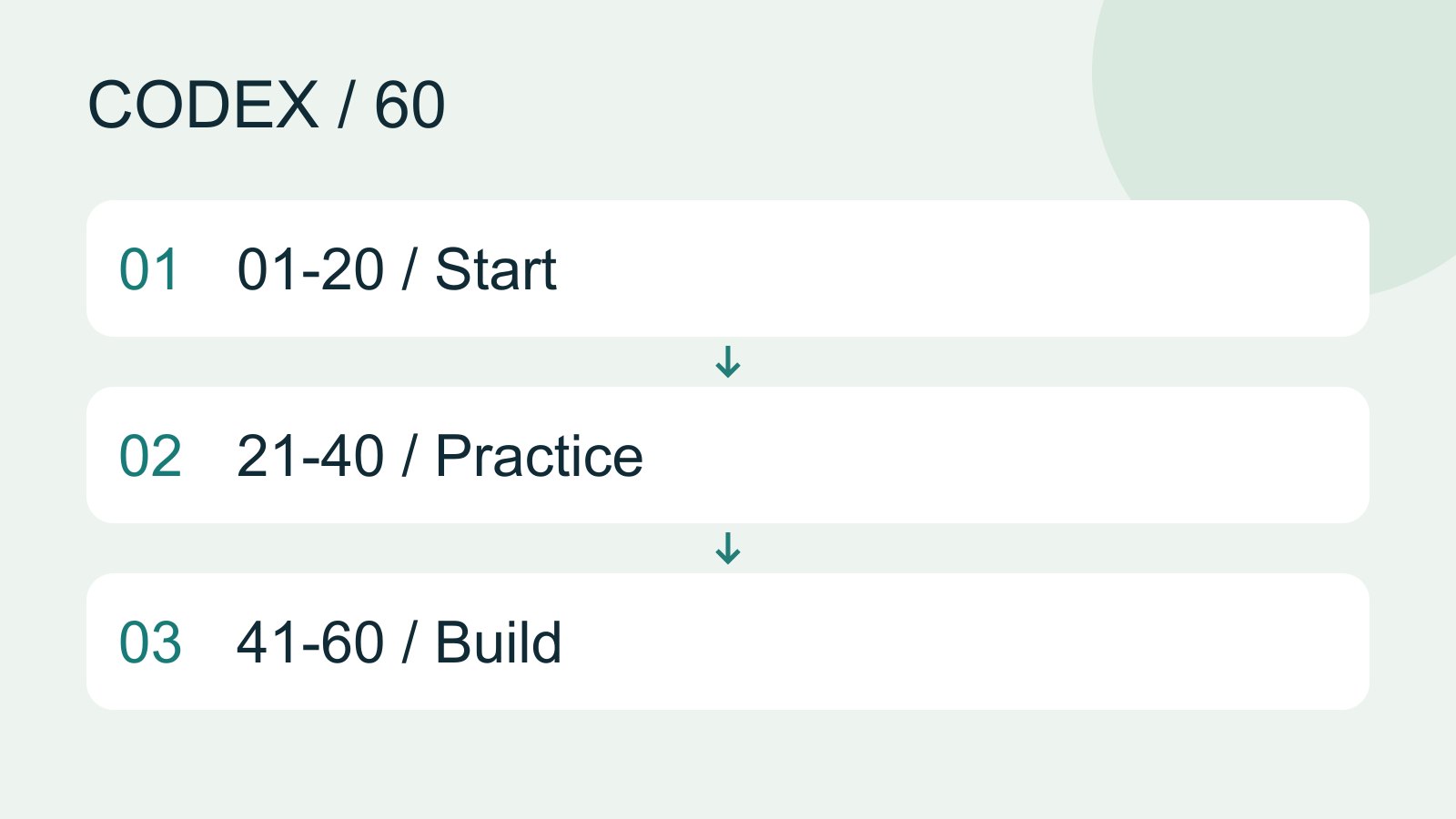
Codex learning hub: tutorial directory
A planned 60-lesson, ten-unit Codex curriculum, from setup and your first task to MD instructions and advanced integrations. Find your next lesson by experience, platform, goal or command; unpublished entries show their status.
- AI tools
- Tutorials
- Codex
Lifestyle
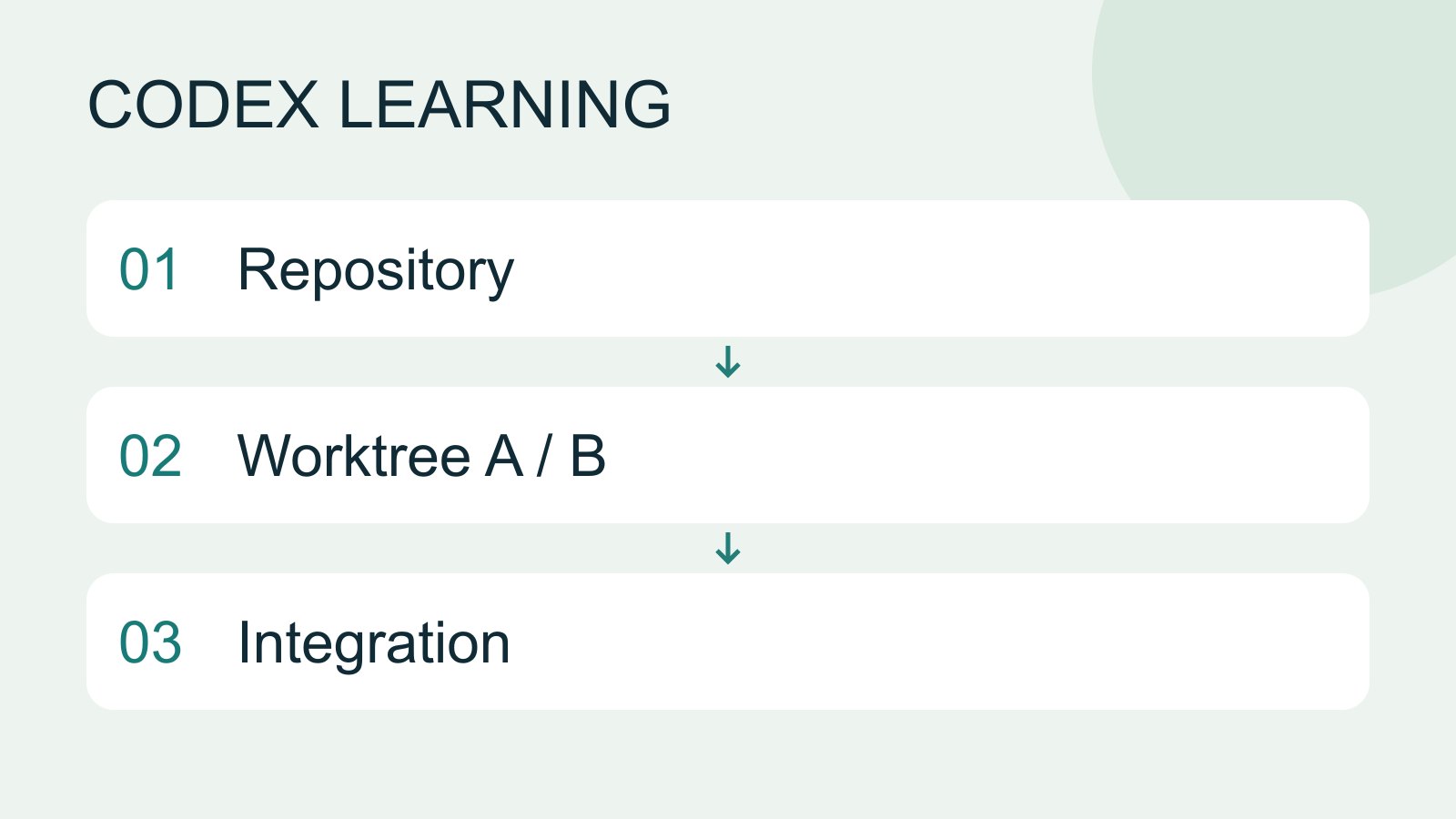
Worktrees and isolated tasks
A Git worktree gives one repository multiple working directories on different branches. It isolates file edits, but databases, ports and external services may still be shared. File isolation is not full resource isolation.
- AI tools
- Tutorials
- Codex
Lifestyle
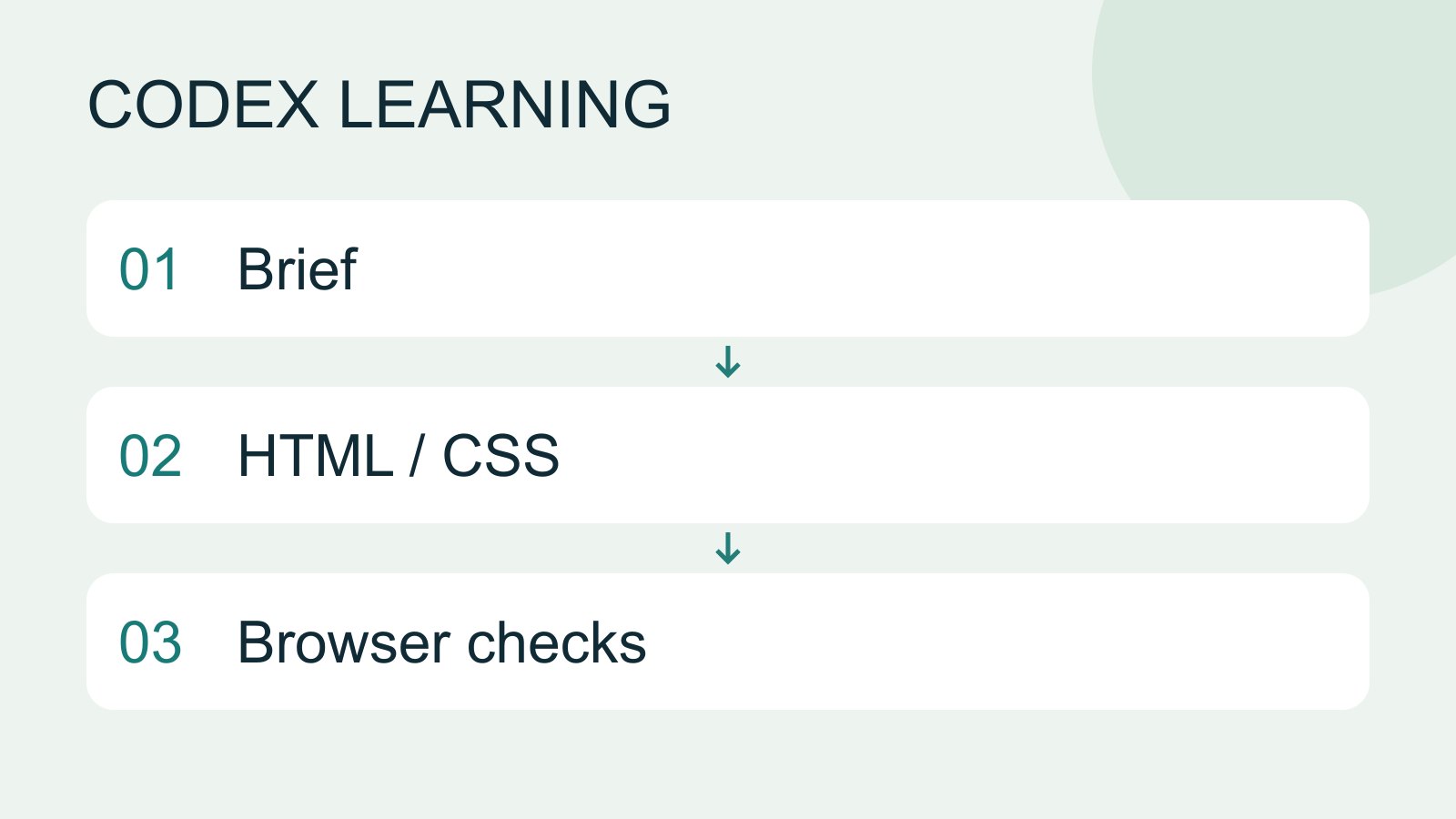
Workshop: build a small website
Plan and build the Small Steps task website from brief.md, with adding, completing, deleting, filtering and local persistence. Separate HTML, CSS, data functions, UI events and tests, verify with Node and browser checks, and document restart and recovery steps.
- AI tools
- Tutorials
- Codex
Lifestyle
Usage and efficiency: reducing rework
Record task conditions, model options, time and outcomes to reduce unnecessary retries and excess context.
- AI tools
- Tutorials
- Codex
Lifestyle
Understanding an existing codebase
Use a read-only workflow to locate entry points, data flow and tests, with file-backed explanations.
- AI tools
- Tutorials
- Codex
Lifestyle
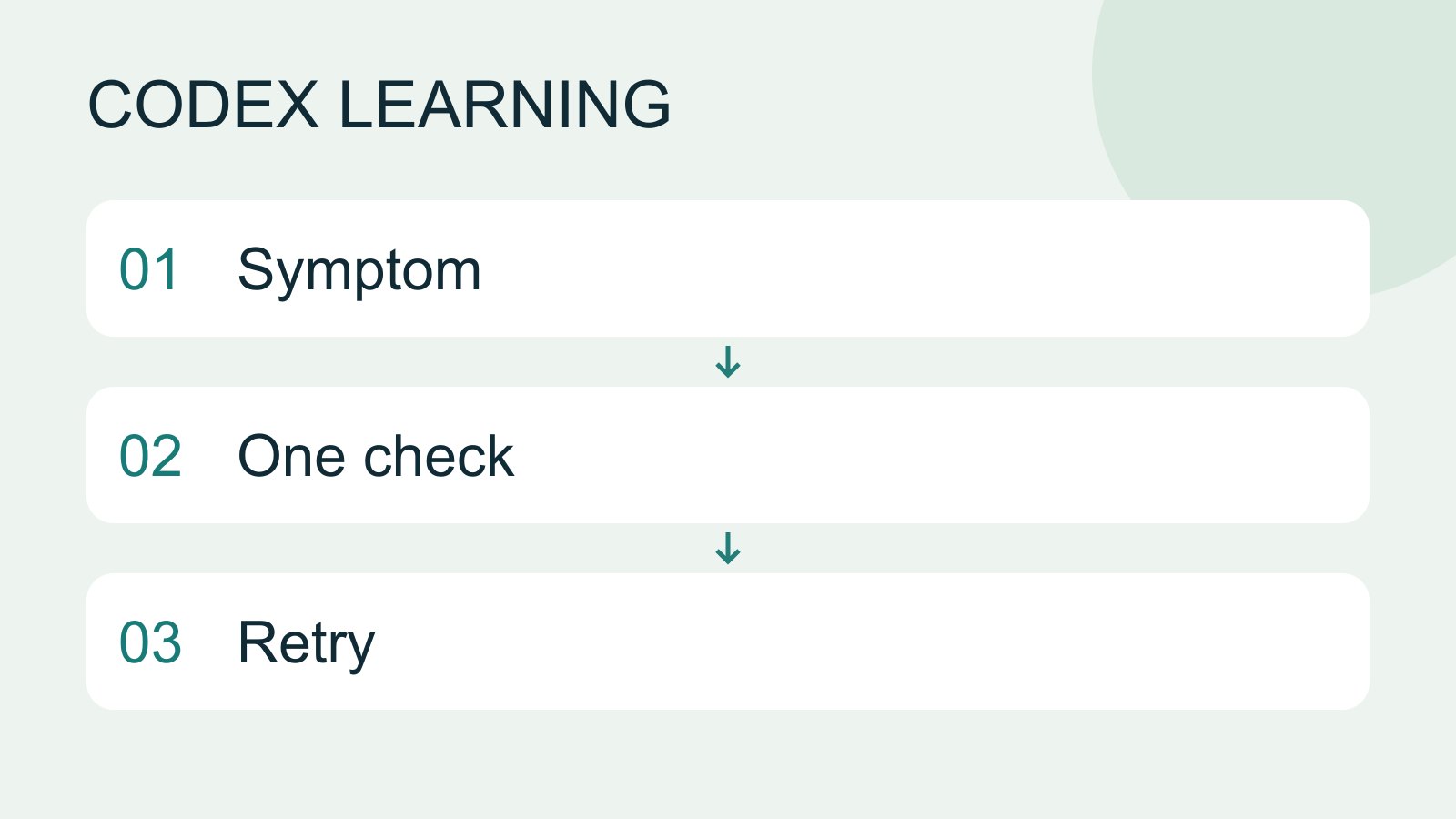
Troubleshooting for beginners
Start by locating the failing layer. A missing executable suggests installation or PATH; a rejected account suggests authentication; missing files suggest location or permissions; an incorrect result may involve the request or project code. Change one condition at a time.
- AI tools
- Tutorials
- Codex
Lifestyle
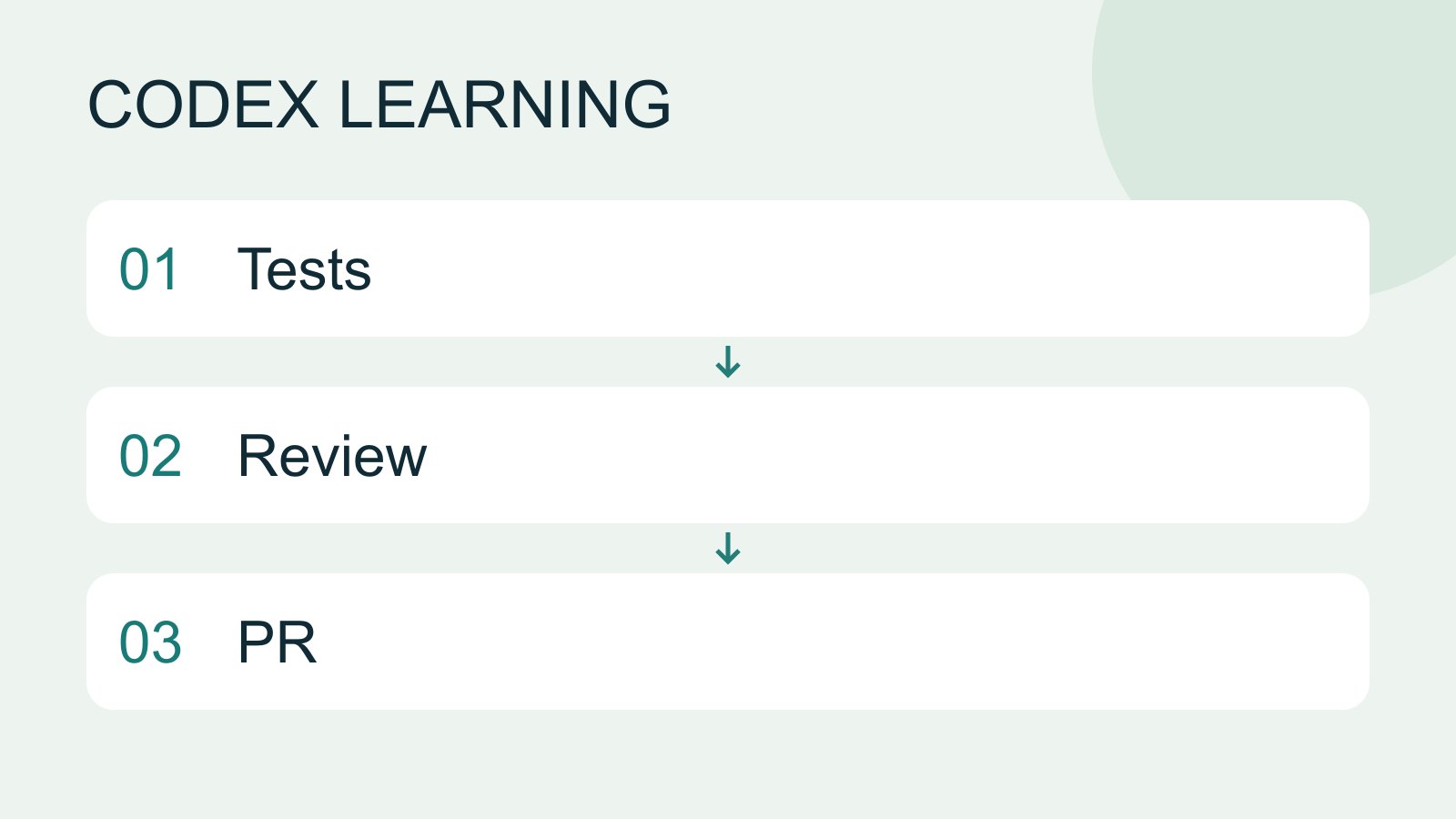
Tests, code review and pull requests
Tests check behavior under specified conditions, review examines the change for defects and a PR presents proposed integration. They complement each other: tests passing does not establish review approval, and an open PR is not a merge.
- AI tools
- Tutorials
- Codex
Lifestyle
Terminal paths and project roots
Create a practice folder on Windows, macOS or Linux and distinguish current, relative and absolute paths.
- AI tools
- Tutorials
- Codex
Lifestyle
Prompt, rules and handoff templates
Choose a prompt, rule or handoff template, fill its required fields and use the correct input location.
- AI tools
- Tutorials
- Codex
Lifestyle
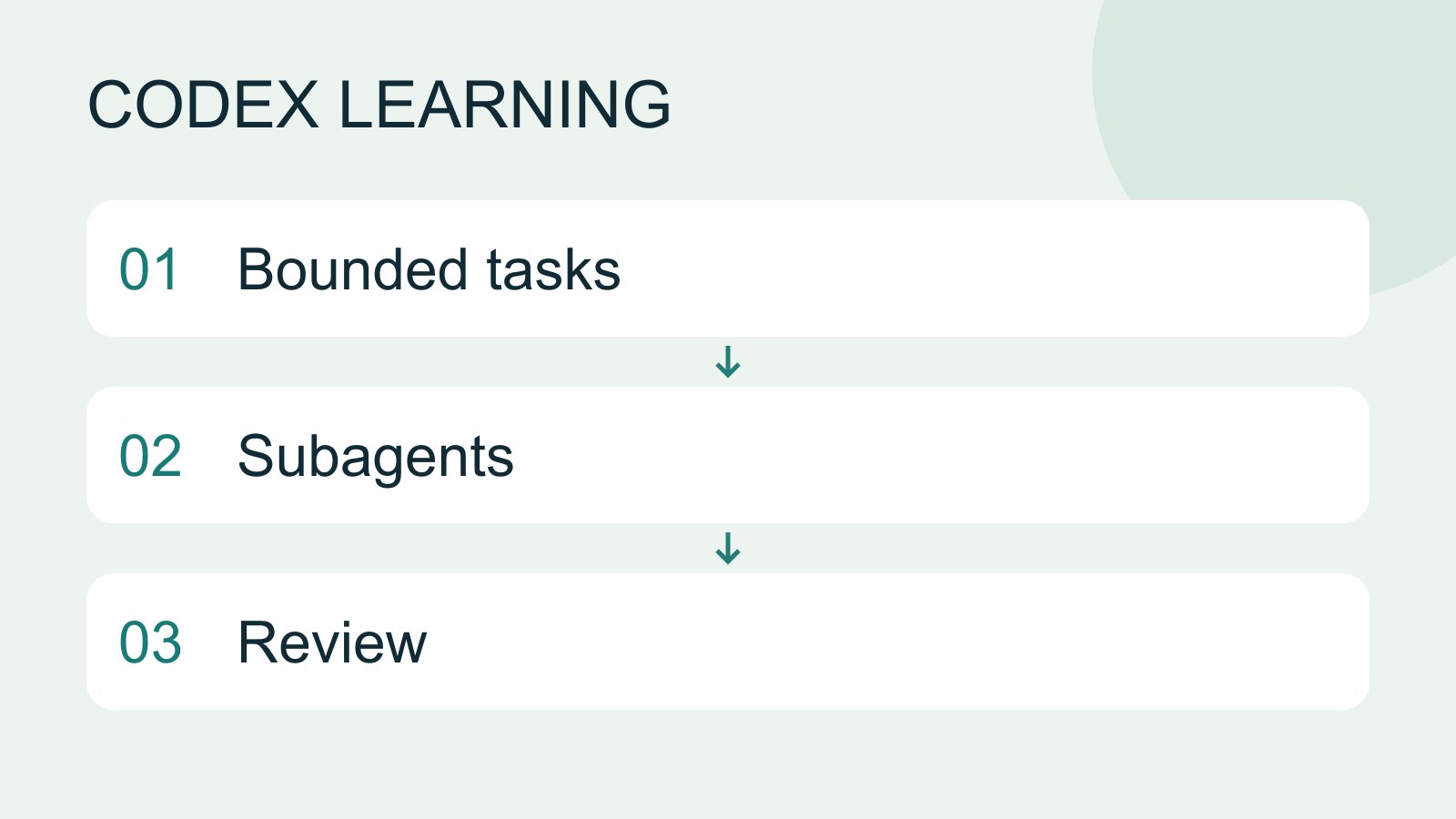
Subagents and task delegation
Subagents suit independent work that can be reviewed and combined by the main task. They consume additional model and tool usage. Parallel tasks with mutual dependencies or overlapping edits can create more conflict than speed.
- AI tools
- Tutorials
- Codex
Lifestyle
Subagent scope and quality checks
Define independent inputs, edit scopes and evidence, then review subagent results and resolve gaps.
- AI tools
- Tutorials
- Codex
Lifestyle
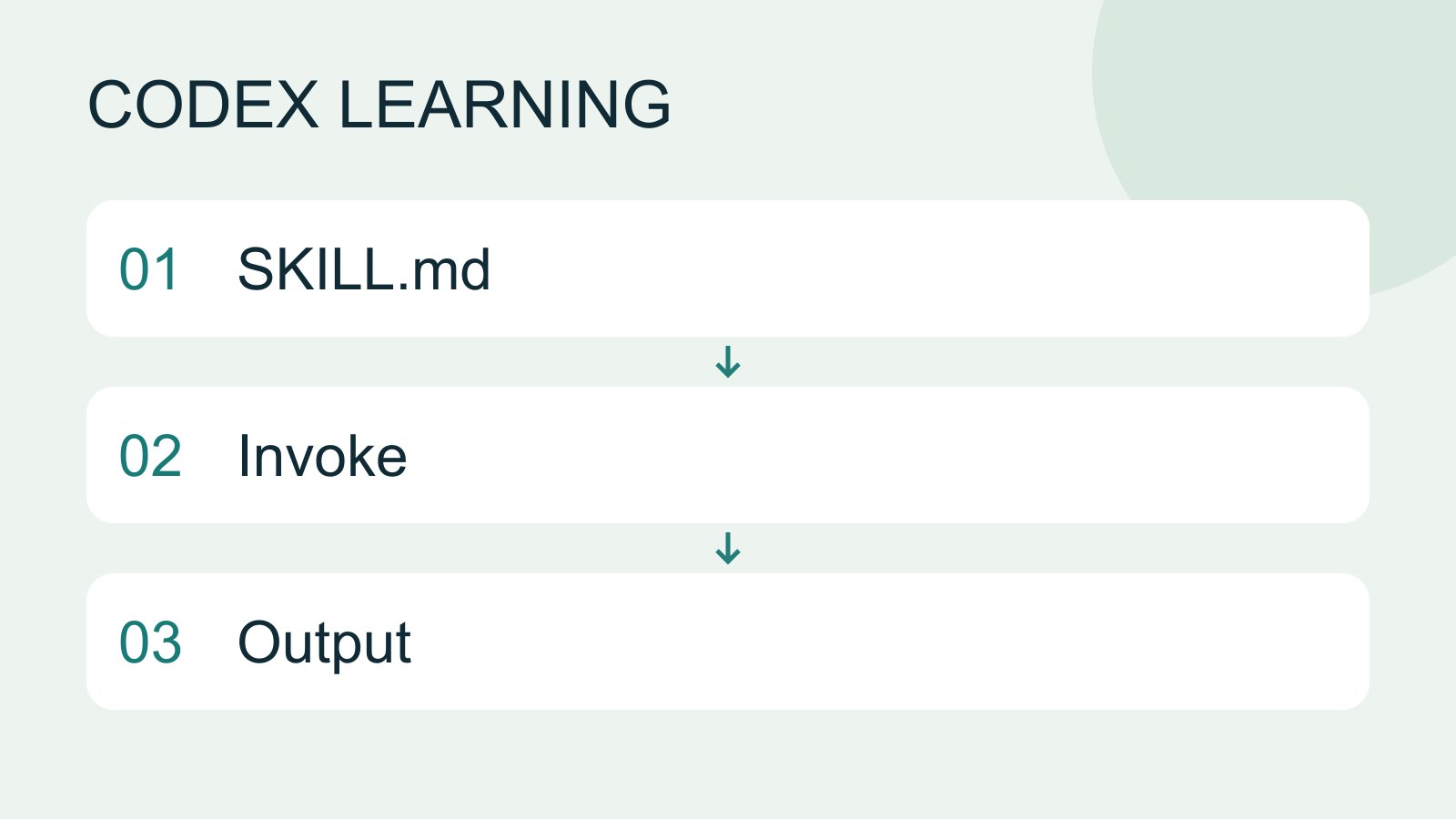
Skills and SKILL.md
A skill packages a repeatable workflow with instructions and optional resources. The minimum is a directory containing SKILL.md with name and description metadata followed by the procedure and expected output. Installation alone does not prove a task used it.
- AI tools
- Tutorials
- Codex