Tutorials
Off the road: AI tools and tutorials, software, gadgets and everyday notes.
Lifestyle
Testing skill selection and results
Test format, selection and outcomes separately, using matching and non-matching requests to refine descriptions.
- AI tools
- Tutorials
- Codex
Lifestyle
Skill scripts, references and assets
Move repeated logic and large references into useful resources, then verify conditional loading and relative paths.
- AI tools
- Tutorials
- Codex
Lifestyle
Sessions, resuming and forking
Distinguish new, resumed and forked tasks, locate the right history and verify the directory and remaining work.
- AI tools
- Tutorials
- Codex
Lifestyle
Separating rules, documentation and context
Separate working rules, project entry points, design requirements and handoff state. Check outdated hypotheses against actual files and tests.
- AI tools
- Tutorials
- Codex
Lifestyle
Remote setup, diagnosis and disconnection
Pair devices, diagnose host availability and verify fresh file reads. Distinguish remote access, device pairing and task execution when stopping work.
- AI tools
- Tutorials
- Codex
Lifestyle
Write a clear task request
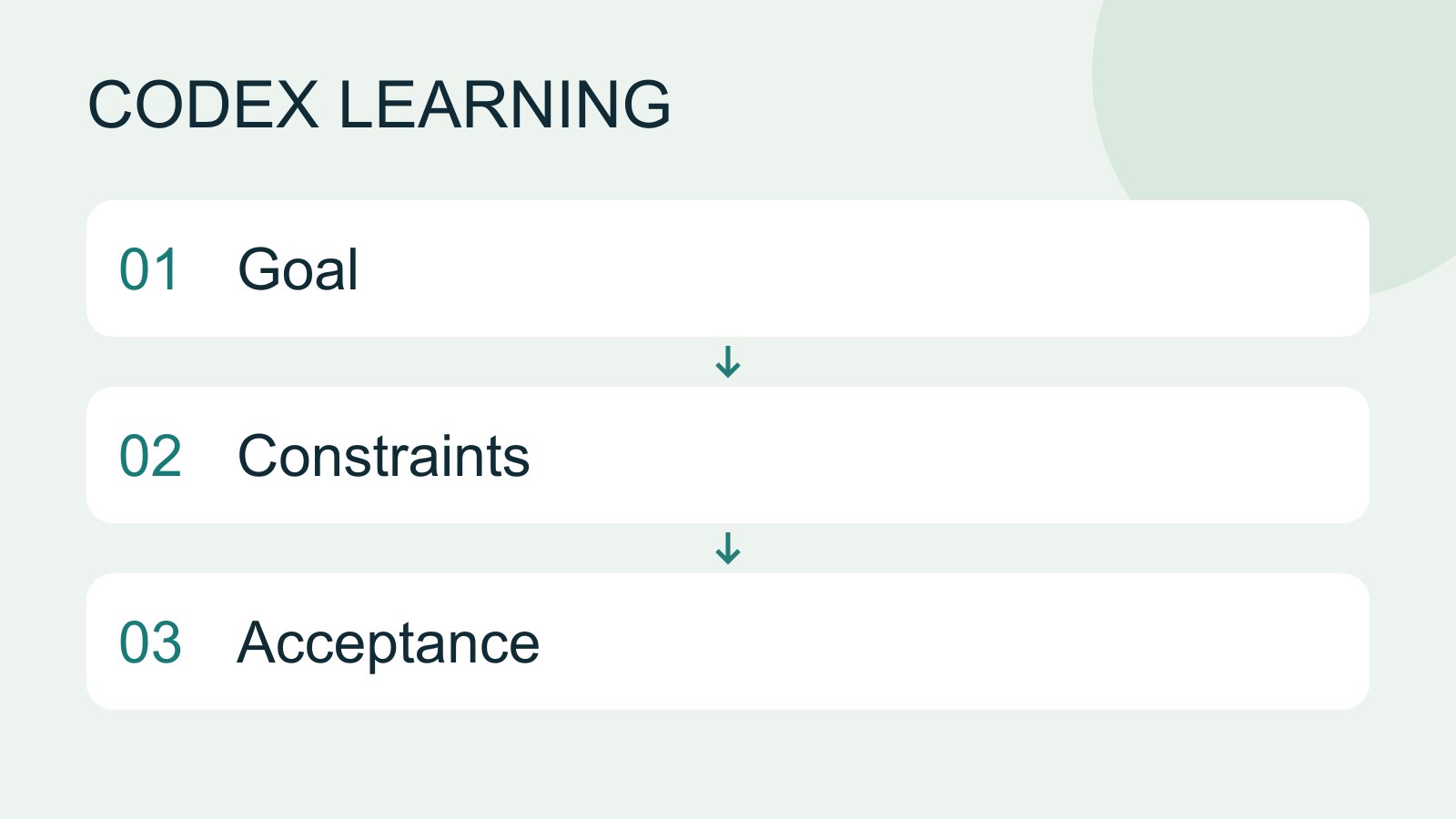
A useful request explains the outcome, available context, boundaries and acceptance checks. 'Improve the page' could mean speed, appearance or accessibility. Convert it into observable behavior before adding more instructions.
- AI tools
- Tutorials
- Codex
Lifestyle
Manage desktop tasks and projects
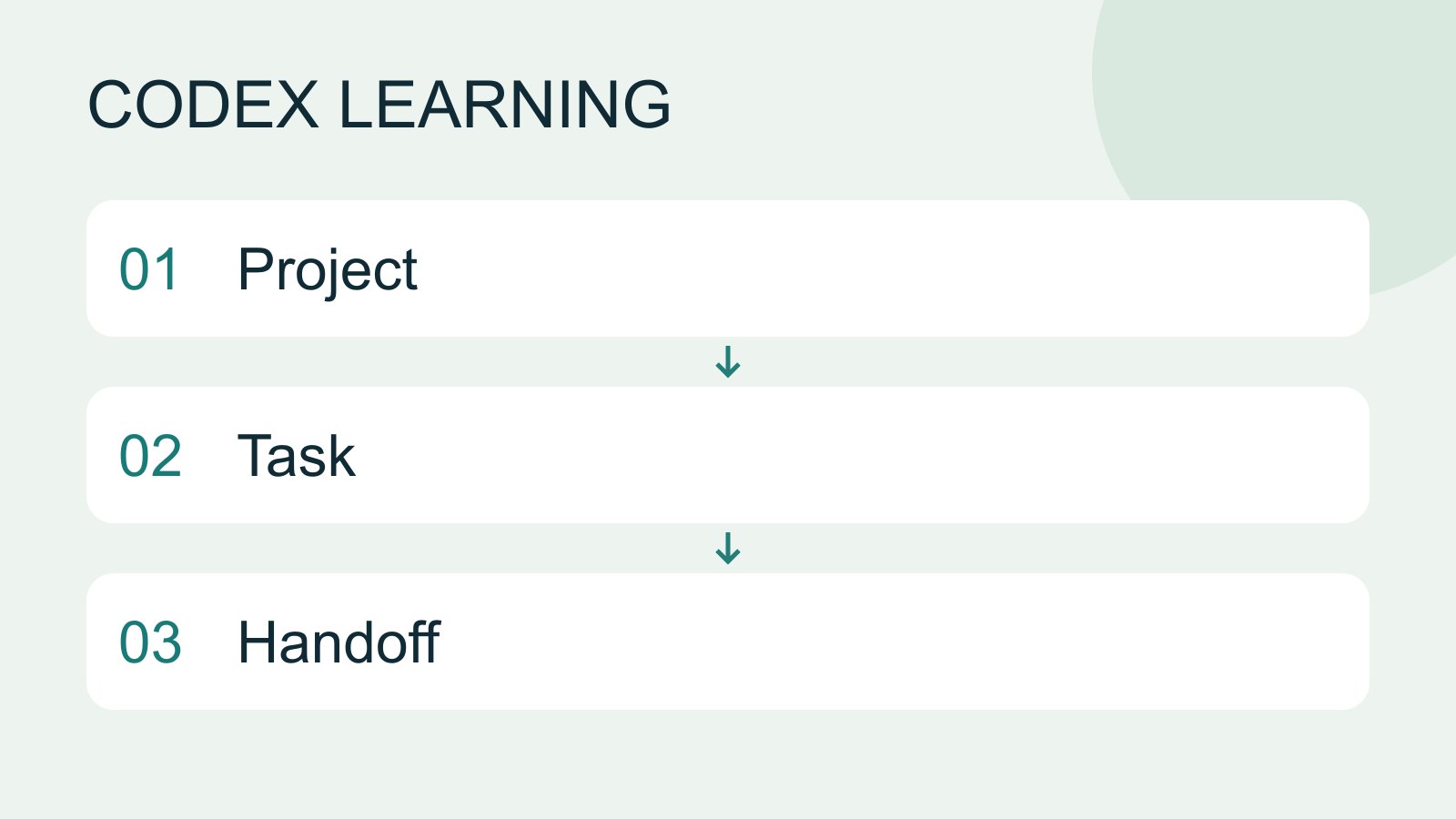
Keep follow-ups about one outcome in the same task and separate independent outcomes into different tasks. Projects identify files; tasks track assignments. Multiple tasks do not automatically isolate files: use worktrees when isolation is needed.
- AI tools
- Tutorials
- Codex
Lifestyle
Project data, credentials and practice isolation
Create fictional test data and restorable copies, and identify information to exclude from prompts, screenshots and repositories.
- AI tools
- Tutorials
- Codex
Lifestyle
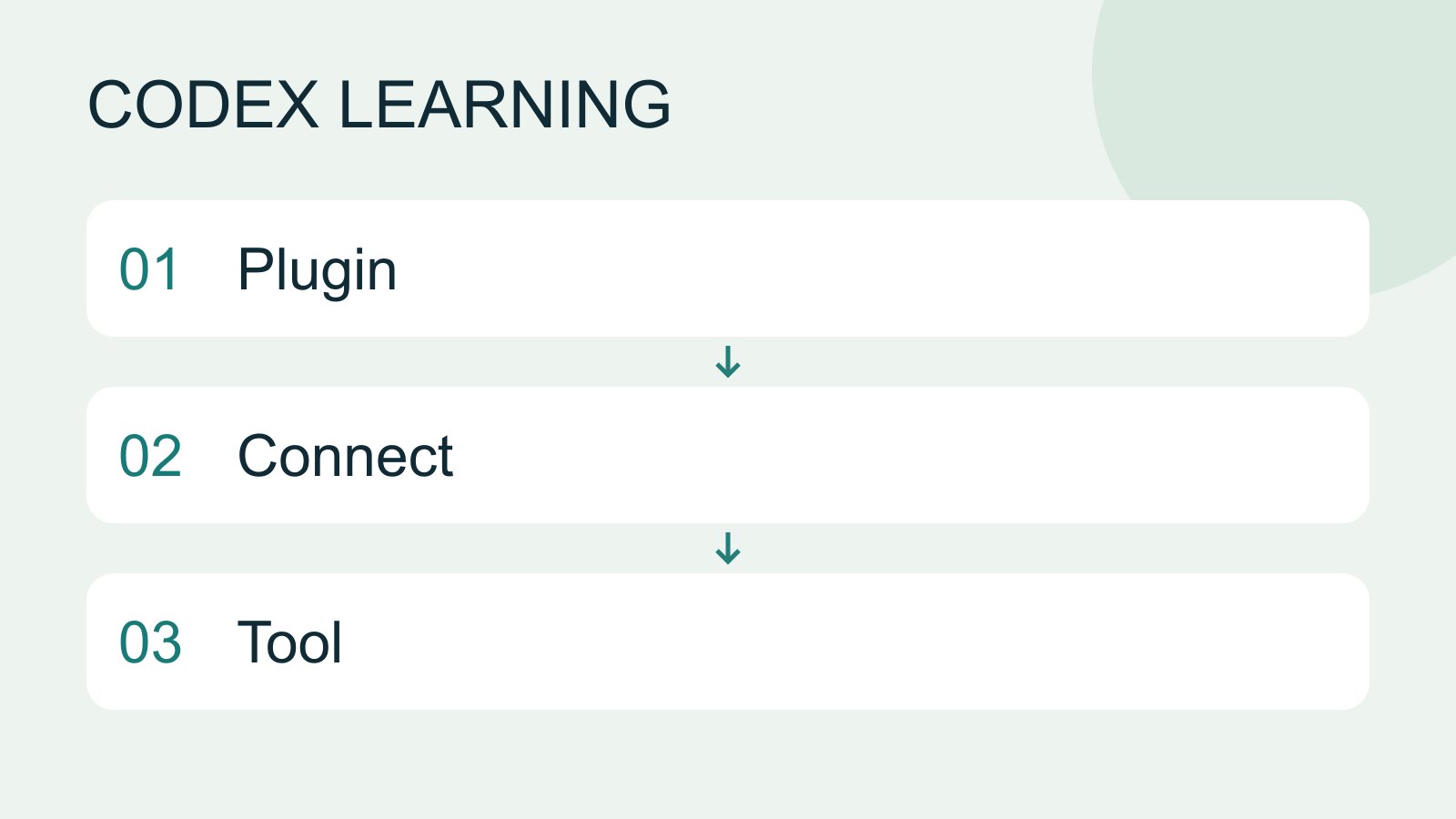
Plugins and connected services
A plugin can distribute skills and MCP tools as an installable capability. Installing it, connecting an external account and successfully calling a tool are distinct stages. A listing does not establish access to your data.
- AI tools
- Tutorials
- Codex
Lifestyle
Troubleshooting plugin connections
Distinguish installation, account connection, authorization and callable tools before reconnecting or removing a plugin.
- AI tools
- Tutorials
- Codex
Lifestyle
Choosing a Codex platform
Compare desktop, mobile, CLI, IDE and cloud scenarios, and identify where files and tools run.
- AI tools
- Tutorials
- Codex
Lifestyle
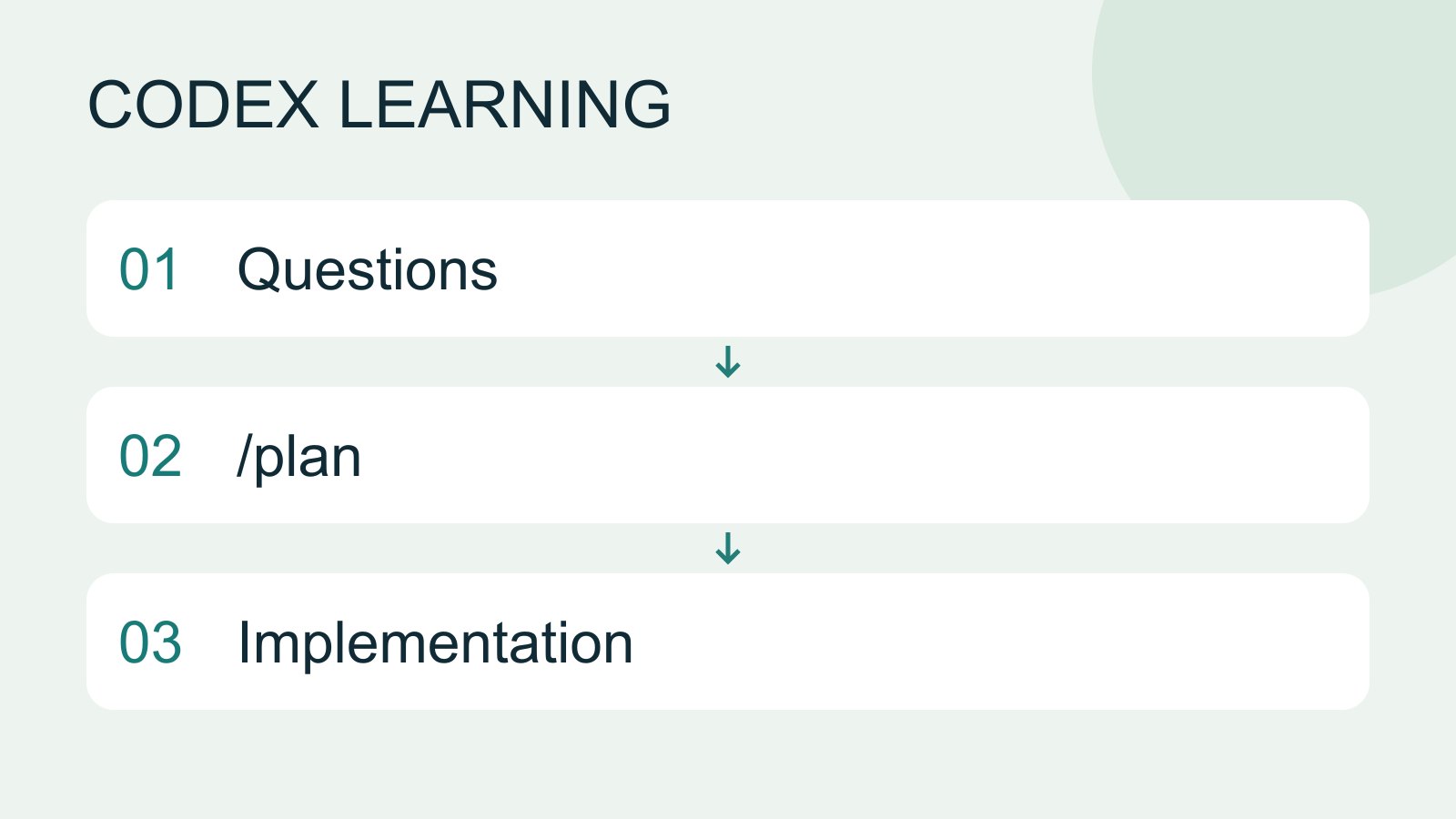
Plan mode: agree on the work first
Plan mode is useful when scope or approach still needs decisions. It produces an implementation plan, not finished code. Define the questions to resolve and check that the plan includes inputs, outputs, constraints and verification.
- AI tools
- Tutorials
- Codex
Lifestyle
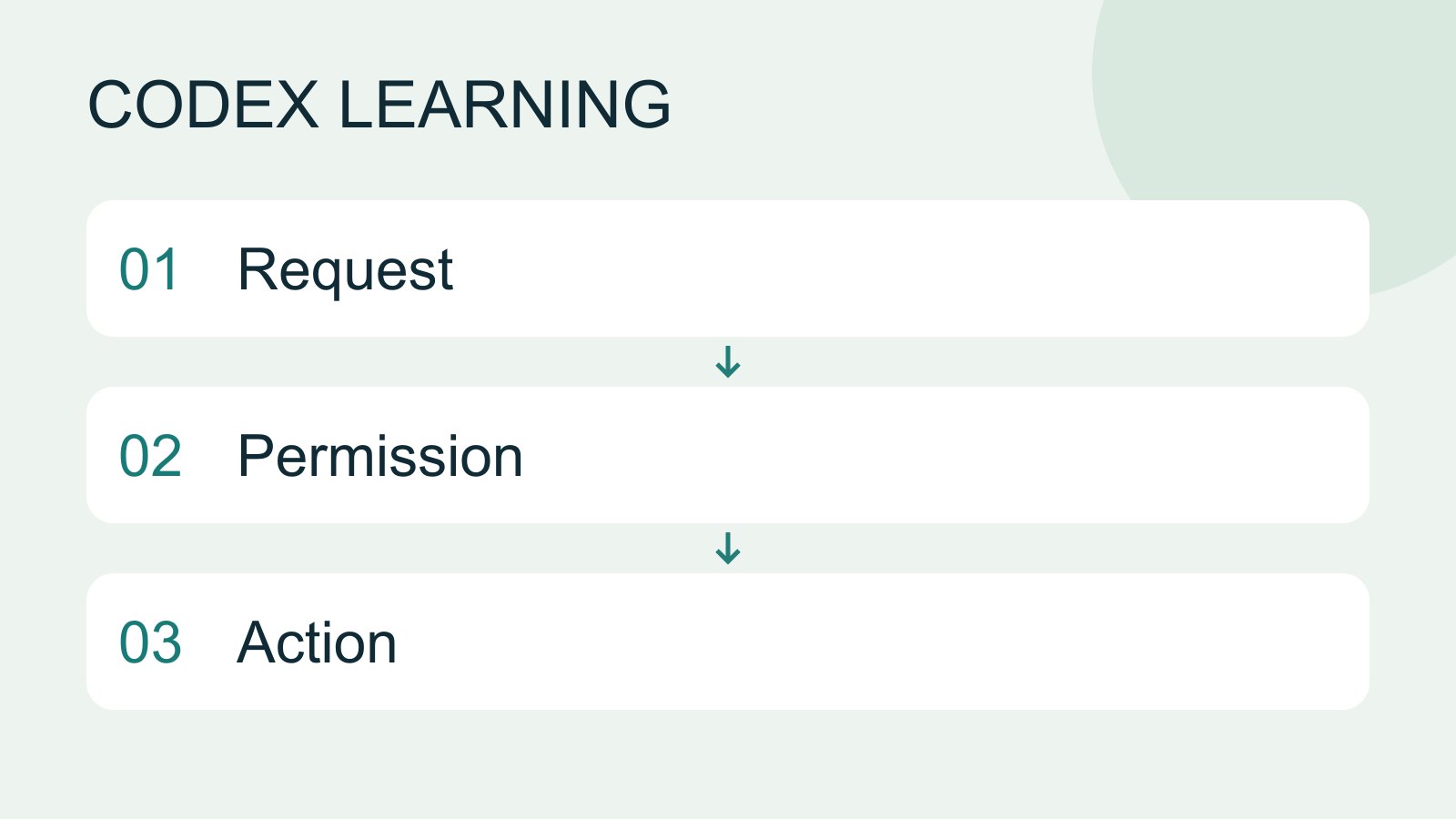
Permissions, sandbox, network and keys
Sandbox rules define technical access to files and networks; approval policy determines when the agent asks before acting. No prompt does not guarantee permission, and read access does not imply write access everywhere.
- AI tools
- Tutorials
- Codex
Lifestyle
Integrating parallel work
Integrate independent edits using file and interface contracts, resolve conflicts and verify combined behavior.
- AI tools
- Tutorials
- Codex
Lifestyle
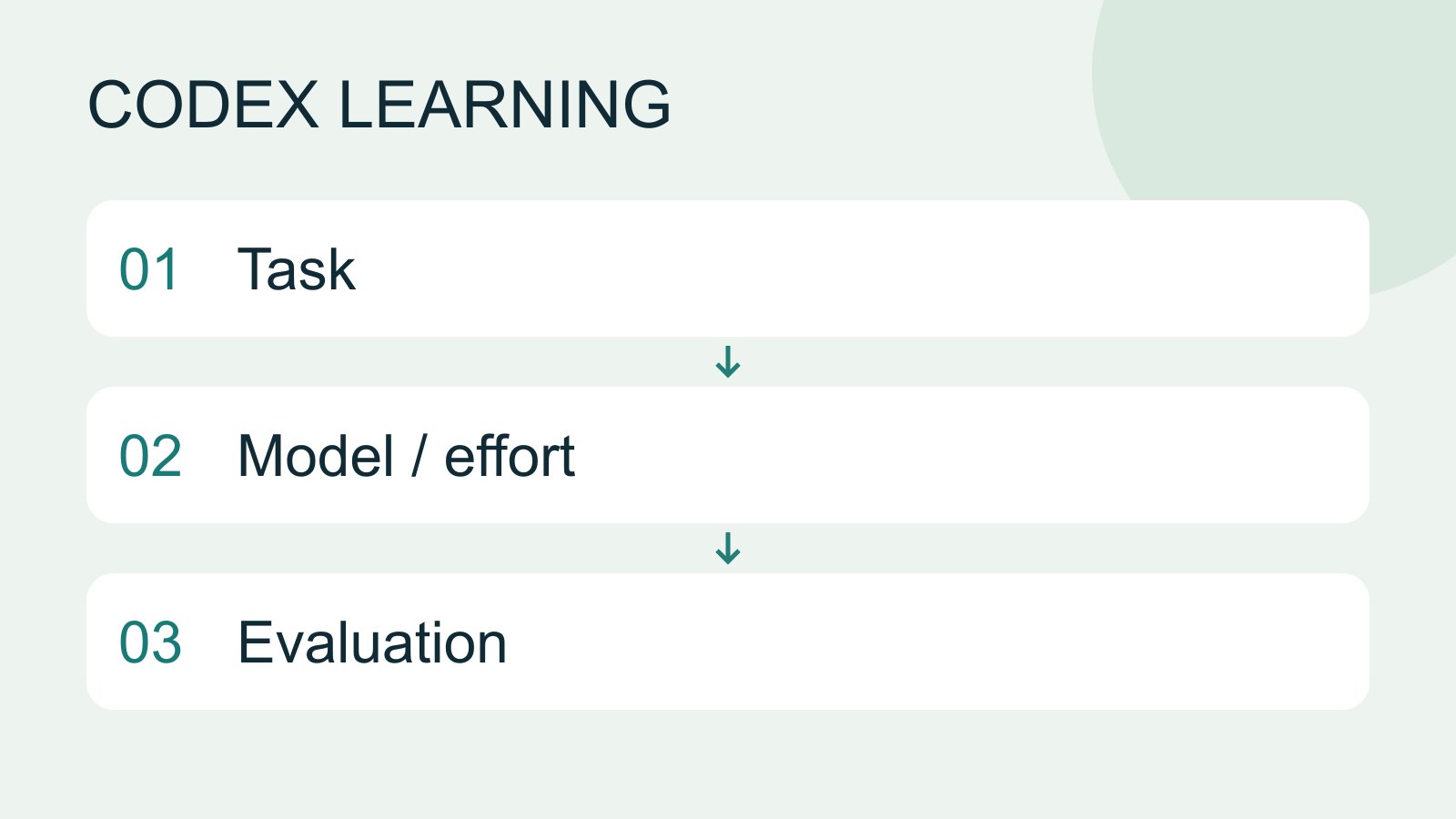
Choose a model, effort and speed
Model choice affects available capabilities and usage conditions; reasoning effort affects how much work the agent devotes to a problem. Compare quality on the same small task before increasing effort. Use the options currently exposed by your account rather than assuming a named model is universally available.
- AI tools
- Tutorials
- Codex
Lifestyle
Continuing Codex work on iPhone or iPad
Check the available iOS entry point, pairing and authentication, then track a supported task on its host.
- AI tools
- Tutorials
- Codex
Lifestyle
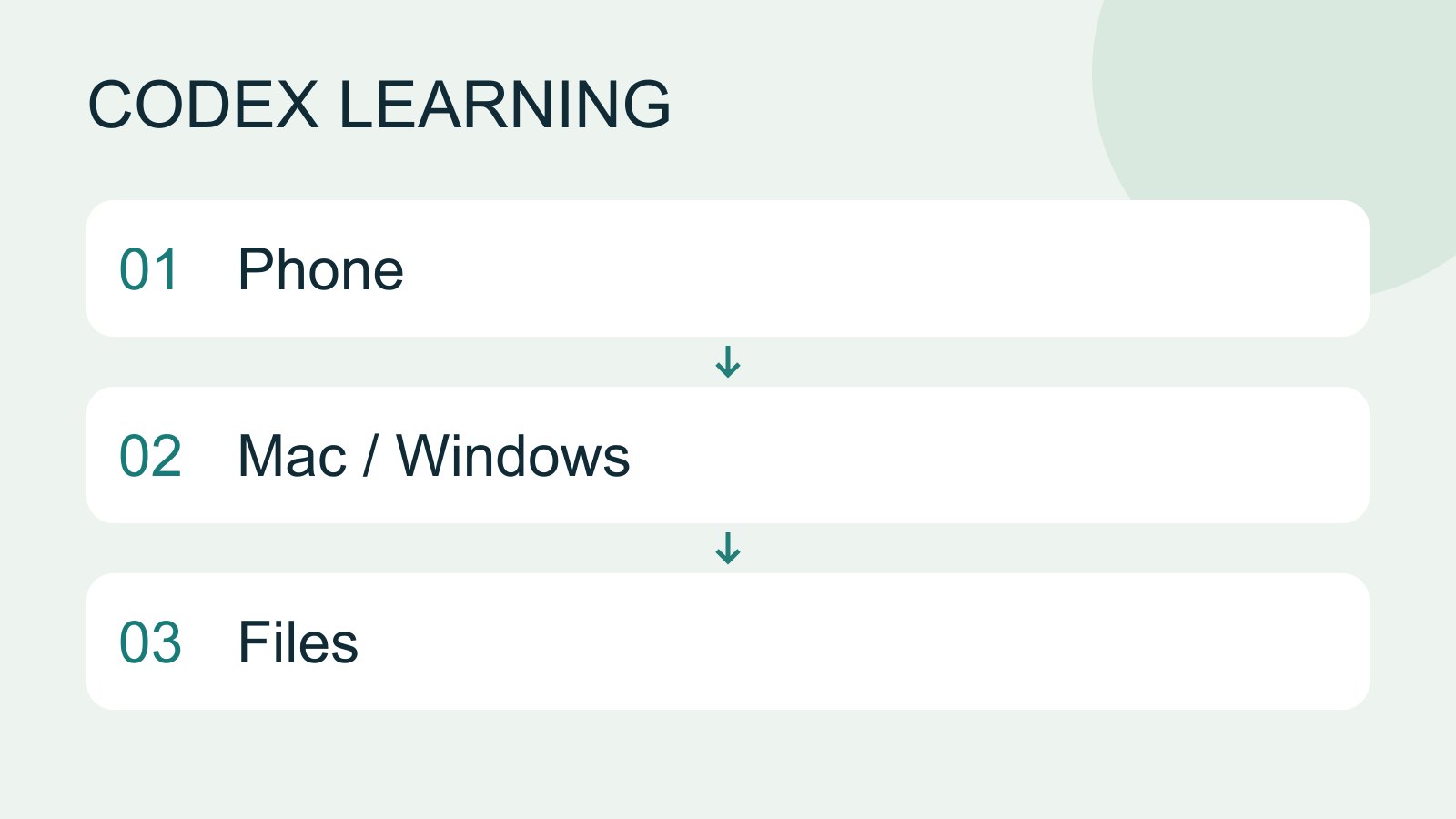
Mobile: iPhone and Android
Remote in the ChatGPT mobile app lets you guide Codex work on a connected computer. Official documentation lists iOS and Android clients, with Mac or Windows hosts, subject to rollout. This does not install a full development environment on the phone, and does not establish Linux host support.
- AI tools
- Tutorials
- Codex
Lifestyle
Continuing Codex work on Android
Check the Android app, pairing and notifications, select the correct host and verify the task output.
- AI tools
- Tutorials
- Codex
Lifestyle
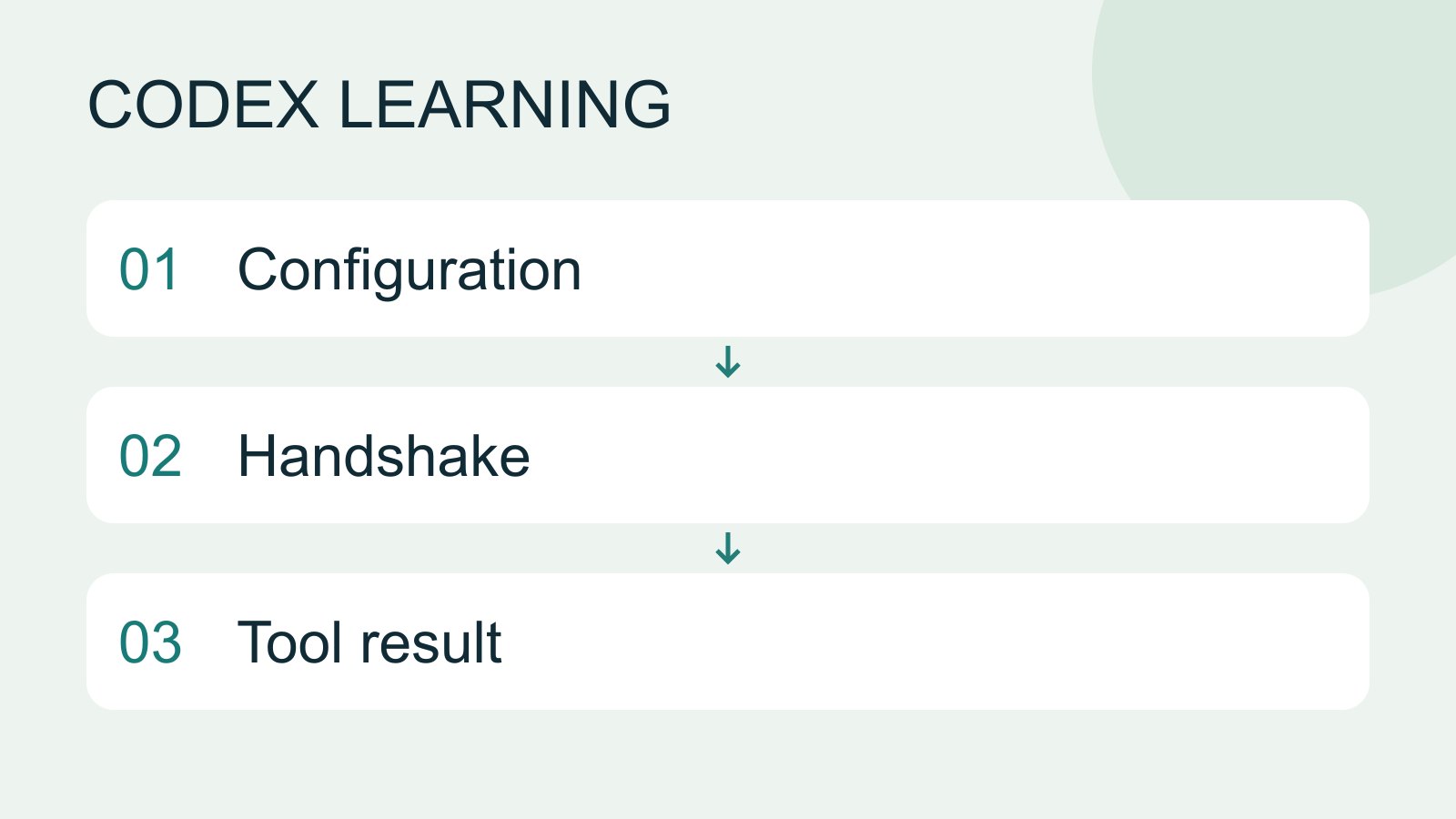
MCP setup and connection checks
MCP connects Codex to tools and data. STDIO servers usually start as local processes; HTTP servers use a URL. Saving configuration only proves it exists: verify startup, authentication and an actual tool response.
- AI tools
- Tutorials
- Codex
Lifestyle
MCP connection diagnosis and recovery
Inspect process, transport, authentication and tool discovery, preserve errors and verify a minimal operation.
- AI tools
- Tutorials
- Codex
Lifestyle
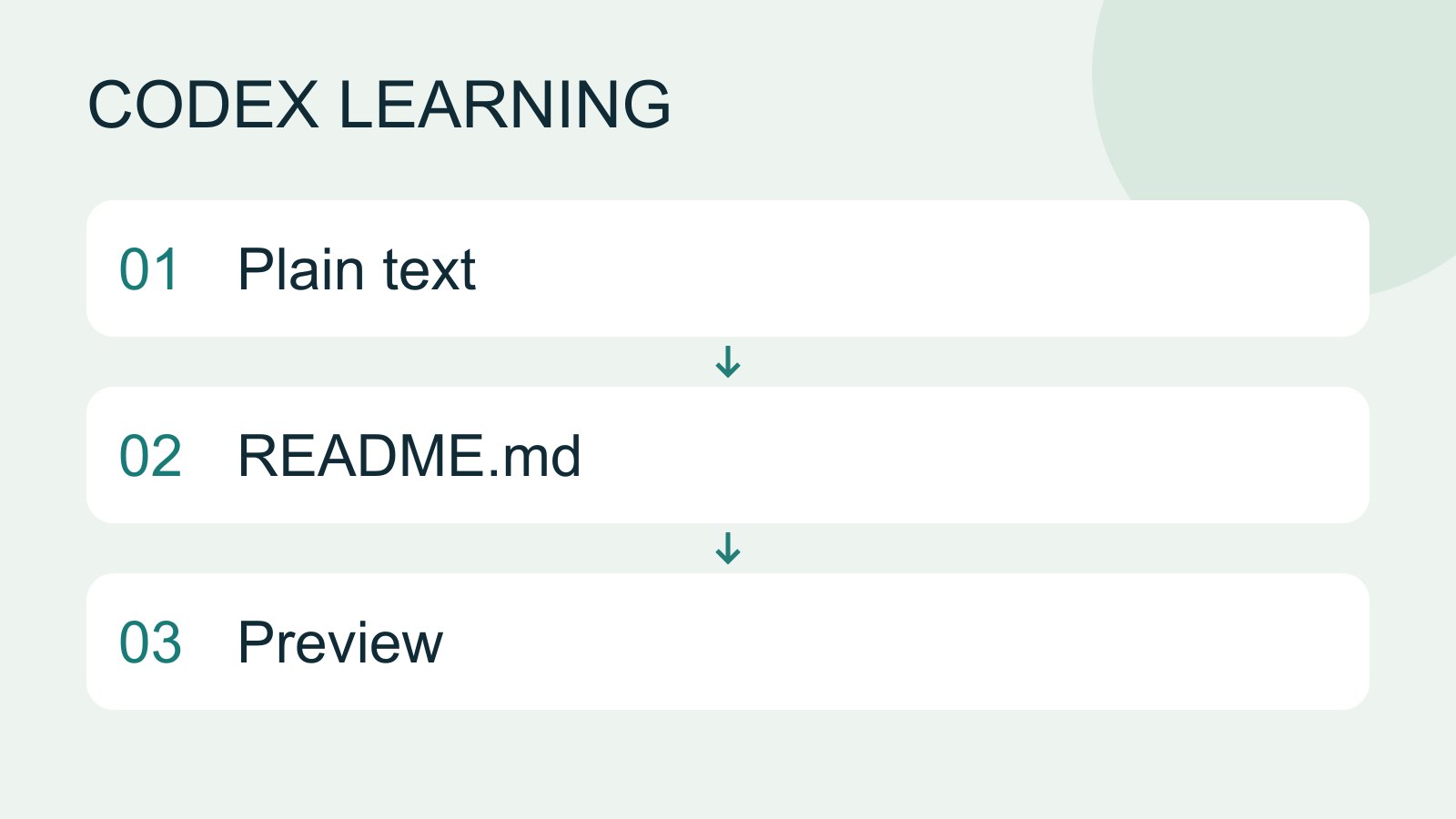
Markdown and MD files
Markdown uses plain-text markers for headings, lists, links and code, commonly in .md files. README.md explains a project, AGENTS.md supplies agent instructions and SKILL.md defines a reusable skill. An arbitrary MD file is not automatically an instruction source.
- AI tools
- Tutorials
- Codex
Lifestyle
Workshop: maintaining an existing project
Establish a baseline, implement one change and deliver traceable regression checks and handoff notes.
- AI tools
- Tutorials
- Codex
Lifestyle
JSON output and result validation
Separate event streams from final results, parse structured output and reject missing or invalid fields.
- AI tools
- Tutorials
- Codex
Lifestyle
Implementing the todo filters
Implement Active and Completed filters from start, preserving data and verifying normal and boundary cases.
- AI tools
- Tutorials
- Codex