Tutorials
Off the road: AI tools and tutorials, software, gadgets and everyday notes.
Lifestyle
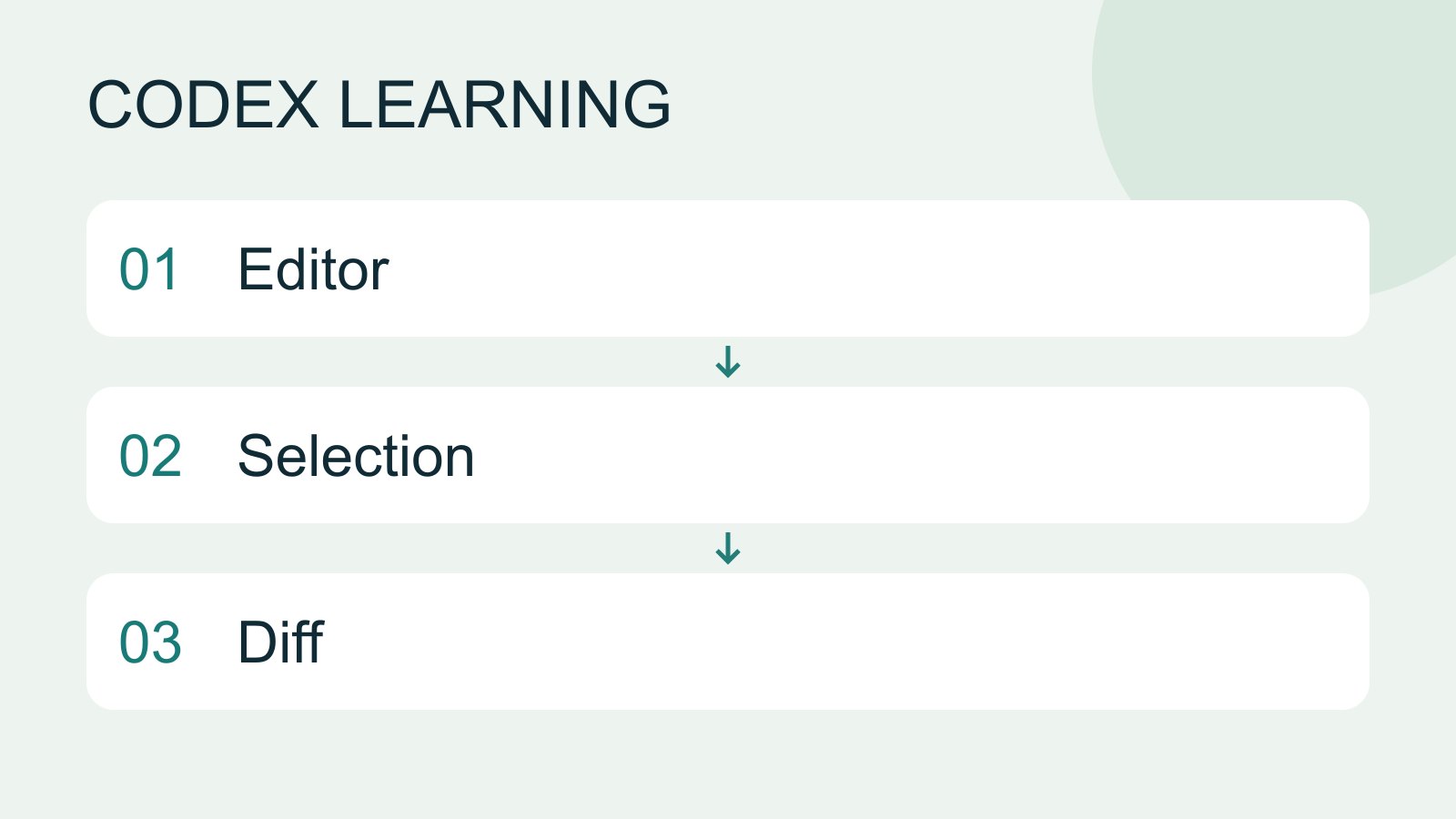
Get started in your IDE
IDE integration places Codex beside your code for focused explanation and edits. VS Code, Cursor and Windsurf use the Codex extension; Xcode and JetBrains expose their own integration flows. Do not interchange their installation steps.
- AI tools
- Tutorials
- Codex
Lifestyle
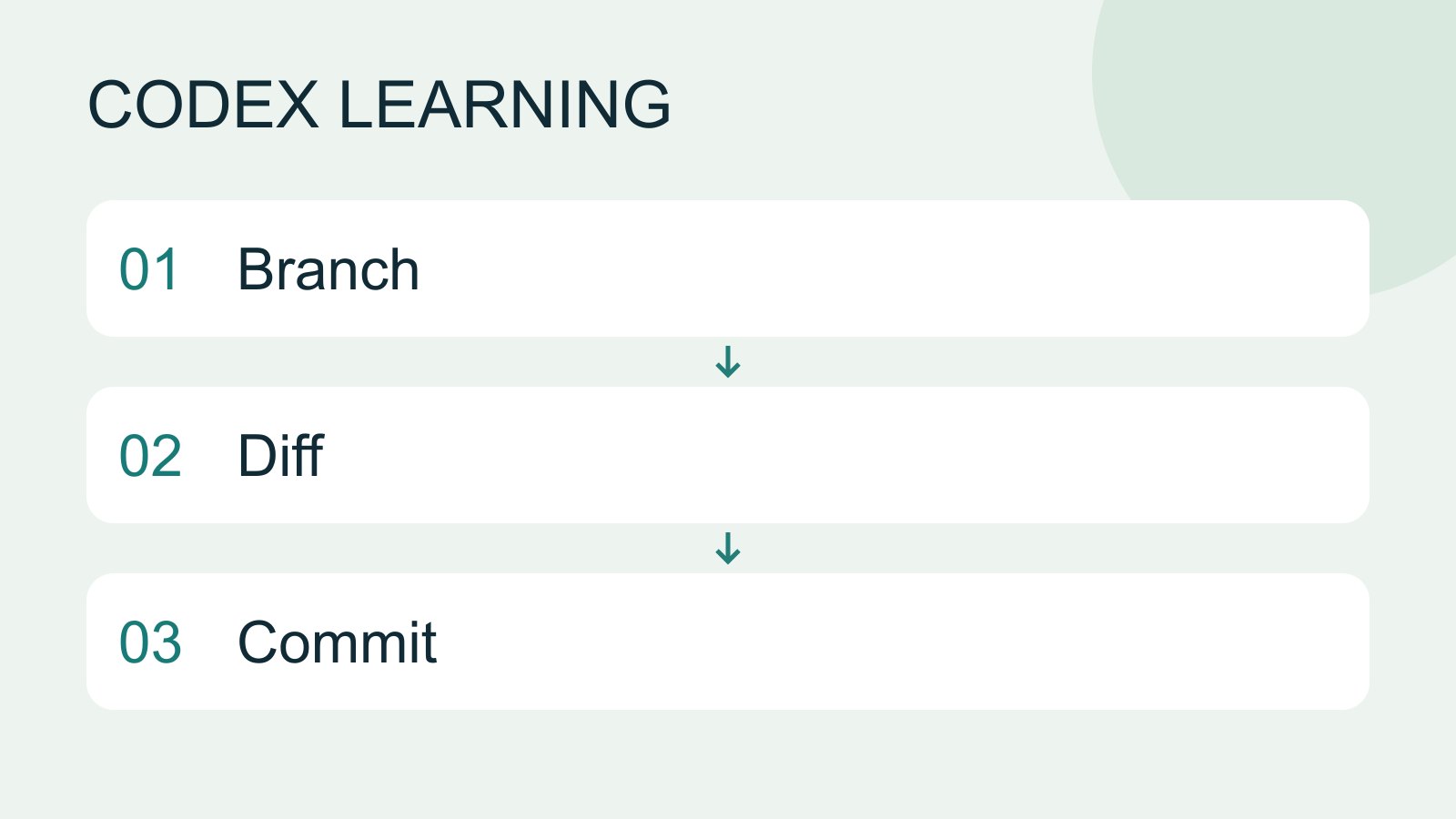
Git, branches, diffs and recovery
Git stores file history, branches organize changes and diffs show what changed. Codex can help, but you must verify that the changes belong to the task. Restoring an old conversation does not restore Git files.
- AI tools
- Tutorials
- Codex
Lifestyle
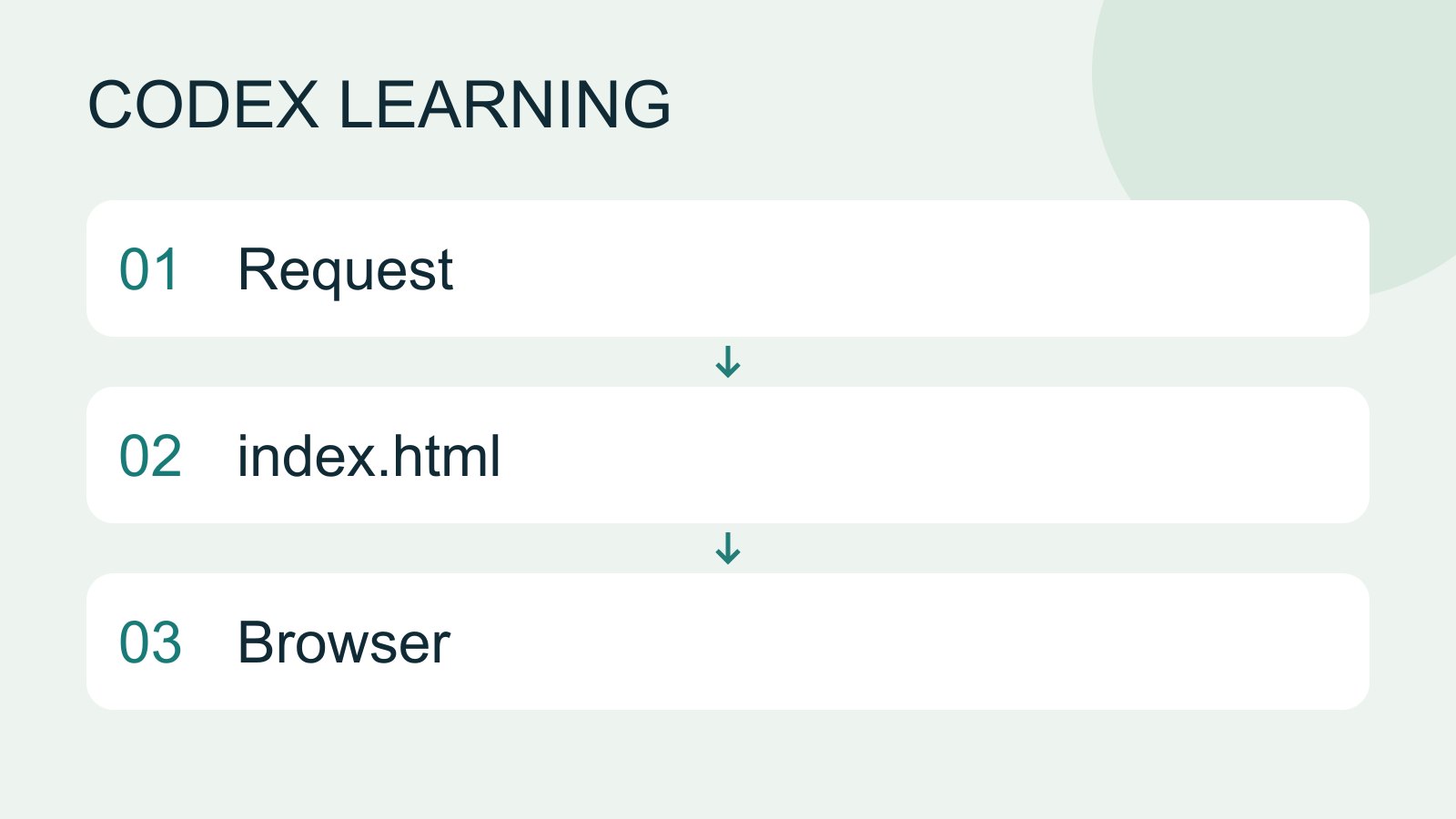
Finish your first small project
Use an independent copy of the Small Steps todo website to change its heading and background. Identify the five practice files and compare the diff, core tests and two viewport widths while preserving behavior and data.
- AI tools
- Tutorials
- Codex
Lifestyle
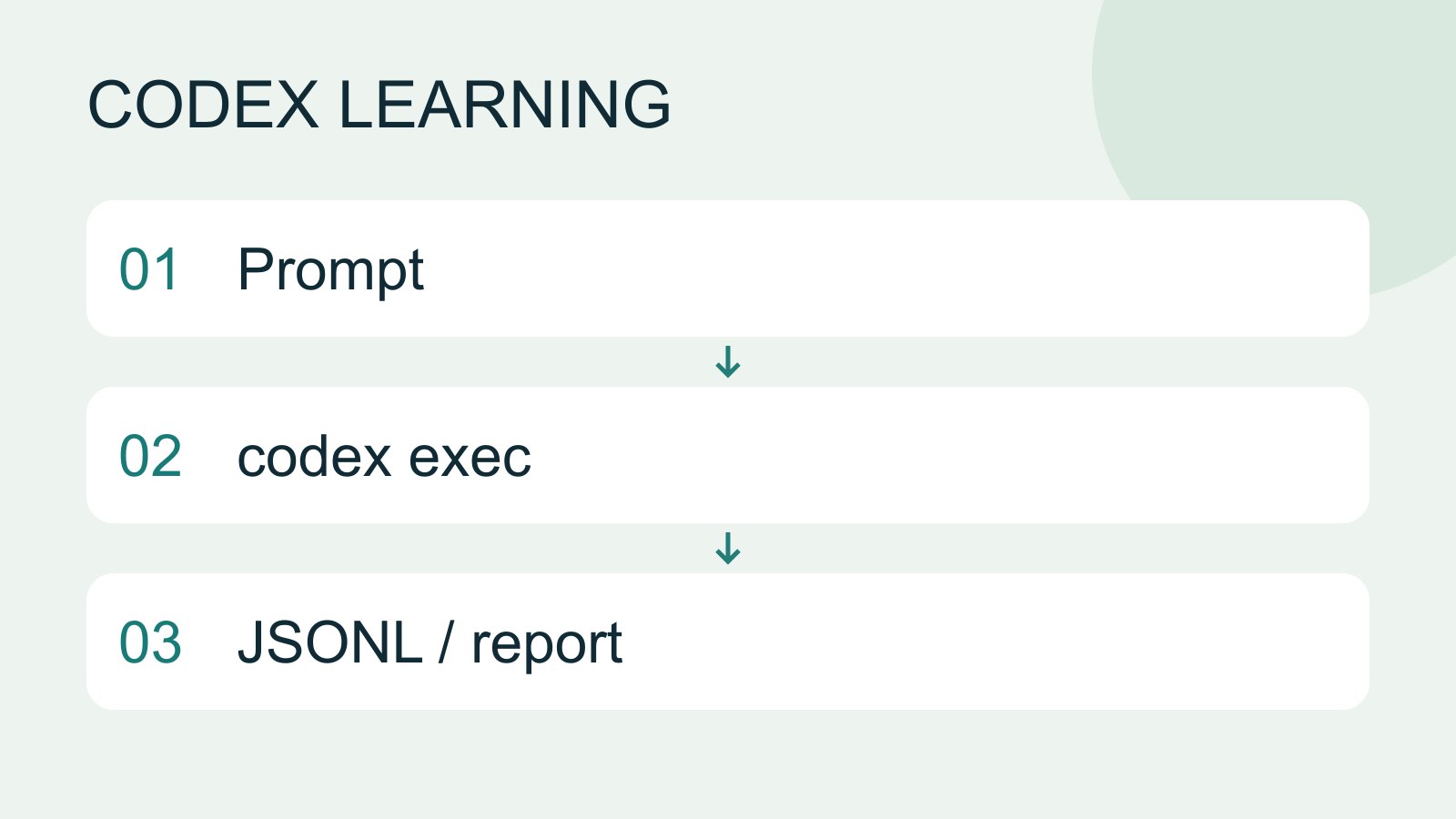
codex exec and scripts
codex exec runs one non-interactive task for scripts or CI. Normally progress goes to stderr and the final answer to stdout. --json produces JSON Lines events, not a single JSON object.
- AI tools
- Tutorials
- Codex
Lifestyle
Desktop: Windows, macOS and Linux
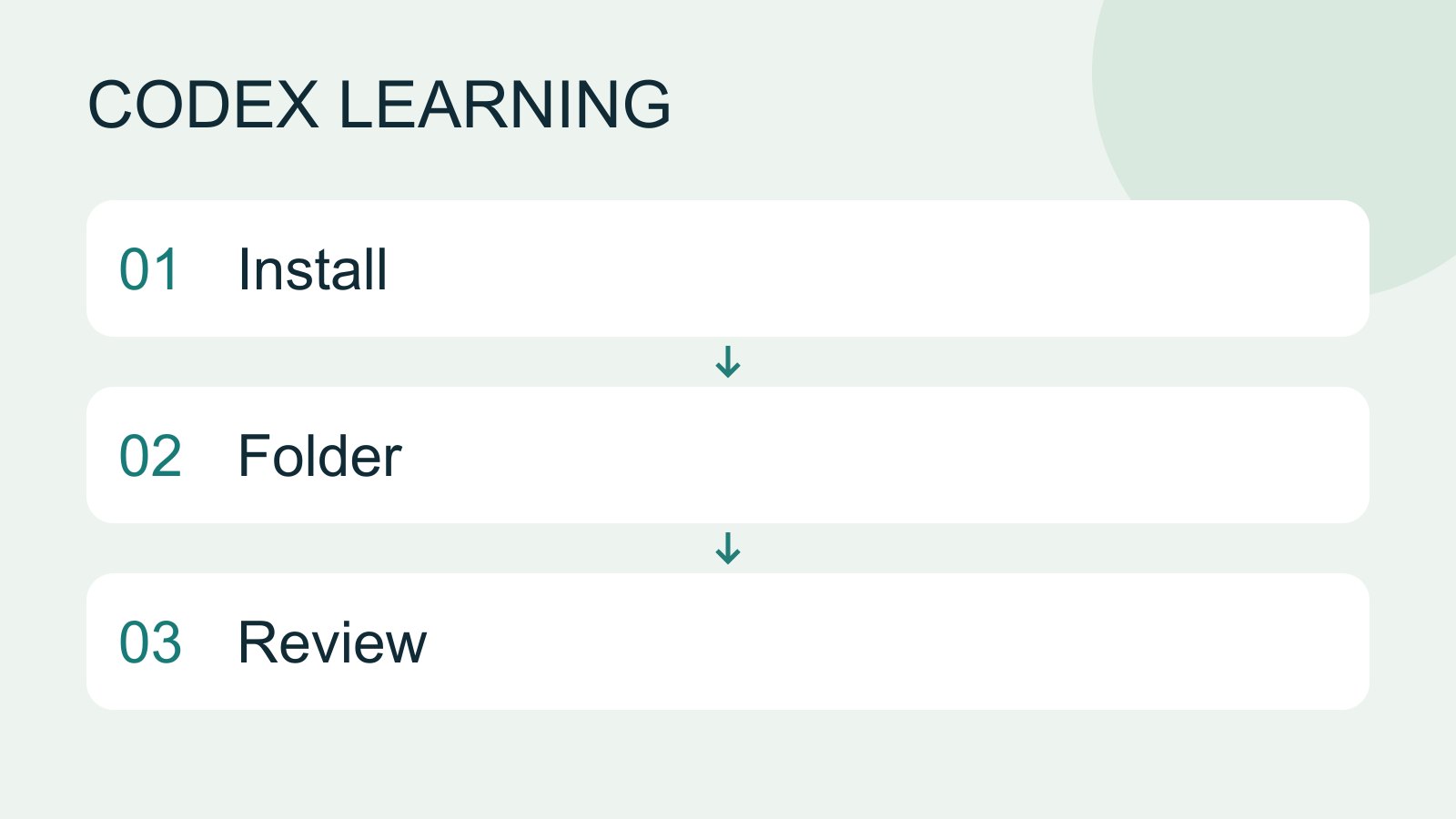
The desktop workspace combines tasks, files, terminals and change review. Current official downloads use the name ChatGPT desktop app; choose Codex inside it. Follow the separate installation path for your system. Linux is a preview with a specific support list, not a promise of compatibility with every distribution.
- AI tools
- Tutorials
- Codex
Lifestyle
A complete debugging workflow
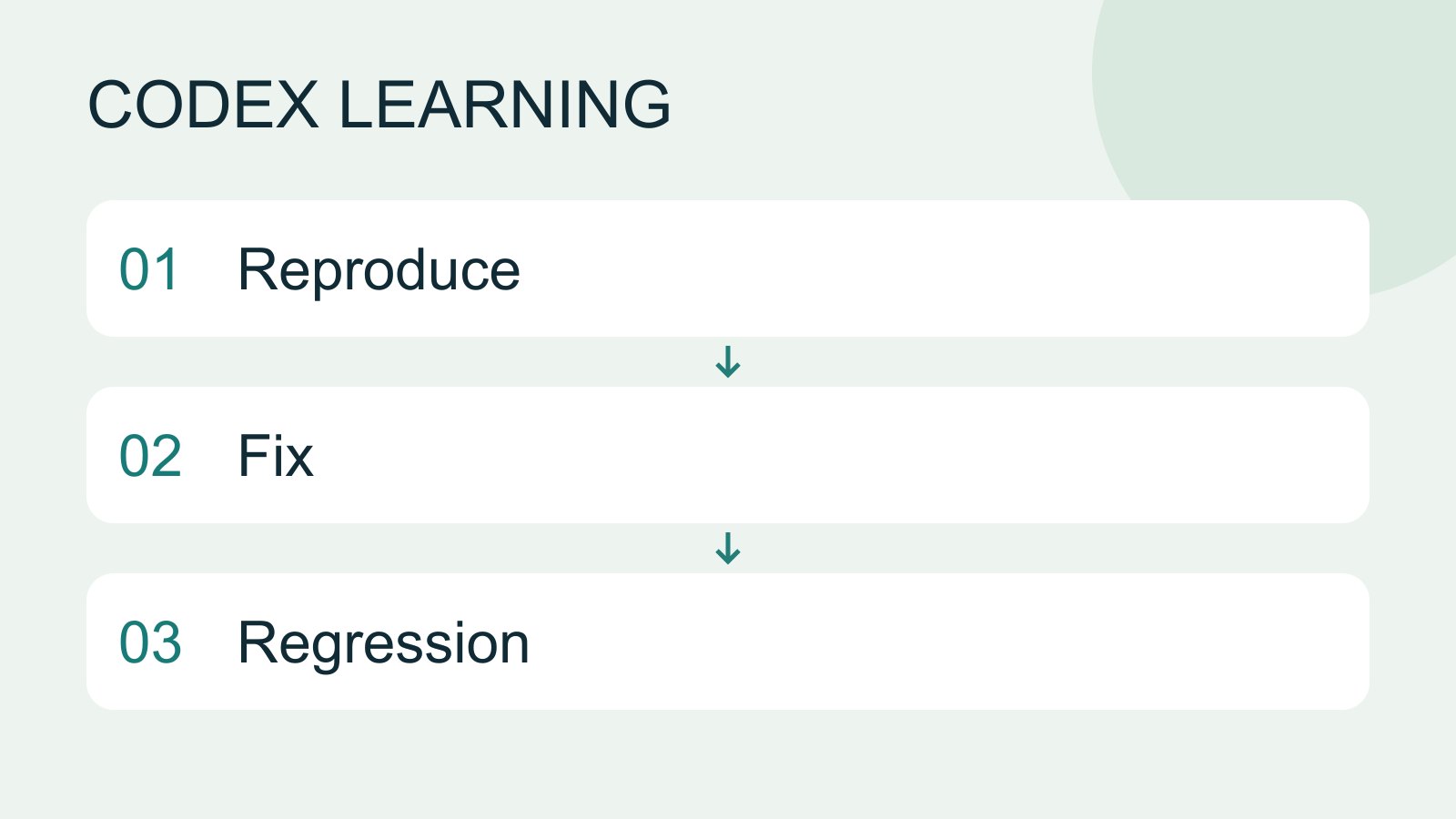
Debugging starts with a reproducible symptom, narrows causes with evidence and verifies the fix. Give the input, exact step, expected behavior and observed failure instead of only saying the site is broken.
- AI tools
- Tutorials
- Codex
Lifestyle
Workshop: build a CSV cleanup tool
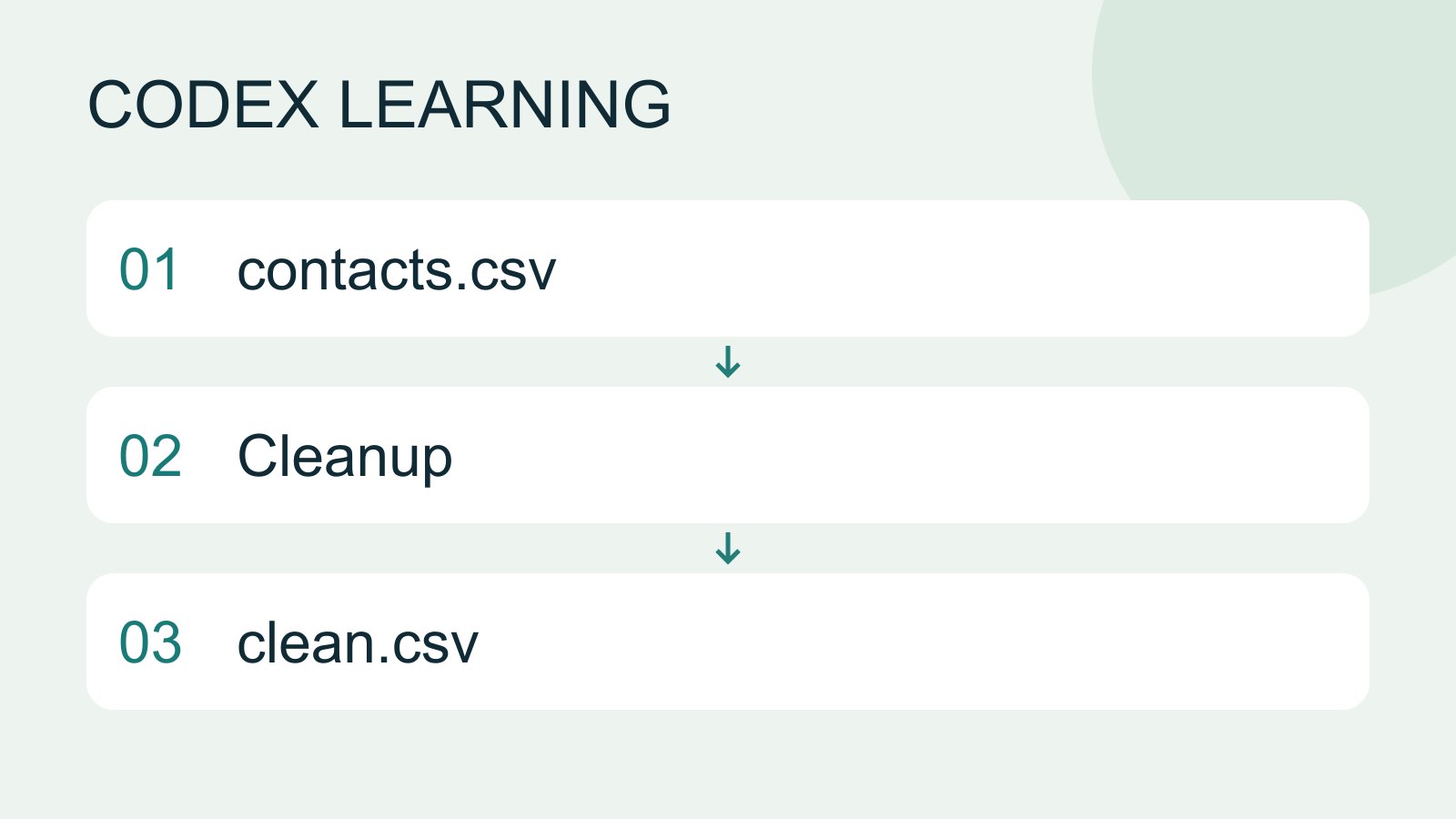
Build a CSV cleaner that preserves its input and writes a new output. The exercise trims whitespace, lowercases email, keeps the first valid occurrence of an address and skips blank names or malformed addresses. It reports kept, duplicate and invalid counts. Its format check does not prove a mailbox exists.
- AI tools
- Tutorials
- Codex
Lifestyle
Cross-device handoff: files and environments
Track the conversation, host, directory and branch so a handoff continues the intended work.
- AI tools
- Tutorials
- Codex
Lifestyle
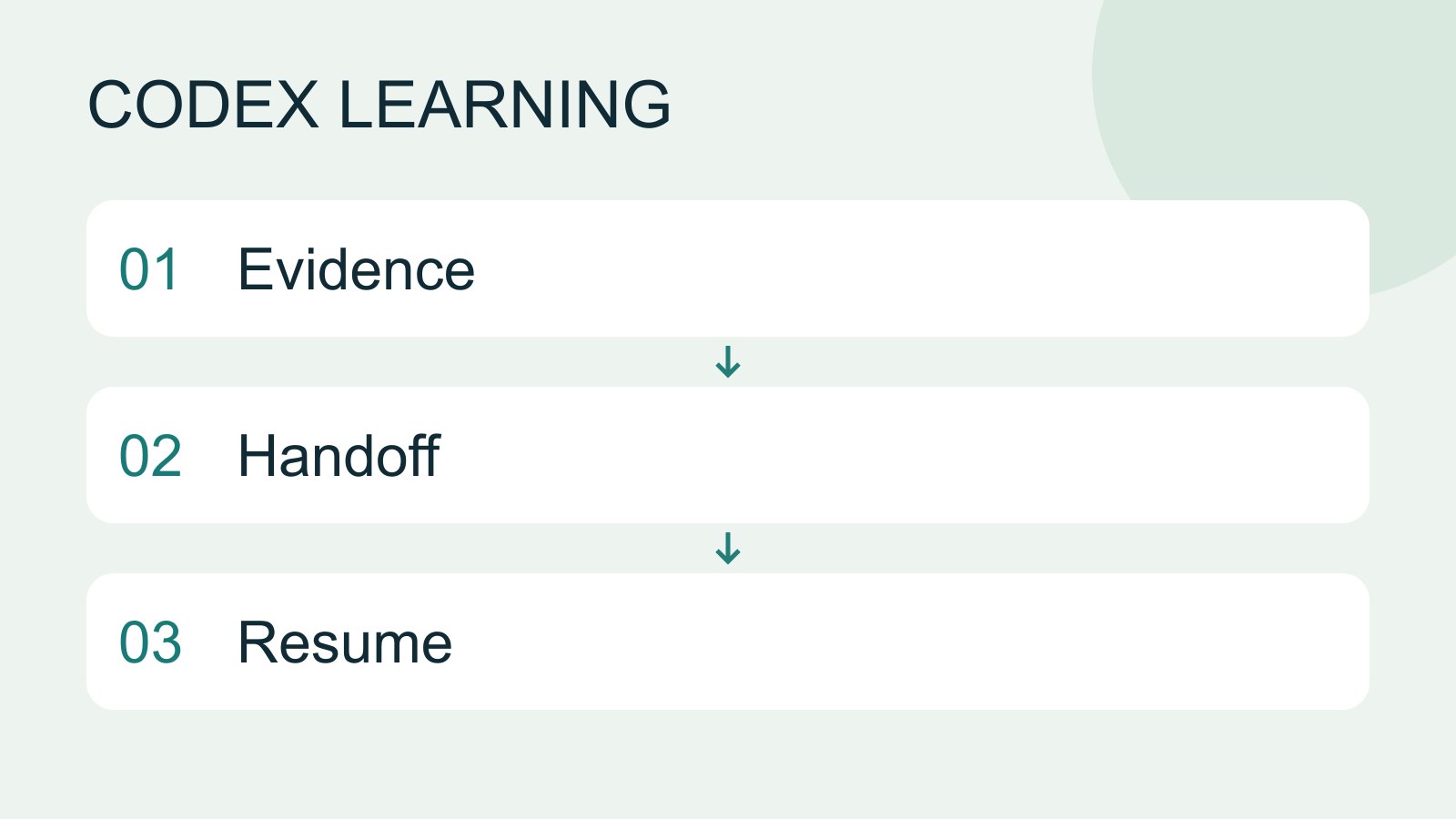
Context and task handoff
Long work needs durable decisions and evidence, not just a long conversation. README explains use, design documents explain choices, handoffs record current progress and AGENTS.md holds ongoing instructions. Do not turn all temporary progress into permanent rules.
- AI tools
- Tutorials
- Codex
Lifestyle
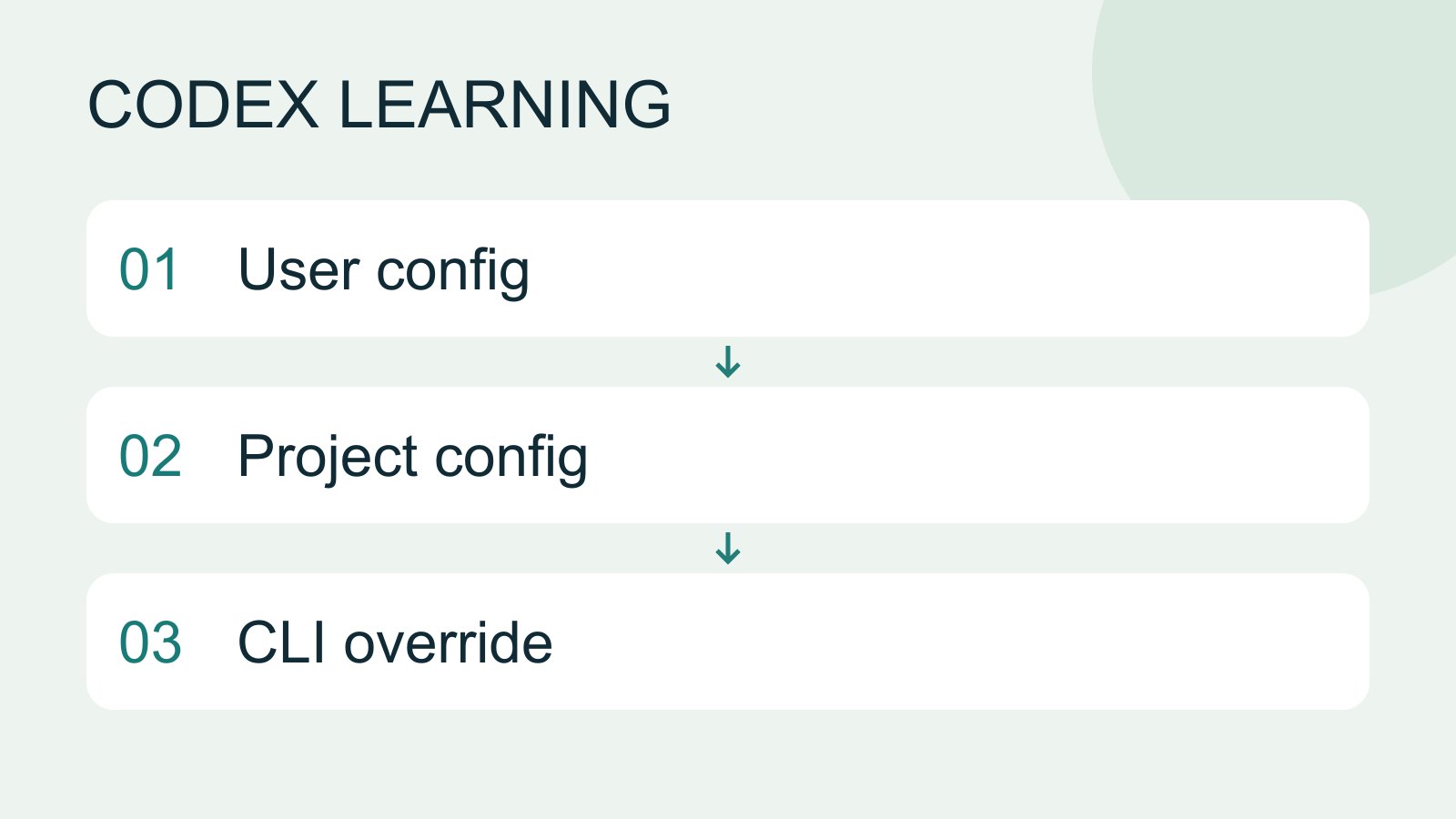
Configuration precedence and diagnosis
Trace ineffective or conflicting settings, change one item at a time and keep a reversible record.
- AI tools
- Tutorials
- Codex
Lifestyle
Configure Codex with config.toml
config.toml sets client options, while AGENTS.md describes working instructions. User settings live in Codex home; trusted projects can add .codex/config.toml. CLI overrides, project layers and managed requirements mean a single file does not prove the effective configuration.
- AI tools
- Tutorials
- Codex
Lifestyle
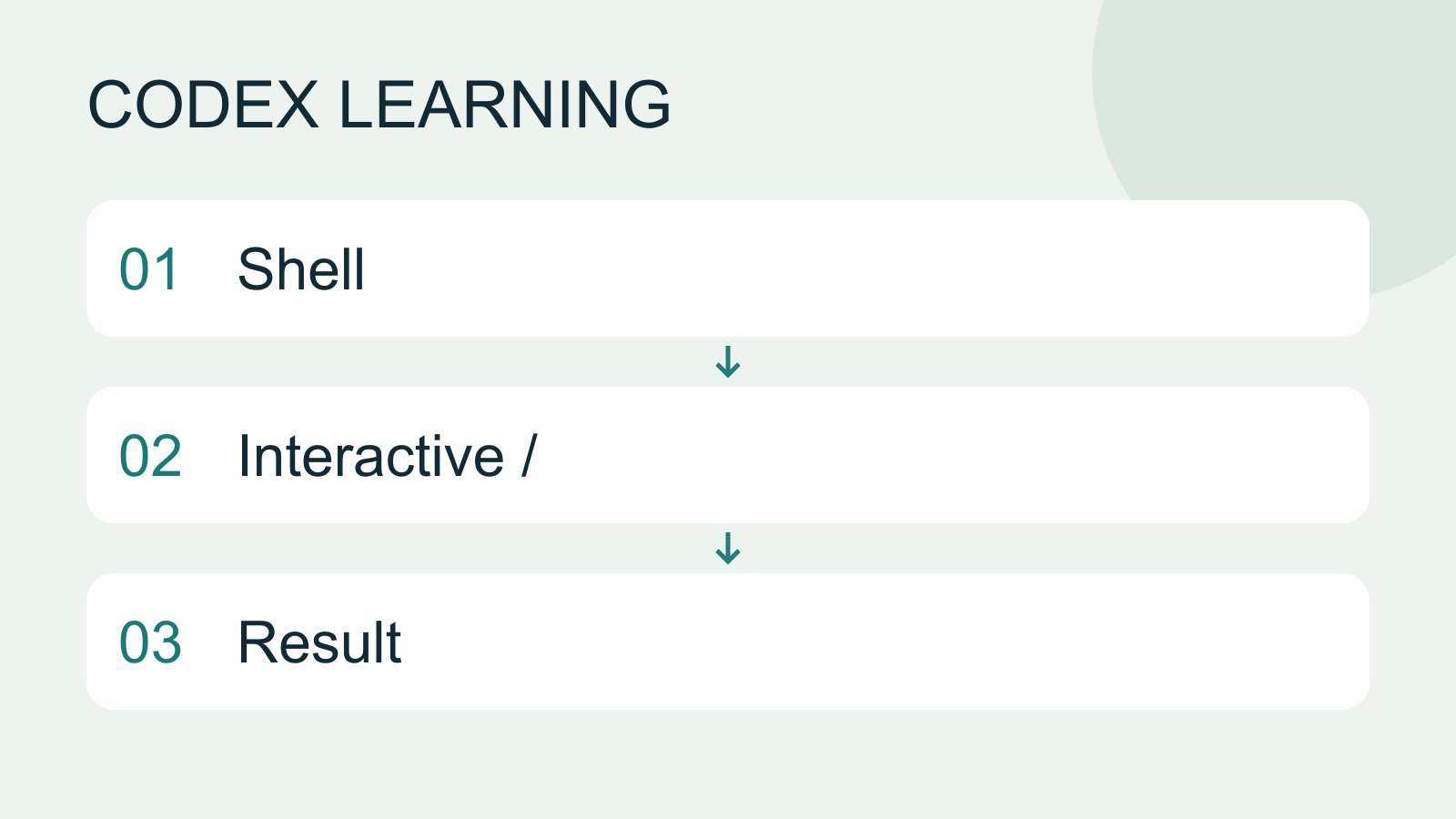
CLI commands and slash commands
Distinguish shell commands and launch flags, interactive slash commands, keyboard shortcuts and natural-language requests. Check the input location: /plan belongs in the Codex interactive client; codex --help runs in the operating-system terminal.
- AI tools
- Tutorials
- Codex
Lifestyle
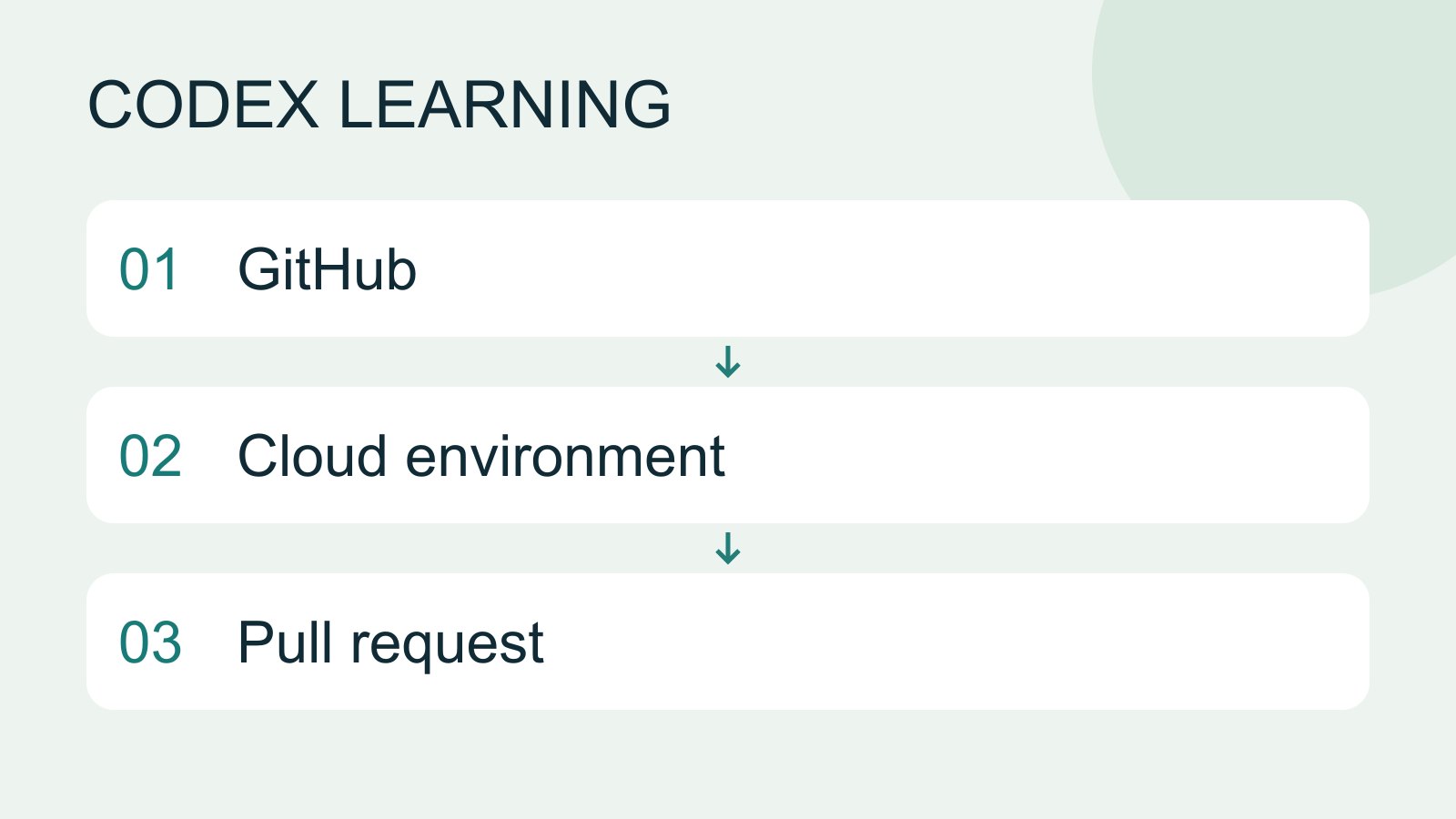
Cloud tasks and GitHub
Cloud tasks run in a remote environment configured for a repository. They suit longer delegated work, but cannot automatically see uncommitted files on your computer. Creating a pull request is distinct from merging or deploying it.
- AI tools
- Tutorials
- Codex
Lifestyle
Windows CLI setup and troubleshooting
Install and sign in from PowerShell, check command discovery, read a project and troubleshoot updates.
- AI tools
- Tutorials
- Codex
Lifestyle
macOS CLI setup and troubleshooting
Set up the CLI in macOS Terminal and separate shell, update, directory and permission problems.
- AI tools
- Tutorials
- Codex
Lifestyle
Linux and WSL CLI environments
Distinguish host and WSL tools, paths and accounts, then run the exercise and update from the right environment.
- AI tools
- Tutorials
- Codex
Lifestyle
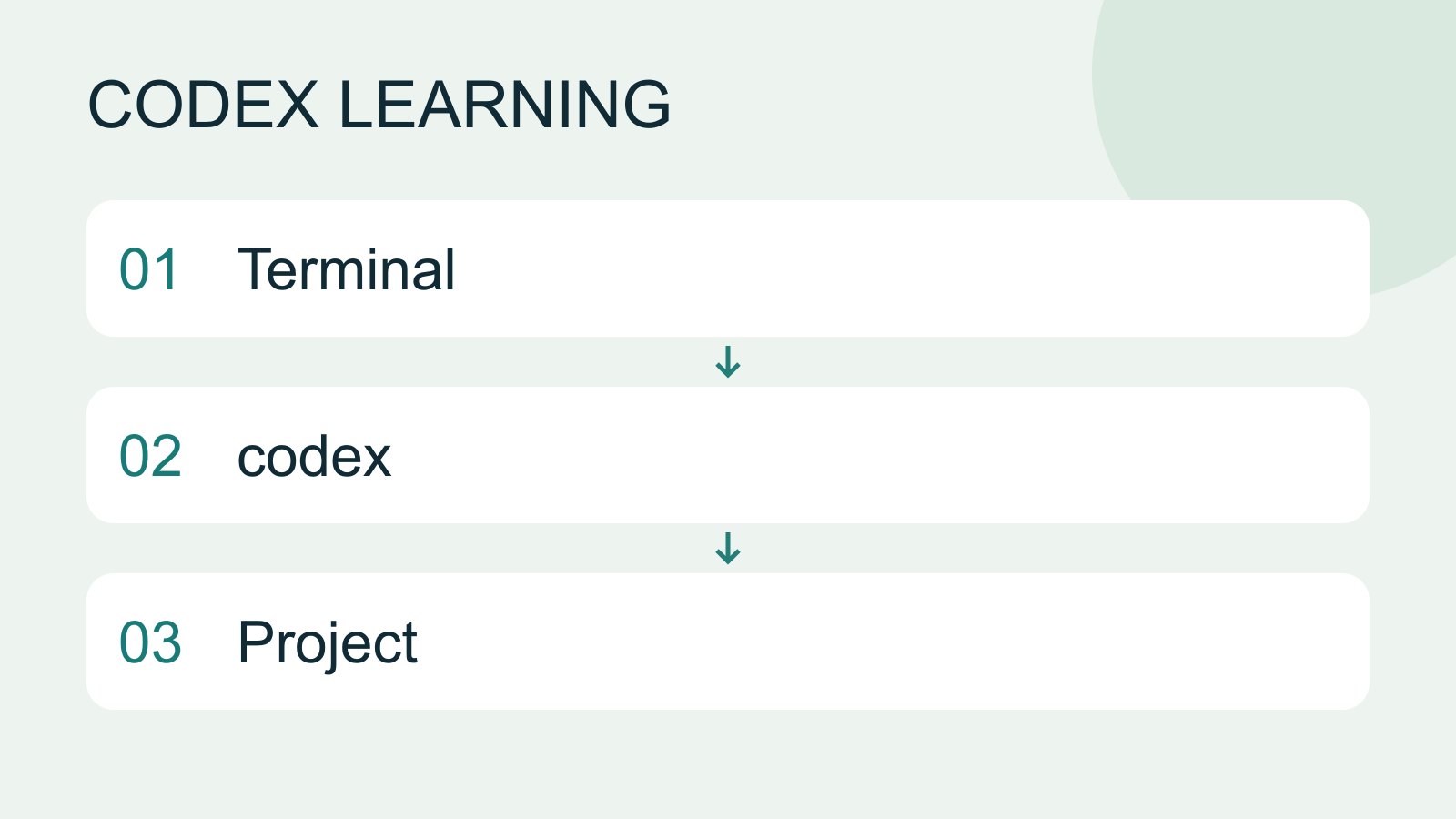
Install and start Codex CLI
Choose an installation platform, sign in, inspect a file, make a one-line change, verify it independently and resume the session. Includes a repeatable two-file exercise and a missing-file test.
- AI tools
- Tutorials
- Codex
Lifestyle
Codex in CI workflows
Design a CI job with explicit input, permissions and exit states, preserving artifacts and separating proposals from application.
- AI tools
- Tutorials
- Codex
Lifestyle
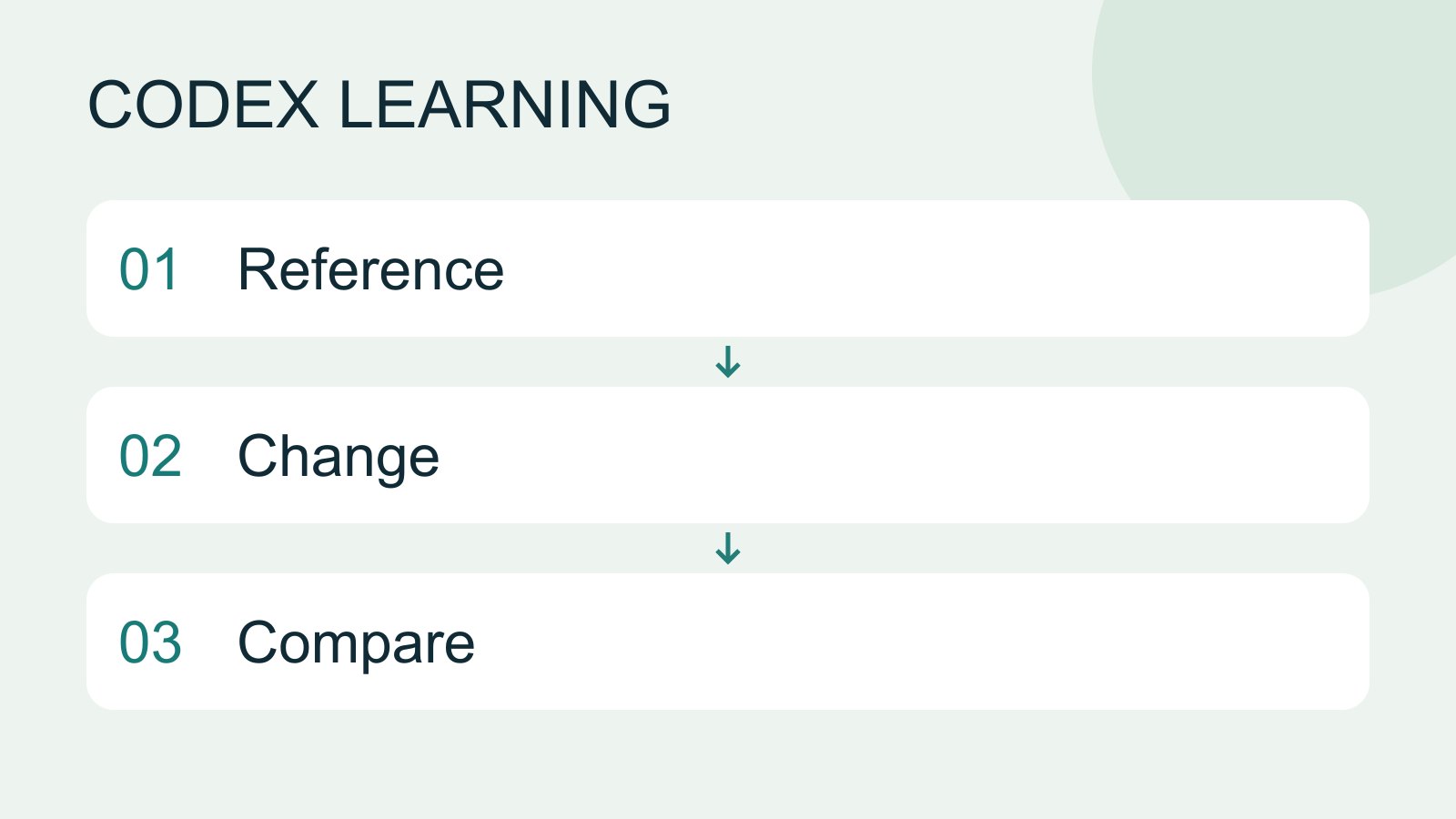
Work with browsers, screenshots and images
Visual work needs a reference, the actual result and explicit change criteria. Browser inspection, screenshots and generated concepts provide different evidence. A generated interface is not proof that a workflow works.
- AI tools
- Tutorials
- Codex
Lifestyle
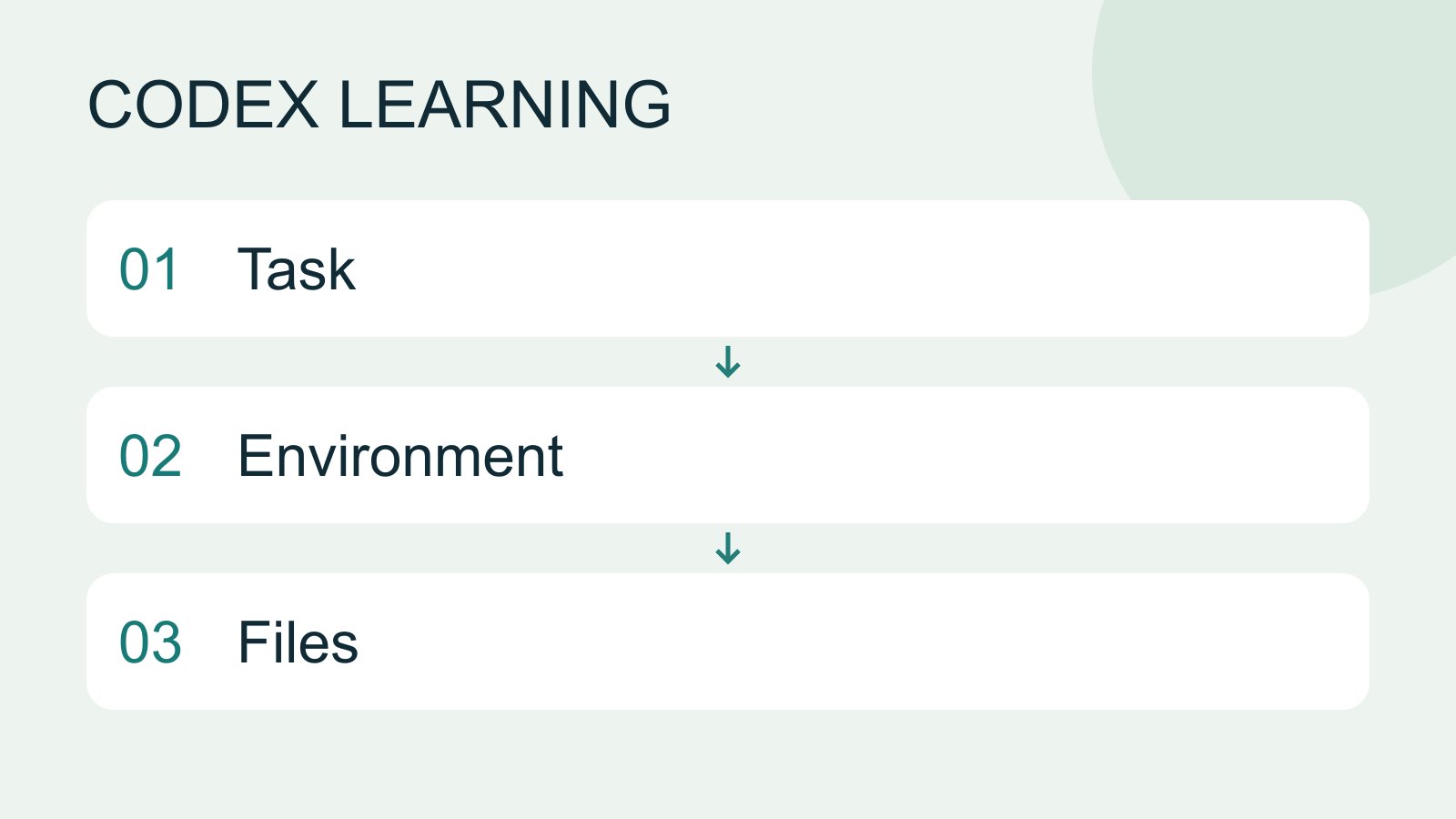
What is Codex? How it differs from ChatGPT
Codex is a coding agent that can inspect a project, edit files and run tools in a chosen environment. A model supplies its reasoning; a task is one assignment; a project groups related work and files. Unlike copying a code answer from chat into an editor, an agent can make the change in the workspace you selected.
- AI tools
- Tutorials
- Codex
Lifestyle
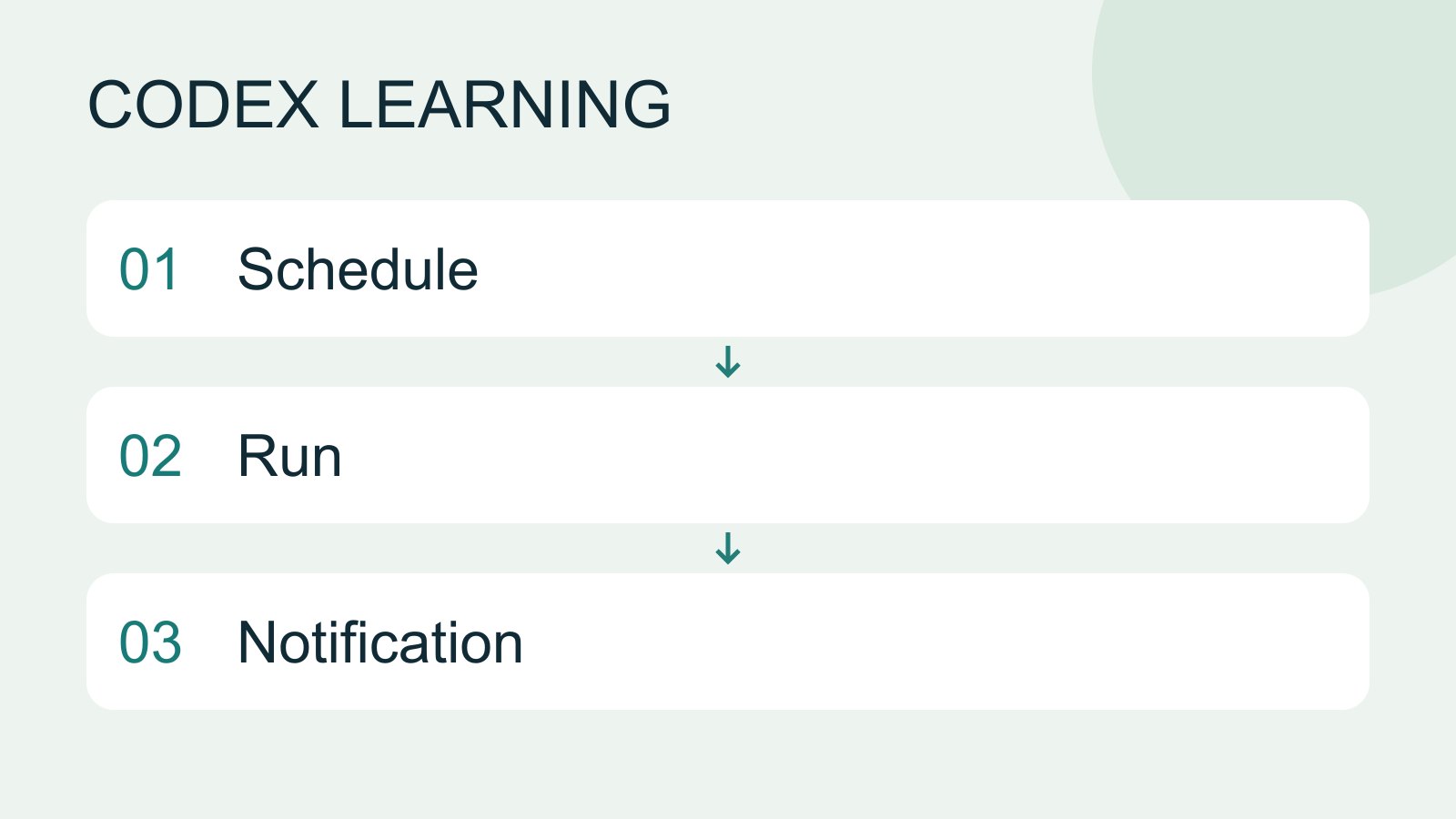
Scheduled tasks and reminders
Scheduled work needs a defined execution environment. A desktop task that reads local files requires the computer and app to be available at run time. Cloud work cannot directly read local data you have not supplied.
- AI tools
- Tutorials
- Codex
Lifestyle
Automation failure, retry and stopping
Use execution records to detect prior effects, avoid duplicates, repair prerequisites and confirm a schedule has stopped.
- AI tools
- Tutorials
- Codex
Lifestyle
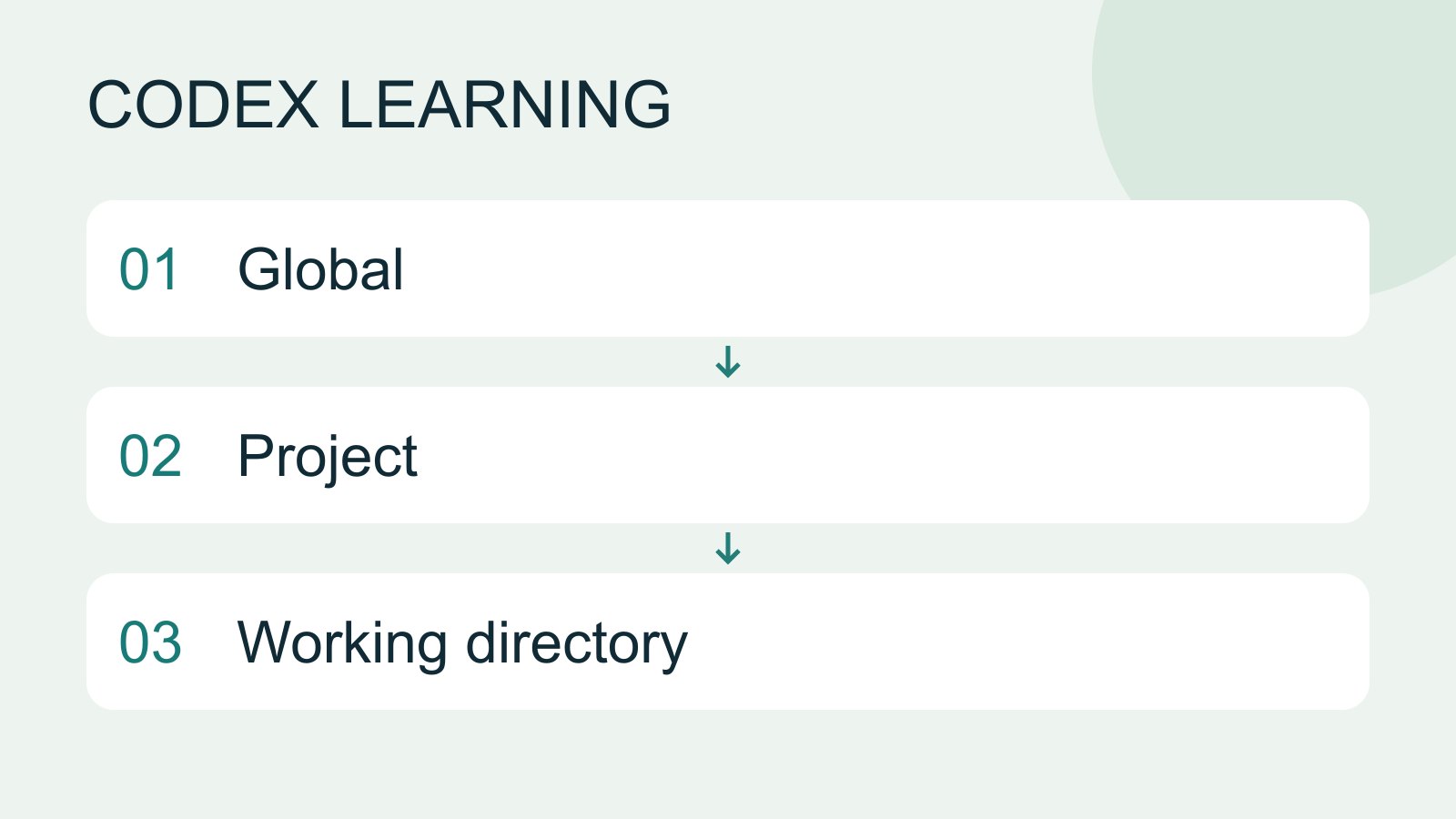
Project instructions with AGENTS.md
AGENTS.md supplies project instructions before Codex starts work. Global guidance and files along the project-root-to-working-directory path form an instruction chain. At the same level, AGENTS.override.md takes precedence. Keep rules concrete and verify what was actually loaded.
- AI tools
- Tutorials
- Codex
Lifestyle
AGENTS.md scopes and overrides
Trace root and nested instructions, conflicts and overrides, and verify which files were selected.
- AI tools
- Tutorials
- Codex