Lifestyle
Home File Backups Need More Than a Sync Check: Test a Restore to Know You Can Recover
Distinguish original files, synchronized copies, and recoverable versions. From listing important files and backup locations to restoring a sample, build a way to protect your data that you can actually use.
About 4 min read
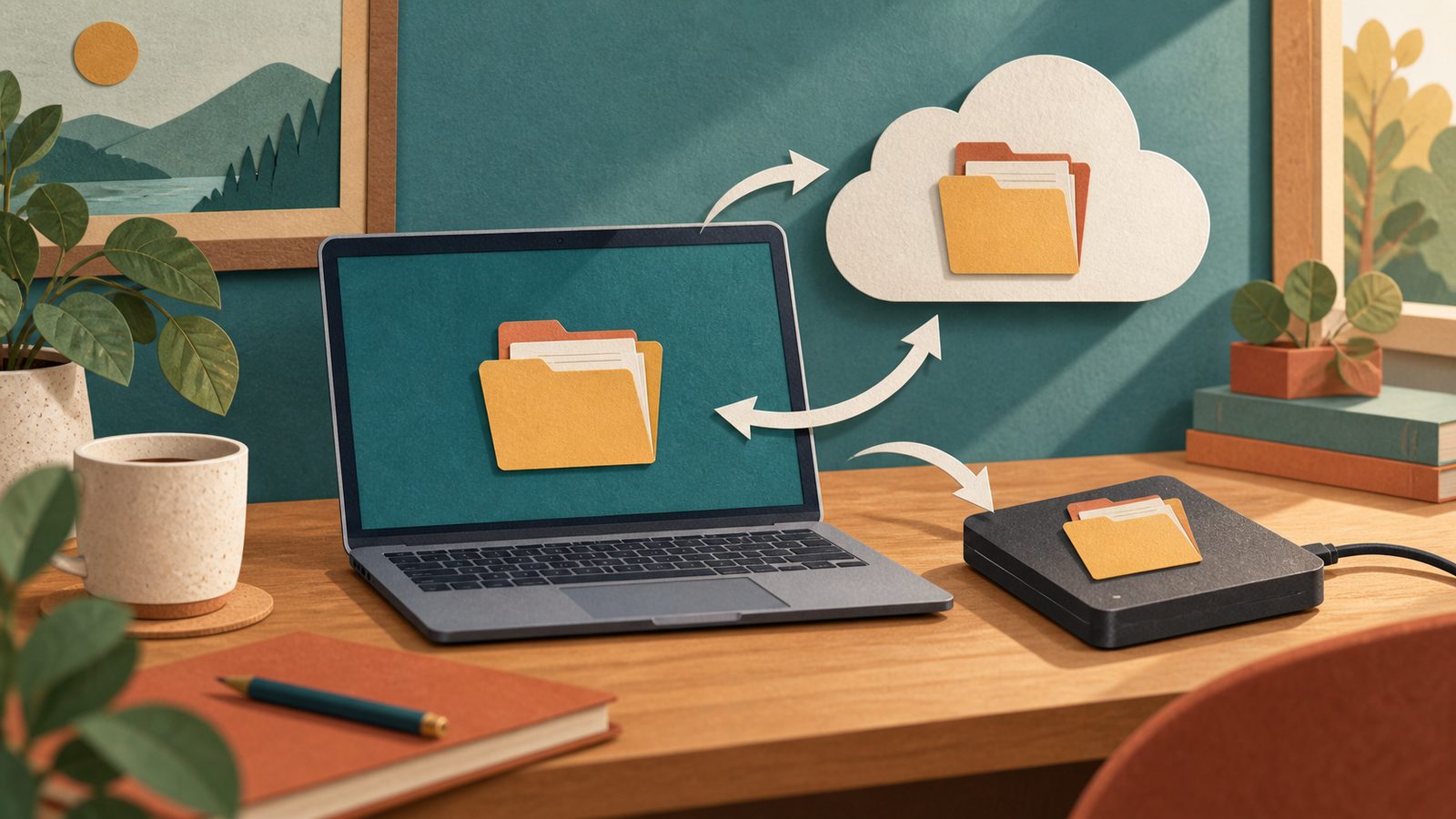
A sync icon beside a file can make everything seem safe. But synchronization keeps locations consistent, while a backup must answer a different question: if an original disappears or is changed incorrectly, is there a copy you can recover? This guide focuses on personal and household files. It does not cover company backup policies or treat cloud storage capacity as a guarantee of safety.
Start by listing data you cannot obtain again
Begin with files you created, family photos, and important records. Separate what you can download again from what exists only in your possession. Record where those files are now, which accounts they use, and whether anyone else needs access. You do not have to finish organizing every folder before starting a backup. Once you can identify the important originals, create a second copy you can check, then improve the organization gradually.
Microsoft's backup guidance distinguishes the purposes of Windows Backup, File History, and system recovery. Before choosing a tool, read what data it actually protects, where it stores that data, and how to restore it. Do not assume a settings backup or system restore point includes copies of every file. If files exist only in the cloud and download on demand to the device, also confirm that your chosen tool obtains their actual contents, rather than merely seeing their names.
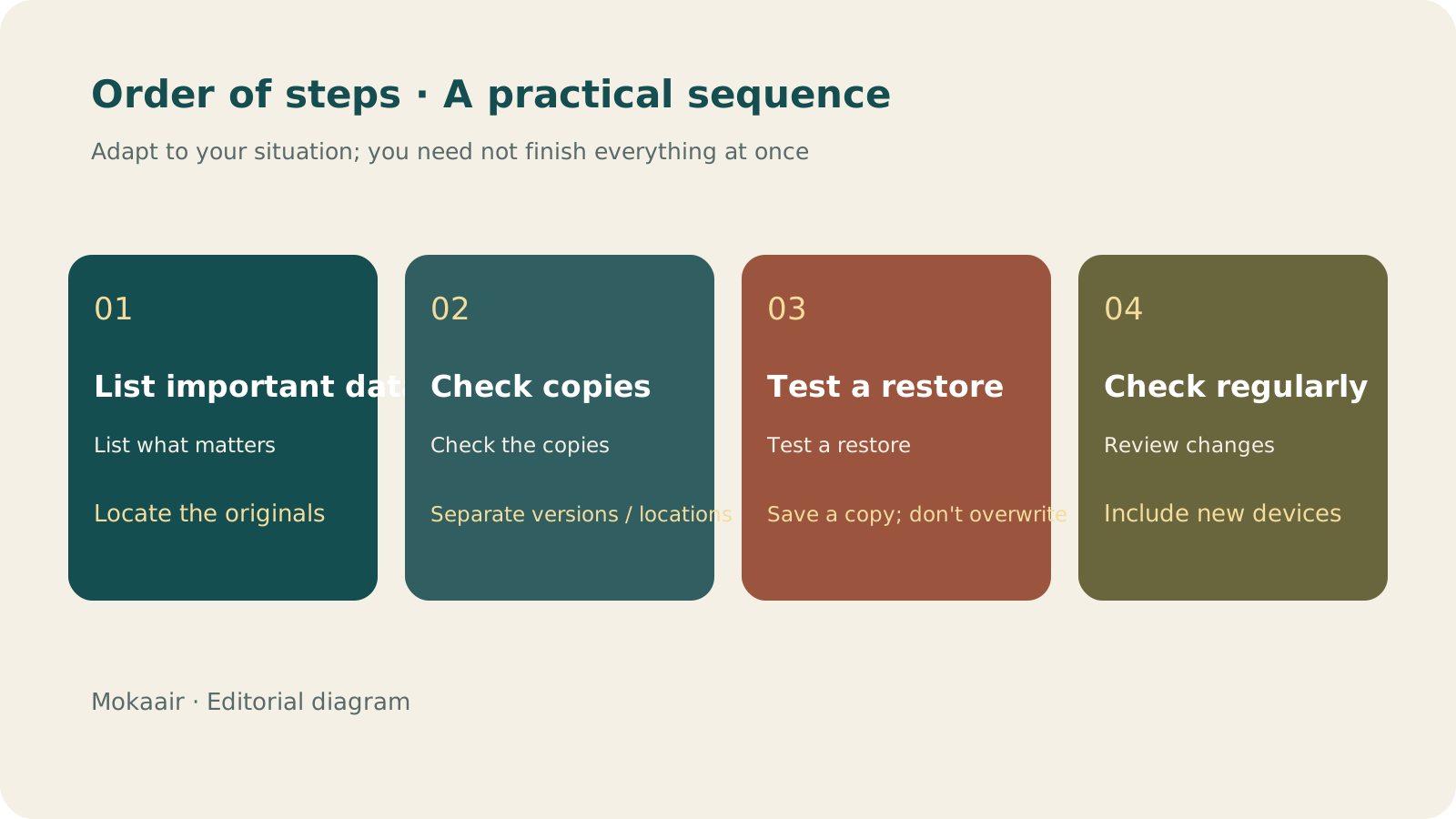
Read the full description
Check in order: list important data, check copies, test a sample restore, and check again regularly. An editorial guide, not a map or measured timing.
Check location, versions, and accounts separately
| Question | What to confirm | Common misconception |
|---|---|---|
| Where is it stored? | Whether another device or service holds the complete data | Another folder on the same drive is enough |
| Which version can you recover? | Conditions for retaining versions and deleted files | Successful synchronization means changes can always be undone |
| Who can read it? | The account and any required unlocking method | If you remember how to sign in, others must be able to access it too |
| How do you restore it? | The actual steps and destination | Seeing a backup screen makes a test unnecessary |
If every copy depends on the same device or account, a device failure, theft, or inability to sign in may leave all of them inaccessible. Arrange copies in different locations as needed and keep the necessary recovery methods available. For sensitive data, consider permissions and encryption as well. Do not put private information in a publicly shared folder just to make backup convenient. Specific retention periods depend on the product and account plan you use.
Restore a sample into a separate folder
First choose a test file with no sensitive content, let it go through the normal backup process, and restore a copy to a separate folder so you do not overwrite the original. Open it and check that text, images, or attachments are complete. For photos, check whether their dimensions and capture information meet your needs. Then verify a sample of the data that really matters, recording the test date, backup source, and restore result. These records are more useful than assuming a backup probably exists.
Make checks a habit you can sustain
Whenever you add a device, move folders, or change accounts, check again that the affected data is still covered by your backup. Make backup drives easy to identify, and do not use them interchangeably with USB drives for temporary file transfers. When using an external device, follow the tool's instructions to finish and eject it. For shared household data, write a short access guide, but do not put every password in the same unprotected file.
- List important data and its original locations.
- Read the tool's scope, retention conditions, and restore method.
- Restore to an independent location, open the files, and check them.
- Check again after changes to devices or the data's organization.
Organize Phone Photos: Preserve Them First, Remove Duplicates, Then Make Albums You Will RevisitOrganize phone photos: preserve them first, remove duplicates, then make albums you will revisitYou do not have to decide the fate of every photo at once. First check the originals and their copies, then distinguish duplicates, similar shots and images that tell a story, and build a few albums worth returning to.Read the full article
Lifestyle
GPT-6.1 Sol Launches: New Sol Version in the API, Codex and ChatGPT Work, Not in Chat
OpenAI launched GPT-6.1 Sol on September 29, 2026, with the API name gpt-6.1-sol. The launch rollout covers Codex and ChatGPT Work on Plus, Pro, Business, Enterprise and Edu (Enterprise and Edu need an administrator to enable it); Free and Go are not included at launch, and it is not in Chat (checked September 2026).
Lifestyle
Claude Sonnet 5.5 Launches: Same List Price as Sonnet 5, Available in the API, on Cloud Platforms and in Claude.ai
Anthropic launched Claude Sonnet 5.5 on September 28, 2026. API list prices are the same as Sonnet 5 ($2 per million input tokens, $10 per million output tokens). It is available in Claude.ai, the API and several cloud platforms, and higher-risk cybersecurity requests fall back to Sonnet 5 (checked September 2026).
Lifestyle
Claude Code Adds mods: TypeScript Functions in Plugins Change Its Behavior and Interface
On October 1, 2026, Anthropic introduced Claude Code mods: TypeScript or JavaScript functions that ship inside a plugin and run in the Claude Code process, and can rewrite prompts, manage tool calls and draw new interface. Anthropic says they work in the CLI and the desktop app and are not sandboxed; the documentation says v2.1.287 or later is required (checked October 2026).
Lifestyle
What to Do When Searches Get No Clicks: Rethinking Traffic Value Through Reader Tasks
Readers may find opening hours, phone numbers or brief answers on a search page without visiting a website. A non-click is not always a success, and site CTR cannot reveal the overall zero-click search rate. Using an original clothing alterations shop scenario, this article covers checks for search displays, business interactions and actual tasks, from finding information and comparing services to booking, with a comparison table, practical steps and original SVG diagrams.
Articles that cite this one
Latest travel guides

GuideTokyo
Where to Stay in Tokyo: Comparing Shinjuku, Ueno, Tokyo Station, Shibuya, Asakusa, Ikebukuro, and Ginza, Plus Airport Access, Accommodation Tax, and Luggage Delivery
Where should you stay in Tokyo? Compare Shinjuku, Ueno, Tokyo Station, Shibuya, Asakusa, Ikebukuro, and Ginza by the same criteria: access from Narita and Haneda, transit routes, nearby attractions, neighborhood character, and who each area suits. Includes a comparison table, a Yamanote Line diagram, Tokyo’s accommodation tax as verified in 2026/9 (changing to 3% in 2027/4), and Airport TA-Q-BIN luggage shipping rules.
- Budget
- Hotels

GuideTokyo
How to Choose Tokyo Transit Passes: Are Suica, Welcome Suica, the Tokyo Subway Ticket, and the JR Pass Worth It?
On a first Tokyo trip, start with an IC card and pay per ride (Welcome Suica has no deposit and is valid for 28 days). If you take four or more subway rides in a day, add a 72-hour Tokyo Subway Ticket for 2,000 yen; a JR Pass is never worthwhile if you stay in Tokyo and do not go to Kansai. See what TOURIST PASMO, Suica on iPhone, and the Tokyo Metro day pass do and do not cover, with a decision chart. Prices verified in September 2026.
- Transport
- Budget

GuideTokyo
Tokyo Disneyland and DisneySea Guide: Ticket Prices, Fantasy Springs, Disney Premier Access (DPA), Standby Pass, and Which Park to Choose for Your First Visit
Tokyo Disney one-day Passport prices vary: most weekdays in 9/2026 cost ¥9,900 and weekends ¥10,900. At 14:00 daily, tickets go on sale for the same date two months later. Free Priority Pass is no longer on the official service list; only paid Disney Premier Access (¥1,000–3,500 per person per use) shortens waits. Covers hours, the 25th anniversary, Standby Pass, Entry Request, Fantasy Springs access and first-visit park choice; checked on the official site in 9/2026.
- Itineraries
- Family