Lifestyle
Off the road: AI tools and tutorials, software, gadgets and everyday notes.
Browse by topic
AI tools
From glossary entries and tool comparisons to coding agents and local models: every step of putting AI to work, written to be followed.
Tutorials
Apps & software
Set-up, comparisons and alternatives for apps and software.
Gadgets
Productivity
Everyday life
Money & finance
Understand where the money goes: budgeting, banking and cards, tax and insurance, investing basics. Methods and rules, never product picks.
Websites & e-commerce
Build and run your own site: WordPress, WooCommerce, domains, hosting and front-end basics, from zero to live.
Marketing & SEO
Getting content seen: SEO, ads and affiliate programmes, and how to run content and a brand.
Tech & industry
Chips, devices, platforms and telecoms: verified facts and dates, never a recommendation.
All articles
Lifestyle
How Websites Build Trust: Authors, Sources and High-Risk Topics
Website trust rests on verifiable author backgrounds, sources, methods and correction accountability. This article explains E-E-A-T and YMYL's uses and limits, using original scenarios for everyday posts, software tutorials and high-risk information to outline author, editor and expert reviewer roles. A checklist covers source applicability, partnership disclosures, dates and corrections, so author boxes, institution names and search rankings are not taken as proof of accuracy.
- Tutorials
- Apps & software
- Marketing & SEO
- SEO
Lifestyle
Understanding website authority scores: Tool metrics vs. search performance
Website authority scores appear in SEO reports and partnership proposals, but tools calculate them differently. Using Ahrefs Domain Rating and Semrush Authority Score, this article explains differences between domains, pages, links, estimated traffic and actual outcomes, with steps for same-tool comparisons, anomaly checks and monthly reports. It helps small sites treat scores as research clues, not Google certification or ranking guarantees.
- Tutorials
- Apps & software
- Marketing & SEO
- SEO
Lifestyle
How to Design a 404 Page: Explain the Problem and Help Readers Continue
404 pages need more than art and a home button: explain missing content and help readers finish their task. An original exhibition-site example covers clear copy, relevant categories and search, HTTP status codes, proper redirects and error tracking. Steps, a comparison table and original diagrams distinguish missing content, moved pages and service outages, avoiding attractive pages that return success or redirecting every old URL to an unrelated home page.
- Tutorials
- Apps & software
- Marketing & SEO
- SEO
Lifestyle
Articles Competing for Rankings? Identify Overlapping Intent and Consolidate Content
Multiple articles from one site appearing for similar queries do not always hurt each other. This article shows how Search Console, article tasks and content differences reveal truly duplicate needs and guide retention, repositioning or merging. It explains the distinct roles of permanent redirects, canonical and noindex, plus pre-merge backups, URL mapping, internal link updates and performance tracking, to avoid deleting articles based only on keywords or short-term rankings.
- Tutorials
- Apps & software
- Marketing & SEO
- SEO
Lifestyle
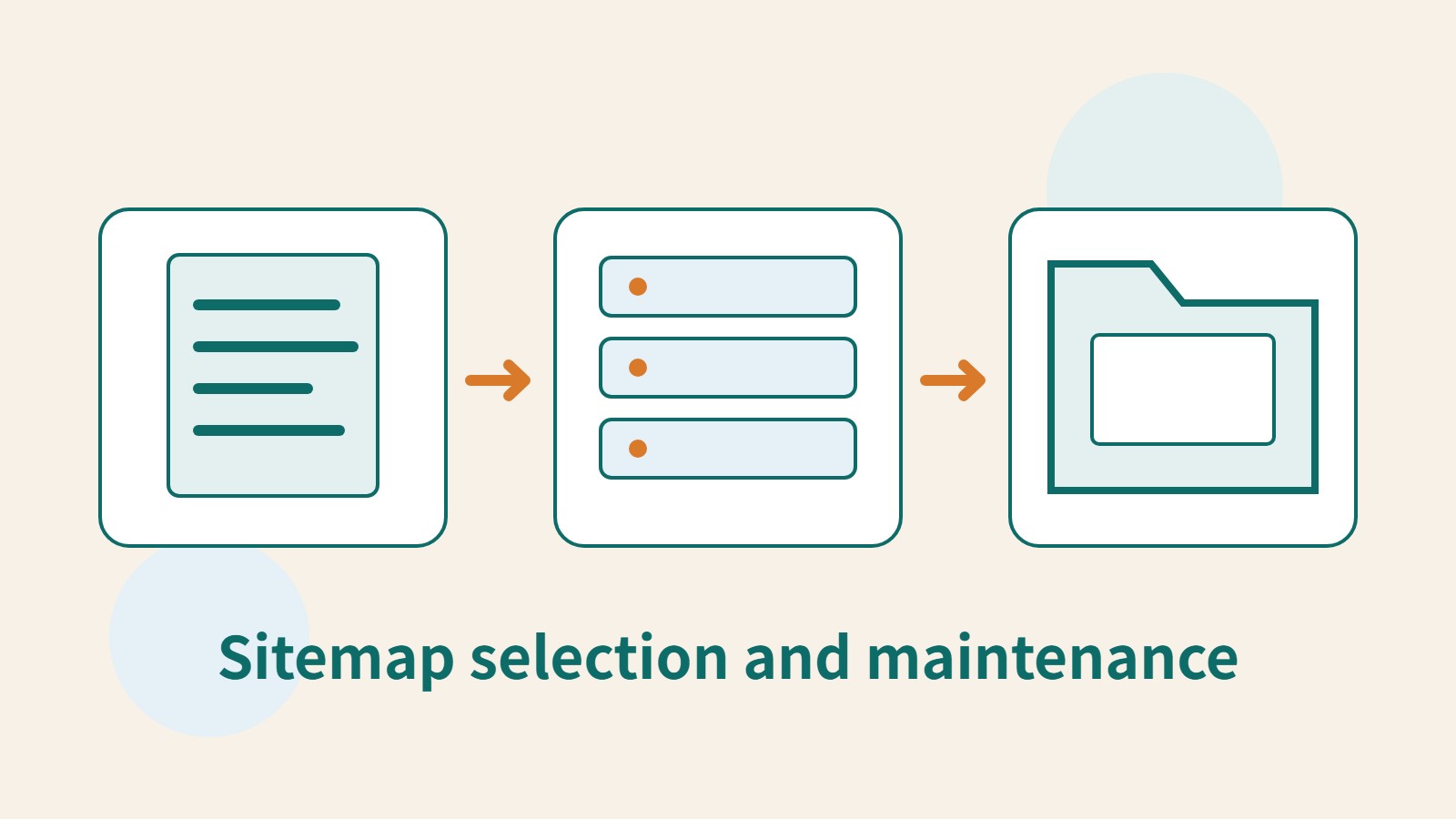
How to Plan a Sitemap: Which URLs to Include, How to Submit It, and How to Maintain It
A sitemap is a URL list for search engines. Choosing the wrong content or leaving it outdated means successful submission still cannot solve indexing problems. This article covers selecting public canonical URLs, WordPress sitemap locations, XML formatting and file limits, and Search Console submission and maintenance. A URL-type comparison table and an original synchronization diagram help small websites in Taiwan build a sustainably managed Sitemap.
- Tutorials
- Apps & software
- Marketing & SEO
- SEO
Lifestyle
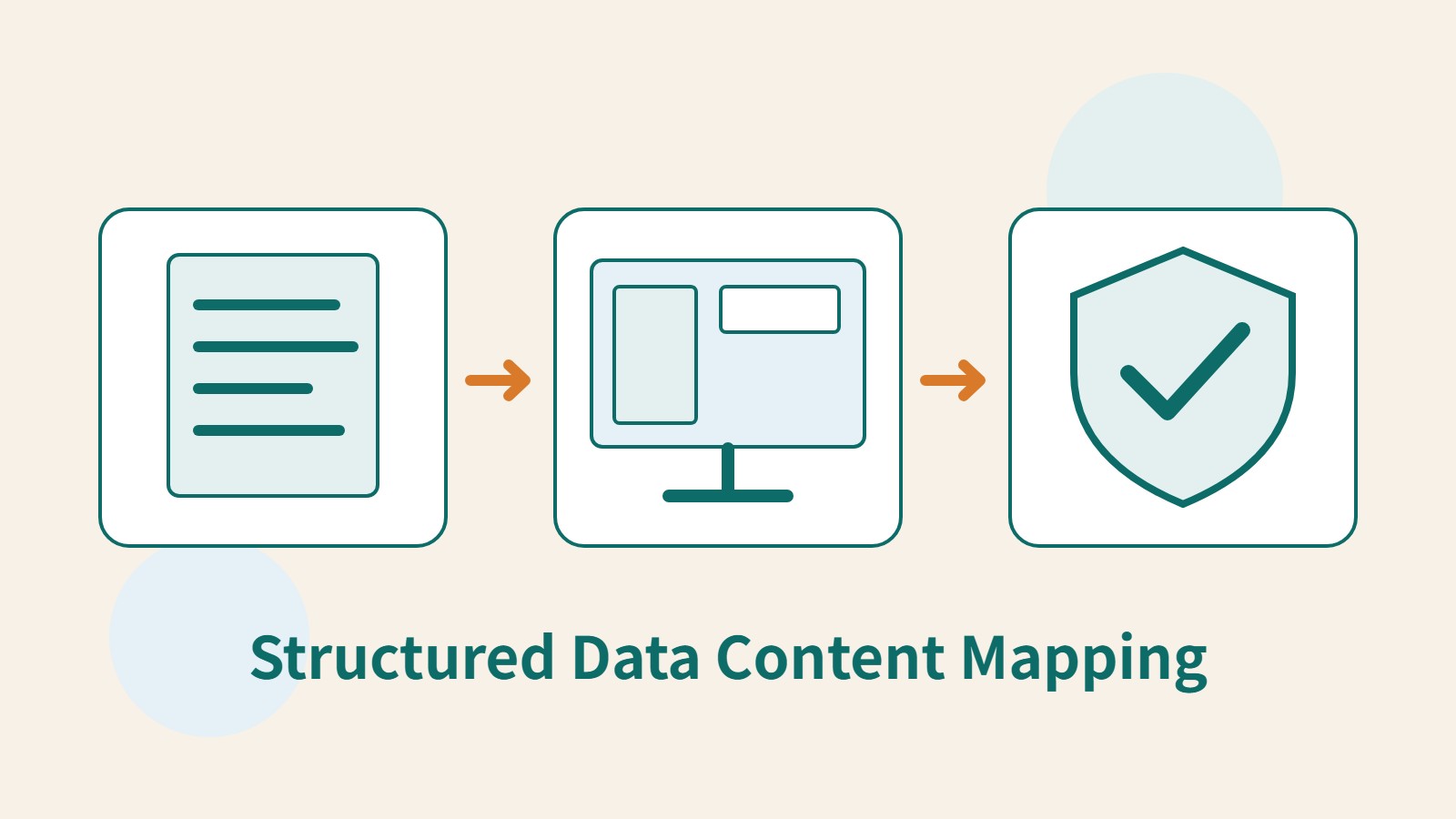
How to Add Structured Data: From Visible Content to Search Validation
Structured data can help search engines understand pages, but adding code does not guarantee a special search appearance. Starting with the roles of Schema.org types and JSON-LD, this article covers visible content mapping, article fields, platform output sources, and differences between Schema Markup Validator and the Rich Results Test. An original field table and validation workflow help Taiwan website administrators build maintainable markup based on real content.
- Tutorials
- Apps & software
- Marketing & SEO
- SEO
Lifestyle
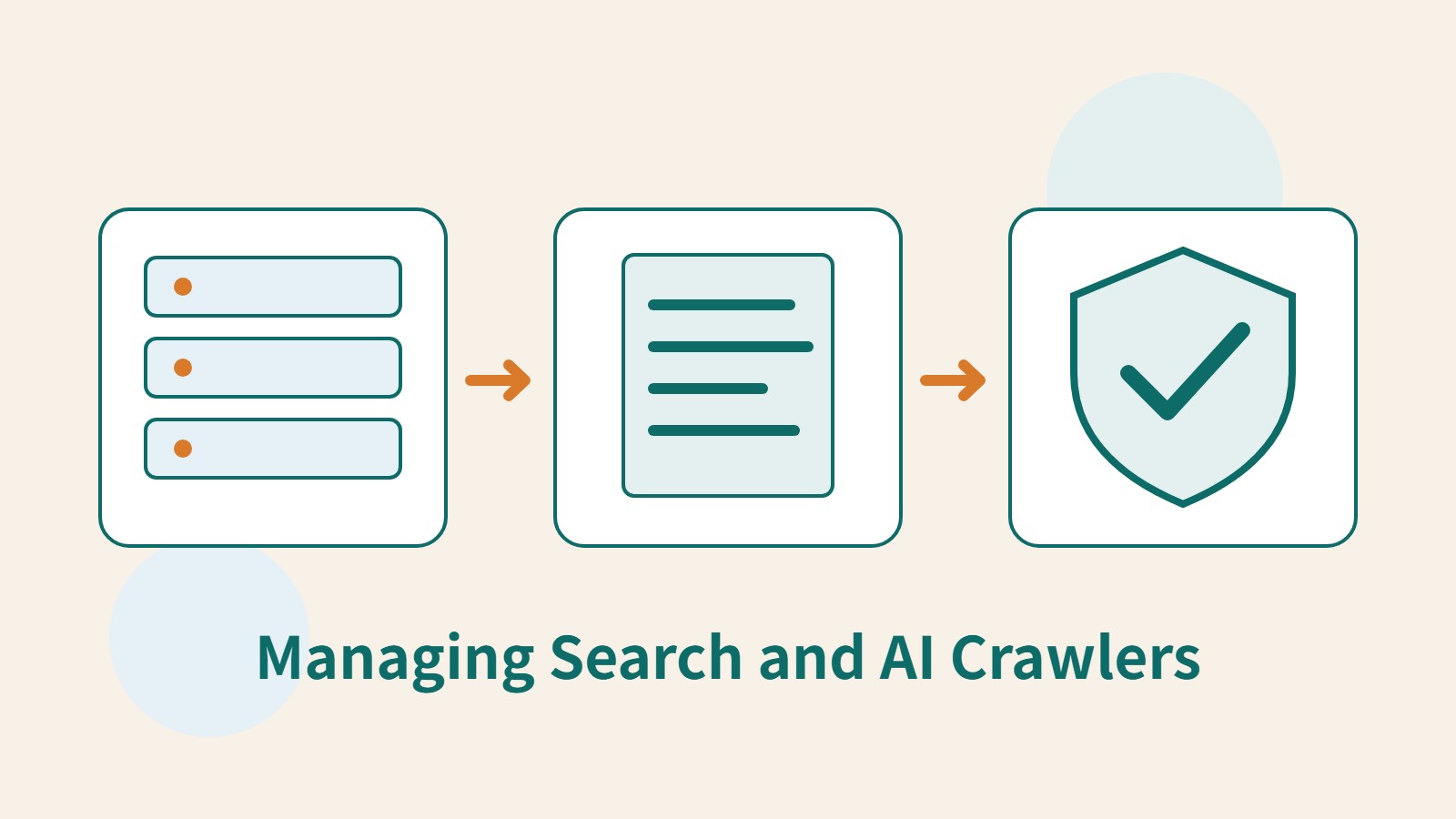
Search Crawlers and AI Crawlers: How Website Administrators Can Identify and Manage Them
Search crawlers and AI page-fetching tools serve different purposes. Site administrators must identify the source before choosing controls. This article compares Googlebot, Google-Extended, OAI-SearchBot, GPTBot and ChatGPT-User, explains what robots.txt, noindex and login protection can address, and provides steps to check access logs and verify changes so blocking training use does not inadvertently block search or public content.
- Tutorials
- Apps & software
- Marketing & SEO
- SEO
Lifestyle
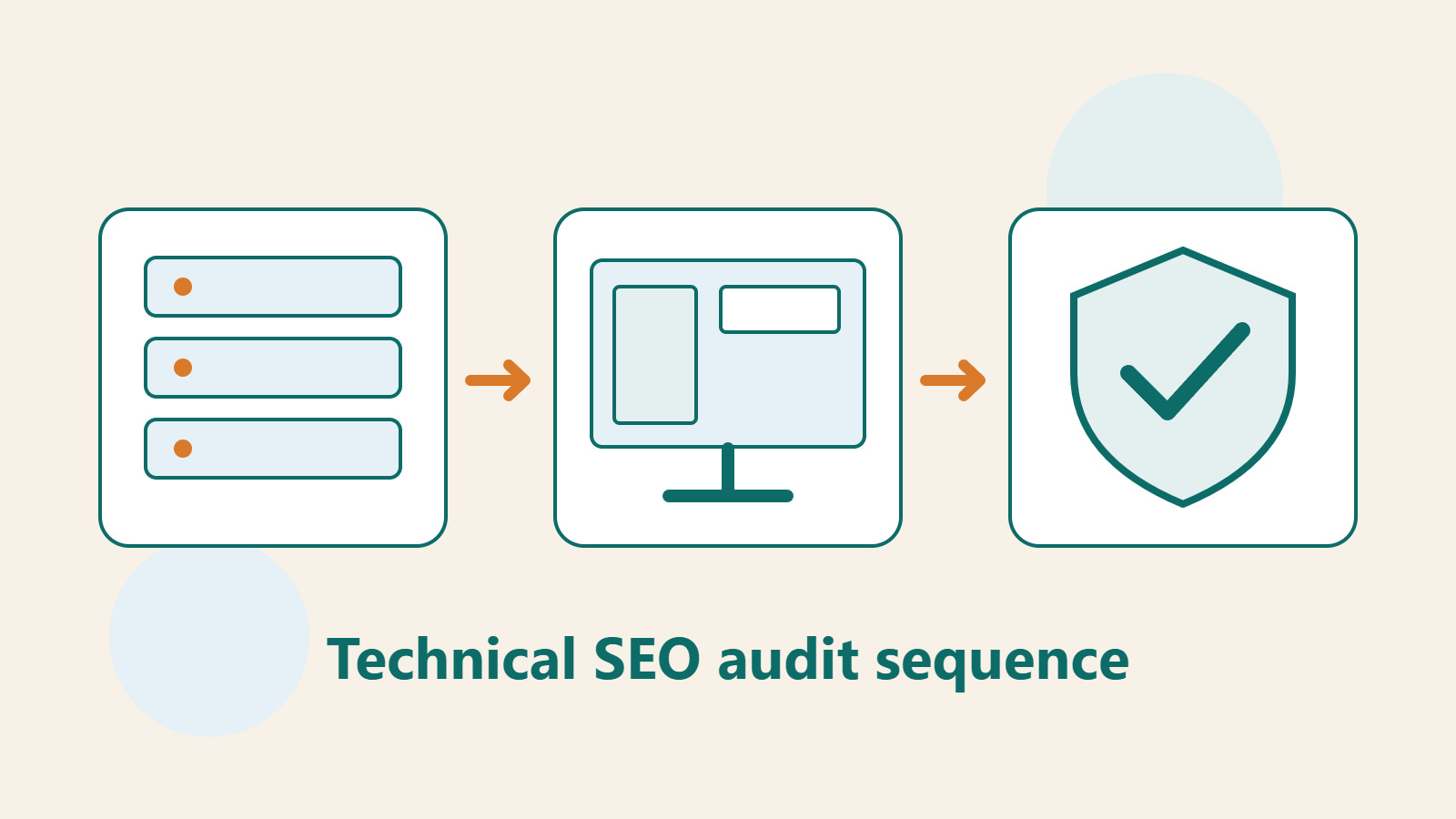
Technical SEO audit order: crawling, indexing, rendering, and site structure
A useful technical SEO audit needs reproducible evidence and a sensible repair order. Using a site relaunch as an example, this guide explains how to sample page templates and check public access, indexing directives, JavaScript rendering, canonical URLs, and site structure. It separates urgent repairs, scheduled improvements, and later observation so that a general site owner can hand actionable findings to maintainers without treating a passing test as a ranking guarantee.
- Tutorials
- Apps & software
- Marketing & SEO
- SEO

Lifestyle
How to write article titles: Show search readers the scope and purpose
A useful title tells readers before they click what problem an article addresses, when it applies, and what information they will get. Using original rewrites of everyday tutorials, this guide checks the topic, purpose, limits, and evidence behind title promises. It explains why the page heading, HTML title, and Google search title may differ, then offers prepublication checks and post-change observation without stuffing keywords, claiming tests that never happened, or adding an unverified year.
- Tutorials
- Apps & software
- Marketing & SEO
- SEO
Lifestyle
How to Identify Search Intent: Turn Keywords into Questions Worth Answering
The same keyword can signal learning, comparison, finding a specific entry point or taking action. Using original luggage-storage examples, this guide shows how to judge intent from wording, time and place, result formats and your own query data, then turn a hypothesis into a clear content task. It includes an observation table, ways to handle mixed intent, content-format choices and later validation. Do not copy ranking pages or treat one search-results screen as the answer for every reader.
- Tutorials
- Apps & software
- Marketing & SEO
- SEO
Lifestyle
A beginner's SEO learning roadmap: make your site readable before measuring traffic and results
SEO beginners need not memorize ranking factors or buy a suite of tools. Using a small Taiwan website, this guide orders five topics: how search works, site readability, content planning, Search Console metrics, and results. Exercises by stage, a resource table, and a change log help you make pages readers and search engines can understand, then plan further work from data instead of tool scores or short-term swings.
- Tutorials
- Apps & software
- Marketing & SEO
- SEO
Lifestyle
A keyword research workflow: Reader needs, long-tail queries, and topic priorities
Keyword research should produce a schedulable content list, not hundreds of unused terms. Using a small baking tutorial site, this guide collects clues from reader questions, Search Console, Google Keyword Planner, and Google Trends. It separates search-volume estimates, ad competition, and relative interest, then groups specific needs, checks existing pages, and prioritizes topics by value and production capacity.
- Tutorials
- Apps & software
- Marketing & SEO
- SEO
Lifestyle
SEO Article Quality Checklist: Sources, Useful Detail and Maintenance
A content quality review checks whether evidence, interpretation, instructions and images agree. Using a comparison of digital note-taking tools, this guide shows how to map claims to sources, distinguish official features from hands-on tests, add the details readers need to compare options, and check image rights, titles, summaries and update ownership. An editorial checklist and correction workflow make ‘finished’ mean verifiable, readable and maintainable, not merely long enough.
- Tutorials
- Apps & software
- Marketing & SEO
- SEO
Lifestyle
Planning content with Semrush: keywords, competitor pages and a tracking list
Semrush can help expand keywords, inspect competing pages and track a chosen market, but its tools cover different data and purposes. Using a pottery studio in Taichung as an original scenario, this guide connects Keyword Magic Tool, Organic Rankings, Keyword Gap and Position Tracking. It distinguishes general from personal difficulty and estimated traffic. Steps, a comparison table and an original diagram help explain why a topic belongs on the list and how to observe it under fixed conditions.
- Tutorials
- Apps & software
- Marketing & SEO
- SEO
Lifestyle
Reading search results: SERP features, CTR and changing impressions
A search results page can contain text, images, videos, rich results and other features; average position cannot fully describe what readers see. Original figures show how CTR, impressions and clicks relate, then explain how to hold Search Console conditions constant, compare segments and check whether titles and snippets match the page. Steps, a comparison table and an original diagram prevent a falling percentage from being mistaken for lost traffic or proof that one feature caused the change.
- Tutorials
- Apps & software
- Marketing & SEO
- SEO
Lifestyle
On-page SEO workflow: From the reader's question to headings and page structure
On-page SEO is more than filling an SEO plugin with keywords. A useful article gives readers a consistent path from the search result to their next action. Using a family photo-organizing tutorial, this guide defines the reader's task, orders the steps, adds comparisons and exceptions, and checks WordPress headings, the URL, summaries, images, and links. It finishes with a real reading test and an update record instead of treating a plugin score as proof of quality.
- Tutorials
- Apps & software
- Marketing & SEO
- SEO
Lifestyle
How to prepare website images: Size, alt text, and search readability
Clear, useful website images take more than a compression plugin. Starting from a typical website editor's workflow in Taiwan, this guide covers each image's purpose, dimensions and format, file name, alt text, WordPress upload checks, and the scope of Smush. An original herb-repotting example, checklist, and comparison table show how to keep masters, review images individually, and test the public page for readers and search systems.
- Tutorials
- Apps & software
- Marketing & SEO
- SEO
Lifestyle
Finding article ideas with Google Trends: relative interest, regions and seasons
Google Trends 100 is not a search count, and a darker region is not the number of potential customers. Using a Taiwan home-products example, this guide distinguishes search terms from topics, explains conditions behind relative-interest comparisons, and examines seasons, brief events, and top and rising queries. Steps, a comparison table and an original diagram turn trend signals into a documented, repeatable content plan without treating one spike as proof of rising product demand.
- Tutorials
- Apps & software
- Marketing & SEO
- SEO
Lifestyle
Understanding Google Search updates: lessons from Panda, Penguin and Hummingbird
Panda, Penguin and Hummingbird are useful names in the history of Google Search, but they cannot diagnose every traffic drop today. Using current Google guidance, this guide places each in its historical context, distinguishes core updates from manual actions and technical failures, then walks through dates, page groups, content and links. An original community-events website example shows how to keep evidence without chasing obsolete tactics or rewriting a whole site at once.
- Tutorials
- Apps & software
- Marketing & SEO
- SEO