Apps & software
Set-up, comparisons and alternatives for apps and software.
Lifestyle
Building with Hostinger: get your first WordPress website ready
Hostinger’s WordPress setup changes with its interface. Check the product and plan before creating the site and administrator account. Using official hPanel documentation, this guide covers adding WordPress, a blank site or AI guidance, domains and HTTPS, plus content and mobile checks. Build a usable first site with essential pages, then add features gradually, keeping different builders, old tutorials and existing sites separate.
- Tutorials
- Apps & software
- Websites & e-commerce
- WordPress
Lifestyle
Getting started with hosting.com: from the former A2 name to current service options
A2 Hosting searches now lead to hosting.com. Using current official docs, this guide explains the rebrand and how to identify your plan, control panel and WordPress installer without mixing old interfaces or products. Check purchase terms, install location, domain and HTTPS, then verify content and visitor journeys. Keep backups and handover records for existing accounts. Old-brand performance rankings and promotional prices are not carried over.
- Tutorials
- Apps & software
- Websites & e-commerce
- WordPress
Lifestyle
Setting up a Bluehost website: checks before purchase and after installation
Build a first WordPress site with Bluehost or take over a small one: check plan features and total costs, then use Portal's current Websites flow. Based on public official docs, this guide covers new sites versus imports, external domains, initial content, HTTPS and a launch checklist. Verify installation, usable content and visitor journeys separately, and retain maintenance and handover records.
- Tutorials
- Apps & software
- Websites & e-commerce
- WordPress
Lifestyle
Setting up a Namecheap domain: connecting it to a website and email after registration
After buying a Namecheap domain, identify its DNS manager to connect your website and email. Official documentation explains Nameservers, Advanced DNS and Mail Settings, with two routes: change nameservers or keep the current DNS. This guide provides preparation checks, step-by-step verification and fault-reporting details for people using different domain, hosting and email providers, helping prevent accidental deletion of existing email records while bringing a website online.
- Tutorials
- Apps & software
- Websites & e-commerce
- Domains, hosting & front-end
Lifestyle
Managing a Gandi domain: registration, DNS and renewal checks
Gandi keeps registration, DNS, email and renewal settings in separate places. Based on current official documentation, this guide covers post-purchase checks, LiveDNS records, backups, transfers and what the 2026 Classic DNS migration means for existing users. Check your own account and build a domain register others can take over, avoiding outdated tutorial nameservers and the assumption that paying means your website and email are fully configured.
- Tutorials
- Apps & software
- Websites & e-commerce
- Domains, hosting & front-end
Lifestyle
What happens when a domain or hosting expires: a checklist before renewal or shutdown
Domains, hosting and email can expire separately, with different effects if unpaid. Check orders, expiry details and admin access before renewal, recovery eligibility after expiry, and data to save before closing or moving a site. Build a checklist in time order; manage the domain, site backups, email and external accounts separately. Avoid cancelling a service only to lose verification emails, or keeping a content export without images and site settings.
- Tutorials
- Apps & software
- Websites & e-commerce
- Domains, hosting & front-end
Lifestyle
Bluehost domains and billing: check add-ons, payments and renewals item by item
Bluehost domains, hosting and add-ons may bill separately; introductory and renewal terms differ. Check checkout details, free-domain eligibility, Renewal Center settings and records to save after payment failure. Find the next step by issue, separate orders, bank transactions and product status, and check terms before cancelling. Avoid paying twice, buying another domain by mistake or assuming one automatic-renewal switch ends all subscriptions.
- Tutorials
- Apps & software
- Websites & e-commerce
- WordPress
Lifestyle
Your first WordPress site: from a test site to a public website
Your first WordPress site needs more than a successful installation: its URL, content, email and backups must work too. Using a typical personal site, this guide covers accounts and information to prepare, automatic versus manual installation, basic admin settings, home-page and post organisation, and visitor tests before launch. The goal is a site someone else can maintain, not just a completion screen visible to its administrator.
- Tutorials
- Apps & software
- Websites & e-commerce
- WordPress
Lifestyle
WordPress.com or self-hosted WordPress: balancing maintenance, costs and control
WordPress.com and WordPress.org share an ecosystem, but their services, maintenance duties and features differ. For personal blogs and small business sites, this guide compares hosting, self-hosting, plugins, backups, support and migration. It clarifies paid-plan plugin installation using official information available at the check date, so you can compare total costs and real workflows instead of an outdated free-versus-paid split.
- Tutorials
- Apps & software
- Websites & e-commerce
- WordPress
Lifestyle
Planning a website budget: separate first-year, renewal and maintenance costs
A website budget needs more than a promotional monthly price. Group spending into setup, ongoing use, renewal and migration; list hosting, domains, email, themes, plugins and maintenance time. Learn to distinguish long-term monthly equivalents, automatic renewal and outsourced quotes, then practise with clearly hypothetical figures. Build a cost list, decide what is needed now or later, and know which terms to keep before paying.
- Tutorials
- Apps & software
- Websites & e-commerce
- Domains, hosting & front-end
Lifestyle
Building a site on Cloudways: servers, applications and account verification
Cloudways manages servers, applications and projects separately, each with its own role and costs. This guide covers WordPress on Flexible: account activation, server creation, adding an application, connecting a domain and pre-launch checks. It explains why stopping a server may not stop charges, and how to verify official support channels and handle individual account-verification requests so that costs and maintenance responsibilities are clear before you start.
- Tutorials
- Apps & software
- Websites & e-commerce
- WordPress

Lifestyle
Clearer Phone Document Scans: Lighting, Cropping, Page Order, and Checks Before Sending
Photographing paper with your phone does not finish a scan. From flattening the original and avoiding shadows to checking every page and the export format, make sure the recipient gets a readable file.
- Tutorials
- Apps & software

Lifestyle
Home File Backups Need More Than a Sync Check: Test a Restore to Know You Can Recover
Distinguish original files, synchronized copies, and recoverable versions. From listing important files and backup locations to restoring a sample, build a way to protect your data that you can actually use.
- Tutorials
- Apps & software

Lifestyle
Too Many Browser Bookmarks? Organize Them Around What You Are Doing So You Can Use Them Again
Saving a link does not mean you have read it. Separate frequently used links, active projects, and reading material. Record why you saved each item and when to remove it, so your bookmarks do not become a storehouse you never revisit.
- Apps & software
- Productivity
Lifestyle
What website maintenance involves: a routine for backups, updates, and incident reports
Website maintenance includes more than plugin updates: check content, accounts, backups, outgoing email, and expiring services. Using a small WordPress content site, this guide covers routine observation, pre- and post-update checks, restoration, and incident reports, with a worksheet for owners, editors, and maintainers. Set a schedule by update frequency, identify urgent cases, and keep records the next collaborator can use.
- Tutorials
- Apps & software
- Websites & e-commerce
- Domains, hosting & front-end
Lifestyle
How to choose a CMS or website platform: let your update workflow decide where your site lives
Before choosing a website tool, identify who will update content, what readers need to do, and who responds when the site breaks. Using a portfolio, publishing blog, and small business site, this guide compares a CMS, an all-in-one builder, and a static site. Build a requirements sheet for trials, quotes, and handover; check export and migration limits; and avoid deciding only from a polished template or introductory price.
- Tutorials
- Apps & software
- Websites & e-commerce
- Domains, hosting & front-end
Lifestyle
Shared Hosting, VPS, and Managed Cloud: How a Small Website Should Choose
Shared hosting, VPS, and managed cloud services often share one price list, but the terms may describe resource allocation or maintenance responsibility. This guide uses a small site to compare storage, memory, transfer, backups, and support. Find the real constraint before adjusting settings, upgrading a plan, or moving hosts. You do not need to memorize specifications first: take this concrete checklist to a provider.
- Tutorials
- Apps & software
- Websites & e-commerce
- Domains, hosting & front-end
Lifestyle
Before You Buy a Domain: Name, Registrant, and Renewal Management
A domain is the entrance to your website and an important record for email, future moves, and brand identity. This guide covers name choice; the roles of the registrant, registrar, host, and DNS; initial and renewal costs; account protection; and transfer prerequisites. A small-studio management sheet records the holder, notice destination, and handover when collaboration ends, so delegated setup does not leave you with website-admin access but no domain-management control.
- Tutorials
- Apps & software
- Websites & e-commerce
- Domains, hosting & front-end

Lifestyle
Constantly Interrupted by Notifications? Set Exceptions Before Building Focus Periods That Work
Keep notifications you truly need immediately and choose when to review the rest. Identify sources, set exceptions, and test the setup so essential contacts still reach you.
- Apps & software
- Everyday life

Lifestyle
Inbox Zero Is Not Required: Manage Email with To Do, Waiting, and Archive
Every email needs a next step, but not necessarily an immediate reply. Separate what you must do, what is waiting on someone else, and what is finished so your inbox no longer doubles as every kind of task list.
- Apps & software
- Productivity
Lifestyle
Google's CC Becomes a Family Agent: Its Own Account, and How Up to 6 People Share It
Google's official blog posted this on September 17, 2026 — already September 18 in Taipei time — saying CC, the AI agent from Google Labs, is expanding from a personal assistant into a version up to 6 people in one household can share, with its own Google account. Based on the blog post and the Gemini product page, this article covers how CC handles sharing and memory, the conditions Google lists — U.S., age 18+ — and what remains unexplained.
- AI tools
- Apps & software
- AI news
Lifestyle
Firefox Smart Window Adds a Mistral Model: Two Announcements, Two Different Markets
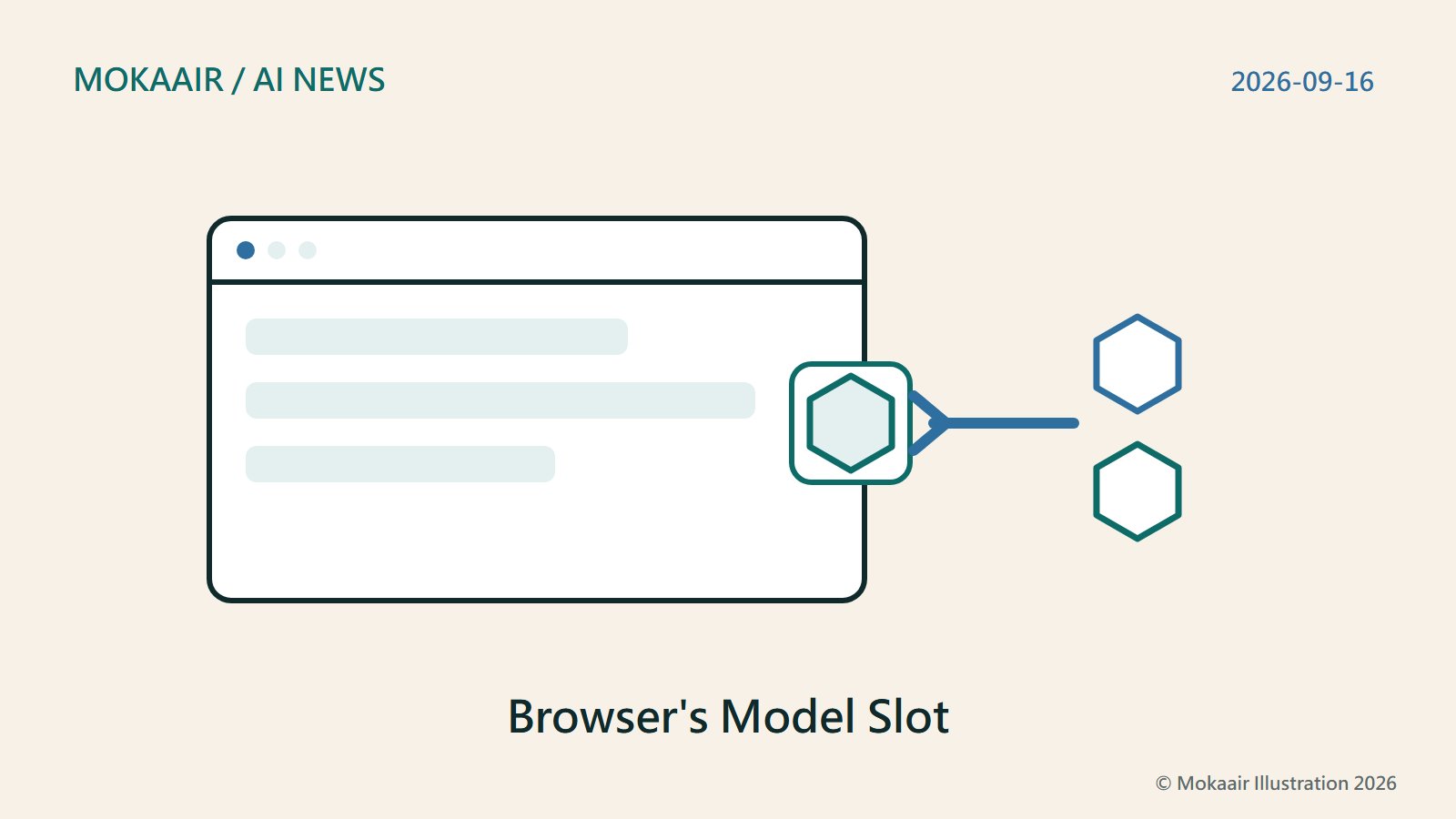
On September 16, 2026, Mistral and Mozilla each published their own announcement the same day: Firefox's AI browsing assistant Smart Window (beta) now also runs on a Mistral model. Drawing on both official posts, this article lays out where the two accounts diverge on markets, the model's name and data-handling promises, and what neither company states -- including Taiwan, other Asian markets, or a timeline for Traditional Chinese support. This article is not advice to use or adopt the feature.
- AI tools
- Apps & software
- AI news
Lifestyle
ChatGPT Ads Add Sponsored Agents: Testing in the US with Select Advertisers Only
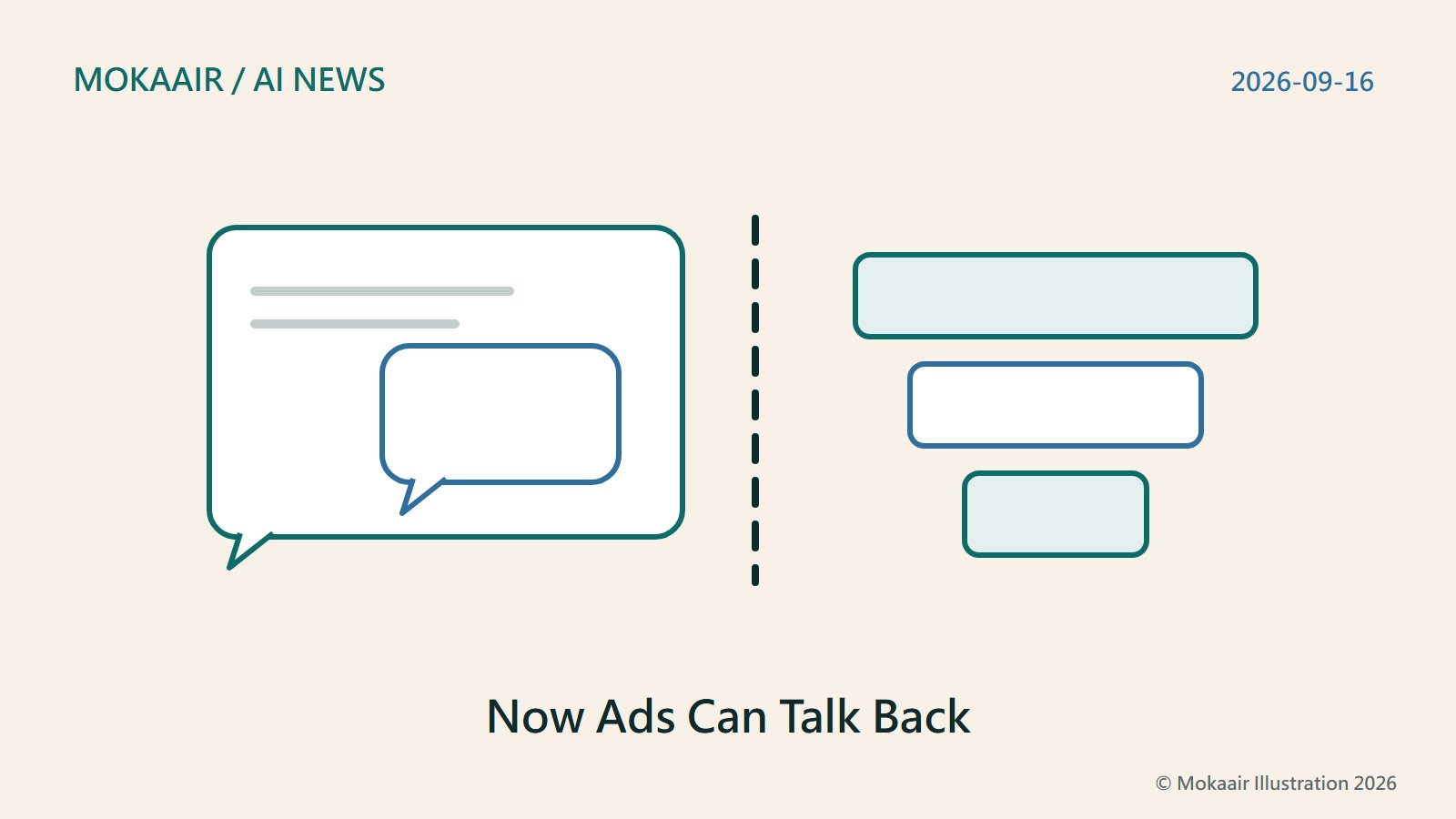
On September 16, 2026, OpenAI announced Sponsored Agents for ChatGPT ads: after opening an ad, a user can choose a separate conversation with the advertiser's own agent; the same day it also announced new Ads Manager AI tools. Checked September 18 against the announcement and OpenAI's ads pages: the feature is tested only in the US with select advertisers, the ad test shows only to logged-in adult users on Free and Go; on September 23 OpenAI announced ads beginning to roll out in Taiwan.
- AI tools
- Apps & software
- AI news
Lifestyle
Astra for Law Launches: OpenAI's Legal Tool Adds an Index, Not a New Model
On September 17, 2026, OpenAI launched Astra for Law. OpenAI's own framing is that it configures GPT‑6 Astra into an AI foundation for law, adding a U.S. legal index, Trusted Access, and data terms, and it will be initially offered to selected law firms. Checked September 18, 2026, this article covers what OpenAI's benchmarks mean and what region and pricing details are still missing; we have not used it, and nothing here is legal advice.
- AI tools
- Apps & software
- AI news