Codex
From glossary entries and tool comparisons to coding agents and local models: every step of putting AI to work, written to be followed.
Series and tutorial hubs
Series to read in order, each with its own directory and learning paths.
Codex learning hub: tutorial directory
A planned 60-lesson, ten-unit Codex curriculum, from setup and your first task to MD instructions and advanced integrations. Find your next lesson by experience, platform, goal or command; unpublished entries show their status.
Lifestyle
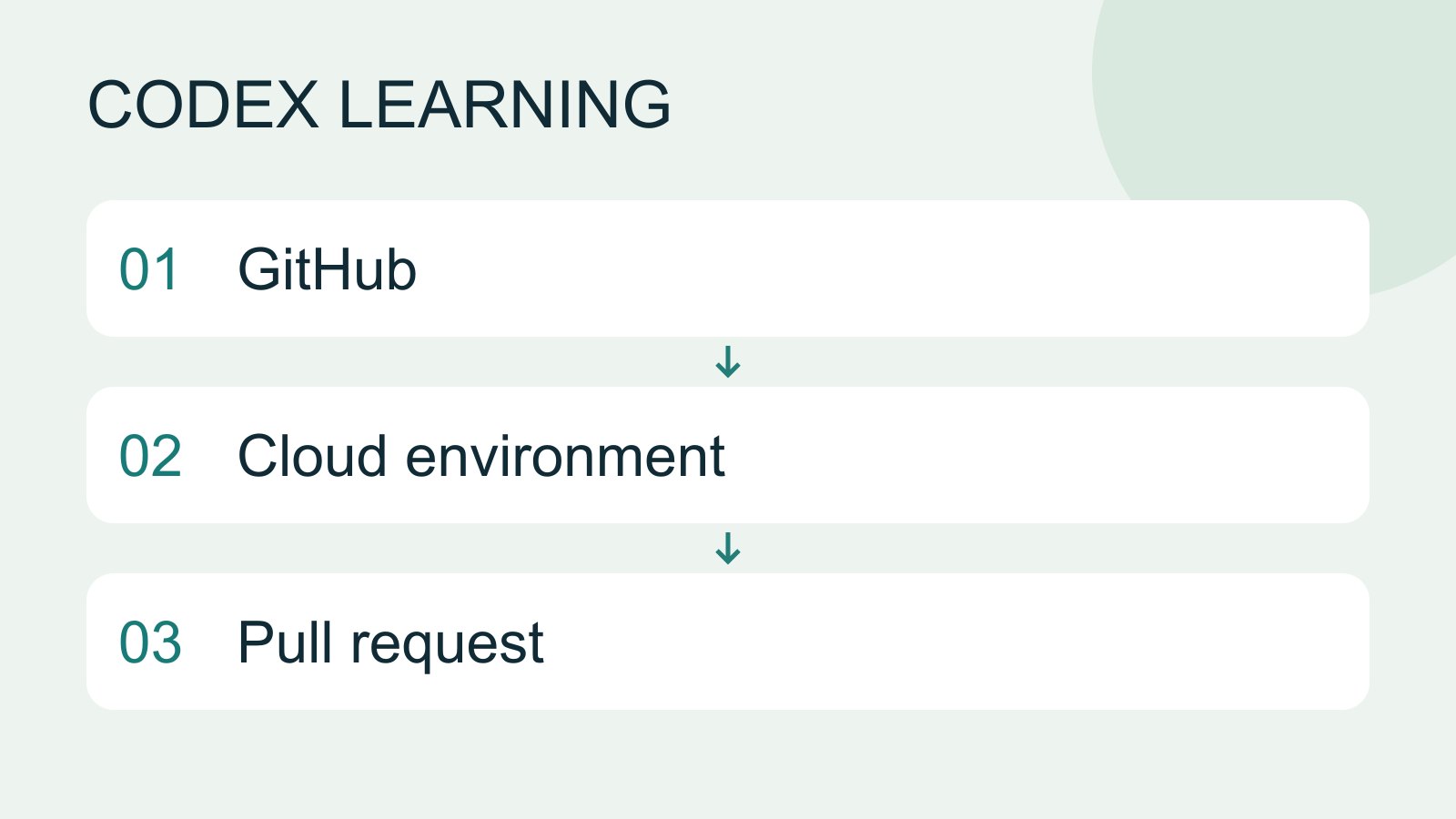
Cloud tasks and GitHub
Cloud tasks run in a remote environment configured for a repository. They suit longer delegated work, but cannot automatically see uncommitted files on your computer. Creating a pull request is distinct from merging or deploying it.
- AI tools
- Tutorials
- Codex
Lifestyle
Windows CLI setup and troubleshooting
Install and sign in from PowerShell, check command discovery, read a project and troubleshoot updates.
- AI tools
- Tutorials
- Codex
Lifestyle
macOS CLI setup and troubleshooting
Set up the CLI in macOS Terminal and separate shell, update, directory and permission problems.
- AI tools
- Tutorials
- Codex
Lifestyle
Linux and WSL CLI environments
Distinguish host and WSL tools, paths and accounts, then run the exercise and update from the right environment.
- AI tools
- Tutorials
- Codex
Lifestyle
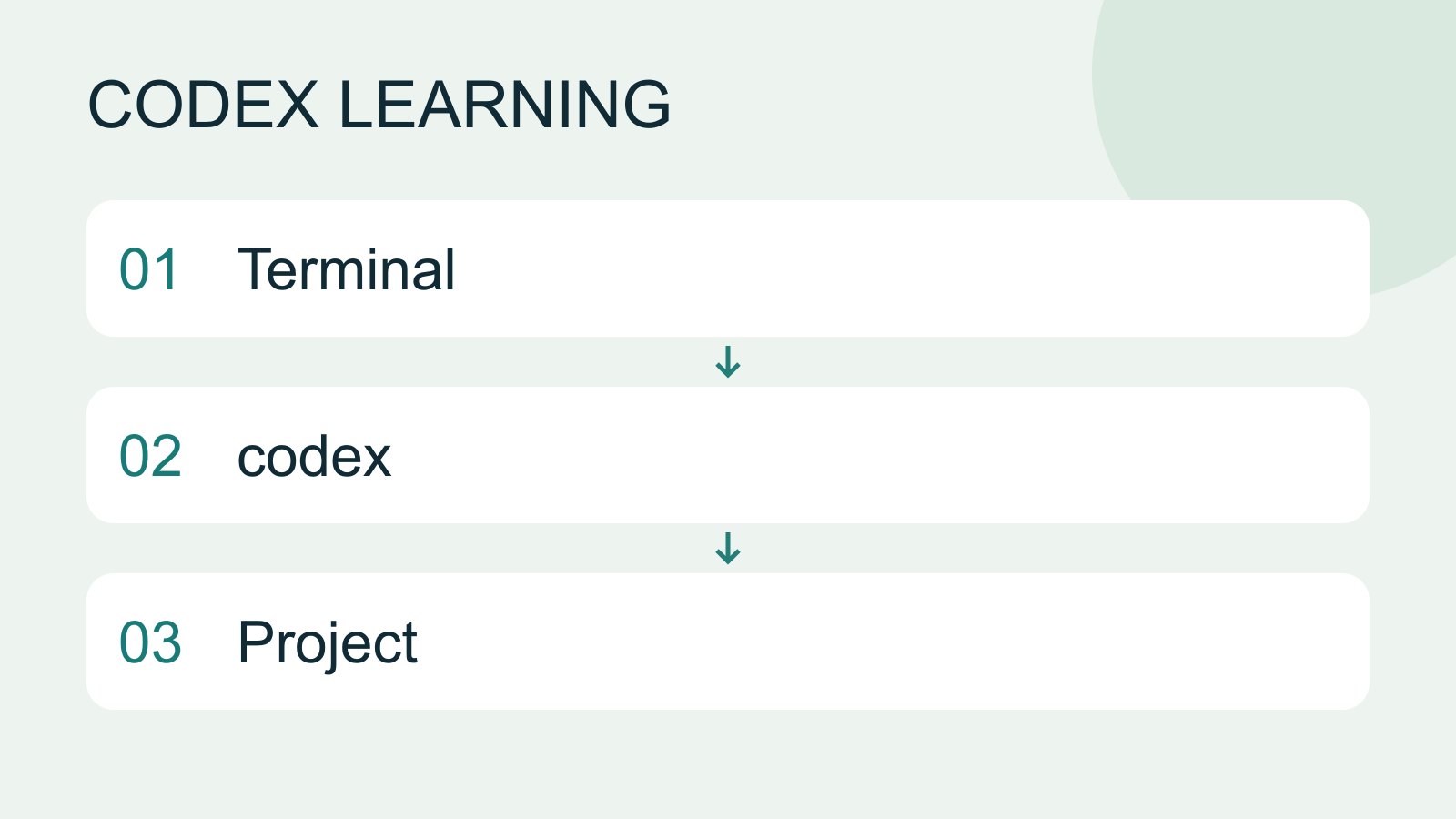
Install and start Codex CLI
Choose an installation platform, sign in, inspect a file, make a one-line change, verify it independently and resume the session. Includes a repeatable two-file exercise and a missing-file test.
- AI tools
- Tutorials
- Codex
Lifestyle
Codex in CI workflows
Design a CI job with explicit input, permissions and exit states, preserving artifacts and separating proposals from application.
- AI tools
- Tutorials
- Codex
Lifestyle
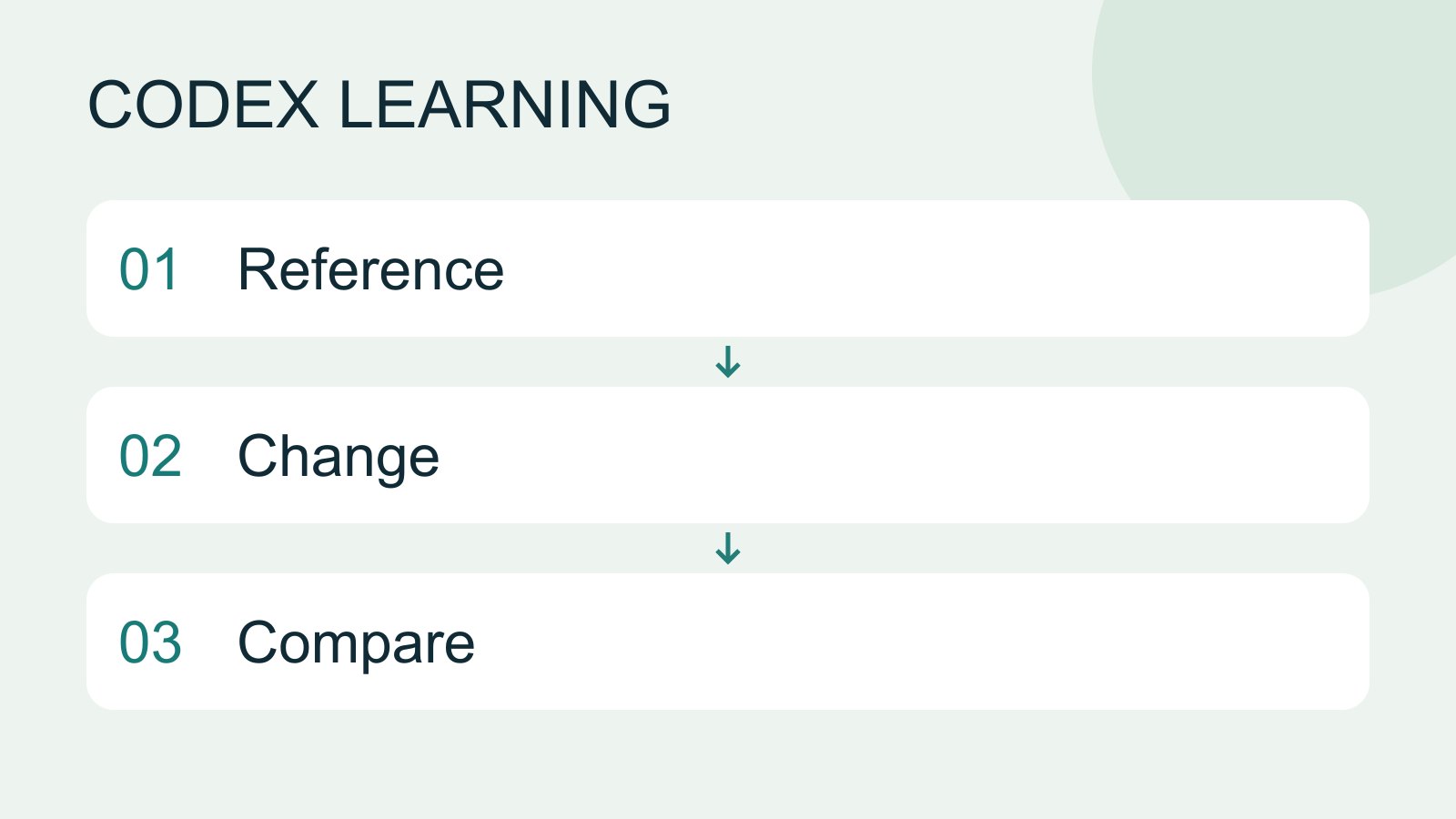
Work with browsers, screenshots and images
Visual work needs a reference, the actual result and explicit change criteria. Browser inspection, screenshots and generated concepts provide different evidence. A generated interface is not proof that a workflow works.
- AI tools
- Tutorials
- Codex
Lifestyle
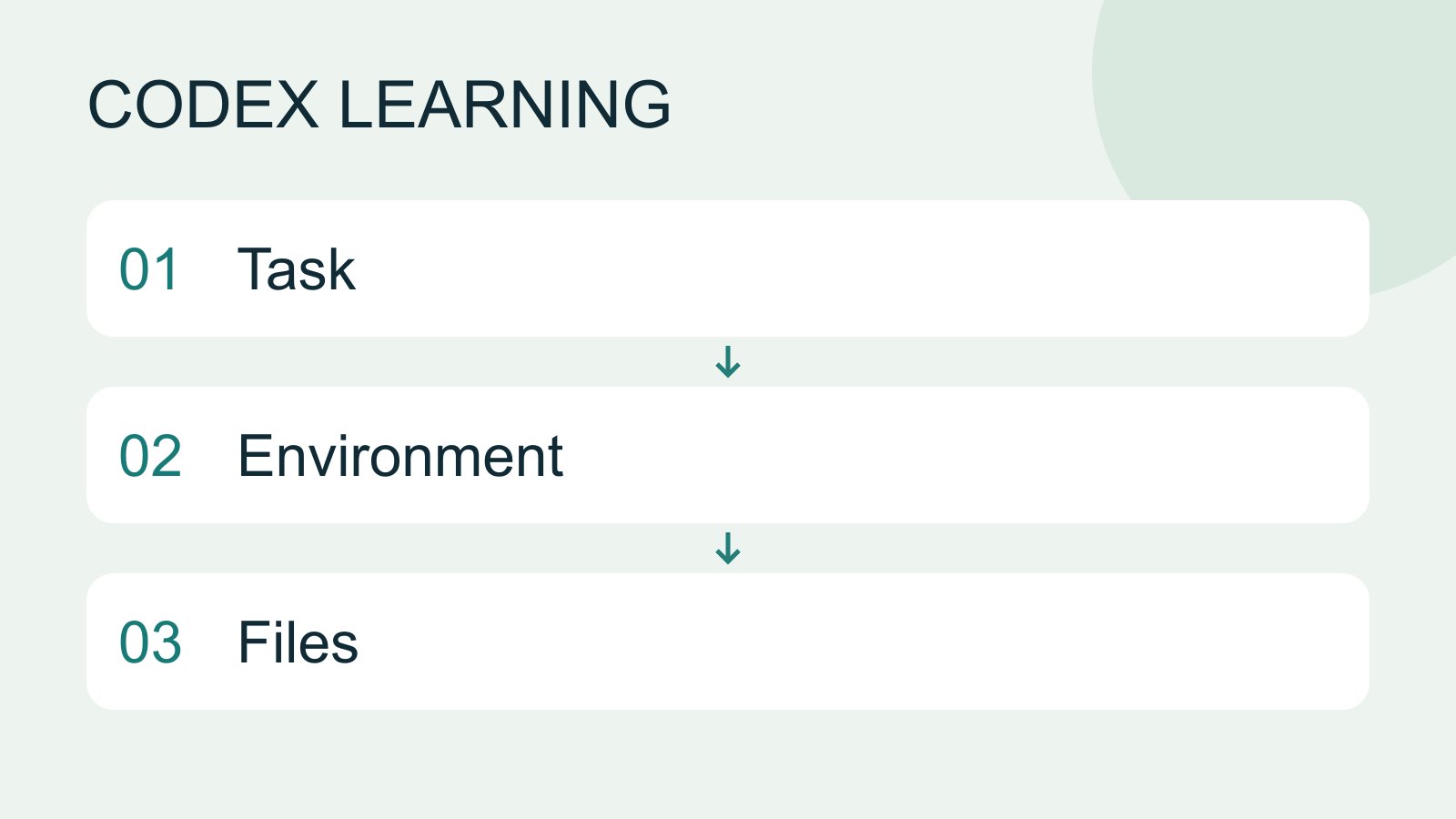
What is Codex? How it differs from ChatGPT
Codex is a coding agent that can inspect a project, edit files and run tools in a chosen environment. A model supplies its reasoning; a task is one assignment; a project groups related work and files. Unlike copying a code answer from chat into an editor, an agent can make the change in the workspace you selected.
- AI tools
- Tutorials
- Codex
Lifestyle
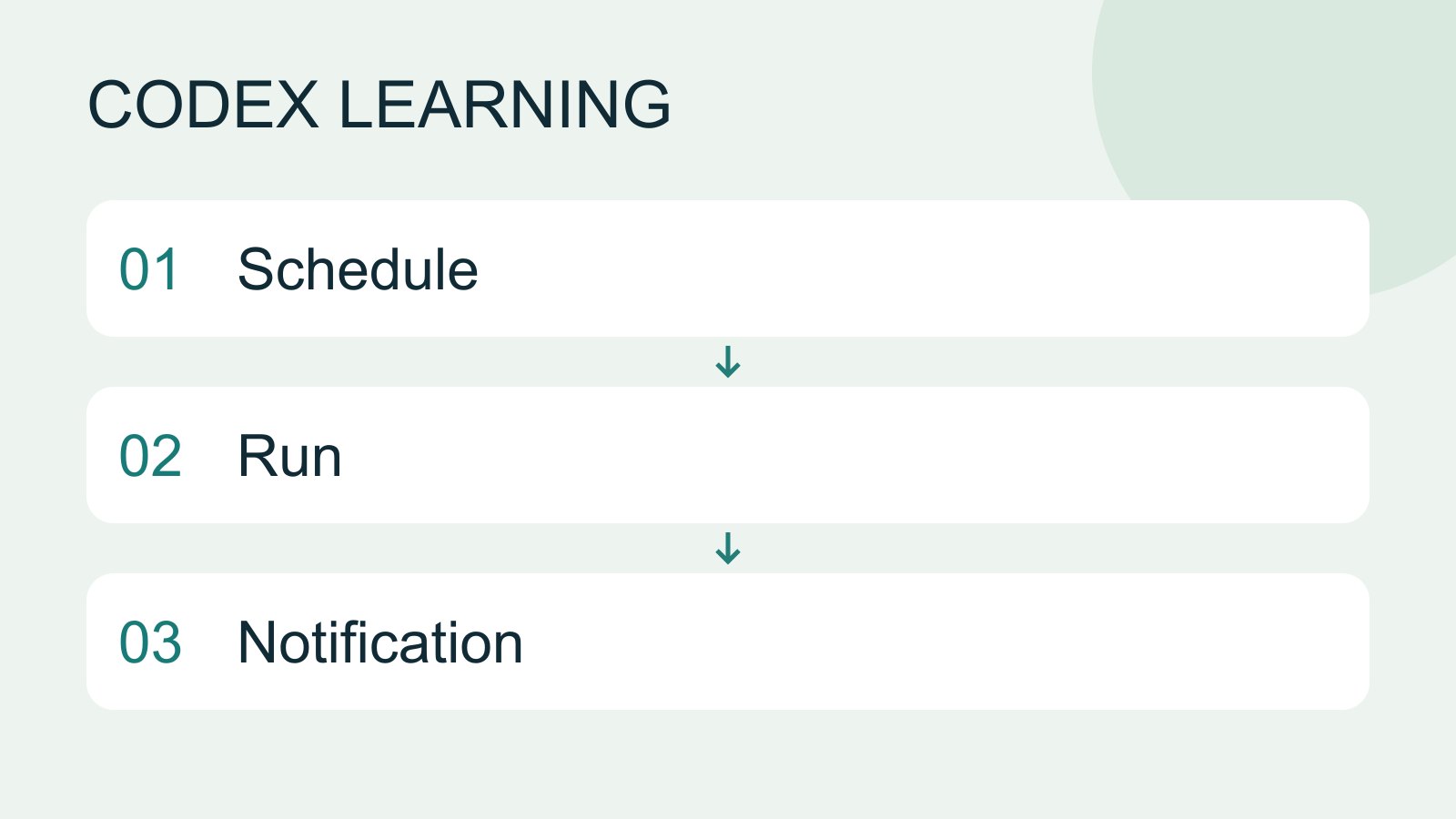
Scheduled tasks and reminders
Scheduled work needs a defined execution environment. A desktop task that reads local files requires the computer and app to be available at run time. Cloud work cannot directly read local data you have not supplied.
- AI tools
- Tutorials
- Codex
Lifestyle
Automation failure, retry and stopping
Use execution records to detect prior effects, avoid duplicates, repair prerequisites and confirm a schedule has stopped.
- AI tools
- Tutorials
- Codex
Lifestyle
Project instructions with AGENTS.md
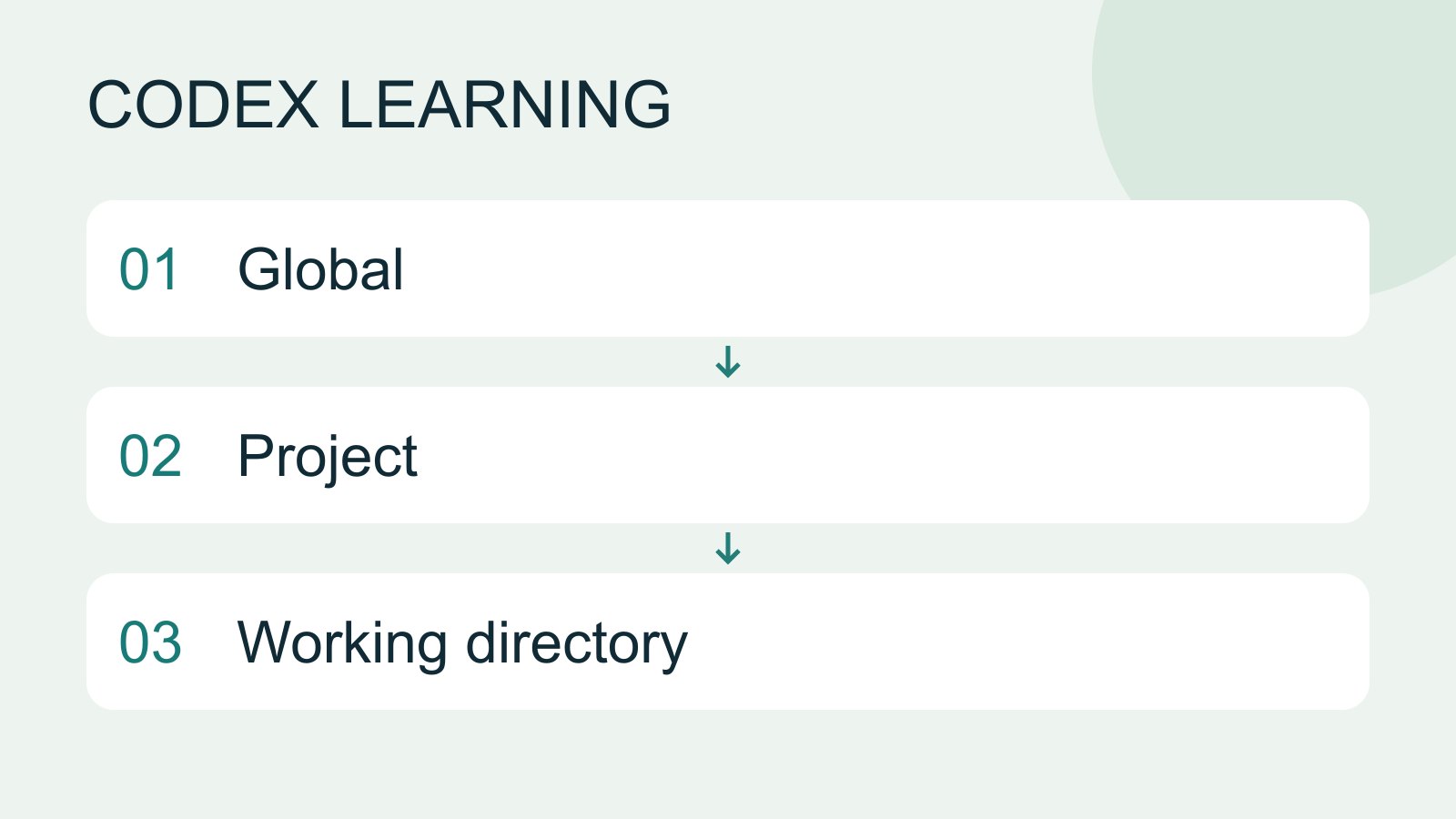
AGENTS.md supplies project instructions before Codex starts work. Global guidance and files along the project-root-to-working-directory path form an instruction chain. At the same level, AGENTS.override.md takes precedence. Keep rules concrete and verify what was actually loaded.
- AI tools
- Tutorials
- Codex
Lifestyle
AGENTS.md scopes and overrides
Trace root and nested instructions, conflicts and overrides, and verify which files were selected.
- AI tools
- Tutorials
- Codex
Lifestyle
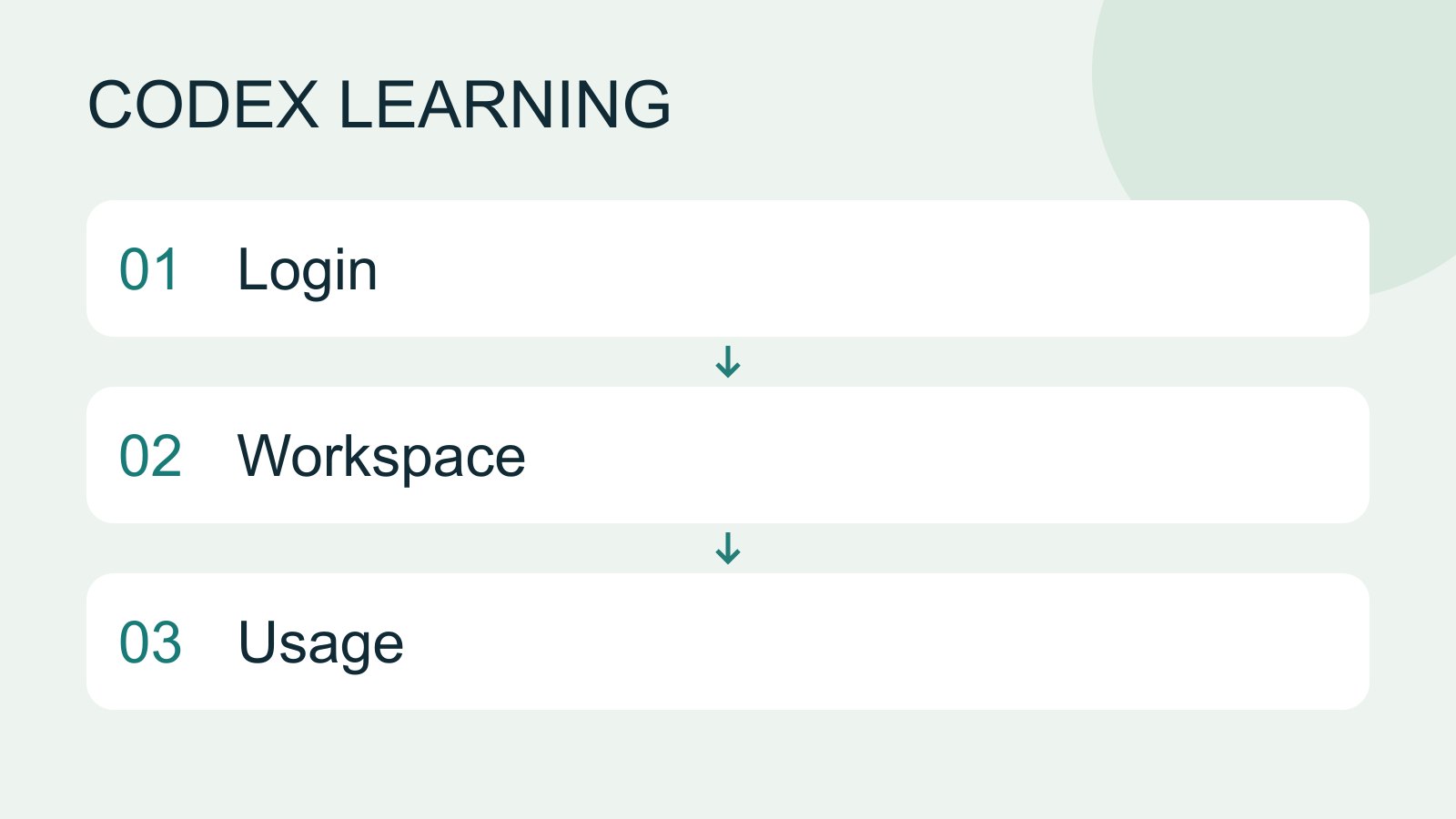
Accounts, sign-in, plans and usage
Check how you signed in before interpreting usage. ChatGPT sign-in uses the Codex allowance associated with that account; API-key authentication in a supported client requires checking API billing separately. This tutorial teaches you where to verify your own allowance rather than freezing a price or message limit that may change.
- AI tools
- Tutorials
- Codex