Lifestyle
Can't Find a Receipt After Photographing It? Build Searchable Purchase and Warranty Folders
Keeping a photo is only the first step. Connect the product, purchase date, seller, order, and warranty information so that when you need after-sales support, you do not have to search your entire photo library.
About 4 min read
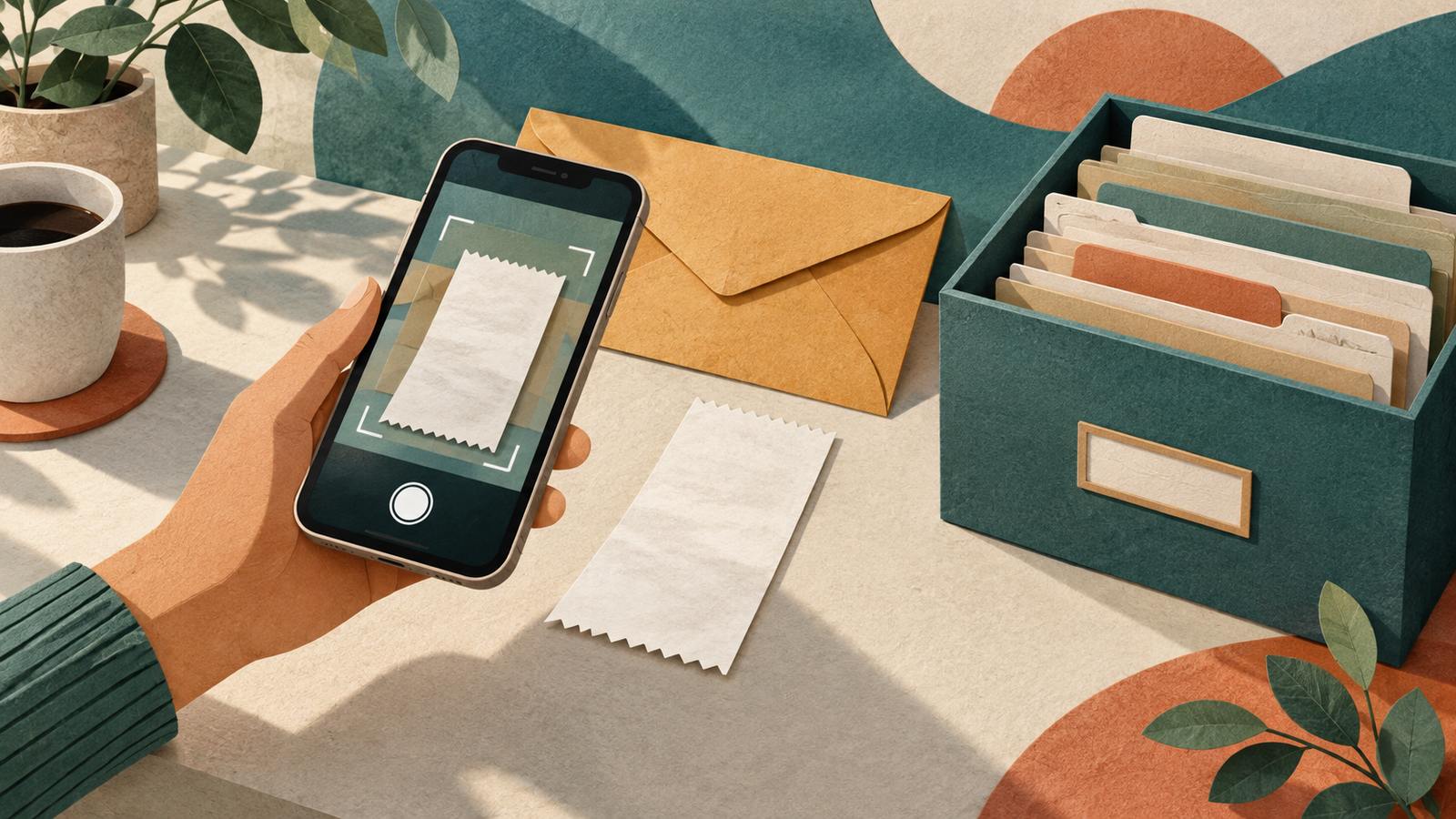
Taking a photo of a receipt when you buy something is convenient. Months later, when the item needs repair, you may remember only that “I probably photographed it on my phone.” A useful record must be readable and connected to what you bought, where you bought it, and how to contact after-sales support. This guide offers an organizing method; it does not determine the legal validity of any receipt or promise that scans can replace every paper original.
Start with an identifiable folder for the item
For an item that may need warranty service or after-sales support, create a folder named after the product or its use at home, such as “Living room dehumidifier,” and add the model, purchase date, and seller information. The electronic order, payment record, paper receipt, and warranty terms may be separate files. Save them individually and label their purposes; do not treat a screen showing only the payment amount as a complete record of the purchase. For an item shared by the family, also make sure the people who need the folder can find it.
Microsoft OneDrive's official information describes scanning documents and receipts with a phone and saving them for later use. The tool captures and stores files; it does not check the product model, serial number, or after-sales rules for you. If the seller provides an electronic purchase document, save the original downloadable file first, rather than capturing only the corner showing the amount. Do not put files containing full payment details behind a publicly shared link.
Read the full description
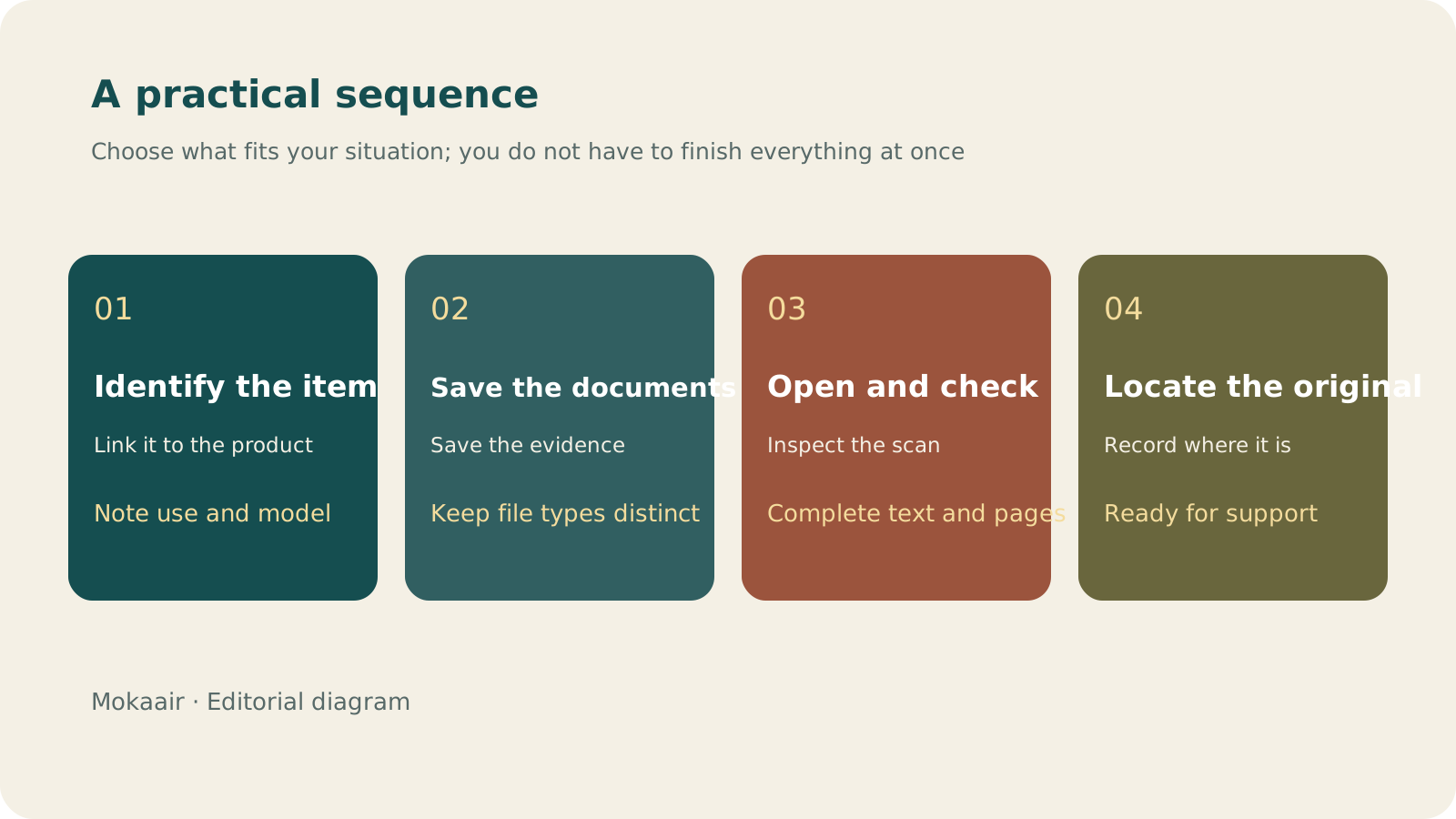
Check in order: identify the item, save the documents, open and check them, and record the original's location. Editorial guidance, not a map or measured duration.
Use names and an index to answer support questions
| Information | How to record it | Future use |
|---|---|---|
| Proof of purchase | Date_Product_Seller | Find the purchase record quickly |
| Model and serial number | A clear photo or readable text | Identify the product concerned |
| Order and contact details | Order number and official support contact | Ask about progress and after-sales support |
| Warranty information | Files and sources obtained at purchase | Check coverage and the required procedure |
| Paper original's location | Document box and divider name | Find the original when it is needed |
Record every deadline from your actual documents. Do not substitute “warranties usually last one year” for the terms of your own purchase. If you need a reminder, set it for a time that gives you enough room to act, but do not word it as a guarantee of a return, exchange, or free repair. Different support requests may require different documents. Asking customer service in advance and saving its answer is more reliable than assuming your rights from the way you have organized a folder.
Check readability and completeness after scanning
Open the file and zoom in on the shop name, date, product description, and amount. Make sure no corners were cropped off and no section of a long receipt is missing. If text on thermal paper or reflective packaging is unclear, change the lighting and take the photo again; do not guess illegible words through editing. Save multiple pages in order, then check that you can open them from the intended storage location beyond your phone. Seeing a filename does not mean that every page has finished uploading.
Hand over the records when the item changes hands
Update the status and location when an item is sent for repair, transferred to someone else, or moved to another room. If you have disposed of it, check whether the related records still need to be kept before tidying them up. When sharing support documents, provide only the necessary parts and mask or omit unrelated personal information, while keeping the original version in a controlled location. The folder can then follow the item's life cycle instead of remaining a hard-to-find photo in your library.
- Connect the purchase documents to the actual product.
- Keep the original electronic files and record where the paper originals are stored.
- Check text, pages, and upload status after scanning.
- Record deadlines and after-sales coverage from the actual terms.
How to Scan Documents More Clearly with Your Phone: Lighting, Cropping, Page Order, and Checks Before SendingClearer Phone Document Scans: Lighting, Cropping, Page Order, and Checks Before SendingPhotographing paper with your phone does not finish a scan. From flattening the original and avoiding shadows to checking every page and the export format, make sure the recipient gets a readable file.Read the full article
Lifestyle
Desk cable organization isn't just about looks: label each cable's purpose, specs, and where it's used
A USB-C connector can look identical from cable to cable, yet charging and data capability may differ. Identify what each cable does before you plan the routing and labels, so daily plugging in and out doesn't turn into guesswork.
Lifestyle
Keep Buying Household Supplies You Already Have? Track Location, Quantity, and Restocking Status in a Simple Inventory Sheet
Start with supplies you often buy twice, without building a warehouse system. Help everyone at home see where things are, how much remains, and who has already restocked, so the list better matches what is actually there.
Lifestyle
Before buying new electronics (3C): define your needs, check compatibility, and consider repair and end-of-use costs
A specification sheet can compare products, but it cannot decide whether you need one. Turn problems you have actually encountered into buying requirements, then check compatibility and ongoing costs so you do not bring home another unused tool.
Lifestyle
How to use a shared household calendar: make it clear who is going out, who takes over and when plans change
A shared calendar does not need everyone's entire private life. Share only the plans that need coordination, state responsibilities, locations and changes clearly, and choose permissions that let the household maintain it together.
Articles that cite this one
- Keep Buying Household Supplies You Already Have? Track Location, Quantity, and Restocking Status in a Simple Inventory Sheet
- Before buying new electronics (3C): define your needs, check compatibility, and consider repair and end-of-use costs
- Clearer Phone Document Scans: Lighting, Cropping, Page Order, and Checks Before Sending
Latest travel guides

GuideTokyo
Where to Stay in Tokyo: Comparing Shinjuku, Ueno, Tokyo Station, Shibuya, Asakusa, Ikebukuro, and Ginza, Plus Airport Access, Accommodation Tax, and Luggage Delivery
Where should you stay in Tokyo? Compare Shinjuku, Ueno, Tokyo Station, Shibuya, Asakusa, Ikebukuro, and Ginza by the same criteria: access from Narita and Haneda, transit routes, nearby attractions, neighborhood character, and who each area suits. Includes a comparison table, a Yamanote Line diagram, Tokyo’s accommodation tax as verified in 2026/9 (changing to 3% in 2027/4), and Airport TA-Q-BIN luggage shipping rules.
- Budget
- Hotels

GuideTokyo
How to Choose Tokyo Transit Passes: Are Suica, Welcome Suica, the Tokyo Subway Ticket, and the JR Pass Worth It?
On a first Tokyo trip, start with an IC card and pay per ride (Welcome Suica has no deposit and is valid for 28 days). If you take four or more subway rides in a day, add a 72-hour Tokyo Subway Ticket for 2,000 yen; a JR Pass is never worthwhile if you stay in Tokyo and do not go to Kansai. See what TOURIST PASMO, Suica on iPhone, and the Tokyo Metro day pass do and do not cover, with a decision chart. Prices verified in September 2026.
- Transport
- Budget

GuideTokyo
Tokyo Disneyland and DisneySea Guide: Ticket Prices, Fantasy Springs, Disney Premier Access (DPA), Standby Pass, and Which Park to Choose for Your First Visit
Tokyo Disney one-day Passport prices vary: most weekdays in 9/2026 cost ¥9,900 and weekends ¥10,900. At 14:00 daily, tickets go on sale for the same date two months later. Free Priority Pass is no longer on the official service list; only paid Disney Premier Access (¥1,000–3,500 per person per use) shortens waits. Covers hours, the 25th anniversary, Standby Pass, Entry Request, Fantasy Springs access and first-visit park choice; checked on the official site in 9/2026.
- Itineraries
- Family