Lifestyle
What Is an Embedding? Mapping Content into a Space for Comparison
Embeddings are numeric representations that models create from text and other content, often for semantic search, classification and clustering. Using “Where can I go when it rains?”, this article covers encoding, similarity and candidates; why vector distance does not indicate truth and dimensions may lack clear labels; and the effects of model versions, language ability and long-text truncation. Learn the distinct roles of embeddings, vector databases and answer generation.
About 7 min read
Contents
An embedding represents text, images or other content as a set of numbers. These numbers let computers compare content by distance or similarity instead of checking only for exact wording. For example, “indoor activities on rainy days” and “where can I go when it rains?” use different words, but a suitable text embedding model may still place them close together. This is a learned representation, not a set of fixed coordinates assigned to each sentence by a dictionary.
This article focuses on text and distinguishes three steps: the model produces vectors, code compares them, and the application uses the comparison results. Vectors themselves neither speak nor fact-check data. The activity names and rankings in this article are illustrative, not measured scores from a particular model. When choosing a model, you need to test it with your own languages and tasks; the expectations in these examples are not performance guarantees.
How a Set of Numbers Represents Content
A text model first processes the input tokens, then forms representations according to how it was trained. Sentence embeddings typically turn an entire sentence or passage into a fixed-length vector; these differ from the representations of individual tokens inside the model. The original Sentence-BERT study demonstrated a design that encodes sentences separately and then compares them using similarity, removing the need to feed every pair of sentences into a large model together. This is one representative embedding method, not an architecture used by all embeddings.
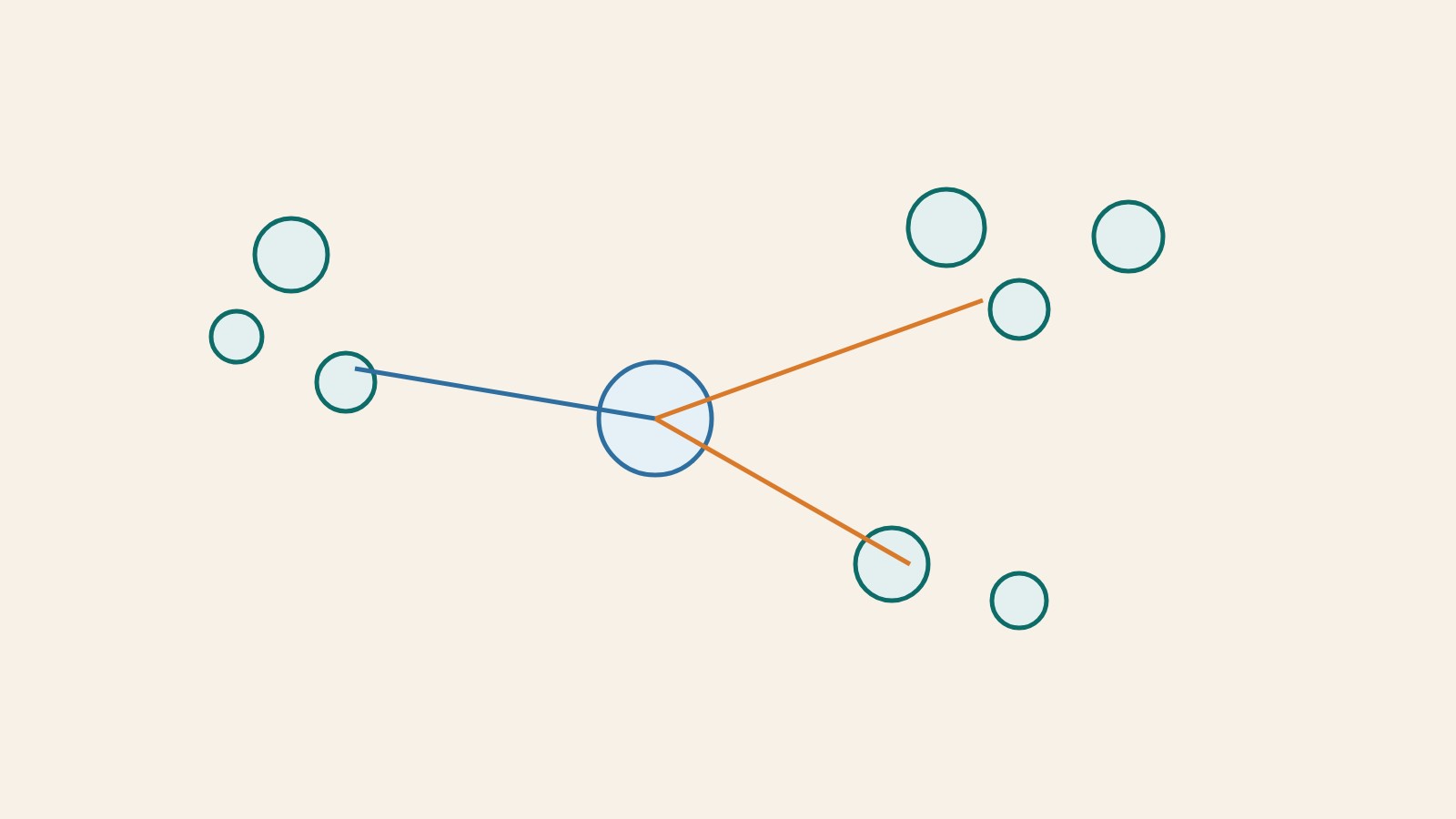
You can think of it as a learned map of content, but the map analogy has limits. Actual vectors often have many dimensions, and an individual dimension does not necessarily represent “how suitable it is for indoor activities” or “ease of transportation.” Such meanings are carried by the representation as a whole. You cannot simply see a number increase and label it as emotion, quality or credibility. To understand what a model does well, examine its training objectives and task evaluations rather than guessing what its coordinates mean in words.
Similarity Must Match the Model
Vectors can be compared using cosine similarity, dot products or distance measures. The official Sentence Transformers documentation provides different calculation methods and notes that the model configuration includes corresponding similarity options. These calculations measure closeness within a particular representation space, not a universally applicable relevance score. After changing the model, normalization method or distance function, you should not simply reuse the previous threshold.
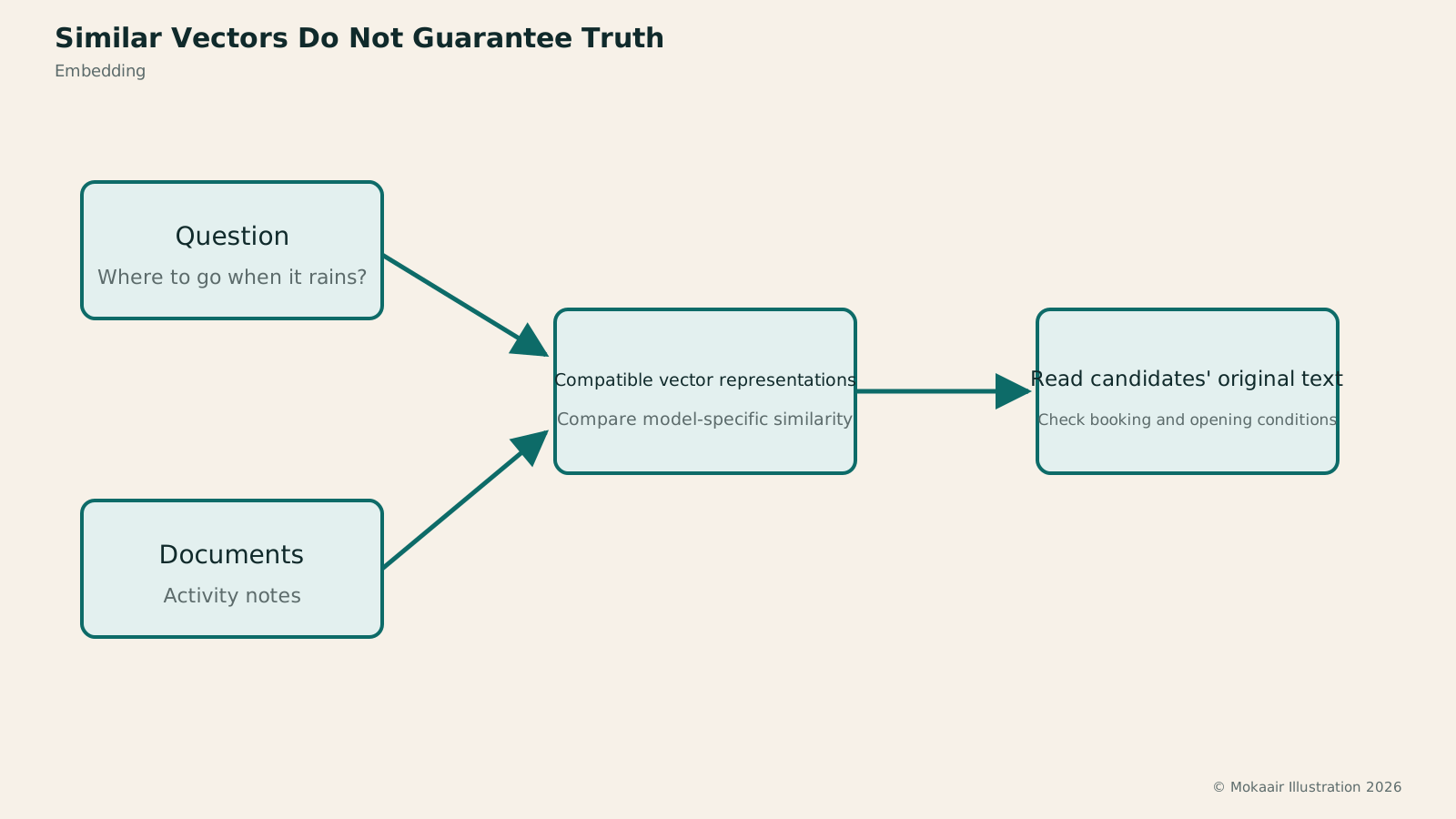
Queries and data need compatible representations. Some retrieval models use different prompt prefixes or encoding entry points for questions and documents to help short questions match longer answer passages. Even if two models output the same number of dimensions, their coordinate spaces are not necessarily the same. Comparing old document vectors with queries encoded by a new model may still produce numbers, but those numbers may no longer have reliable meaning. When updating the model, you need to revalidate the pairing of the index and queries.
Read the full description
The question and documents are encoded into compatible vectors. After similarity is calculated, the original text is retrieved to check actual conditions.
Example: Finding Notes on Rainy-Day Activities
Suppose your notes include “the pottery studio is indoors,” “the riverside trail offers expansive views” and “the art museum can also be visited on rainy days.” After entering “where can I go when it rains?”, you first encode the question with the chosen model, then compare it with the note vectors to retrieve candidate passages. It is reasonable to expect notes about indoor activities to be easier to find. However, the actual ranking may differ if the model is unfamiliar with Taiwanese usage or the notes omit too much context.
After retrieving candidates, return to the original text to check the constraints. The pottery studio may require reservations, and the art museum may have days when it is closed; nearby vectors do not mean you can visit today. If the application needs to provide a complete itinerary, it must also retrieve opening information and organize it through a generation step. Simply recommending the nearest item confuses “discussing a relevant topic” with “meeting all conditions.”
You can also test with a distractor sentence: “This venue is unsuitable for use on rainy days.” It contains the same vocabulary and topic, so its vector may still be close to a rainy-day query. If the system treats it as a suitable candidate, this does not mean the distance calculation is broken. It may mean the embedding is good at finding similar topics but less capable of making the final judgment about conditions. You can then add reranking or explicit condition checks; you do not necessarily need to abandon embeddings entirely.
What Information Can Be Lost in Compression?
When a long passage contains too many topics, a single vector may struggle to preserve every detail. Text exceeding the model's input limit may also be truncated. Dividing documents into meaningful passages while retaining titles and source information usually addresses the problem more directly than blindly increasing vector dimensions. Splitting text too finely, however, may lose the subject and conditions, so vector quality cannot be evaluated separately from document processing.
Specialized terms, rare place names, product codes and negative conditions also deserve targeted testing. A semantic model may find synonyms very well yet fail to distinguish different products with very similar names. Fields requiring precise identification can be supplemented with text-based or structured filters. For data security, vectors do not guarantee anonymization or encryption. Access permissions for the original text and requirements for handling sensitive data still apply; you cannot share vectors freely just because they look like numbers.
Understanding Descriptions of Embedding Features
When you see “supports embeddings,” first check the input types, supported languages, permitted length, model version and similarity method, then assess whether it supports your actual data. Cross-language search especially needs testing with wording that readers would actually use, not just neatly translated sentences. Evaluation queries should also include synonyms, antonyms, proper names and completely unrelated content to reveal the model's limits.
A practical small test is to manually label the notes that each question should retrieve, then check whether the candidates include them. If relevant notes never enter the candidate set, examine chunking and encoding. If they enter the set but rank low, consider reranking. If the ranking is correct but the answer is still wrong, the problem may lie in generation. Embeddings provide a comparable representation of content; the service's ultimate quality still depends on how that representation is used afterward.
If you want to use search results for automatic classification, you must also decide when to accept a result and when to send it for human review. Even the closest category may be completely unrelated to the input. A system that only picks the top option from existing choices will still force a choice when faced with a new type. Include “no suitable category” cases to check that the application is not mistaking the highest relative score for sufficient evidence.
| Method | Main Function | Points to Note |
|---|---|---|
| Embedding model | Converts content into vectors | Training objectives shape the representation |
| Vector database | Stores and queries vectors | Does not determine whether content is true |
| Generative model | Produces text answers | Still needs to read reliable supporting evidence |
Vector Databases: How Similar Content Is Stored and Found
Semantic Search: Finding Relevant Content with Different WordingSemantic Search: Finding Relevant Content Through Different WordingSemantic search seeks data by query and content meaning, not just matching words. Customer support examples explain query encoding, document representations and candidate ranking; distinguish similarity from meeting actual needs; and show limits with negation, specific codes, cross-language search and unanswerable queries. Learn where to improve search—embedding models, data preparation, hybrid search or reranking—without mistaking natural-language answers for search itself.Read the full article
Document Chunking: How Long Should Chunks Be to Avoid Splitting Answers?
AI Terminology Index: From Loop Engineering to Generative AI
Found this guide helpful? Share it with someone who needs it
Lifestyle
Agentic Retrieval-Augmented Generation (Agentic RAG): When to Search Again
Agentic RAG lets models make retrieval decisions, choosing sources, rewriting queries or searching further based on the question and available evidence. Using a concrete LangGraph workflow and a comparison of venue-use conditions, this article contrasts it with fixed RAG and explains stopping criteria, permissions, query logs and cost control. Learn to judge whether a task needs dynamic exploration or a predictable fixed workflow is enough.
Lifestyle
Graph Retrieval-Augmented Generation (GraphRAG): Understanding a Document Collection Through Relationships
GraphRAG uses entities and relationships in retrieval to answer questions about cross-document connections and overall themes. Drawing on Microsoft's original paper and official docs, this article explains entity extraction, community summaries, and local and global search, using local event records to show why different questions need different paths. It also shows how missing links, mistaken name merges, and distorted summaries affect answers: a pretty graph is not verified fact.
Lifestyle
Knowledge Graphs: Making Entities and Relationships Clear
Knowledge graphs organize entities and relationships to trace who took part in what, where and when through links. Using community events, this article covers entity identity, relationship direction, sources and time; compares Resource Description Framework (RDF) and property graphs; and explains why graphs are not equivalent to visualizations or reliable facts. Learn when to build one and how it works with tables, vector search and graph retrieval-augmented generation (GraphRAG).
Lifestyle
Hybrid Search: Balancing Exact Terms and Meaning
Hybrid search merges full-text, vector and other retrieval results to cover exact codes and natural-language needs. An equipment-manual query explains candidate retrieval, deduplication, rank fusion and reranking, including how Reciprocal Rank Fusion (RRF) merges results by rank. Hybrid search is not always more accurate. Learn to test quality with code, paraphrase and no-answer queries and spot biases from permissions, filters and duplicate content.
Articles that cite this one
Sources
Compiled from the references and verification dates listed above; fares, schedules, product features, and terms can change, so please confirm the latest details on the relevant official website before travelling, booking, or purchasing.