Lifestyle
Gemini Omni Debuts at I/O: Conversational Video Edits Still Demand Care
Reviewing Gemini Omni's conversational video editing unveiled at Google I/O. Using self-shot pottery clips as a case study, we examine shot continuity, multi-turn prompt drift, and asset licensing.
Updated: About 8 min read
Event date: 2026-05-19; Verification date: 2026-09-14. On May 19 at Google I/O, Gemini Omni was announced, focusing initially on video generation and conversational editing.
Official demonstrations showed using text, images, and videos as references to alter scenes and camera angles across multiple conversation turns; audio references initially only support voice references, with other audio planned for later. On the same day, the Gemini app announced phased rollouts for Plus/Pro/Ultra tiers; access points such as Flow have their own respective availability conditions. The official statement noted improvements in physics and scene consistency, but this cannot be taken to mean that all generated videos conform to the real world or have secured rights for the referenced assets. The following daily life and work scenarios are editorial hypothetical examples designed for readers to verify on their own, not hands-on product benchmarks by this site.
Plan Shot Lists and Non-Negotiable Elements Before Filming
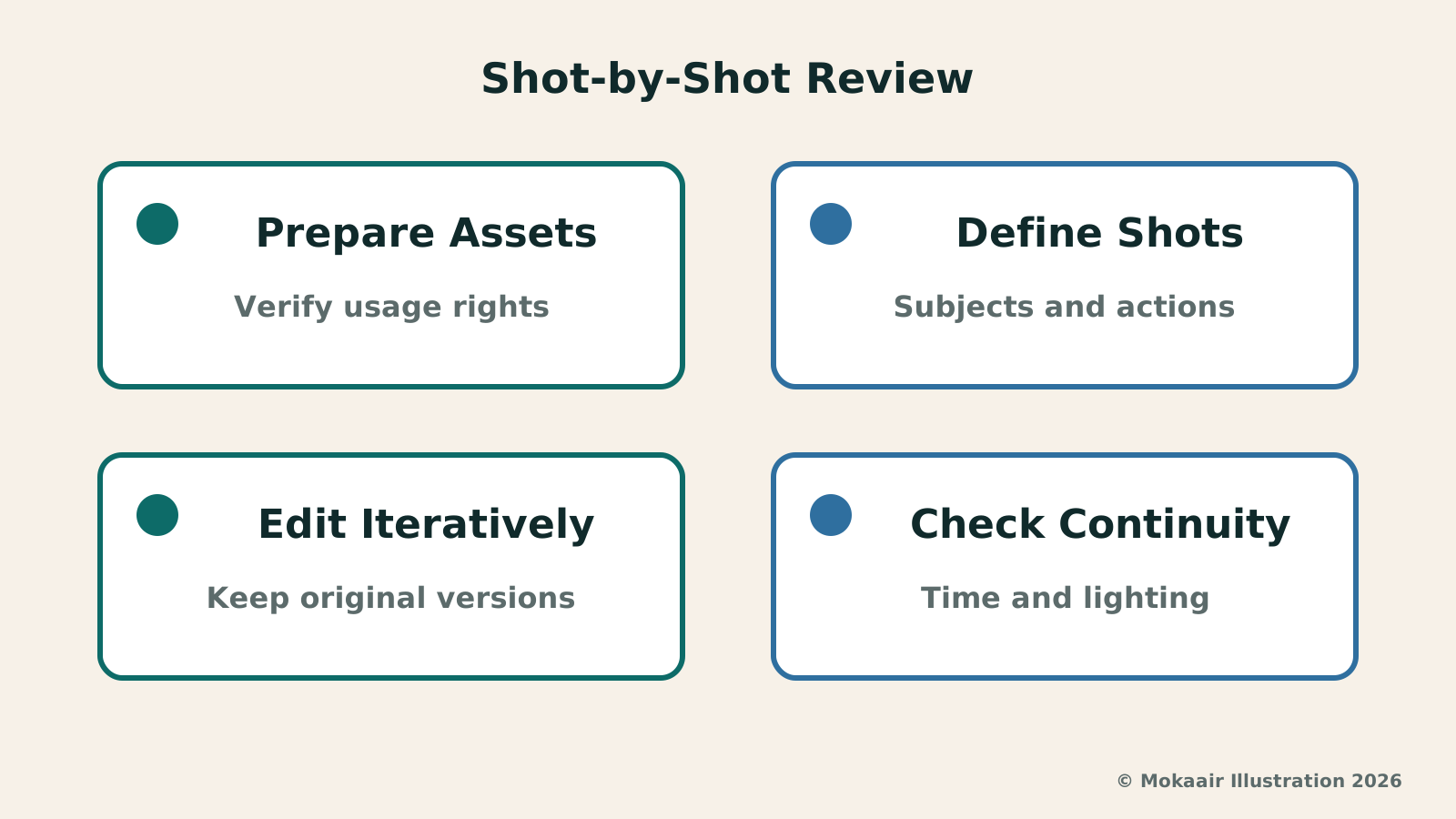
Before bringing generative tools into video production, the most fundamental step remains solid storyboard planning. Taking wheel throwing in pottery as an example, creators must first clearly lay out each shot's camera distance, subject focus, and expected on-screen movement within the script. The wheel-throwing process includes several consecutive steps: centering, opening, pulling up, and shaping. Without a pre-defined shot list, feeding unorganized footage directly into the model easily leads to a loss of focus during conversational interactions, resulting in disjointed final visuals.
Beyond the shot list, creators should also define non-negotiable elements of the subject when kicking off the project. Background furnishings of the pottery studio, the rotational direction of the potter's wheel, the initial volume of clay, and the style of the potter's cuffs should all serve as immutable visual anchors. If these fixed baselines are not explicitly locked down when prompting the model to adjust camera angles or switch shot types, the model might exercise creative liberties and alter core craft details essential for visual recognition, complicating subsequent continuity.
Multi-Turn Conversational Tweaks and Preventing Prompt Drift
The core strength of conversational editing lies in allowing creators to continuously refine shots using natural language, such as requesting a closer zoom or switching to an overhead angle. However, multi-turn dialogues are also the primary source of prompt drift; as instructions pile up, the system often strays from the environmental baseline established in the initial turn. If a creator repeatedly uses the edited output of a previous turn as the input for the next, after several turns the color of the clay may shift, and the rustic wooden workbench could morph into an incongruous modern tabletop.
An effective way to avoid visual drift is to firmly use original, real footage as the sole input reference, rather than iteratively feeding generated video into the next turn. Whenever experimenting with a new perspective or camera path, one should return to the initially verified reference video and static image files, reorganizing the edit request within a single prompt that clearly states which elements must remain faithful to the original asset and which viewpoints can be redrawn. By pulling the reference point back to the source, visual consistency can be preserved throughout multi-turn testing.
The launch announcement clarified that audio input initially only supports voice references, with other audio inputs remaining a future plan. This restriction refers to the types of input references supported and should not be interpreted as the model being entirely incapable of generating ambient sound. If a pottery video needs to faithfully retain on-site sounds of the potter's wheel or water splashing, the more direct approach remains keeping the original audio recording, then deciding which sounds can be augmented with generated audio based on the piece's actual needs.
| Review Item | Common Potential Flaws | Verification Method |
|---|---|---|
| Hand gestures & clay interaction | Finger joint merging, non-physical clay thickness shifts | Frame-by-frame check of pressure points and centrifugal water flow |
| Workspace ambient lighting | Shadow direction or color temperature jumping across angles | Check key light angles to ensure fixed lighting logic holds |
| Workbench tool layout | Trimming ribs or sponges shifting or vanishing | Inventory props in frame to maintain inter-shot continuity |
| Multi-turn prompt style drift | Clay color and studio background style steadily degrading | Reference original unedited assets to avoid recursive edits |
| Live audio & sound reference | Launch audio input only supports voice references | Keep original recordings for ambient sound; verify entry access scope |
Verifying Hand Details and Physical Logic in Pottery Making
The core persuasiveness of craft videos rests on rigorous physical realism, and hand movements during shaping are often where generative models are most prone to visual flaws. When throwing on the wheel, a potter's hands must maintain specific angles of applied force; the squeezing pressure between thumb and index finger directly draws the clay wall upward. When reviewing generated footage, one must inspect frame by frame whether finger joints unnaturally merge, whether the flow of water droplets off fingertips obeys centrifugal force, and whether variations in clay wall thickness during rotation align with plastic mechanics.
Although the model development team claims continuous progress in physical simulation, this claim cannot serve as a guarantee that every frame reflects reality. Subtle flaws—such as clay surfaces smoothing over instantly or the rotational center spontaneously shifting—might not be immediately caught by casual viewers, but they can severely erode trust among craft enthusiasts. Therefore, in production workflows, core actions involving technical craft details should prioritize authentic live footage, with generative techniques reserved for supporting cutaways or supplementary angles, avoiding putting the cart before the horse.
Checking Light Consistency and Studio Tool Layout
Video continuity depends not only on subject actions but also on the logical coherence of overall spatial lighting. A pottery studio usually features a fixed key light source, such as sunlight through a side window or an overhead work spotlight. When prompting for an overhead shot, one must carefully verify whether the shadow depth inside and outside the clay vessel is correct. If the light in the preceding medium shot comes from the left, but switches to cast shadows in the opposite direction in a generated close-up, cutting them together will create a jarring visual clash.
Auxiliary tools on the workbench also demand rigorous spatial layout checks. Trimming tools, wooden ribs, wire cutters, and absorbent sponges serve specific functions at different stages of wheel throwing, and their placements on the tabletop must follow a reasonable cause-and-effect relationship. A sponge cannot be shown soaking in a water basin in one shot, only to instantly appear beside the dry clay bat in the next angle. Creators reviewing each output need to maintain a checklist of surrounding props, ensuring items do not spontaneously appear or shift positions during conversational editing.
After fine-tuning individual shots, all clips must be sequenced back onto a non-linear editing timeline for dynamic review. While an isolated generated clip might look polished on its own, only when played seamlessly alongside preceding and following live footage will subtle jumps in transitional tempo, specular highlights, or color temperature become apparent. Only clips that pass cross-comparison on the edit timeline can be deemed qualified assets and moved forward into final color grading and audio mixing schedules.
Asset Licensing Boundaries and Principles of Factual Representation
Self-shot footage may also capture other people's likenesses, creative works, or brand assets. Prior to public release, creators should first confirm the scope of consent granted by participants and verify both the reference materials used and the relevant platform terms. Model outputs or watermarks cannot replace these verifications; if doubts remain regarding rights for specific public uses, clarify them before publishing rather than relying on answers provided by the model as proof of authorization.
Finally, creators should maintain transparency and honesty with their audience when publishing short videos, avoiding framing generated or reconstructed craft footage as unedited live documentary recordings. The value of craft lies in the authentic interplay between human hands and raw materials. While AI-assisted shot adjustments can serve as creative extensions of visual perspective, excessive retouching that conceals the actual making process undermines the purpose of documentation. Establishing a rule of prioritizing real footage with generation as a supplement ensures creators can embrace new tools while safeguarding content credibility.
2026 AI News Roundup: Highlights and Daily Life Applications from January to September2026 AI News Roundup: Highlights and Daily Life Applications from January to SeptemberOrganizing key AI news stories month by month from January to September 2026, linking to full analyses in five languages. Covering models, work tools, creation, costs, and transparency, explaining backgrounds, uses, and limits.Read the full article
Gemini Spark and Daily Brief: AI Moves from Morning Summaries to Background TasksGemini Spark and Daily Brief: AI Moves from Morning Summaries to Background TasksAnalyzing Google's 2026 technical context of Gemini Spark and Daily Brief, exploring the four-tier architecture, error magnification risks, and authorization check mechanisms of background cloud agents in daily scenarios such as volunteer scheduling.Read the full article
Lifestyle
NVIDIA launches DGX Spark 64GB: on sale October 23 from $4,999, two units can be linked into 128GB
On October 2, 2026, NVIDIA announced a more affordable 64GB memory version of its DGX Spark personal AI computer, available from October 23 through six makers including Acer and ASUS. It is aimed mainly at developers and researchers who want to run AI models on their own machines. Below we summarize the specs NVIDIA published, its claims about linking two units, and what it means for general readers.
Lifestyle
Google Cloud Launches Spanner Queues: Putting Message Queues Inside Database Transactions to Make AI Agents More Reliable
Google Cloud has announced the general availability of Spanner queues, which make message creation part of a database transaction. The aim is to stop AI agents' "state" and "actions" from falling out of sync. This article covers Google Cloud's claims, the main features, and what it means for general readers.
Lifestyle
GPT-6.1 Sol Launches: New Sol Version in the API, Codex and ChatGPT Work, Not in Chat
OpenAI launched GPT-6.1 Sol on September 29, 2026, with the API name gpt-6.1-sol. The launch rollout covers Codex and ChatGPT Work on Plus, Pro, Business, Enterprise and Edu (Enterprise and Edu need an administrator to enable it); Free and Go are not included at launch, and it is not in Chat (checked September 2026).
Lifestyle
Claude Sonnet 5.5 Launches: Same List Price as Sonnet 5, Available in the API, on Cloud Platforms and in Claude.ai
Anthropic launched Claude Sonnet 5.5 on September 28, 2026. API list prices are the same as Sonnet 5 ($2 per million input tokens, $10 per million output tokens). It is available in Claude.ai, the API and several cloud platforms, and higher-risk cybersecurity requests fall back to Sonnet 5 (checked September 2026).
Articles that cite this one
Latest travel guides

GuideTokyo
Where to Stay in Tokyo: Comparing Shinjuku, Ueno, Tokyo Station, Shibuya, Asakusa, Ikebukuro, and Ginza, Plus Airport Access, Accommodation Tax, and Luggage Delivery
Where should you stay in Tokyo? Compare Shinjuku, Ueno, Tokyo Station, Shibuya, Asakusa, Ikebukuro, and Ginza by the same criteria: access from Narita and Haneda, transit routes, nearby attractions, neighborhood character, and who each area suits. Includes a comparison table, a Yamanote Line diagram, Tokyo’s accommodation tax as verified in 2026/9 (changing to 3% in 2027/4), and Airport TA-Q-BIN luggage shipping rules.
- Budget
- Hotels

GuideTokyo
How to Choose Tokyo Transit Passes: Are Suica, Welcome Suica, the Tokyo Subway Ticket, and the JR Pass Worth It?
On a first Tokyo trip, start with an IC card and pay per ride (Welcome Suica has no deposit and is valid for 28 days). If you take four or more subway rides in a day, add a 72-hour Tokyo Subway Ticket for 2,000 yen; a JR Pass is never worthwhile if you stay in Tokyo and do not go to Kansai. See what TOURIST PASMO, Suica on iPhone, and the Tokyo Metro day pass do and do not cover, with a decision chart. Prices verified in September 2026.
- Transport
- Budget

GuideTokyo
Tokyo Disneyland and DisneySea Guide: Ticket Prices, Fantasy Springs, Disney Premier Access (DPA), Standby Pass, and Which Park to Choose for Your First Visit
Tokyo Disney one-day Passport prices vary: most weekdays in 9/2026 cost ¥9,900 and weekends ¥10,900. At 14:00 daily, tickets go on sale for the same date two months later. Free Priority Pass is no longer on the official service list; only paid Disney Premier Access (¥1,000–3,500 per person per use) shortens waits. Covers hours, the 25th anniversary, Standby Pass, Entry Request, Fantasy Springs access and first-visit park choice; checked on the official site in 9/2026.
- Itineraries
- Family
Sources
- Google: Gemini Omni · Checked:
- Google: Updates on Flow and Flow Music · Checked: