Lifestyle
Meta Expands Instagram's School Partnership Program: Channels, Notes and Student Community Features Come to US Schools
On September 29, 2026, Meta announced an expansion of the Instagram School Partnership Program, launching new features for school partners and third-party-verified US high school students. This article covers what Meta announced, how it describes the safety design, and what it means in practice for parents and students.
About 6 min read

What Meta announced
On September 29, 2026, Meta announced in its official newsroom that it is expanding Instagram's School Partnership Program (SPP), giving verified school partners two new features, Channels and Notes, to help students and parents stay informed. Meta also said it will roll out profile school banners, a Clubs & Teams directory, School Stories and Notes for high school students in the US who pass third-party verification.
According to Meta, the program launched last year in partnership with ISTE+ASCD (the International Society for Technology in Education and the Association for Supervision and Curriculum Development) to help protect teens from safety issues such as cyberbullying and to make it easier for educators to report potential teen safety issues directly to Meta. Meta says it has partnered with nearly 17,000 schools to date.
Read the full description
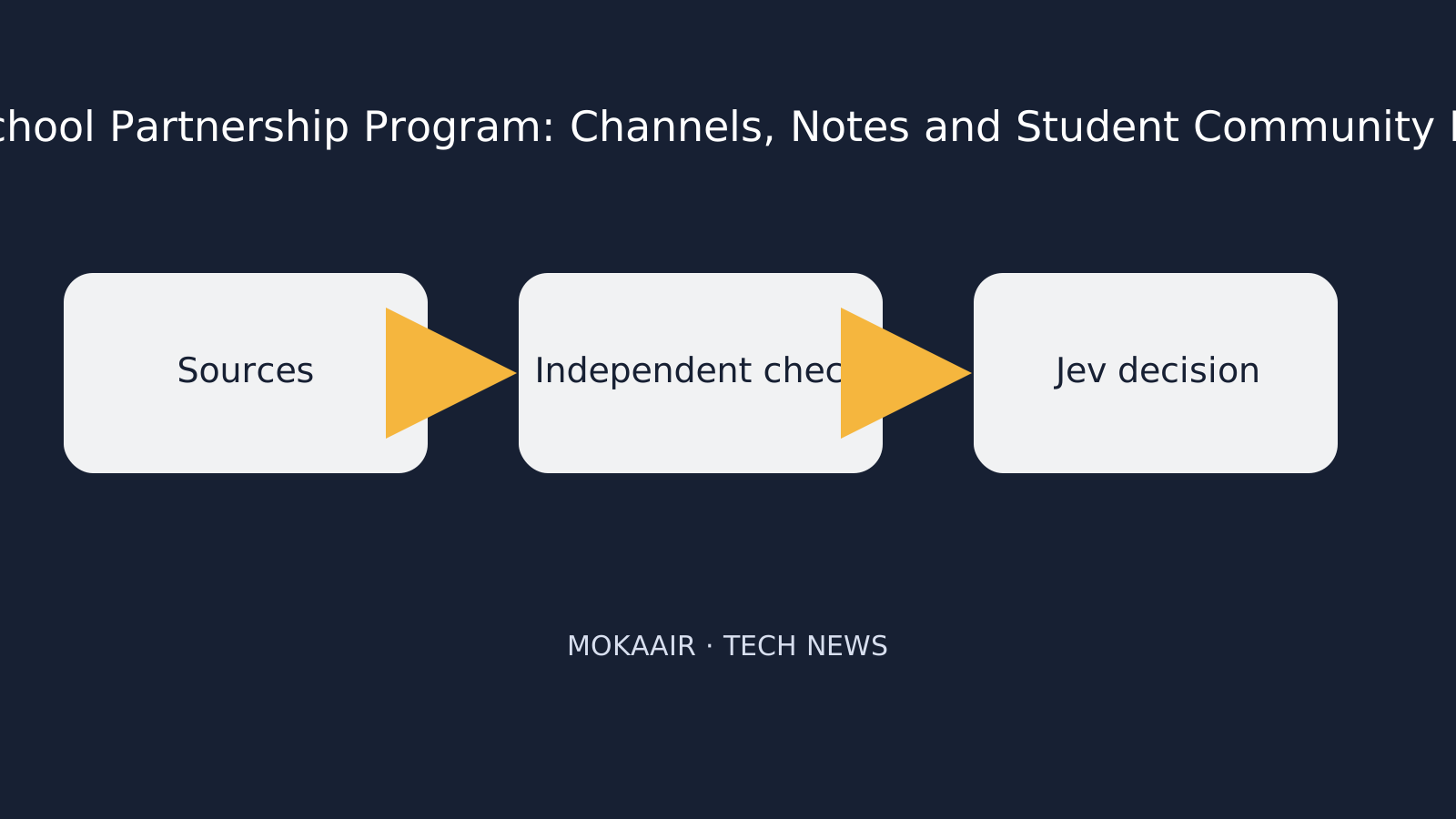
Sources are collected, independently checked, then reviewed by Jev.
Meta says this expansion responds to feedback from school administrators, educators and parents, who said it was hard to keep students up to date on what is happening in their school community, so Meta is building a centralized information hub for school-related accounts.
What schools and students each get
Meta splits the new features into two groups: one for schools that sign up as partners, and one for verified students at participating schools. The table below summarizes, based on Meta's announcement, who each feature is for, who can post, and what it is for.
| Feature | Primary audience | Who can post / who can see it | Purpose as described by Meta |
|---|---|---|---|
| Channels | School partners | Only school admins can post; audience is followers, including parents and the wider community | Share short updates |
| School Stories and Notes (school side) | School partners | Posted by school-related accounts, visible to all verified students; admins can monitor and remove | Help school information reach verified students |
| Prioritized reports | School partners | Reports submitted by schools of content that may violate Instagram's Community Standards | Prioritized review, with status updates and a notification as soon as Instagram takes action |
| Educational resources | Educators, parents, guardians, students | Provided by Instagram | Help people use Instagram safely |
| Clubs and Teams | Verified students | Admins, educators and students can add clubs and teams | A central hub for activities and information |
| School Stories and Notes (student side) | Verified students | Only club/team account admins and SPP admins can post | See announcements, game results and event reminders |
| Student banner and directory | Verified students | Visible only to other students and teen followers they follow back | Stay connected with classmates |
How Meta describes the safety design
- Identity verification: Meta says it works with third-party verifier UNiDAYS, and high school students must pass verification before joining a verified school community; those who don't pass cannot use these features.
- Content moderation: According to Meta, admins and educators at participating schools can remove club and team accounts, Stories and Notes.
- Parental visibility: Meta says parents can use Family Center, where parents get insights into their teen's activity, to see their child's participation in school communities, including notifications when their child joins or leaves a school.
- School hours: Meta says these features are meant to help teens stay informed outside class time, and Teen Accounts let parents block their child's Instagram use during school hours.
Meta's announcement also notes that it has launched Teen Accounts, which Meta describes as its way of giving teens safe, age-appropriate experiences, on Instagram, Facebook, Messenger and Threads, and that it recently announced an agreement with 52 bipartisan US state attorneys general to further support teens and parents with new restrictions.
What it means in practice for parents, students and schools
For schools, Meta describes an official information channel where school admins control posting permissions, and where reports submitted by schools get prioritized review. According to Meta, US middle and high schools can sign up in Instagram by selecting "Account type and tools" or "Business tools and controls", or visit about.instagram.com/community/educators to learn more.
For parents, the key is understanding what school-related information their child's account will show. According to Meta, the student directory and school banner are visible only to other students and teen followers the child follows back; parents concerned about exposure can review the follower list together with their child and make use of Family Center and the Teen Accounts school-hours blocking setting. These features are new, and how well they work in practice remains to be seen.
For students, the new features may bring school announcements, game results and event reminders together on Instagram; but according to Meta, students must first pass UNiDAYS verification to use them.
Frequently asked questions
Are these new features available outside the US?
Meta's announcement mentions only the US: school sign-up targets US middle and high schools, and the new student features target high school students in the US who pass third-party verification. The announcement does not mention rollout plans for other regions.
How can students use the school community features?
According to Meta, high school students must first pass verification by third-party verifier UNiDAYS before joining a verified school community; those who are not verified cannot use these features.
Who can post in a school's Channels or Stories?
According to Meta, only school admins can post in Channels; the School Stories and Notes students see can only be posted by club/team account admins and SPP admins, and school admins and educators can also remove the related accounts and content.
Will the student directory let strangers see which school my child attends?
Meta says the student directory and school banner are visible only to other students and teen followers the student follows back. Parents can review the follower list with their child to understand who can see this.
Can parents find out if their child has joined a school community?
According to Meta, parents can use Family Center to see their child's participation in school communities and get notified when their child joins or leaves a school. Meta also says Teen Accounts let parents block their child's Instagram use during school hours.
How many schools currently take part in the program?
Meta says it has partnered with nearly 17,000 schools to date. This figure comes from Meta's own announcement and has not been independently confirmed.
Browse the latest news in this topic
Lifestyle
Cloudflare open-sources Streamline: a demo of using its cloud services to add graphics to live streams and burn subtitles into videos
On October 2, 2026, Cloudflare launched and open-sourced Streamline, a developer playground showing how developers can combine Stream, Workers, Containers and Durable Objects to build their own video processing pipelines, such as adding graphics to live streams in real time or adding subtitles to videos. This article explains what it is, how it works, its limitations, and what it means for viewers and developers.
Lifestyle
Google unveils Gemini 4 Argon: cyber defenders get it first, everyone else still has to wait
On September 30, 2026, Google announced Gemini 4 Argon, which it calls its new frontier (most advanced) AI model. For now it is available only to trusted cyber defenders through the Fairwind Program. Here is what Google says the model can do, what it will cost developers, how Google says it is managing the risks, and what it means for everyday users. All figures come from Google itself.
Lifestyle
NVIDIA: CoreWeave Begins Offering Vera Rubin NVL72, With Cognition as First Production Customer
According to the NVIDIA blog, AI cloud provider CoreWeave now offers NVIDIA's next-generation Vera Rubin NVL72 systems, plans to offer the Vera CPU and launched CoreWeave Forge. This matters mainly to companies building AI agents, and could eventually mean faster AI tools for everyday users.
Lifestyle
Google Cloud makes Spanner Omni generally available: its Spanner database can now run in companies' own data centers and on other clouds
Google Cloud says Spanner Omni, a version of its Spanner database that businesses run themselves, is now ready for real-world use in their own data centers, on other clouds or on a laptop. This matters to organizations that want Spanner outside Google Cloud, but they take on the running of it. Here are the features, licences and trade-offs Google Cloud describes.
Latest travel guides

GuideTokyo
Where to Stay in Tokyo: Comparing Shinjuku, Ueno, Tokyo Station, Shibuya, Asakusa, Ikebukuro, and Ginza, Plus Airport Access, Accommodation Tax, and Luggage Delivery
Where should you stay in Tokyo? Compare Shinjuku, Ueno, Tokyo Station, Shibuya, Asakusa, Ikebukuro, and Ginza by the same criteria: access from Narita and Haneda, transit routes, nearby attractions, neighborhood character, and who each area suits. Includes a comparison table, a Yamanote Line diagram, Tokyo’s accommodation tax as verified in 2026/9 (changing to 3% in 2027/4), and Airport TA-Q-BIN luggage shipping rules.
- Budget
- Hotels

GuideTokyo
How to Choose Tokyo Transit Passes: Are Suica, Welcome Suica, the Tokyo Subway Ticket, and the JR Pass Worth It?
On a first Tokyo trip, start with an IC card and pay per ride (Welcome Suica has no deposit and is valid for 28 days). If you take four or more subway rides in a day, add a 72-hour Tokyo Subway Ticket for 2,000 yen; a JR Pass is never worthwhile if you stay in Tokyo and do not go to Kansai. See what TOURIST PASMO, Suica on iPhone, and the Tokyo Metro day pass do and do not cover, with a decision chart. Prices verified in September 2026.
- Transport
- Budget

GuideTokyo
Tokyo Disneyland and DisneySea Guide: Ticket Prices, Fantasy Springs, Disney Premier Access (DPA), Standby Pass, and Which Park to Choose for Your First Visit
Tokyo Disney one-day Passport prices vary: most weekdays in 9/2026 cost ¥9,900 and weekends ¥10,900. At 14:00 daily, tickets go on sale for the same date two months later. Free Priority Pass is no longer on the official service list; only paid Disney Premier Access (¥1,000–3,500 per person per use) shortens waits. Covers hours, the 25th anniversary, Standby Pass, Entry Request, Fantasy Springs access and first-visit park choice; checked on the official site in 9/2026.
- Itineraries
- Family