Lifestyle
GitHub Security Lab's Fuzzing Taskflow lets an AI agent hunt for bugs in C/C++ code automatically
In a GitHub Blog post dated September 24, 2026, GitHub Security Lab introduced Fuzzing Taskflow, which lets an AI agent handle most of the manual work of fuzzing, an automated bug-hunting technique, for C/C++ projects. This article explains how it works, who it matters to and GitHub's own warning about running it safely.
About 7 min read
What GitHub announced
On September 24, 2026, the GitHub Blog published a post by Antonio Morales introducing a new workflow called Fuzzing Taskflow. According to the post, it is built on the GitHub Security Lab Taskflow Agent, the framework GitHub uses to write security automation driven by large language models (LLMs), the kind of AI model behind today's chatbots. The author describes Fuzzing Taskflow as an autonomous fuzzing workflow for C/C++ projects.
Fuzzing is a way of testing programs by feeding them large volumes of automatically generated inputs to uncover crashes and potential vulnerabilities. The author notes that continuous fuzzing is no silver bullet. Even projects that have been enrolled in OSS-Fuzz, a continuous fuzzing program, for years can still hide serious bugs. The reason is that someone still has to watch the coverage (how much of the code the tests actually reach). That person also has to write new harnesses, small pieces of test code that feed inputs into a specific part of the program, for code that is not being reached. Finally, they have to triage the crashes that turn up, sorting them to find the real, distinct bugs. Fuzzing Taskflow is an attempt to hand this manual work to an AI agent.
Read the full description
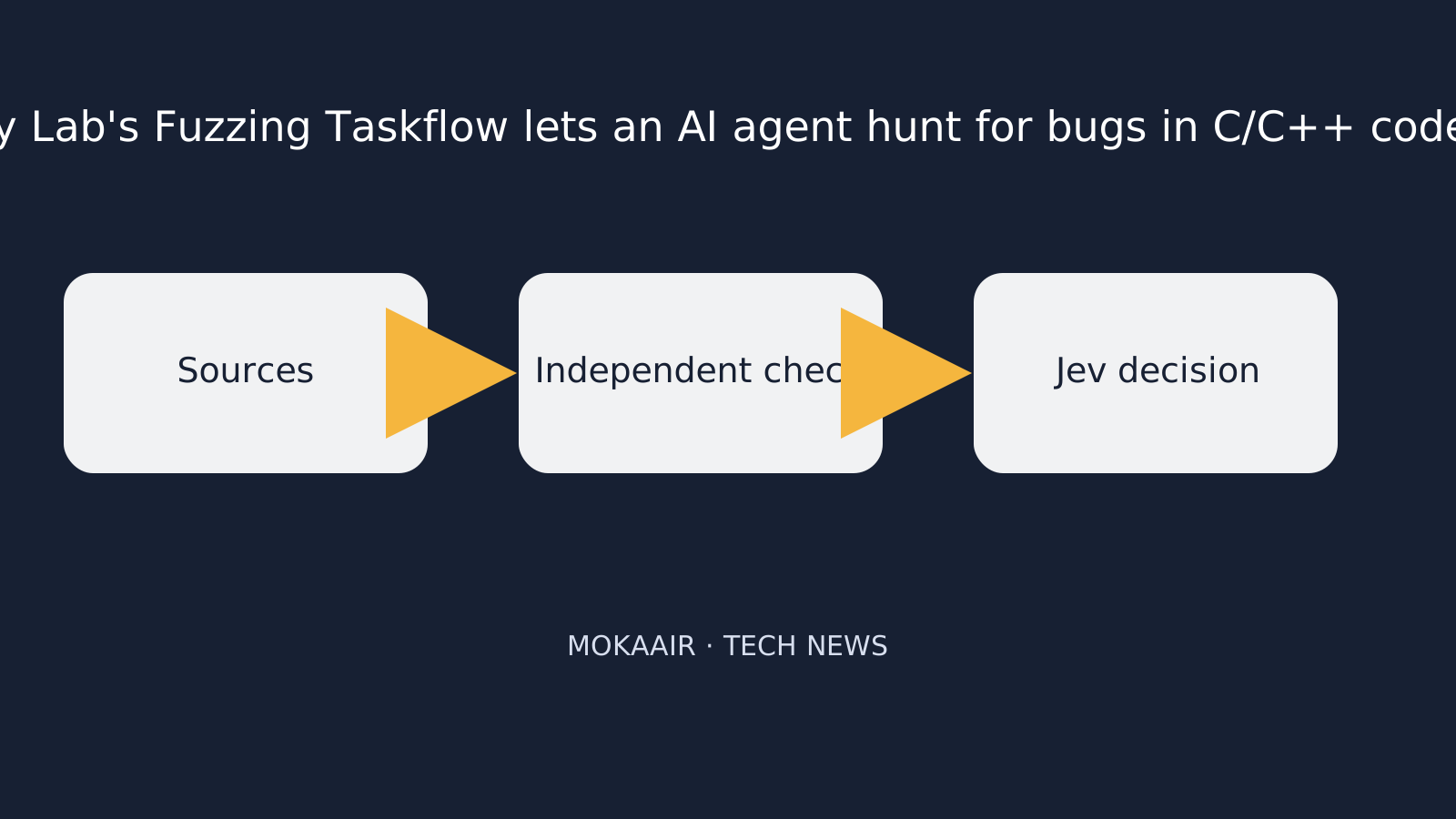
Sources are collected, independently checked, then reviewed by Jev.
As GitHub describes it, users simply point the workflow at a GitHub repository. It then does the following: - identifies suitable entry points - analyzes the build system - writes harnesses - runs the AFL++ fuzzing tool - reads coverage reports - improves the harnesses - triages every crash - writes a vulnerability report for each unique bug The post says the tool lives in the GitHubSecurityLab/seclab-taskflows-fuzzing repository. It uses Claude Sonnet 5 by default because that model passed all of the team's internal tests, and users can switch models through a configuration file.
How it works: the AI decides, the tools execute
According to the post, the architecture has three layers: - a shell driver, a script that chains the stages together - one taskflow YAML file per stage, which is essentially a set of prompts telling the agent what to do at each step - a set of tools, called MCP tools, that the agent calls to actually do the work The author says the design principle he values most is a clear division of labor. The LLM agent makes the decisions and the MCP tools carry them out. The agent never calls AFL or the clang compiler directly. All state is stored in a SQLite database.
The post also notes that each harness is built twice. An .afl build does the actual fuzzing. A .cov build later replays AFL's test queue to produce real line-by-line and branch coverage reports for the source code.
The coverage feedback loop and stopping condition
The author says that checking coverage and improving coverage used to be manual steps for him. For example, he would read LCOV coverage reports to find uncovered branches, meaning paths through the code that no test had reached. Fuzzing Taskflow hands both steps to the agent. According to the post, in each iteration the agent can choose one of four actions: - add seed inputs, which are starting sample inputs, aimed at uncovered branches - edit the harness to call more APIs - automatically expand the AFL dictionary, the list of special values the fuzzer can insert into inputs - skip gaps not worth pursuing
The time budget doubles with each iteration, from 30 seconds to 60, 120, 240, 480 and 960 seconds, roughly 32 minutes per target. The workflow also uses plateau detection, which means it stops when progress levels off. Once two consecutive iterations each gain less than a configurable threshold (by default 1% absolute line coverage), it concludes that returns are diminishing and moves on.
Structure-aware inputs
The post says the workflow offers four complementary mechanisms for generating structure-aware inputs, meaning test inputs that respect the format a program expects rather than random bytes. For recognized formats, it ships prebuilt AFL dictionaries and custom mutators, which are pieces of code that alter inputs in format-aware ways. These formats include JSON, XML, regular expressions, PNG and length-prefixed binary TLV. For unrecognized formats, it scans the target project's own .c/.h files and extracts string literals and 32-bit numeric constants to use as splicing tokens.
| Task | Manual process as described by the author | Fuzzing Taskflow's approach (per GitHub) |
|---|---|---|
| Checking coverage | Manually reading LCOV reports to find uncovered branches | The agent reads the list of uncovered branches after the .cov build replays the queue |
| Improving coverage | Manually writing new harnesses or crafting new inputs | The agent adds seeds, edits harnesses, expands dictionaries or skips gaps |
| When to stop | Requires human judgment | Stops when two consecutive iterations gain less than the threshold (default 1%) |
| Crash handling | Requires human triage | Triages every crash and writes a vulnerability report for each unique bug |
What it means in practice for general readers
- For open-source maintainers: GitHub presents this kind of tool as a way to reduce the manual monitoring and triage work in fuzzing, but each project still needs to judge how well it works for them.
- For everyday users: fuzzing aims to find bugs before software ships. If more projects can test at lower cost, the software people rely on may become more reliable over time. This is an inference, however, because the post provides no data on effectiveness.
- For AI safety: GitHub's own warning shows that letting an AI agent run commands directly carries risks such as prompt injection, and isolated environments remain a basic requirement.
- Source of information: everything above comes from GitHub's own blog, a single source, and has not yet been independently verified.
Frequently asked questions
What is Fuzzing Taskflow?
According to the GitHub Blog, it is an autonomous fuzzing workflow for C/C++ projects that GitHub Security Lab built on its Taskflow Agent framework. An AI agent automatically writes test harnesses, works to reach more of the code and sorts the crashes it finds.
Will it replace human security research?
The post starts from the question of how much manual work can be handed to an LLM agent and does not claim to replace humans entirely. The author also stresses that continuous fuzzing is no silver bullet.
Which AI model does it use?
According to the post, it uses Claude Sonnet 5 by default because that model passed all of the team's internal tests. Users can switch models through a configuration file.
Is it safe to run on my own computer?
GitHub itself warns that the workflow runs AI-chosen build commands directly on the host without container isolation. It recommends running the workflow only in a disposable environment and without elevated privileges.
Have these claims been independently verified?
No. All information in this article comes from a single source, the GitHub Blog, and reflects the company's own account.
Browse the latest news in this topic
Lifestyle
Cloudflare launches Traces in public beta: site operators can follow every step a request takes through the platform on one timeline
On October 2, 2026, Cloudflare announced the public beta of Cloudflare Traces. Website operators and developers using Cloudflare can see a request pass through security rules, caching, routing and the origin server on a single timeline, making it easier to find why a request was blocked or slowed. New pricing takes effect on December 1, 2026. Information comes from the official Cloudflare blog.
Lifestyle
Cloudflare launches Web Search API via AI Gateway, requiring search partners to follow its crawler rules
On October 2, 2026, Cloudflare announced a Web Search API that lets AI agents query live web information through AI Gateway. The first partners are Ceramic.ai, Exa and Linkup. Cloudflare says these partners' crawlers must meet its Verified bots requirements and cite sources. This matters both to developers building AI applications and to website owners whose content may be crawled.
Lifestyle
Cloudflare open-sources Streamline: a demo of using its cloud services to add graphics to live streams and burn subtitles into videos
On October 2, 2026, Cloudflare launched and open-sourced Streamline, a developer playground showing how developers can combine Stream, Workers, Containers and Durable Objects to build their own video processing pipelines, such as adding graphics to live streams in real time or adding subtitles to videos. This article explains what it is, how it works, its limitations, and what it means for viewers and developers.
Lifestyle
Google unveils Gemini 4 Argon: cyber defenders get it first, everyone else still has to wait
On September 30, 2026, Google announced Gemini 4 Argon, which it calls its new frontier (most advanced) AI model. For now it is available only to trusted cyber defenders through the Fairwind Program. Here is what Google says the model can do, what it will cost developers, how Google says it is managing the risks, and what it means for everyday users. All figures come from Google itself.
Latest travel guides

GuideTokyo
Where to Stay in Tokyo: Comparing Shinjuku, Ueno, Tokyo Station, Shibuya, Asakusa, Ikebukuro, and Ginza, Plus Airport Access, Accommodation Tax, and Luggage Delivery
Where should you stay in Tokyo? Compare Shinjuku, Ueno, Tokyo Station, Shibuya, Asakusa, Ikebukuro, and Ginza by the same criteria: access from Narita and Haneda, transit routes, nearby attractions, neighborhood character, and who each area suits. Includes a comparison table, a Yamanote Line diagram, Tokyo’s accommodation tax as verified in 2026/9 (changing to 3% in 2027/4), and Airport TA-Q-BIN luggage shipping rules.
- Budget
- Hotels

GuideTokyo
How to Choose Tokyo Transit Passes: Are Suica, Welcome Suica, the Tokyo Subway Ticket, and the JR Pass Worth It?
On a first Tokyo trip, start with an IC card and pay per ride (Welcome Suica has no deposit and is valid for 28 days). If you take four or more subway rides in a day, add a 72-hour Tokyo Subway Ticket for 2,000 yen; a JR Pass is never worthwhile if you stay in Tokyo and do not go to Kansai. See what TOURIST PASMO, Suica on iPhone, and the Tokyo Metro day pass do and do not cover, with a decision chart. Prices verified in September 2026.
- Transport
- Budget

GuideTokyo
Tokyo Disneyland and DisneySea Guide: Ticket Prices, Fantasy Springs, Disney Premier Access (DPA), Standby Pass, and Which Park to Choose for Your First Visit
Tokyo Disney one-day Passport prices vary: most weekdays in 9/2026 cost ¥9,900 and weekends ¥10,900. At 14:00 daily, tickets go on sale for the same date two months later. Free Priority Pass is no longer on the official service list; only paid Disney Premier Access (¥1,000–3,500 per person per use) shortens waits. Covers hours, the 25th anniversary, Standby Pass, Entry Request, Fantasy Springs access and first-visit park choice; checked on the official site in 9/2026.
- Itineraries
- Family