Lifestyle
Cloudflare launches Issues, built-in error monitoring for Workers that can hand production problems straight to AI coding agents
On September 30, 2026, Cloudflare announced Issues in open beta. It is built-in error monitoring for Cloudflare Workers that groups repeated failures and can automatically send the details to AI coding agents such as Claude Code, Cursor and Devin. All information here comes from Cloudflare's official blog and has not been independently verified.
About 6 min read

What Cloudflare announced
On September 30, 2026, Cloudflare announced Issues on its official blog. Issues is a built-in error monitoring feature for Cloudflare Workers and is now available as an open beta: anyone can try it, but it is still being tested. The post was written by Thomas Ankcorn, Maksym Makuch and Nevi Shah.
Cloudflare says Issues is built into the Workers runtime, the environment where developers' code runs. It can be enabled with a single line of configuration. There is no SDK (an extra software library) to install and no application wrapper to add. According to the company, once enabled it records the following: - uncaught exceptions (errors the code did not handle) - failed invocations - HTTP 5xx responses, which are the error codes a server returns when something goes wrong on its side - output from console.log() and console.error() - logs containing stack traces, which show which parts of the code were running when an error happened It also flags runaway alarm conditions and code that writes large volumes of logs inside loops.
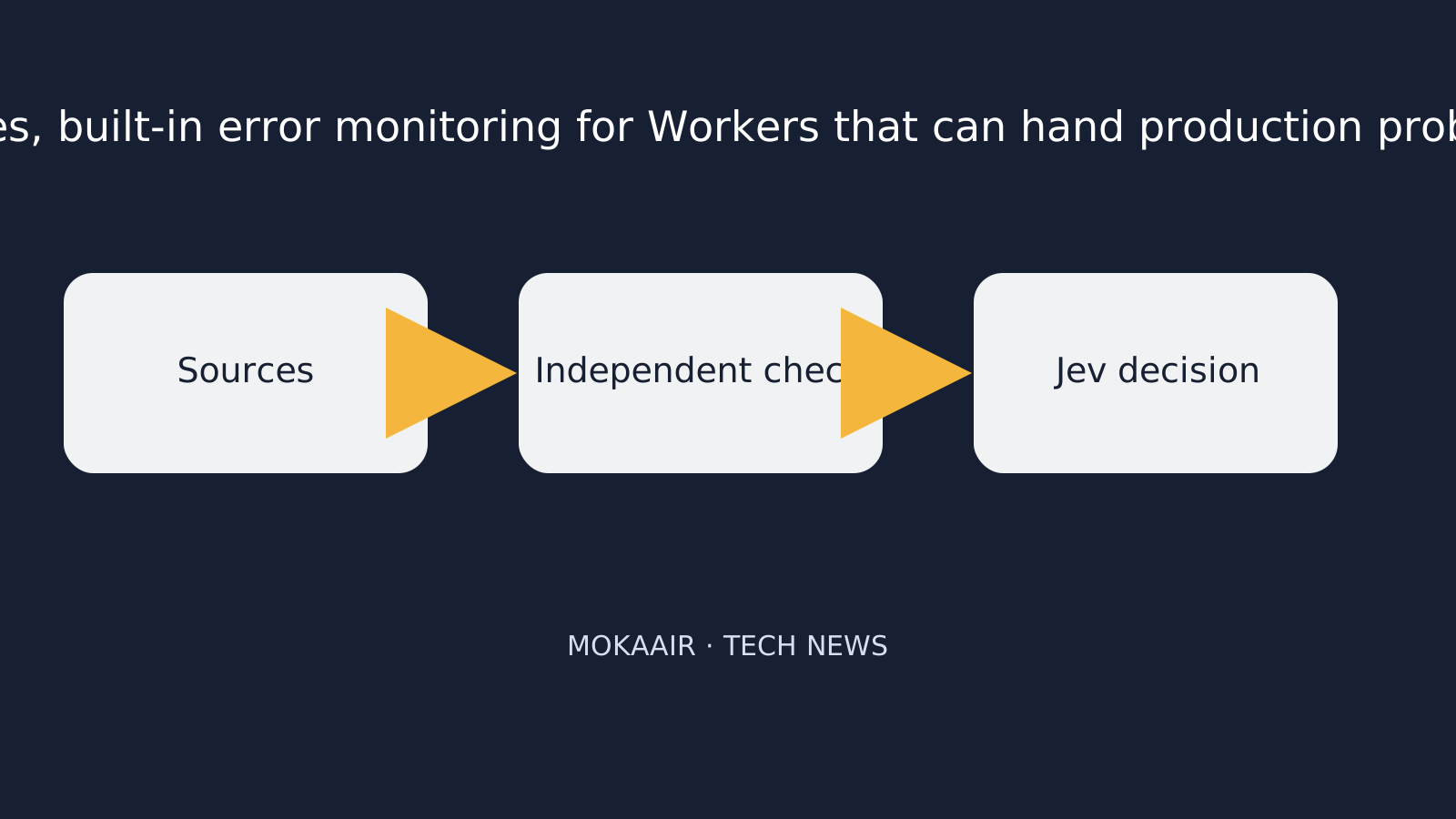
Read the full description
Sources are collected, independently checked, then reviewed by Jev.
Cloudflare notes that a single bug can cause many requests to fail, each with a different request ID. Issues groups them together. It shows when the error first appeared, how many times it has occurred and whether it is becoming more frequent.
How errors are handed to AI coding agents
According to Cloudflare, users set up Automations once. After that, whenever an issue crosses an occurrence threshold or comes back after a quiet period, Issues sends context such as the error, stack trace, logs, trace data and Worker version directly to the agent. It also triggers the agent's configured workflow, for example: - triaging the problem (sorting it by importance) - querying more data - opening a pull request, which is a proposed code change that a person can review before it is accepted
Cloudflare also says developers can add identifiers such as user, account or session through OpenTelemetry. This is a widely used standard for collecting monitoring data, and its API is built into the Worker runtime. These identifiers appear alongside each occurrence, so developers can see whether failures are concentrated in one account or session. Agents can also be connected separately to Cloudflare MCP, which lets them query related logs and trace data.
| Destination | Connection method as described by Cloudflare |
|---|---|
| Claude Code | Routine ID and token |
| Cursor | Automation webhook URL |
| Devin | API token and organization ID |
| Generic webhook | Sends issue context to your own agent or an HTTPS endpoint |
| Chat and incident management | Notifies the team through chat or on-call workflows |
Cloudflare's own use case
According to Cloudflare, its Workflows team found two problems within a day of enabling Issues. Workflows is a Cloudflare service for long-running, multi-step applications, and it is built on Workers. The first problem involved a control-plane migration. In an edge case, it repeatedly hit SQLite foreign key errors and got stuck in a retry loop. The second involved deleting Workflow instances. In an edge case, the deletion could exceed the Workers subrequest limit and never finish. Cloudflare says its automation sent these issues to Cloudflare OS. Cloudflare OS traced the errors to the Workflows code and proposed fixes for both. This case is Cloudflare's own account and has not been externally verified.
Practical impact for general readers and developers
- For development teams using Cloudflare Workers: according to Cloudflare, error monitoring no longer requires installing a separate package, and repeated errors are grouped automatically, reducing time spent manually sorting through logs.
- For teams using AI coding agents: error context can be handed to agents automatically, and agents can propose fixes and pull requests, but Cloudflare says final review and deployment remain the responsibility of people.
- For general internet users: tools like this aim to help website and service outages get detected and fixed faster, but their actual effectiveness still needs to be validated by broader user experience.
Cloudflare says developers can enable Issues in two steps. First, set observability.issues.enabled to true in the wrangler.jsonc file. Then set up their first automation in the Cloudflare dashboard. Agents can also use the new cf CLI, a command-line tool, to view issues and create automations.
Frequently asked questions
What is Issues?
According to Cloudflare's announcement, Issues is a built-in error monitoring feature for Cloudflare Workers. It groups repeated exceptions, 5xx responses and error logs into a single issue, and it can send error context to AI coding agents.
Is it available now?
Cloudflare says Issues entered open beta on September 30, 2026. Beta features may still change.
Do I need to install any additional packages?
According to Cloudflare, no. Issues is built into the Workers runtime and needs only one line of configuration. There is no SDK (extra software library) or application wrapper to add.
Will the AI agent automatically deploy fixes to production?
Cloudflare says users remain in control of what goes into production. They must review pull requests, deploy fixes and mark issues as resolved themselves.
Which AI coding agents are supported?
The built-in options listed by Cloudflare are Claude Code, Cursor and Devin. Issue context can also be sent to your own agent or an HTTPS endpoint through a generic webhook. Teams can also be notified through chat and incident management tools.
Browse the latest news in this topic
Lifestyle
Cloudflare open-sources Streamline: a demo of using its cloud services to add graphics to live streams and burn subtitles into videos
On October 2, 2026, Cloudflare launched and open-sourced Streamline, a developer playground showing how developers can combine Stream, Workers, Containers and Durable Objects to build their own video processing pipelines, such as adding graphics to live streams in real time or adding subtitles to videos. This article explains what it is, how it works, its limitations, and what it means for viewers and developers.
Lifestyle
Google unveils Gemini 4 Argon: cyber defenders get it first, everyone else still has to wait
On September 30, 2026, Google announced Gemini 4 Argon, which it calls its new frontier (most advanced) AI model. For now it is available only to trusted cyber defenders through the Fairwind Program. Here is what Google says the model can do, what it will cost developers, how Google says it is managing the risks, and what it means for everyday users. All figures come from Google itself.
Lifestyle
NVIDIA: CoreWeave Begins Offering Vera Rubin NVL72, With Cognition as First Production Customer
According to the NVIDIA blog, AI cloud provider CoreWeave now offers NVIDIA's next-generation Vera Rubin NVL72 systems, plans to offer the Vera CPU and launched CoreWeave Forge. This matters mainly to companies building AI agents, and could eventually mean faster AI tools for everyday users.
Lifestyle
Google Cloud makes Spanner Omni generally available: its Spanner database can now run in companies' own data centers and on other clouds
Google Cloud says Spanner Omni, a version of its Spanner database that businesses run themselves, is now ready for real-world use in their own data centers, on other clouds or on a laptop. This matters to organizations that want Spanner outside Google Cloud, but they take on the running of it. Here are the features, licences and trade-offs Google Cloud describes.
Latest travel guides

GuideTokyo
Where to Stay in Tokyo: Comparing Shinjuku, Ueno, Tokyo Station, Shibuya, Asakusa, Ikebukuro, and Ginza, Plus Airport Access, Accommodation Tax, and Luggage Delivery
Where should you stay in Tokyo? Compare Shinjuku, Ueno, Tokyo Station, Shibuya, Asakusa, Ikebukuro, and Ginza by the same criteria: access from Narita and Haneda, transit routes, nearby attractions, neighborhood character, and who each area suits. Includes a comparison table, a Yamanote Line diagram, Tokyo’s accommodation tax as verified in 2026/9 (changing to 3% in 2027/4), and Airport TA-Q-BIN luggage shipping rules.
- Budget
- Hotels

GuideTokyo
How to Choose Tokyo Transit Passes: Are Suica, Welcome Suica, the Tokyo Subway Ticket, and the JR Pass Worth It?
On a first Tokyo trip, start with an IC card and pay per ride (Welcome Suica has no deposit and is valid for 28 days). If you take four or more subway rides in a day, add a 72-hour Tokyo Subway Ticket for 2,000 yen; a JR Pass is never worthwhile if you stay in Tokyo and do not go to Kansai. See what TOURIST PASMO, Suica on iPhone, and the Tokyo Metro day pass do and do not cover, with a decision chart. Prices verified in September 2026.
- Transport
- Budget

GuideTokyo
Tokyo Disneyland and DisneySea Guide: Ticket Prices, Fantasy Springs, Disney Premier Access (DPA), Standby Pass, and Which Park to Choose for Your First Visit
Tokyo Disney one-day Passport prices vary: most weekdays in 9/2026 cost ¥9,900 and weekends ¥10,900. At 14:00 daily, tickets go on sale for the same date two months later. Free Priority Pass is no longer on the official service list; only paid Disney Premier Access (¥1,000–3,500 per person per use) shortens waits. Covers hours, the 25th anniversary, Standby Pass, Entry Request, Fantasy Springs access and first-visit park choice; checked on the official site in 9/2026.
- Itineraries
- Family