Lifestyle
Cloudflare launches Threat Signals: free AI tools that turn public security reports into usable threat intelligence for every account
On September 29, 2026, Cloudflare announced Threat Signals, which uses AI agentic skills to turn open-source security reports that users select into usable indicators of compromise. It also made the Threat Events Platform free. This article outlines the features, the differences between free and enterprise plans, and what it means for people who run websites on Cloudflare, based on Cloudflare's official statements.
About 6 min read
What Cloudflare announced
According to Cloudflare's official blog, the company launched Threat Signals on September 29, 2026. It says the feature is now generally available to every Cloudflare account through the API and dashboard. Threat intelligence is information about online attacks and the infrastructure behind them. "Open-source" reports are research that security researchers publish openly. Cloudflare says Threat Signals turns open-source reports that users choose themselves into actionable intelligence. Its agentic skills summarize each report, extract key context, extract and normalize indicators of compromise, and apply tags. Indicators of compromise are clues such as IP addresses or domains linked to an attack. The results are stored in a private dataset specific to the account.
Cloudflare describes a "skill" as a set of detailed instructions that captures how a senior analyst handles a particular part of the work, applied the same way to every report. The company says the final output is a Threat Event stored in the account's private threat intelligence dataset. That Threat Event can be applied to WAF (web application firewall) policies; a WAF filters traffic before it reaches a website or app. Cloudflare also announced that it is making Cloudforce One's Threat Events Platform free for all accounts.
Read the full description
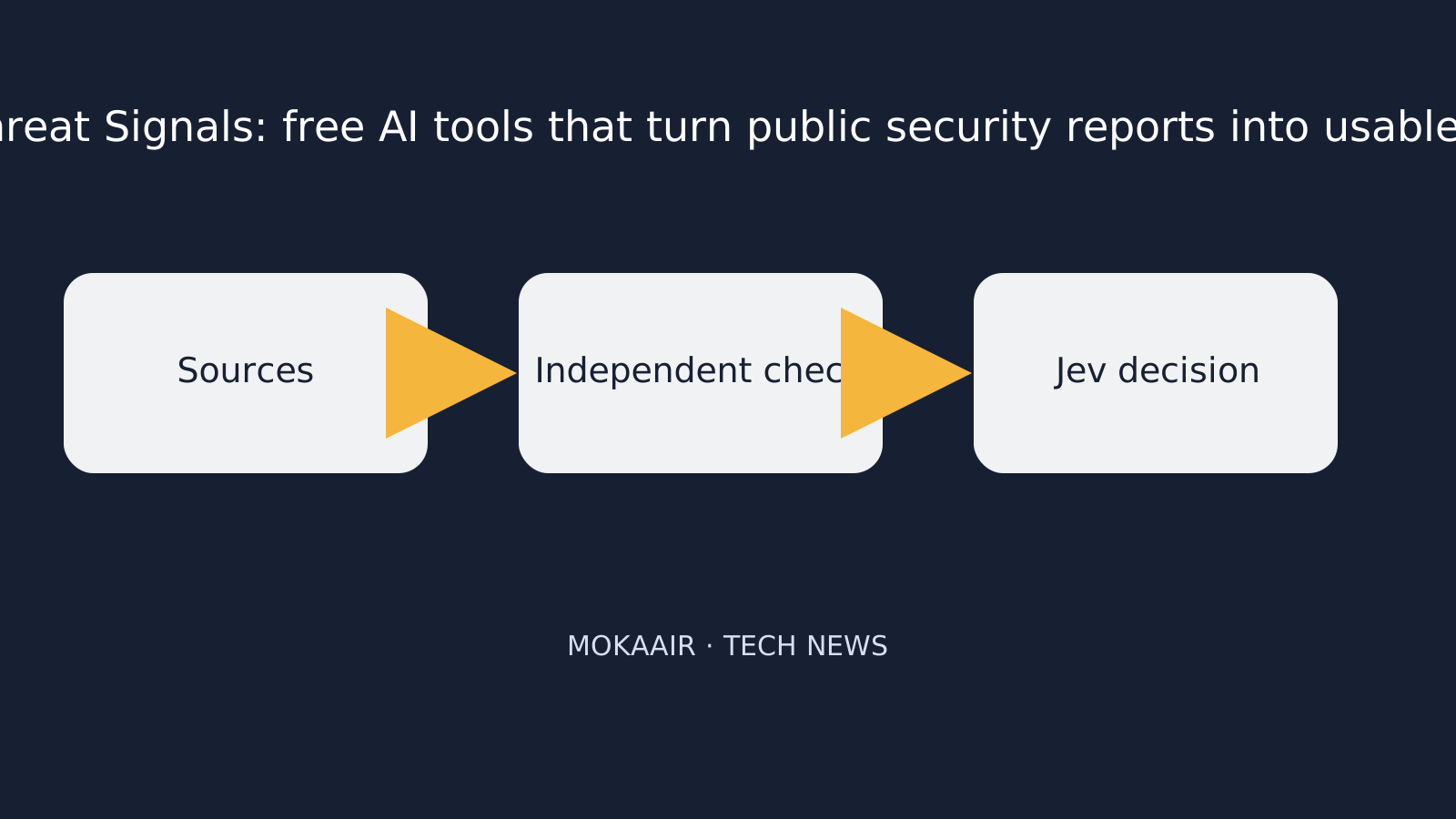
Sources are collected, independently checked, then reviewed by Jev.
Why tackle "unstructured" security reports
Cloudflare notes that security teams have long been able to ingest structured threat data, meaning ready-made machine-readable feeds, automatically. The harder part is unstructured research articles written for people. By its account, analysts have to read and summarize reports, identify indicators and normalize their formats. They then tag them according to internal taxonomies, import them into a threat intelligence platform, keep the original link and share them with the team. Cloudflare argues that when these steps are repeated, indicators easily become separated from the context explaining why they matter, leading to lost context.
Cloudflare also says customers reported that their existing platforms could not scale to polling more than 100 RSS sources, which was one of the reasons it developed this feature. RSS is a standard format that websites use to publish a feed of new articles.
How it works: from RSS to WAF rules
- Add sources: Cloudflare says RSS 2.0, Atom and RSS 1.0/RDF are supported, and sources can be named, categorized and given a check frequency.
- Fetch and clean: According to Cloudflare, each source enters a Workflow that regularly checks for new articles. Its Browser Run tool fetches and cleans the articles into Markdown text, which is stored in Cloudflare's R2 storage.
- AI processing: The text is passed to an IOC extractor and Cloudforce One's default skills, which produce summaries, key points and tags.
- Create events: Cloudflare says each indicator maps to a threat event in the private dataset and stays linked to the original report.
- Apply protection: These indicators can be used to create WAF rules from threat events.
Free accounts vs. enterprise plans
| Item | All accounts (free) | Essentials / Advantage / Elite enterprise customers |
|---|---|---|
| Number of RSS sources | One | Can expand to more |
| Data retention | Private dataset up to 30 days | Higher storage available |
| Threat Events Platform | API and dashboard for investigating events related to the private dataset | Also access to Cloudforce One proprietary datasets |
| Agentic skills | Cloudforce One default skills | Can generate custom agentic skills |
| WAF rules | Can create WAF rules from threat events | Can create custom WAF rules for open-source and proprietary threat events |
Design trade-offs Cloudflare shared
Cloudflare says the first version of Threat Signals was an internal prototype built by one threat analyst in a week. It says the real difficulty lay in making the output trustworthy. The company restricts AI tags to each account's existing tag catalog, so analysts do not have to map new terms separately. It also records whether each tag was applied automatically or by an analyst, and says this made analysts more willing to trust automatic tags. Cloudflare also says that in early testing, analysts relied most on the link between an event and its original report.
What it means for everyday readers and small teams
Some individuals and small teams run websites without dedicated security staff. For them, Cloudflare says this feature can turn public security reports into indicators with sources and explanations attached, and connect them to WAF protection. That could reduce the burden of manual reading and organizing. However, the free tier is limited to one RSS source and 30 days of retention, so the real benefit depends on the quality of the chosen source. This article is not a purchase recommendation; assess whether you need an enterprise plan against your own needs. Cloudflare also says it will support more data ingestion channels beyond RSS in the future.
Frequently asked questions
What is Threat Signals?
According to Cloudflare, it is a feature that uses AI agentic skills to process open-source threat intelligence. It reads articles from the RSS sources you choose and produces summaries. It also extracts and normalizes indicators of compromise and applies tags. The results are stored in the account's private dataset, where they can then be used for WAF rules.
Does it cost anything?
Cloudflare says the feature is open to every Cloudflare account. Free accounts can choose one RSS source with data retained for up to 30 days. More sources, proprietary datasets and custom skills fall under the expanded offering for Essentials, Advantage and Elite enterprise customers.
Where do I turn it on?
Cloudflare says you can add RSS sources in the dashboard under Application Security → Threat Intelligence → Threat Signals, or use it through the API.
Will the AI invent its own tags?
Cloudflare says no. AI tags are restricted to each account's existing tag catalog, and the system records whether a tag was applied automatically or by an analyst.
Which source formats are supported?
According to Cloudflare, RSS 2.0, Atom and RSS 1.0/RDF are currently supported. The company says more data ingestion channels will be added in the future.
Have these claims been independently verified?
No. This article is based solely on Cloudflare's official blog. These are vendor statements, and users and third parties have yet to test how well it works.
Browse the latest news in this topic
Lifestyle
Cloudflare open-sources Streamline: a demo of using its cloud services to add graphics to live streams and burn subtitles into videos
On October 2, 2026, Cloudflare launched and open-sourced Streamline, a developer playground showing how developers can combine Stream, Workers, Containers and Durable Objects to build their own video processing pipelines, such as adding graphics to live streams in real time or adding subtitles to videos. This article explains what it is, how it works, its limitations, and what it means for viewers and developers.
Lifestyle
Google unveils Gemini 4 Argon: cyber defenders get it first, everyone else still has to wait
On September 30, 2026, Google announced Gemini 4 Argon, which it calls its new frontier (most advanced) AI model. For now it is available only to trusted cyber defenders through the Fairwind Program. Here is what Google says the model can do, what it will cost developers, how Google says it is managing the risks, and what it means for everyday users. All figures come from Google itself.
Lifestyle
NVIDIA: CoreWeave Begins Offering Vera Rubin NVL72, With Cognition as First Production Customer
According to the NVIDIA blog, AI cloud provider CoreWeave now offers NVIDIA's next-generation Vera Rubin NVL72 systems, plans to offer the Vera CPU and launched CoreWeave Forge. This matters mainly to companies building AI agents, and could eventually mean faster AI tools for everyday users.
Lifestyle
Google Cloud makes Spanner Omni generally available: its Spanner database can now run in companies' own data centers and on other clouds
Google Cloud says Spanner Omni, a version of its Spanner database that businesses run themselves, is now ready for real-world use in their own data centers, on other clouds or on a laptop. This matters to organizations that want Spanner outside Google Cloud, but they take on the running of it. Here are the features, licences and trade-offs Google Cloud describes.
Latest travel guides

GuideTokyo
Where to Stay in Tokyo: Comparing Shinjuku, Ueno, Tokyo Station, Shibuya, Asakusa, Ikebukuro, and Ginza, Plus Airport Access, Accommodation Tax, and Luggage Delivery
Where should you stay in Tokyo? Compare Shinjuku, Ueno, Tokyo Station, Shibuya, Asakusa, Ikebukuro, and Ginza by the same criteria: access from Narita and Haneda, transit routes, nearby attractions, neighborhood character, and who each area suits. Includes a comparison table, a Yamanote Line diagram, Tokyo’s accommodation tax as verified in 2026/9 (changing to 3% in 2027/4), and Airport TA-Q-BIN luggage shipping rules.
- Budget
- Hotels

GuideTokyo
How to Choose Tokyo Transit Passes: Are Suica, Welcome Suica, the Tokyo Subway Ticket, and the JR Pass Worth It?
On a first Tokyo trip, start with an IC card and pay per ride (Welcome Suica has no deposit and is valid for 28 days). If you take four or more subway rides in a day, add a 72-hour Tokyo Subway Ticket for 2,000 yen; a JR Pass is never worthwhile if you stay in Tokyo and do not go to Kansai. See what TOURIST PASMO, Suica on iPhone, and the Tokyo Metro day pass do and do not cover, with a decision chart. Prices verified in September 2026.
- Transport
- Budget

GuideTokyo
Tokyo Disneyland and DisneySea Guide: Ticket Prices, Fantasy Springs, Disney Premier Access (DPA), Standby Pass, and Which Park to Choose for Your First Visit
Tokyo Disney one-day Passport prices vary: most weekdays in 9/2026 cost ¥9,900 and weekends ¥10,900. At 14:00 daily, tickets go on sale for the same date two months later. Free Priority Pass is no longer on the official service list; only paid Disney Premier Access (¥1,000–3,500 per person per use) shortens waits. Covers hours, the 25th anniversary, Standby Pass, Entry Request, Fantasy Springs access and first-visit park choice; checked on the official site in 9/2026.
- Itineraries
- Family